ModsJava
MoreUtils
Java mod listed for Minecraft 1.16–1.21. Downloads from the MC Java Mods app on Android.
I don't know my version or loader
Open the Minecraft launcher and look at the profile you play on — it names both, like fabric-loader-1.21.4. The version also shows in the bottom-right corner of the game's main menu.
No loader in the profile name? Then it's plain Minecraft, and these mods won't run — you need Fabric or NeoForge installed first.
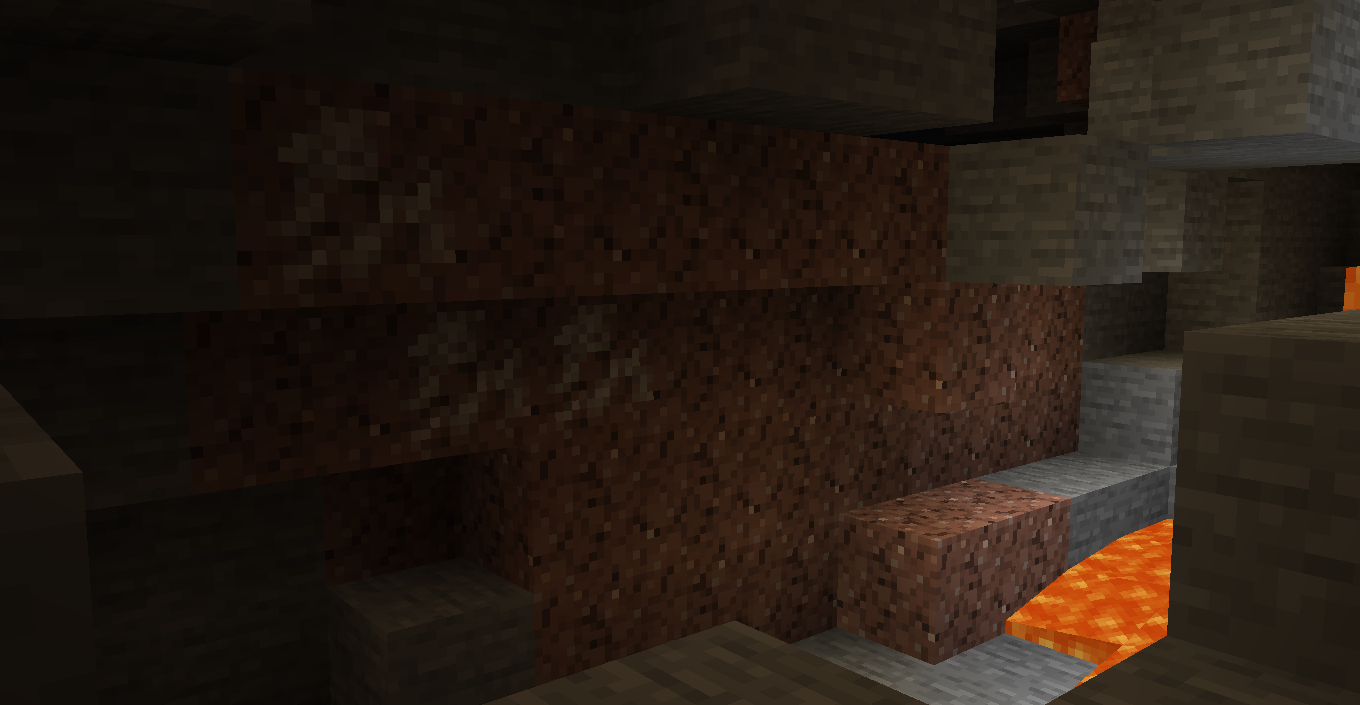
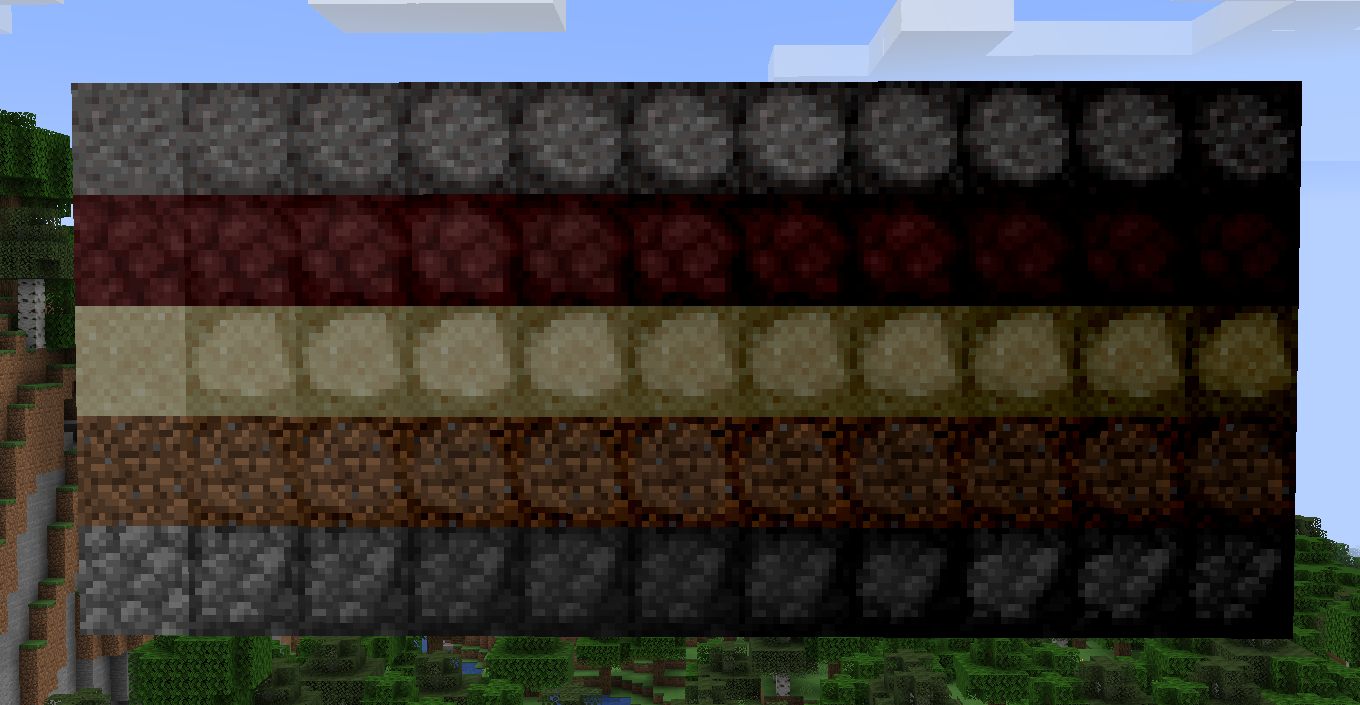
MoreUtils is a utility-focused Minecraft mod that expands storage, resource processing, and world generation to make progression and resource management more flexible and convenient.
This mod adds a variety of quality-of-life features centered around compression, ore variety, and material conversion.
✨ Features
🧱 Compressed Blocks
- A wide range of compressed blocks to help reduce clutter and massively improve storage efficiency.
- Great for long-term building projects and resource hoarding.
📦 Utilities
- Additional items designed to improve storage and item organization.
- Helps keep your inventory and base clean and manageable.
- Bundles of sticks, blaze rod, and bamboo all of which can be used for fuel.
- Added paxels for each tool tier that act as an axe, shovel, and pickaxe in one.
Crafted like "ASP" A=axe S=shovel P=pickaxe
" I " I=stick
" I "
⛏️ Expanded Ore Generation
- Adds new ore types across all dimensions:
- Gravel-based ores in the Overworld
- New Nether ores
- Overworld Quartz ore
- End-themed ores
- Expands resource gathering and exploration across every dimension.
🔁 Conversion Recipes
- Adds useful reverse-crafting and conversion options, such as:
- Turning Clay Blocks back into Clay Balls
- Turning Glowstone Blocks back into Glowstone Dust
- Turning Quartz Blocks back into Nether Quartz
- More flexible crafting and resource recovery options to reduce waste.
Quick facts
- Edition: Minecraft Java
- File type: .jar
- Minecraft versions listed: 1.21, 1.20.1, 1.19.2
- How to install: Install the matching mod loader (Forge, Fabric or NeoForge) for your Minecraft version. → Download the .jar. → Put it in the .minecraft/mods folder and launch that loader profile.
- Where to get it: Opens on CurseForge — not every file is mirrored on our own servers.
Install steps are the general flow for this file type — How to install Minecraft Java mods & modpacks walks through it step by step.
File checked by MCModsHub
- Ships as MoreUtils-1_16_5-1_0.jar — drop this file into the mods folder
- Download size: 202 KB
- Download link checked 14 Oct 2026 — working
These come from our own check of the pack file, not from the source page.