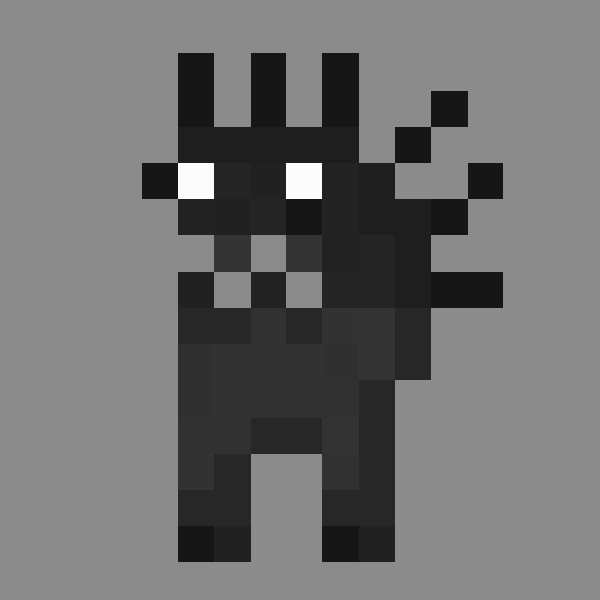
Blockemon
Java mod listed for Minecraft 1.16. Downloads from the MC Java Mods app on Android.
⬇ Download on CurseForgeThe author built this one for Minecraft 1.16.5 on Forge. On other versions it may install and then do nothing.
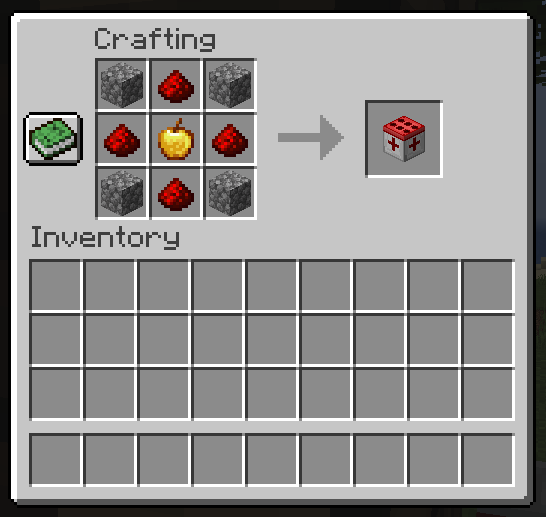
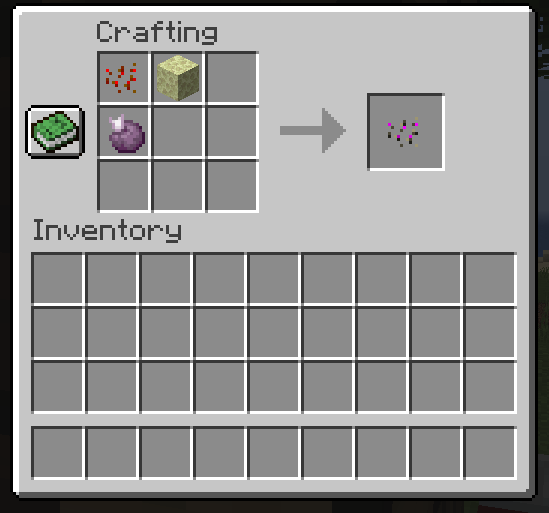
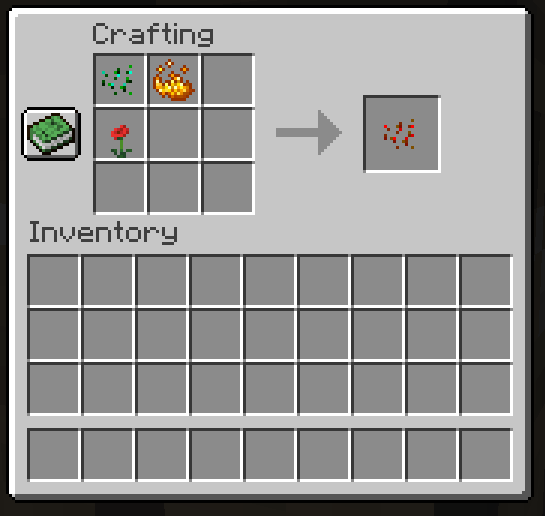
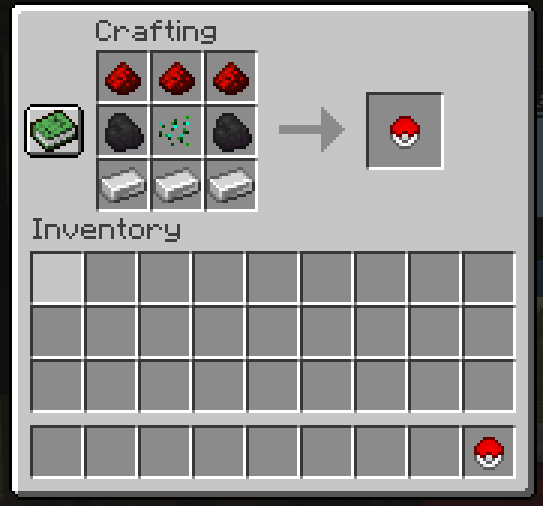
Item-based creatures you can carry around with you in your inventory or collect & store away.
Getting Started:
1. Craft a Transforming Ball and throw it at either a Pig, Sheep, Spider or Slime, to obtain your starting Blockemon.
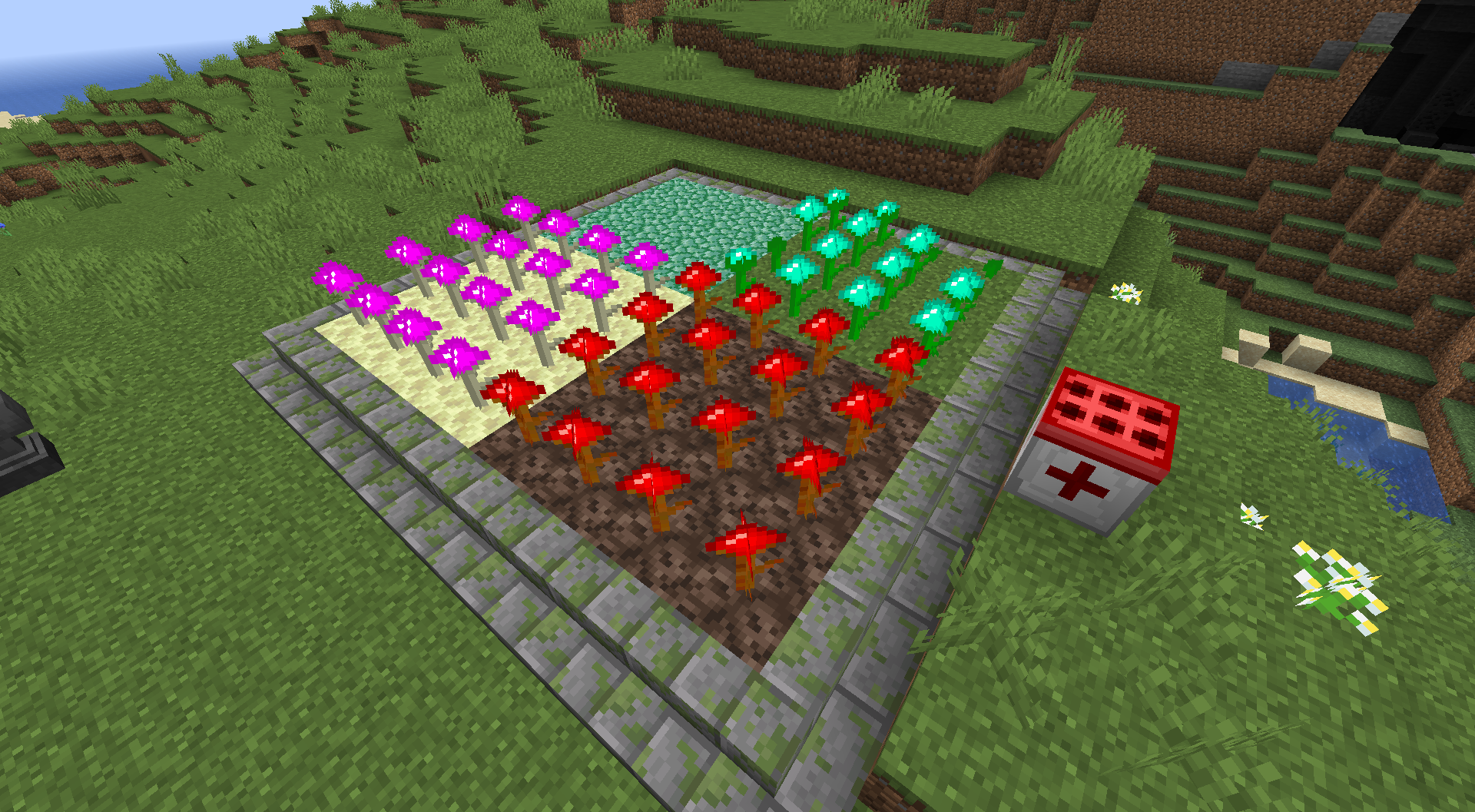
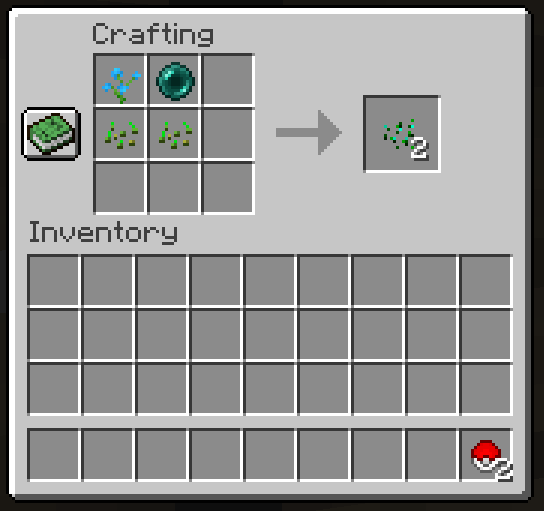
2. Craft and Place Monster Seed onto a Grass Block and wait for it to grow. (This can take a while, a long while, so you might want to plant 8 to 16)
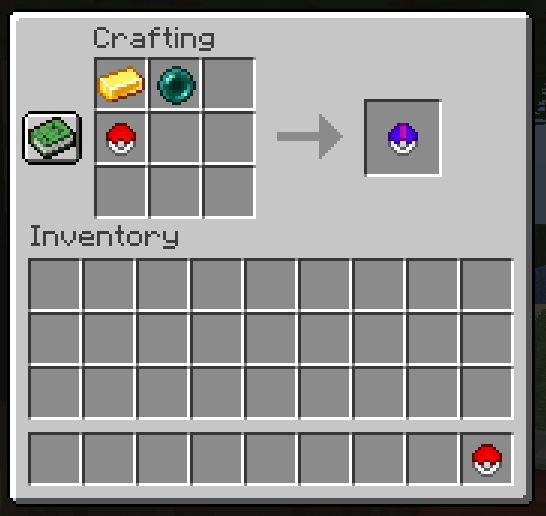
3. Craft Monster Balls for Catching Blockemon in Battles. (You can only Catch Blockemon when Their HP is below 75%)
4. You can Start Battles when right-clicking a Fully grown Monster Crop. After that, your basically good to go.
5. If battling Level 1 to 10 Blockmon gets to easy. Start Crafting Hell Monster Seed for Lv.10 to 20, then End Monster Seed for Lv.60 to 80.
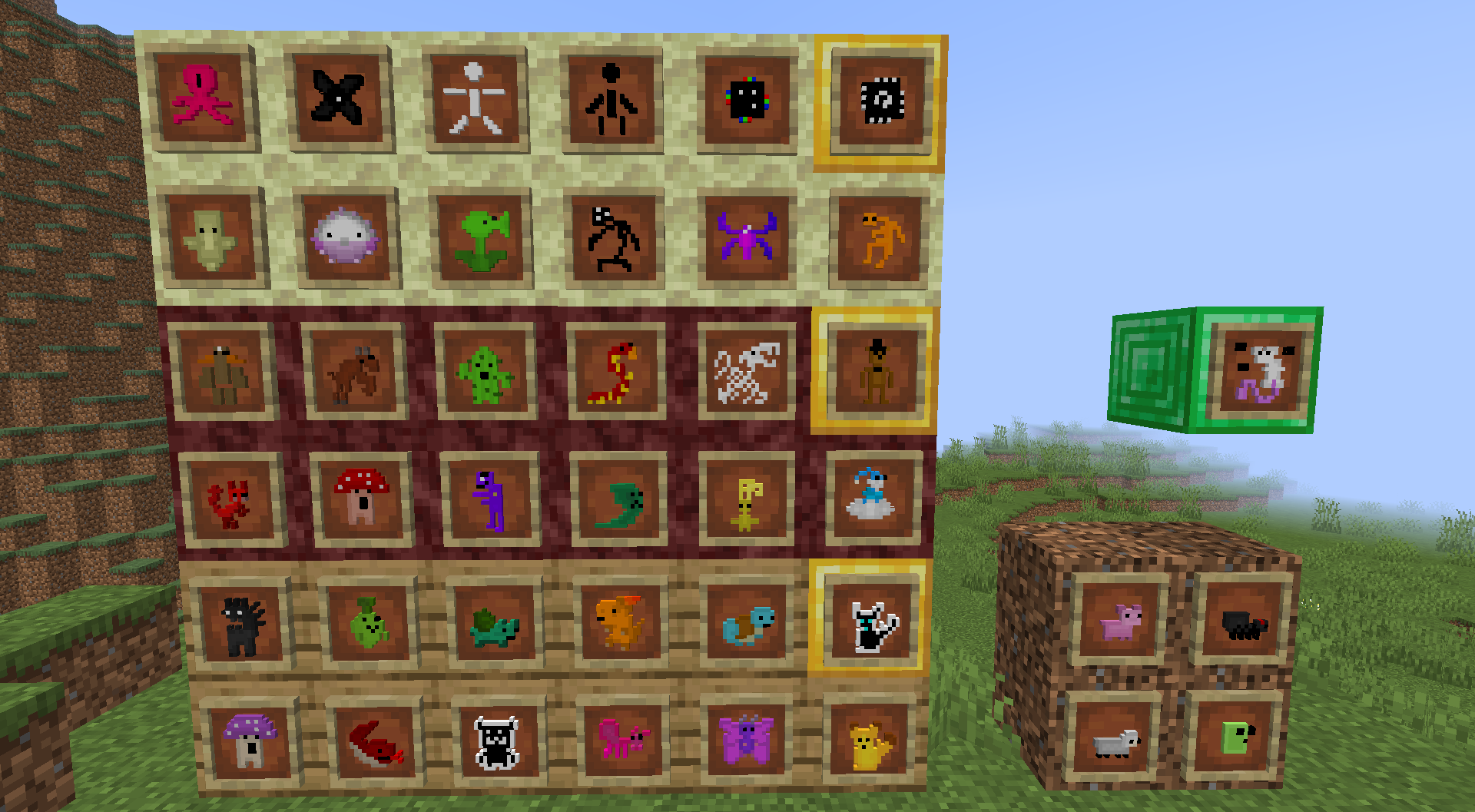
Stuff to note:
- When Catching a Blockemon, theres a 1 in 50 chance that it will be tagged as 'Shiny'
- Each Plant tier has a Rare creature that has a 1 in 30 chance to appear
- Placing white wool under the Healing station mutes it.
- There isn't a Pokedex, but you are able to see your catches in achievement (You'll get an Epic Achievement for catching them all)
- Normal Monster Seed needs to be planted on Grass
- Hell Monster Seed needs to be planted on Soul Sand
- End Monster Seed needs to be planted on Endstone
- When Initiating Battle, The Monster Crops will automatically Replant.
- Gym Leaders are summoned with a Rift Blocking using Letters (there are 3 as of now)
Obtaining Muw (Lv.100):
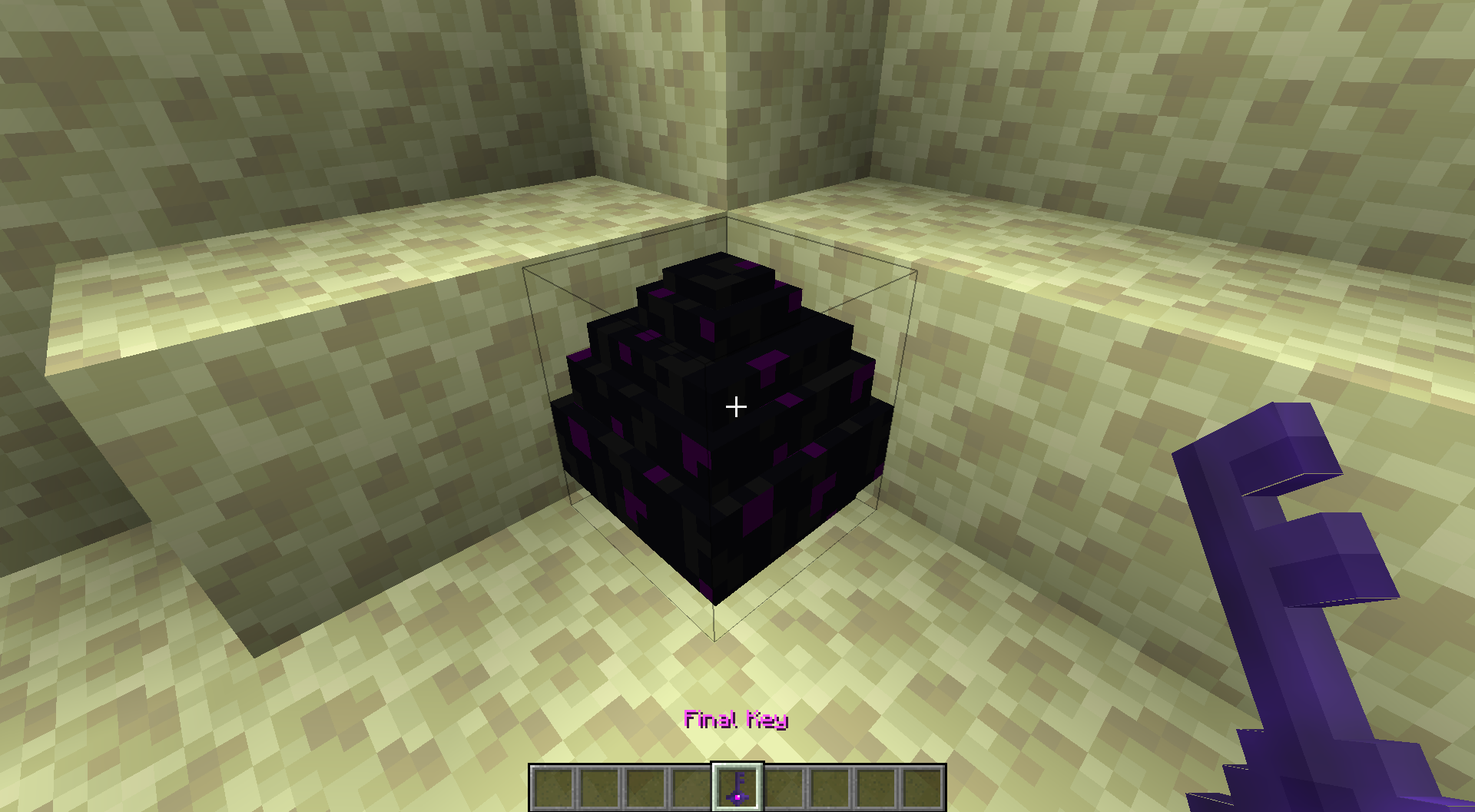
- The End Dragon will drop a key on death, obtain the key and use it on the Dragon Egg, you will then start the battle.
Modpack?
- Feel free to use this mod in your modpack, no credit needed.
Page will be updated soon...
- Edition: Minecraft Java
- File type: .jar
- Minecraft version listed: 1.16.5
- How to install: Install the matching mod loader (Forge, Fabric or NeoForge) for your Minecraft version. → Download the .jar. → Put it in the .minecraft/mods folder and launch that loader profile.
- Where to get it: Opens on CurseForge — not every file is mirrored on our own servers.
Install steps are the general flow for this file type — How to install Minecraft Java mods & modpacks walks through it step by step.
- Ships as 1.16.5_Blockemon(v.0.4).jar — drop this file into the mods folder
- Download size: 2.1 MB
- Download link checked 14 Oct 2026 — working
These come from our own check of the pack file, not from the source page.