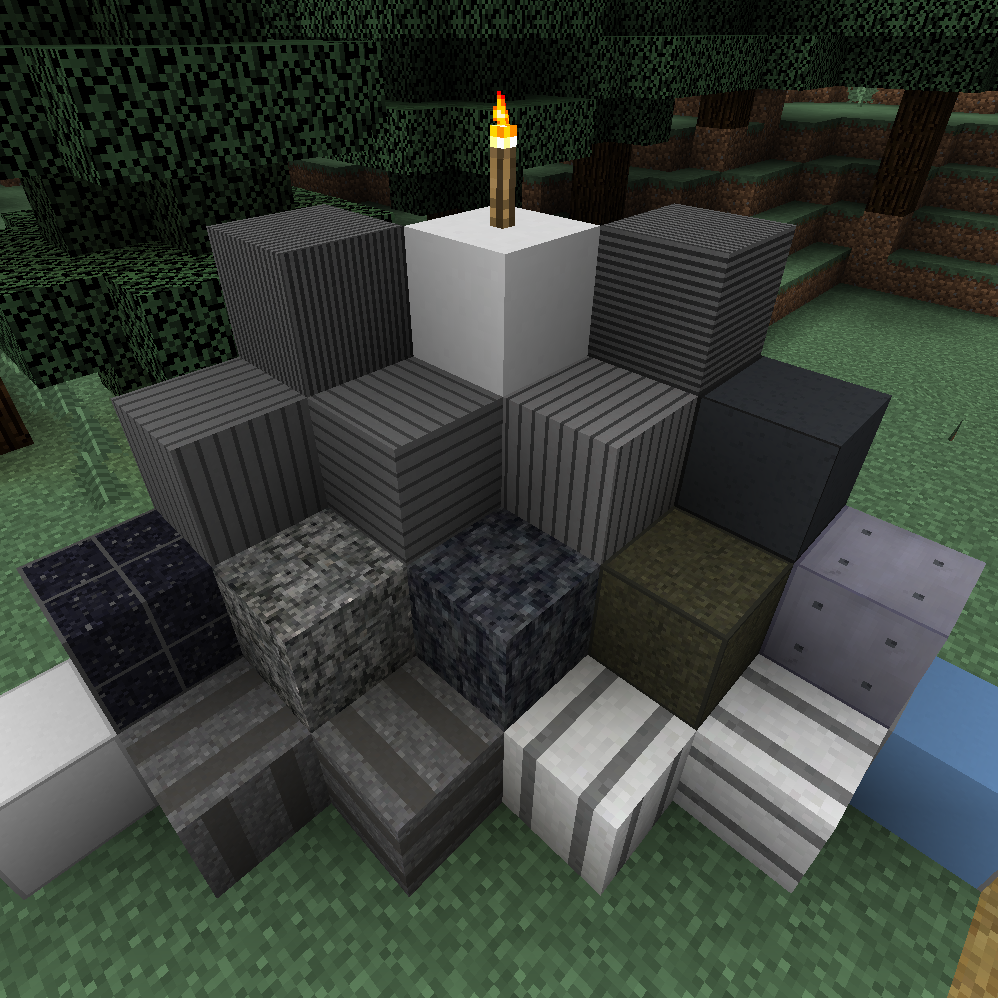
Kyoto Station Mod
Minecraft Java mod. Downloads from the MC Java Mods app on Android.
<Overview> This is a Minecraft mod that adds building blocks at Kyoto Station in Japan. The only supported version is minecraft 1.12.2. We have confirmed…
⬇ Download on CurseForge
<Overview>
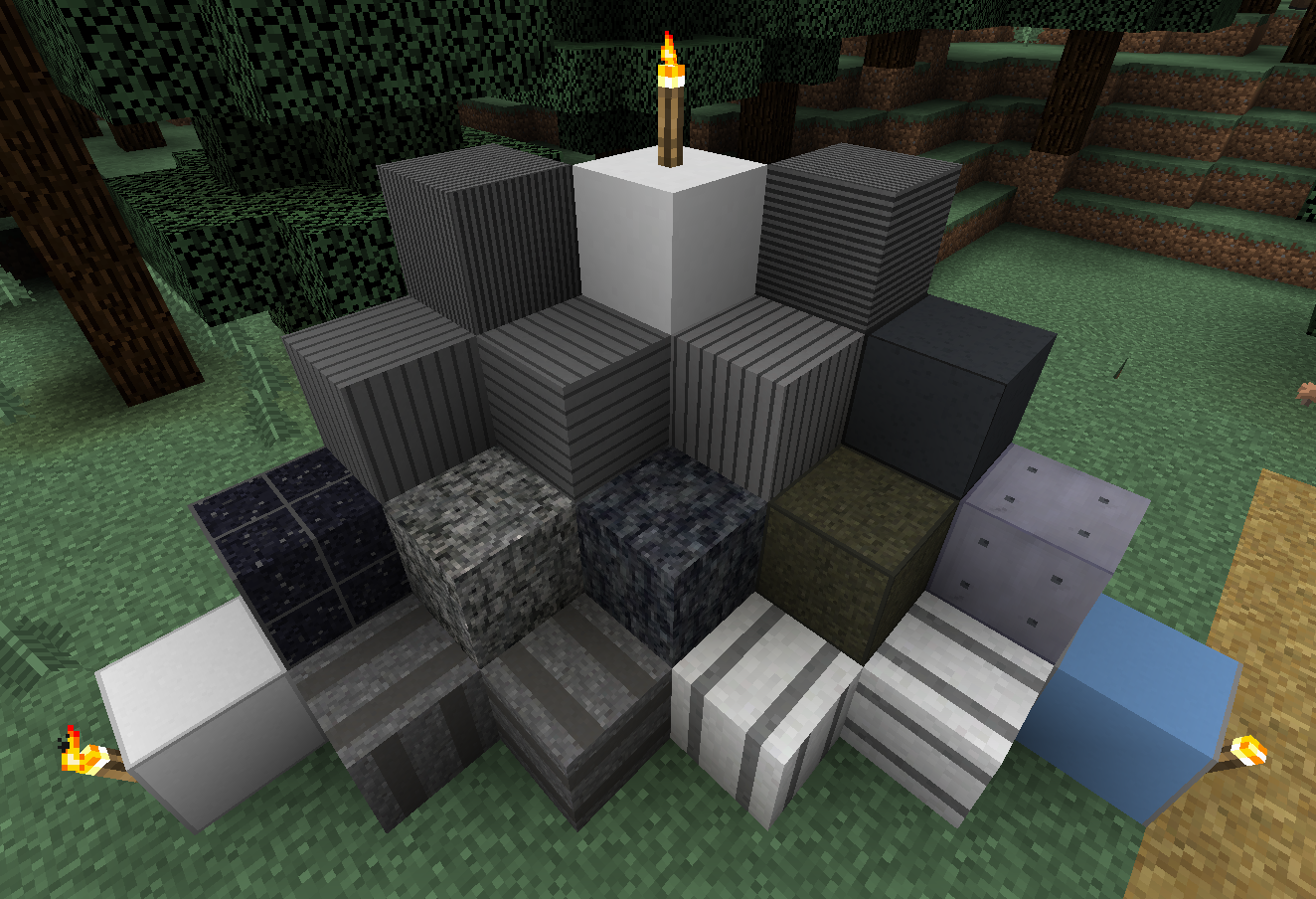
This is a Minecraft mod that adds building blocks at Kyoto Station in Japan.
The only supported version is minecraft 1.12.2. We have confirmed the operation with the latest version of Forge.
The number of blocks is about 20. I'm not very familiar with modding yet, so updates will be a bit slower. I will do my best.
<Explanation of items to be added>
There is an item called "Example Item (No function)", but as the name suggests, it does not have any function.
The texture size is 32x32 or 16x16, depending on the block.
Some blocks contain a specular map, and if you turn on specular reflection in the shader settings, the texture will be expressed. Operation has been confirmed with SEUS-Renewed v1.0.1.
<How to install mod>
Please put the downloaded jar file in the mods folder as it is.
<Update history>
2021/07/03 Kyoto Station Mod v1.0β released!
2021/09/07 Kyoto Station Mod v1.3 released!
* Unauthorized modification, redistribution, and texture diversion are prohibited.
* You are free to take screenshots using this mod.
* This text is based on Google Translate.
- Edition: Minecraft Java
- File type: .jar
- How to install: Install the matching mod loader (Forge, Fabric or NeoForge) for your Minecraft version. → Download the .jar. → Put it in the .minecraft/mods folder and launch that loader profile.
- Where to get it: Opens on CurseForge — not every file is mirrored on our own servers.
Install steps are the general flow for this file type — How to install Minecraft Java mods & modpacks walks through it step by step.
- Ships as KyotoStationMod-1.0β.jar — drop this file into the mods folder
- Download size: 572 KB
- Download link checked 14 Oct 2026 — working
These come from our own check of the pack file, not from the source page.