NES-talgia
Java mod listed for Minecraft 1.16–1.17. Downloads from the MC Java Mods app on Android.
I don't know my version or loader
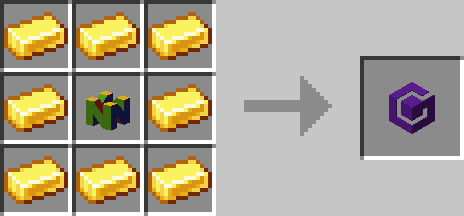
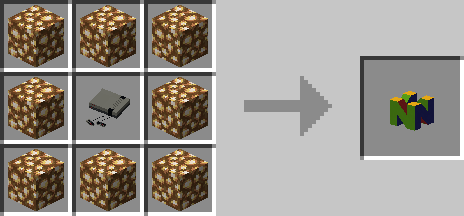
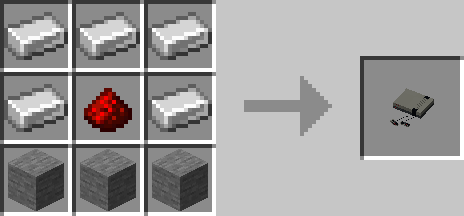



NES-talgia
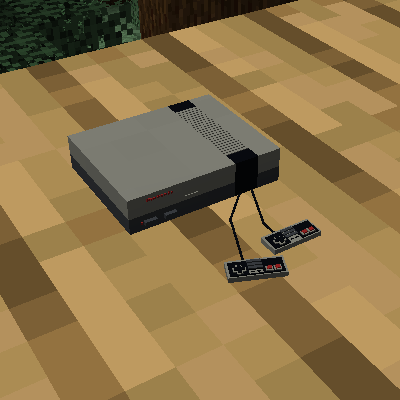
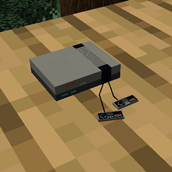
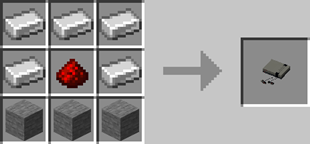
This mod adds a craftable Nintendo Entertainment System.
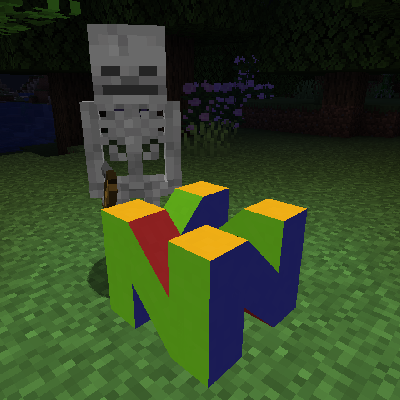
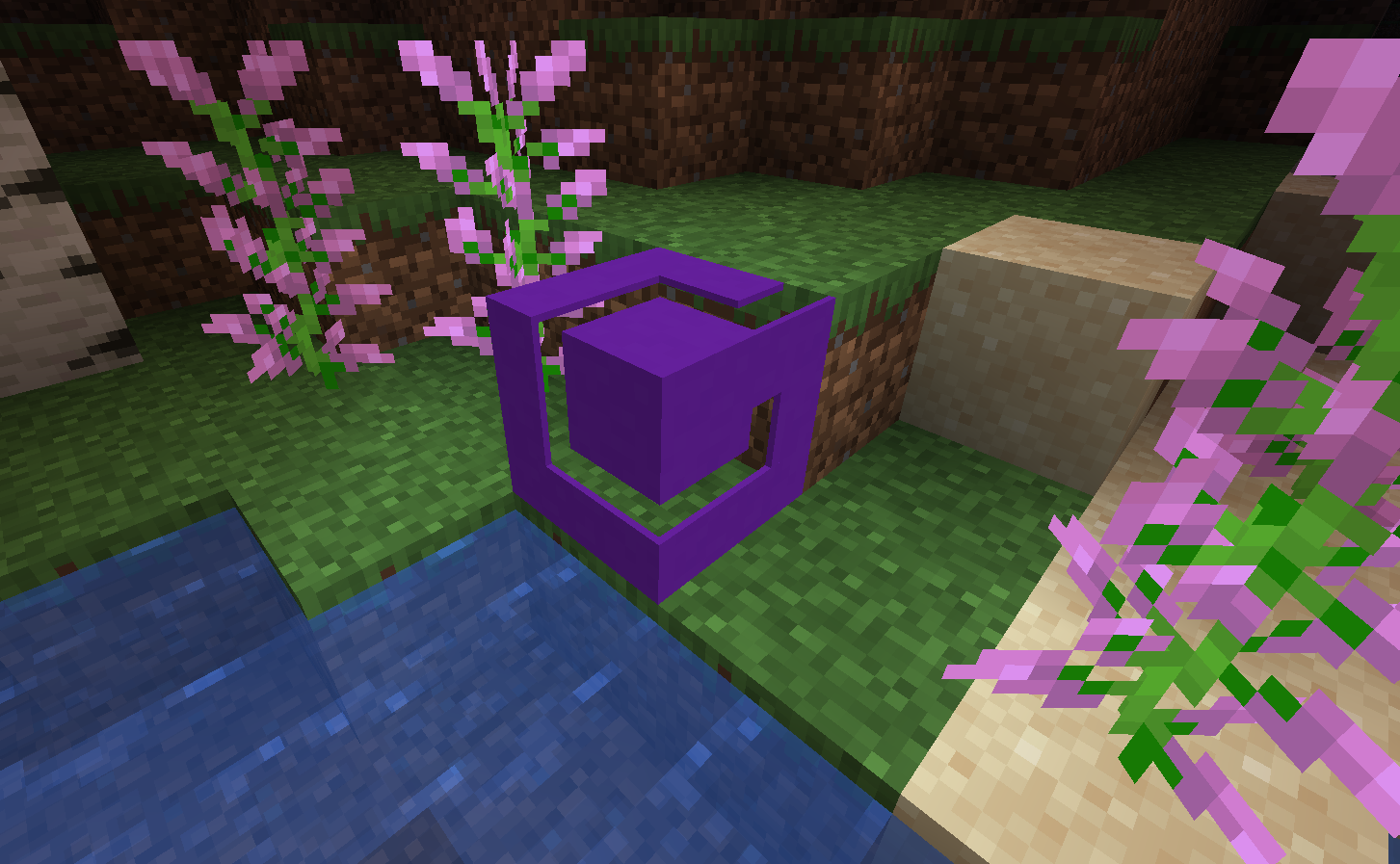
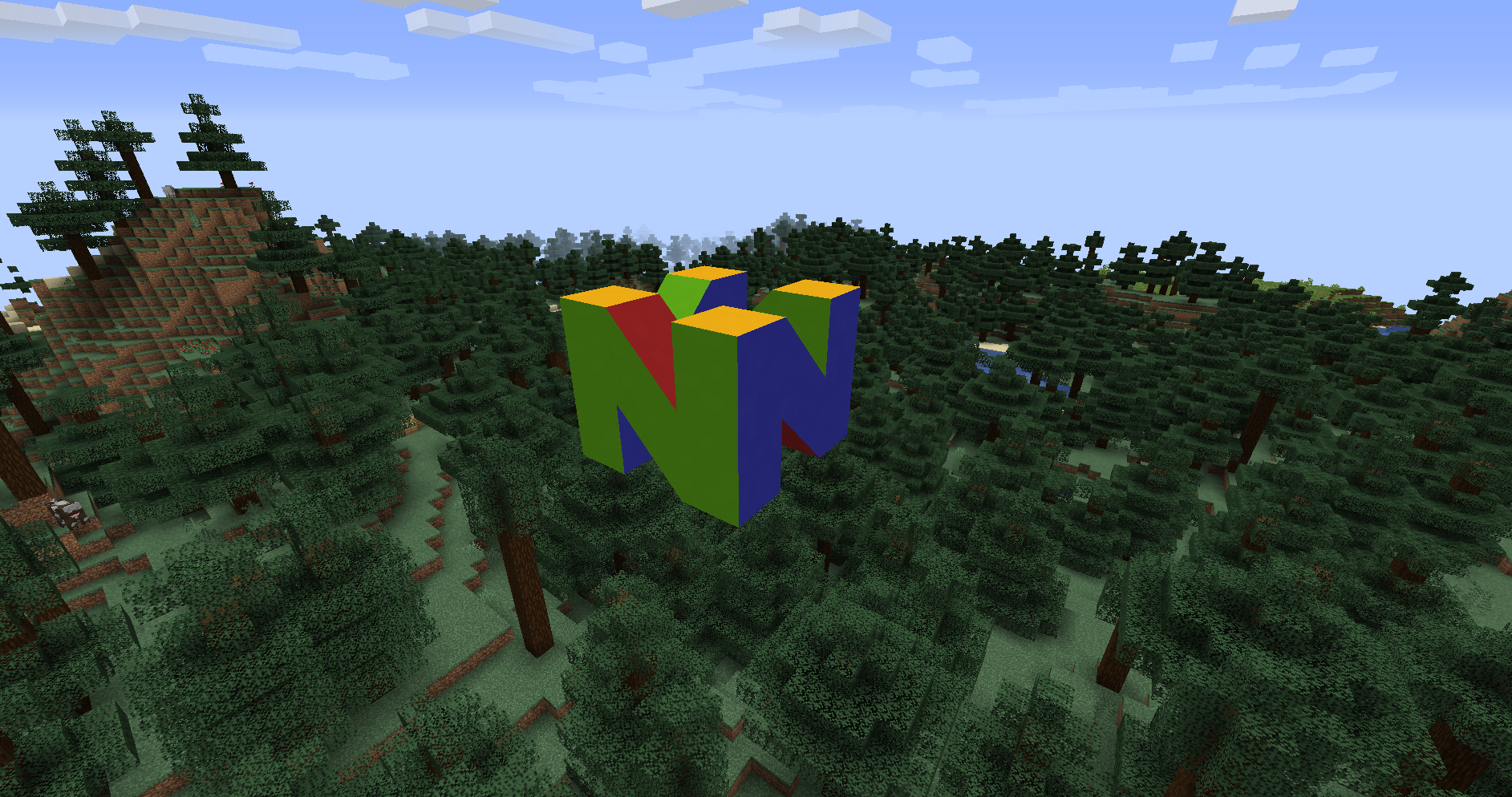
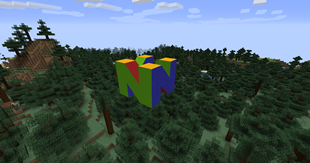
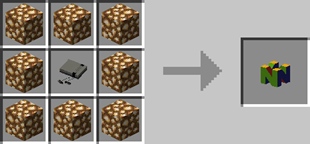
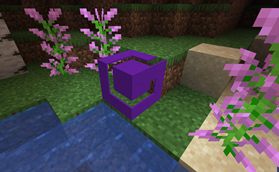
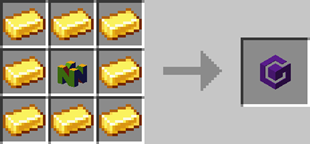
You can also craft a Nintendo 64 log and a GameCube logo.
The N64 and GameCube logos Glow as bright as Glowstone.
I used Blockbench to make the models.
For the NES Console, I used some measurments I found online and compared that to one block being 1 meter, however it looks a bit tiny in game.
The N64 Logo was fun to make and at first I had trouble placing the colors in the correct spots, but I think I made it right. Getting the angled pieces to line up in Blockbench is harder than it seems.
The GameCube Logo was the easiest one to make, and I was really underwhelmed with it at first, but in game it doesn't look that bad.
For the textures, I am just using the Concrete Block textrues from the vanilla game.
- Edition: Minecraft Java
- File type: .jar
- Minecraft versions listed: 1.17.1, 1.16.5
- How to install: Install the matching mod loader (Forge, Fabric or NeoForge) for your Minecraft version. → Download the .jar. → Put it in the .minecraft/mods folder and launch that loader profile.
- Where to get it: Opens on CurseForge — not every file is mirrored on our own servers.
Install steps are the general flow for this file type — How to install Minecraft Java mods & modpacks walks through it step by step.
- Ships as nestalgia-1.17.1.jar — drop this file into the mods folder
- Download size: 143 KB
- Download link checked 14 Oct 2026 — working
These come from our own check of the pack file, not from the source page.