Firorize
Java mod listed for Minecraft 1.16–1.21. Downloads from the MC Java Mods app on Android.
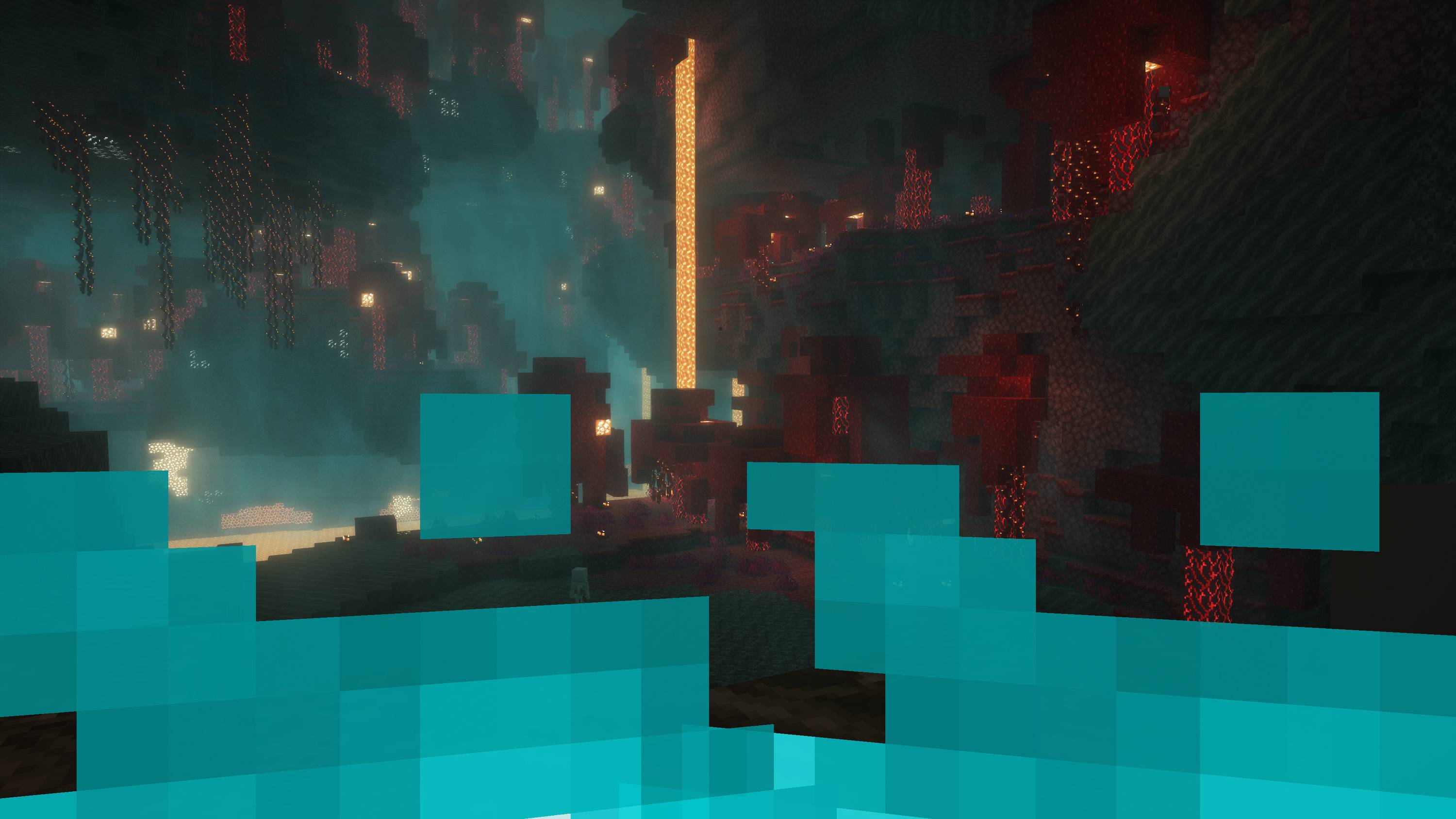
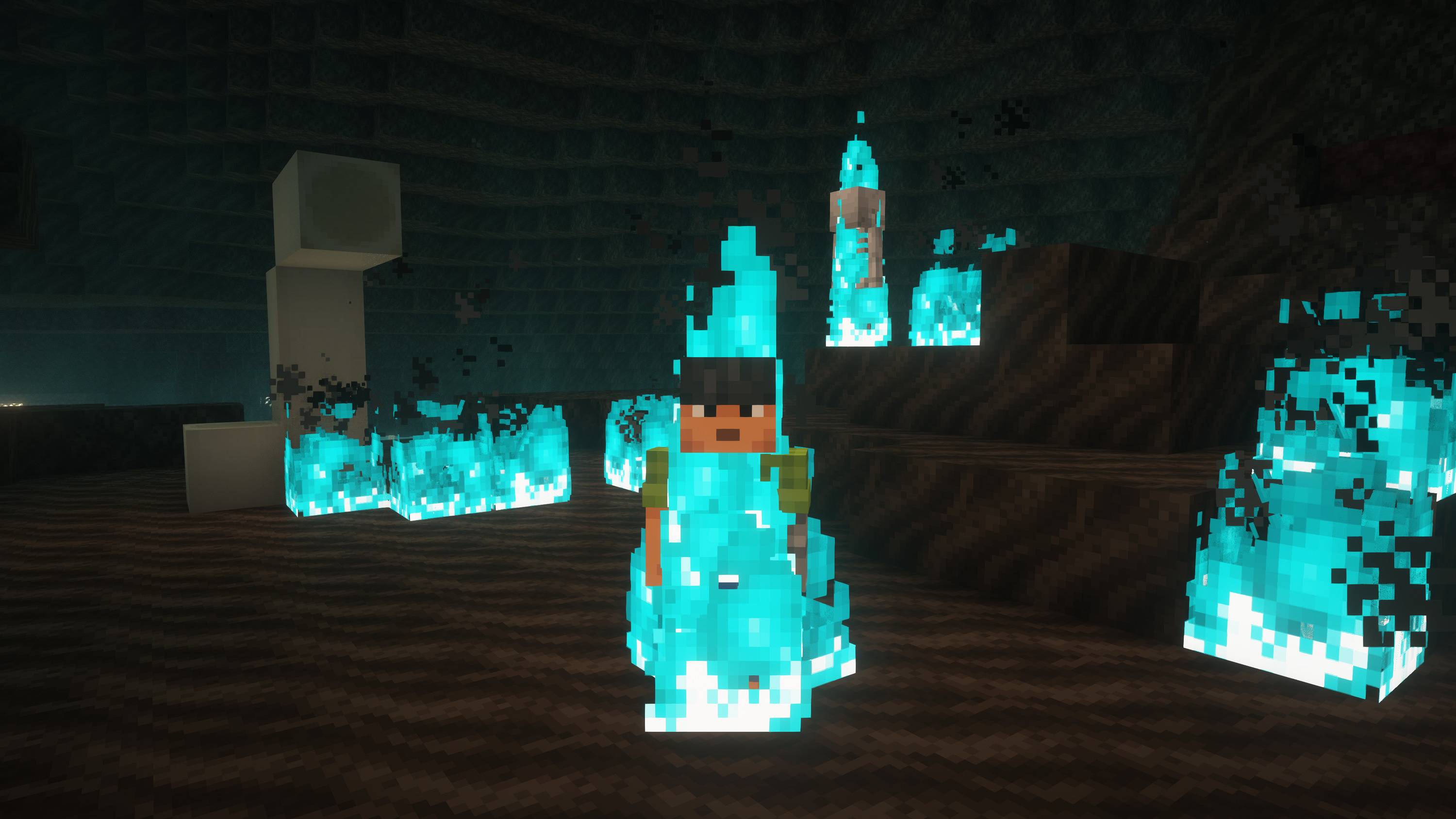
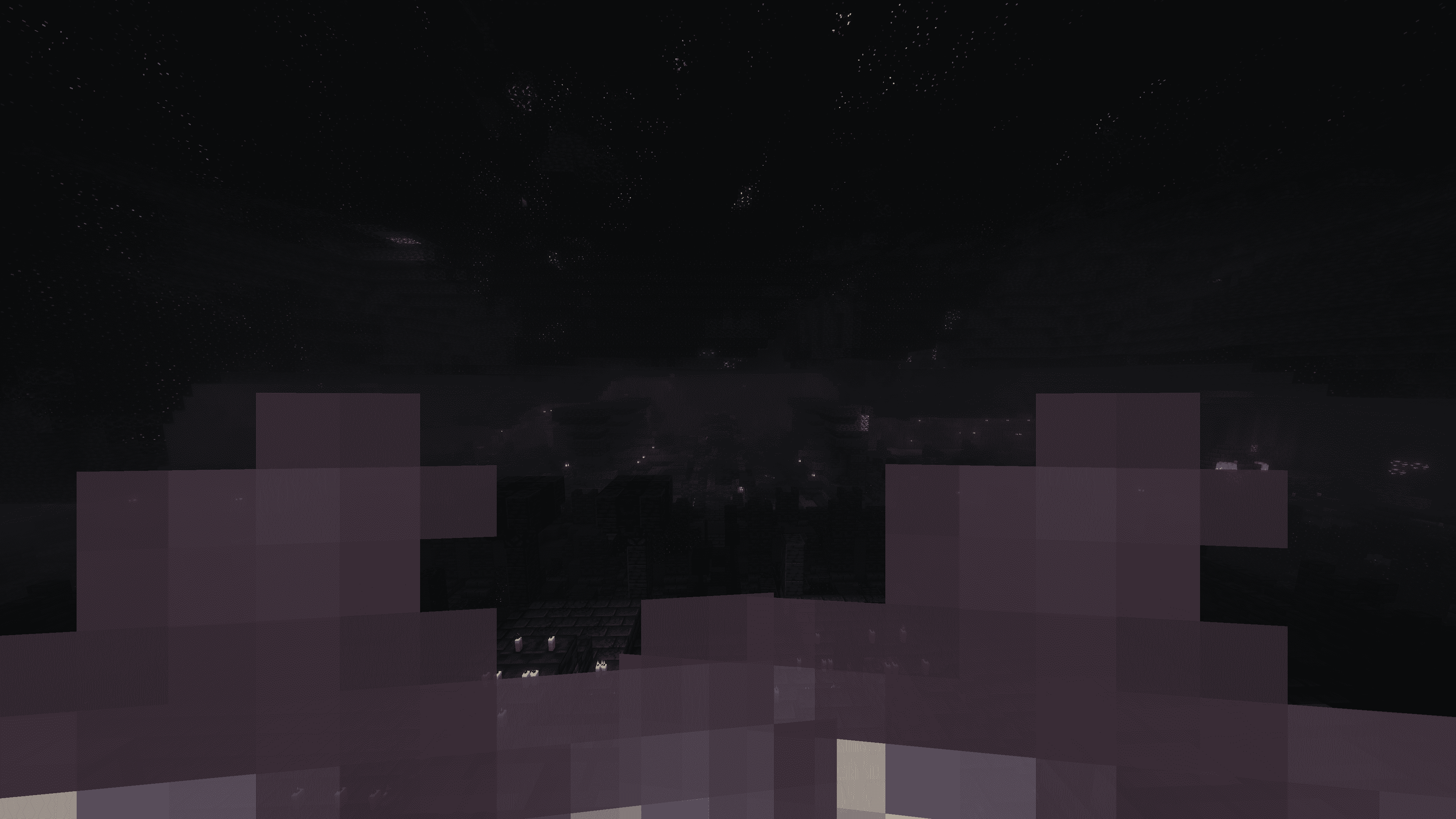
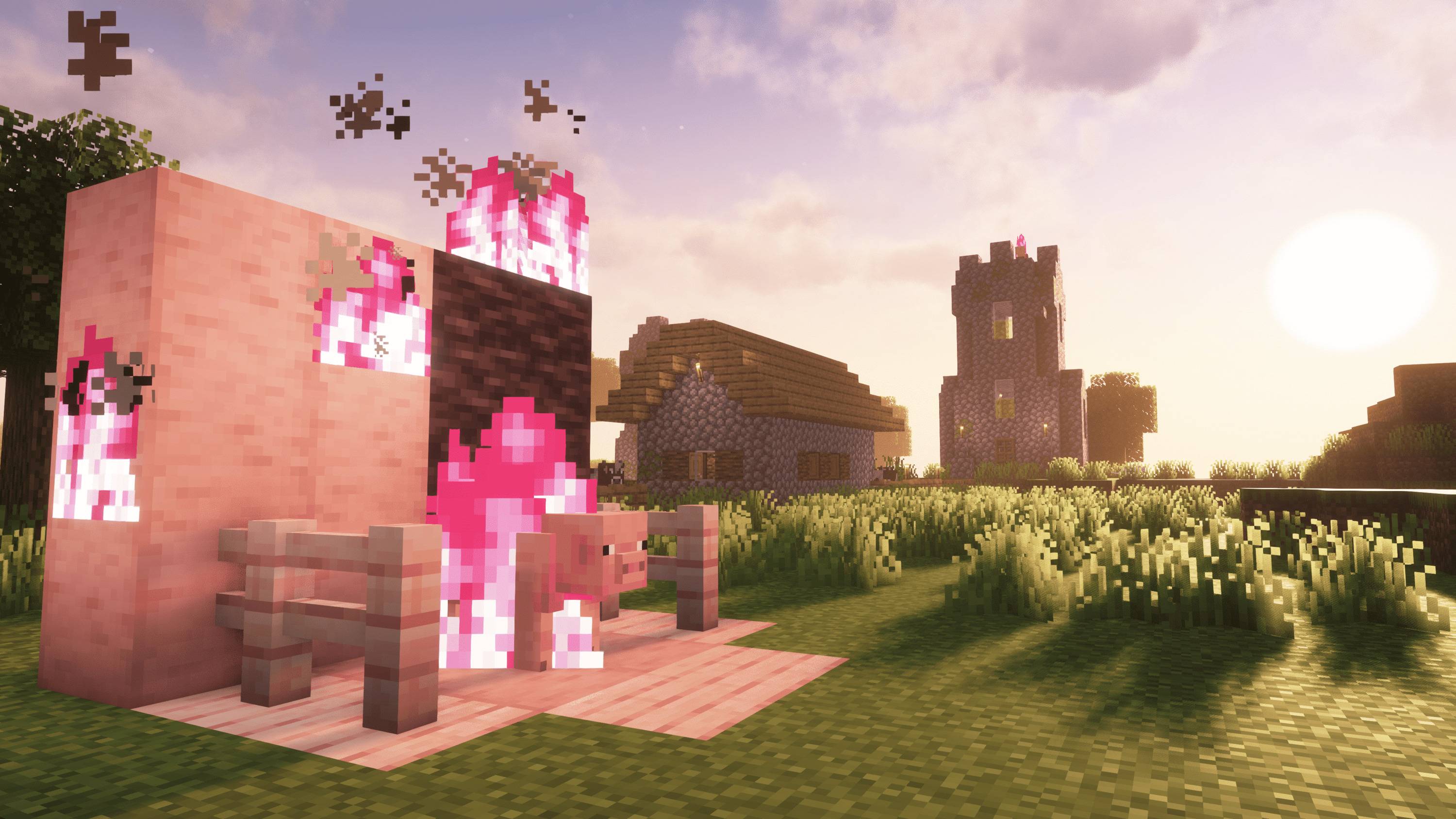
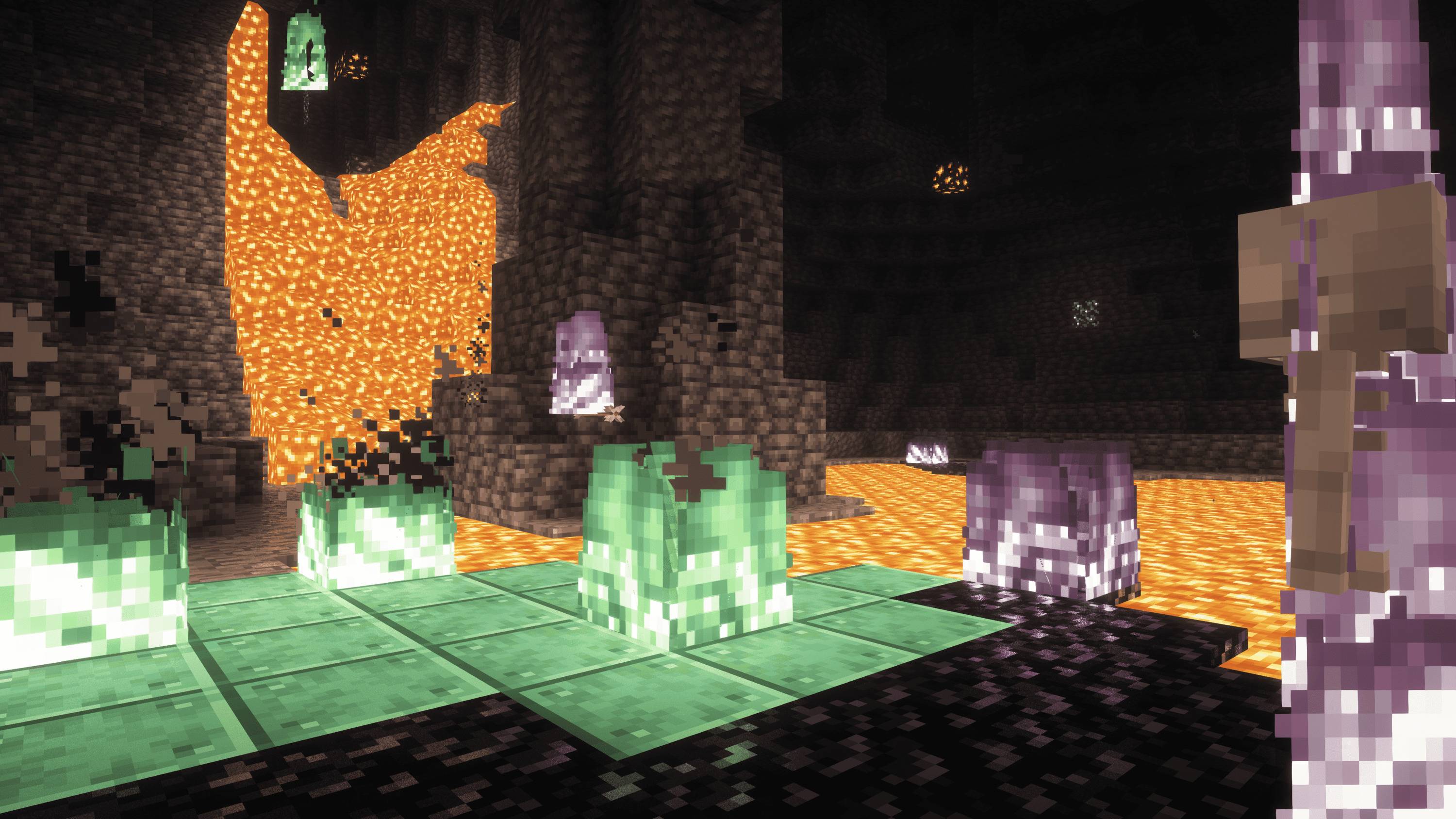
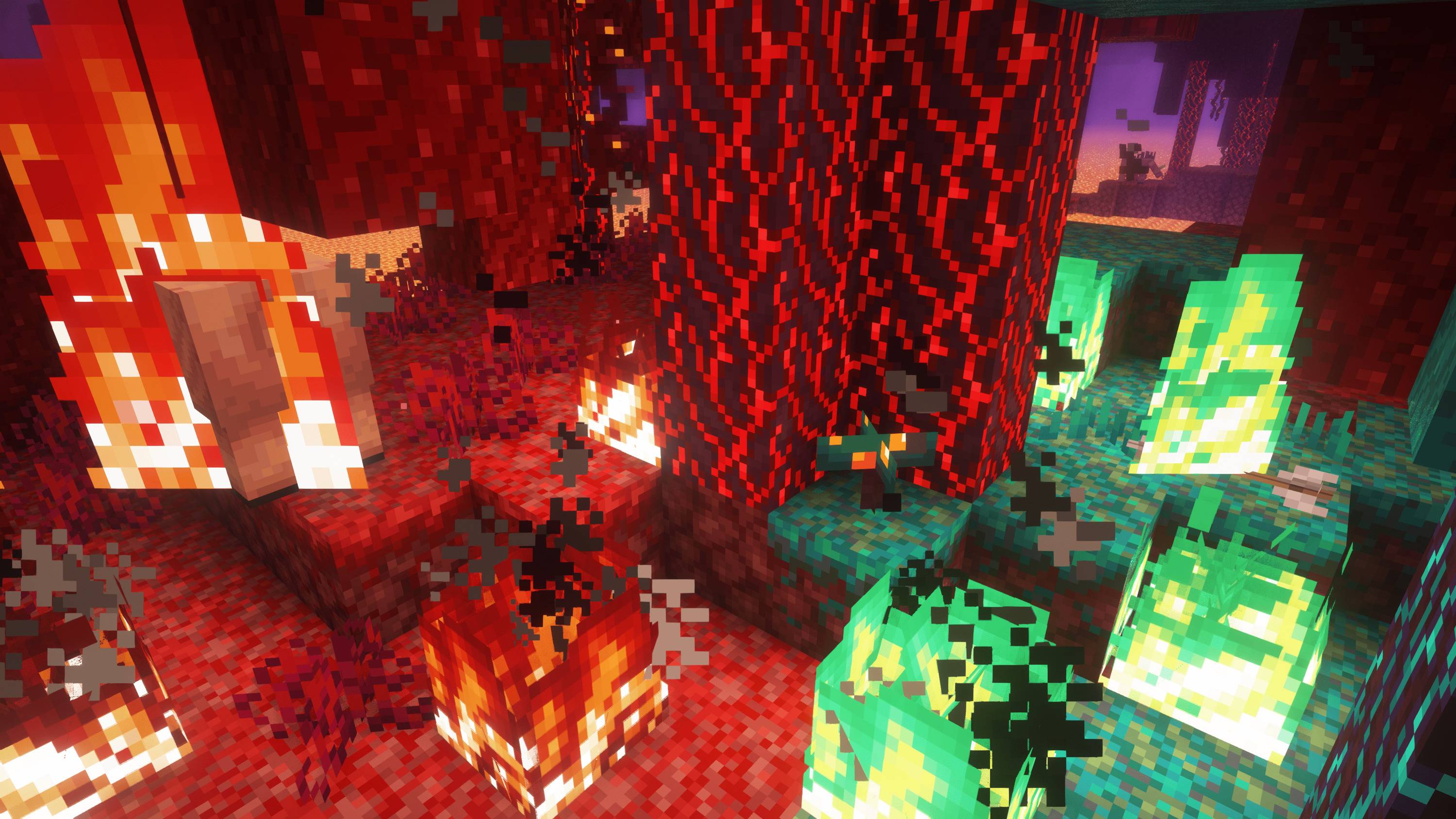
This client side mod allows full color customization over fire, depending on the biome it's in, or even the block it's on! There is also a fire height…
I don't know my version or loader
Firorize
Full colour customization for Minecraft fire





What's this mod?
Are you bored of that same old orange fire? In need of more atmospheric nether biomes? Wishing for some colorful variety next time you decide to burn your friend's house down?
Firorize lets you recolour fire however you like – per biome, per block it sits on, and per block tag – with a priority system to settle any clashes. Group your colours into named profiles, and now share them with the whole community or send them straight to a friend, right inside the game.
It's fully client-side, so it works on any server without installing anything server-side.

Features
Colour customization
- Recolour the base fire to any colour you like
- Per-biome fire colours
- Per-block fire colours (based on the block the fire is ignited on)
- Per-block-tag fire colours
- Independent base and overlay tint control
- Adjustable priority hierarchy to resolve any colour conflicts
- Built-in colour presets for quick customizations
Profiles
- Save complete colour setups as named profiles
- Activate / deactivate and reorder profiles to get the customisation you want
- One-click reset back to a profile's defaults
- A preloaded nether profile to get you started
Online sharing
- Built-in Gallery – take a pick from many built-in fire profiles made by me
- Community Gallery – browse fire profiles shared by other players and import them with a single click
- Upload your own profiles to share them publicly
- Inbox – privately send your custom profiles to friends
Quality of life
- Simple, flexible configuration menu (open with I by default)
- Adjustable fire-overlay height
- Fixes the vanilla soul-fire overlay bug
- Works with modded blocks, biomes and block tags
- Compatible with Iris shaders
Fire height
Adjust the first-person fire height
Shrink the first-person fire overlay so it's less obtrusive when you're on fire.

Profiles & sharing
Built-in profiles, ready to import
Ship straight from a curated set – like the Soul Fire profile that restores the classic blue to soul sand and soul soil – and import them with one click.

Browse and import from the community
Discover fire profiles shared by other players and add them to your collection instantly.

Send profiles straight to friends
Your Inbox collects profiles other players have sent you, and lets you share your own privately.

Compatibility
| Mod | Notes |
|---|---|
| Fabric API | Required |
| Mod Menu | Suggested (for opening config) |
| Sodium | Compatible |
| Indium | Required if Sodium is installed |
| Iris shaders | Compatible |
| OptiFabric | Incompatible |
- Edition: Minecraft Java
- File type: .jar
- Minecraft versions listed: 1.21, 1.21.1, 1.21.11
- How to install: Install the matching mod loader (Forge, Fabric or NeoForge) for your Minecraft version. → Download the .jar. → Put it in the .minecraft/mods folder and launch that loader profile.
- Where to get it: Opens on CurseForge — not every file is mirrored on our own servers.
Install steps are the general flow for this file type — How to install Minecraft Java mods & modpacks walks through it step by step.
- Ships as improved-fire-overlay-1.20.1-v3.jar — drop this file into the mods folder
- Download size: 118 KB
- Download link checked 14 Oct 2026 — working
These come from our own check of the pack file, not from the source page.