Mow's Crystal Blocks
Java mod listed for Minecraft 1.17–1.19. Downloads from the MC Java Mods app on Android.
I don't know my version or loader
Crystal Blocks for Minecraft 1.19+ Now Requires MowLib
Link Here
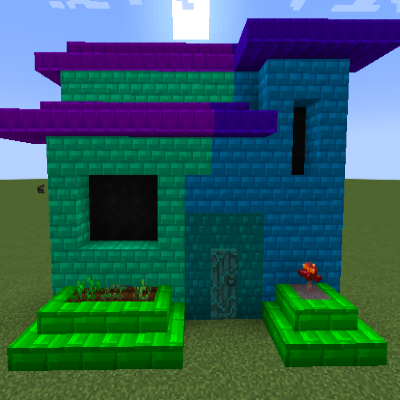
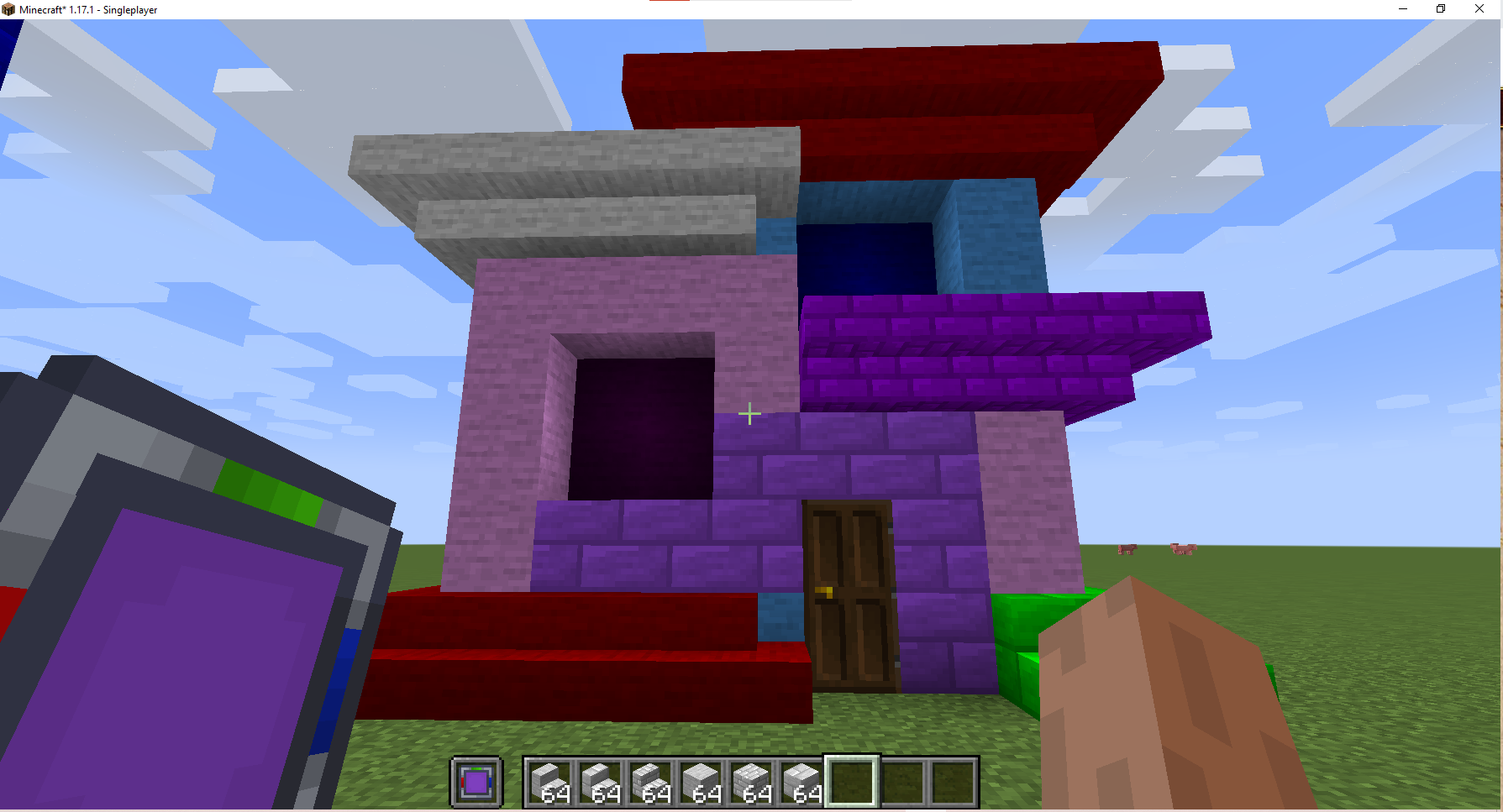
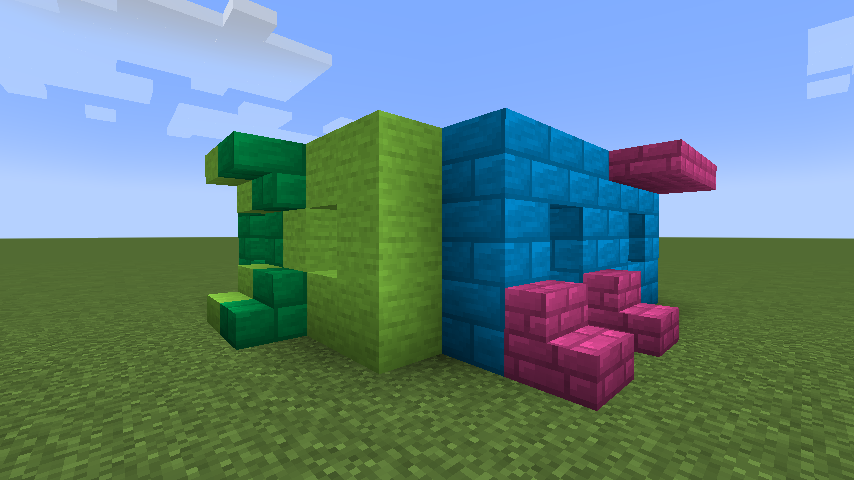
Crystal Blocks
64 Colors and A few Block Options (More to come later)
Make Crystal Stone using Amethyst surrounded by 8 of any 'Stone'
Make the Color Applicator by surrounding a piece of paper with 8 Crystal Stone
The Applicator can hold up to 8 colors at a time.
Ways to apply color to the applicator:
1. Apply colors to the Applicator by dropping red green or blue dye on the ground (up to 3 of each) and right clicking.
2. Crouch + Right Click the applicator from either hand onto a Crystal Blocks Block, and it'll remember that color.
3. Cycle between the (Up to 8) stored colors in the Applicator, crouch + right click with either hand in the air, or on any non crystal blocks block.
How to color Crystal Blocks:
1. Place the blocks, then with the Applicator in either hand, while the other hand is empty, right click on the blocks to apply the color.
2. With the Applicator in your offhand, while placing blocks with your main hand, the blocks placed will have the color automatically applied.
3. Similar to #1, you can re-color blocks by right clicking the applicator on it.
- Edition: Minecraft Java
- File type: .jar
- Minecraft versions listed: 1.19.2, 1.19, 1.17.1
- How to install: Install the matching mod loader (Forge, Fabric or NeoForge) for your Minecraft version. → Download the .jar. → Put it in the .minecraft/mods folder and launch that loader profile.
- Where to get it: Opens on CurseForge — not every file is mirrored on our own servers.
Install steps are the general flow for this file type — How to install Minecraft Java mods & modpacks walks through it step by step.
- Ships as crystalblocks-0.2.10.jar — drop this file into the mods folder
- Download size: 950 KB
- Download link checked 14 Oct 2026 — working
These come from our own check of the pack file, not from the source page.