Red Options
I don't know my version or loader
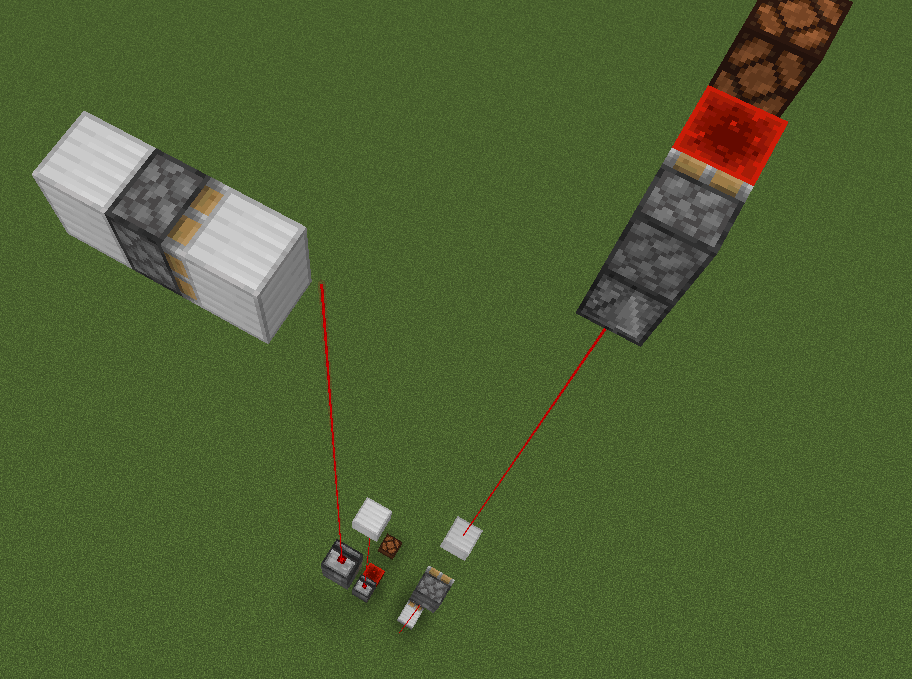

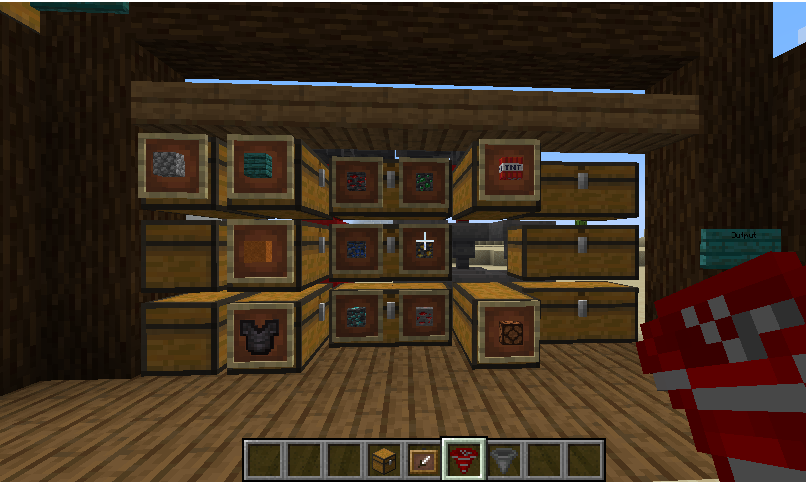
This mod is supposed to turn complex things into a simple version.
Mod contents:
ITEMS
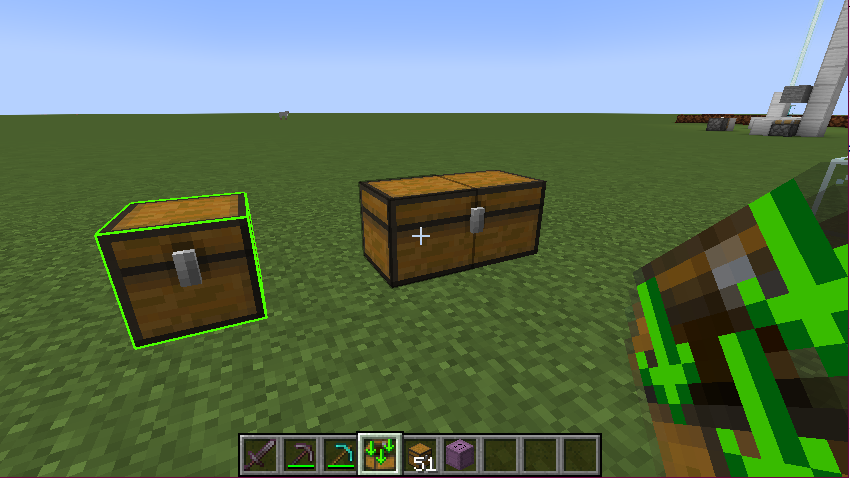
RO Transfer Item
Mark chests and transfer their contents to another chests (works between dimensions). Right click on the floor or air to change behavior (On/Off, mark or transfer). To clear selections, put in On position and click any chests.
BLOCKS
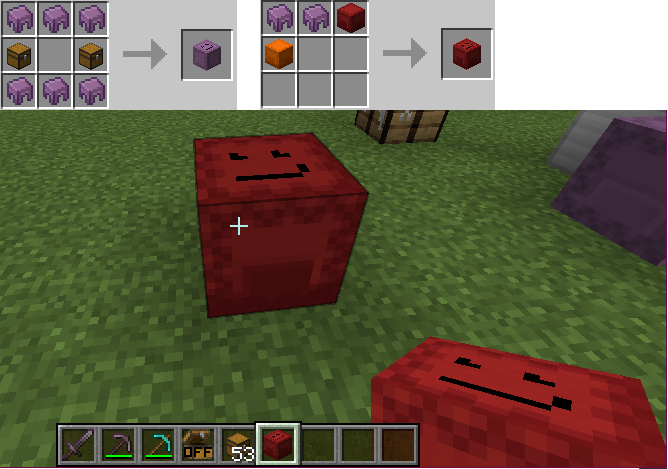
RO Large ShulkerBox
You can craft using basic recipe or using two shulkerboxes with two shulker shells.
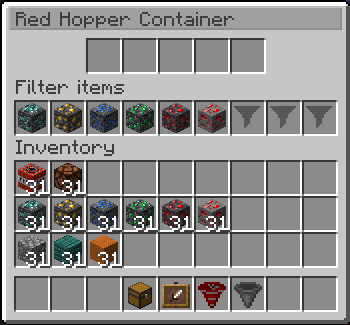
RO Hopper
Hopper with filter. You can select 9 items to filter (weapons, tools, potions works too).
RO Clock
Use this to delay turning output on, delay turning output off or make output pulsed.
A simple pulse at its input will start a counter (configurable up to 90 minutes!)
Now, your circuits will be a lot easer and smallest as possible!
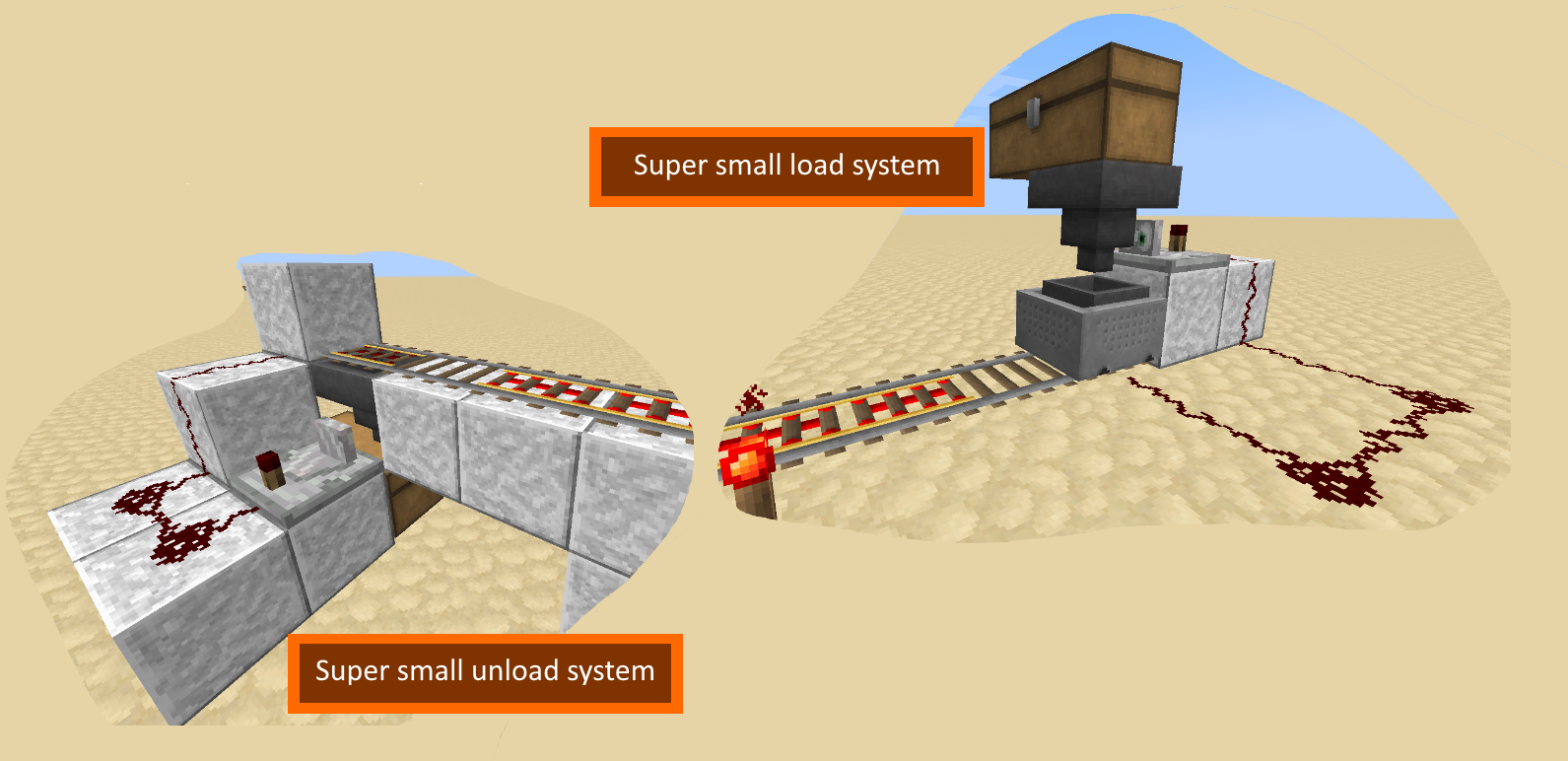
RO Container Changes Check
This sensor will check if items inside a container (chest, hopper, etc. ) start changing and when it stops (for +/- 3 seconds), it will pulse the output
This is ideal to use in load/unload systems! Very very small and easy as possible!
RO Detector
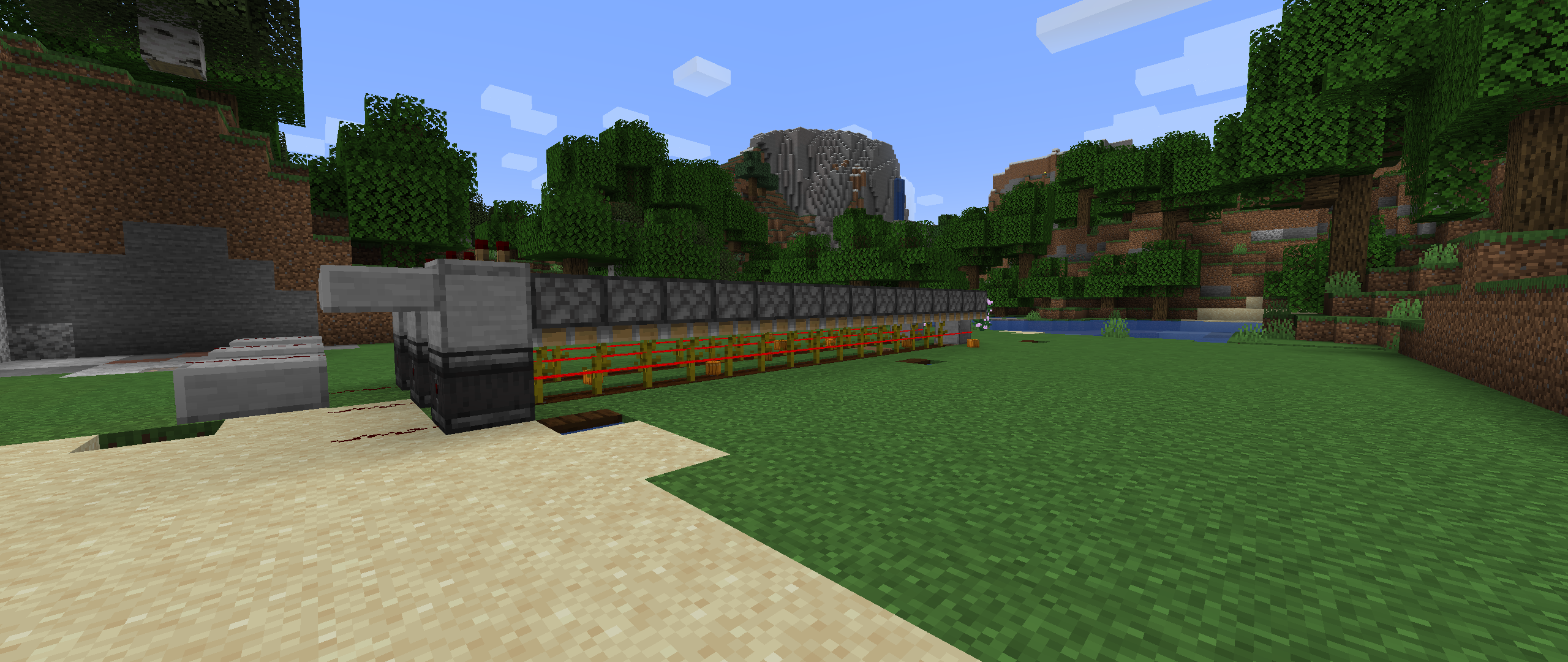
This sensor works likes the observer, the difference is that it detects only when a block appears (not block changes). So, you can use it in pumpkin farms, vertical redstone vertical signals, etc.
This block will detect any new block 15 blocks away, but only the first one is detected, and to detect again, you need to remove all blocks first.
- Edition: Minecraft Java
- File type: .jar
- Minecraft versions listed: 1.20, 1.18.1, 1.18
- How to install: Install the matching mod loader (Forge, Fabric or NeoForge) for your Minecraft version. → Download the .jar. → Put it in the .minecraft/mods folder and launch that loader profile.
- Where to get it: Opens on CurseForge — not every file is mirrored on our own servers.
Install steps are the general flow for this file type — How to install Minecraft Java mods & modpacks walks through it step by step.
- Ships as redoptions-1.18.1-1.0.0.5.jar — drop this file into the mods folder
- Download size: 184 KB
- Download link checked 24 Sept 2026 — working
These come from our own check of the pack file, not from the source page.