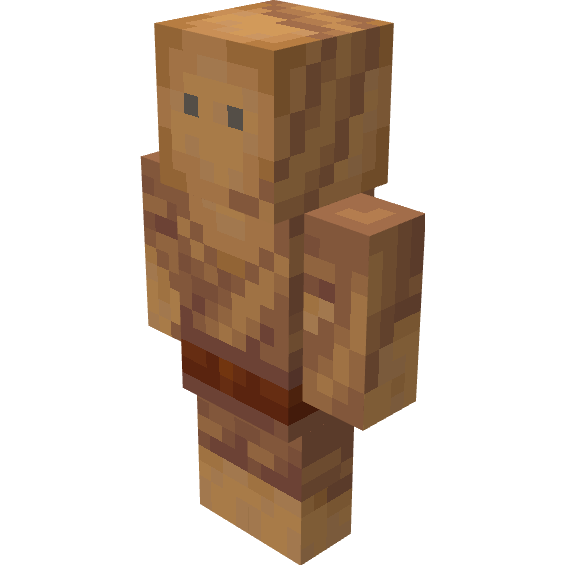
Voodoo Poppets
Java mod listed for Minecraft 1.16–1.19. Downloads from the MC Java Mods app on Android.
I don't know my version or loader



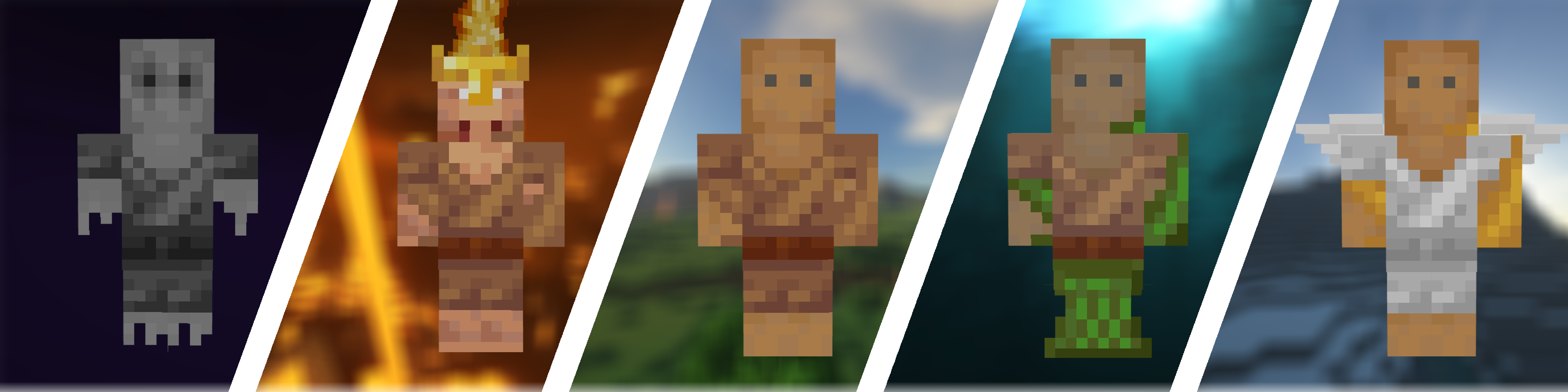
The Voodoo Poppets mod is all about what its name suggests. Inspired by the legendary Witchery mod, it adds a wide variety of voodoo poppets into the game. If you want to make your life a bit easier with the protection poppets or annoy your friends (or enemies) with the powerful voodoo poppet, this mod is perfect for you.
Features:
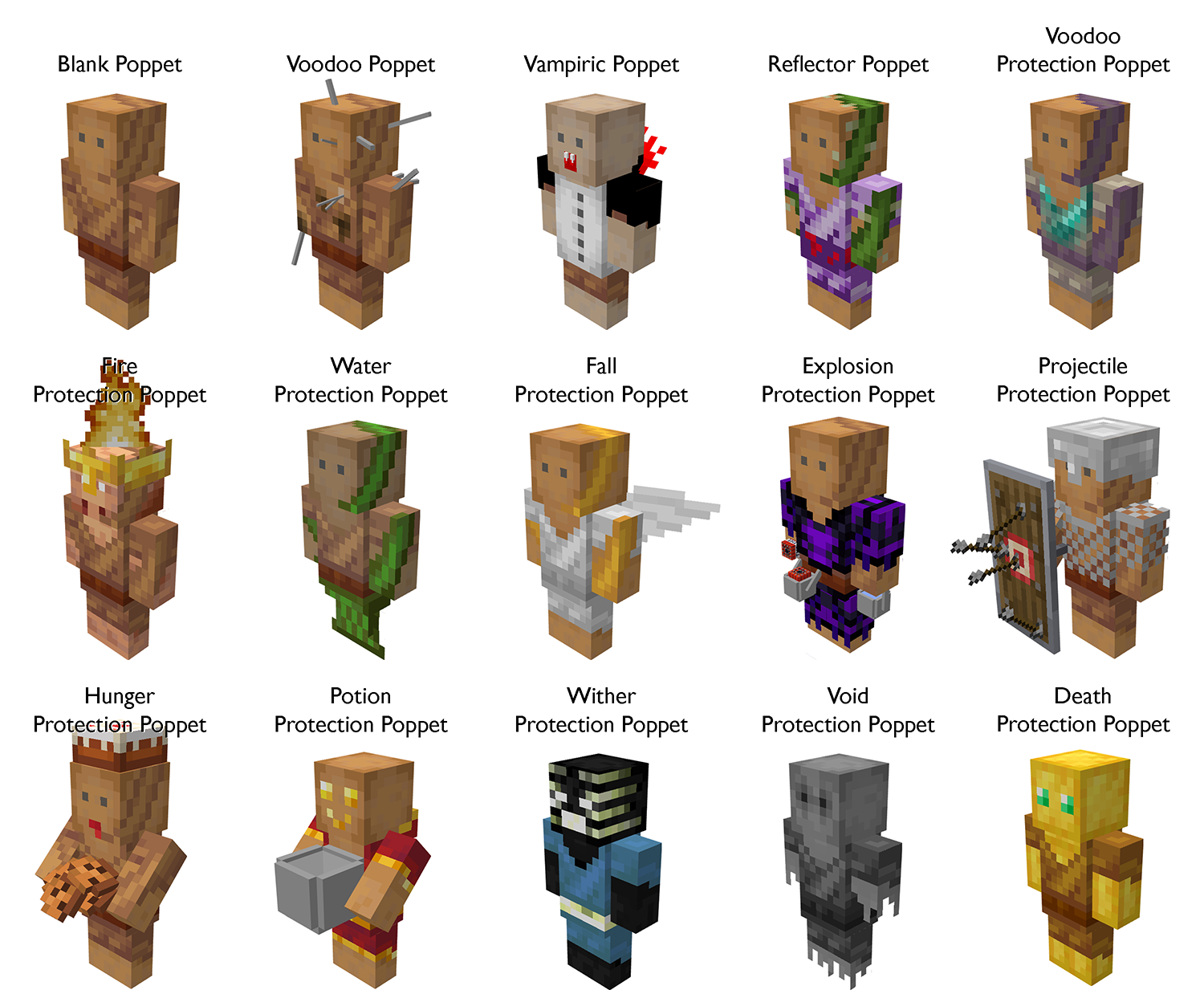
- A total of 15 poppets
- Each poppet has a unique and beautiful 3D model and texture
- Taglock Kits
- Poppet Shelves
- A guide book if you have Patchouli installed
- Extensive configuration options
Getting started:
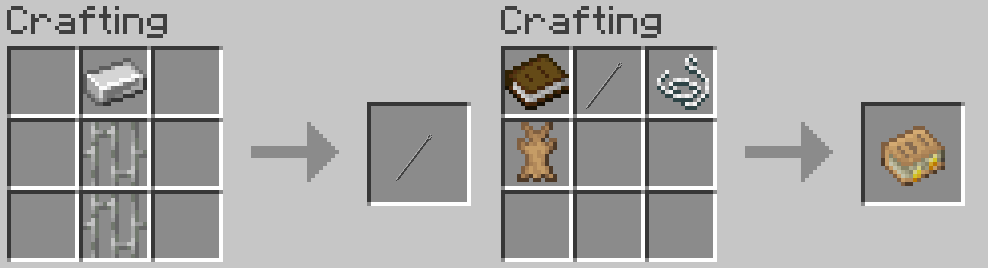
If you have Patchouli installed, your first step should be to craft the Voodoo Manual. It simply requires a needle and some rabbit hide:
Once you have the Voodoo Manual, you learn everything about the mod from it.
If you do not have Patchouli installed, you should use the Minecraft recipe book or a mod like JEI to see the recipes. The only recipe not visible there is how to bind a poppet to a player. This can be done by combining an unbound poppet with a bound taglock kit in a crafting grid. A taglock kit can be bound by either right-clicking a player, a bed to get the taglock of another player, or shift right-clicking to get a taglock of yourself.
Pro Tip: Create a rabbit farm. You will need a lot of rabbit hide for your poppets.
Meet the poppets:
Questions and Answers:
What modloader does this mod need?
For Minecraft 1.18 and earlier, this mod only offers a Forge version.
For Minecraft 1.19 and later, this mod offers Forge and Fabric version. The Fabric versions are called "Voodoo-Fabric", while the Forge version are simply called "Voodoo".
Note that the Fabric version requires Forge Config API Port and Fabric API to be installed.
Can I use this mod in a modpack?
If the modpack is hosted on Curseforge or Modrinth then you can use it in your modpack without any problems.
If the modpack is hosted elsewhere, you must adhere to the LGPL-3.0 License.
Will you port this mod to Minecraft version X?
I will try to port this mod to any new versions of Minecraft, but I can't make any promises.
There are no plans to port this mod to any versions of Minecraft older than 1.16.
I can't craft the Voodoo Manual. Why?
The Voodoo Manual requires the mod Patchouli to be installed
The poppet X is too weak/strong. Can you buff/nerf it?
If you feel like a poppet is too weak or strong, your first step should be the config file of this mod. It allows you to enable or disable each poppet individually, set their durability, and for some poppets, change other stats as well.
You can also suggest a specific change to the default values on our GitHub issue tracker if you want.
I found a bug / I have a suggestion / Can you change X?
You can report bugs and submit suggestions on this mod's GitHub issue tracker.
What is the license of this mod?
The source code of the mod is released under the LGPL v3.0 license. The assets are, however, All Rights Reserved.
The build jars can be distributed under the LGPL v3.0 license, but the assets within are still All Rights Reserved.
- Edition: Minecraft Java
- File type: .jar
- Minecraft versions listed: 1.19.2, 1.19.1, 1.18.1
- How to install: Install the matching mod loader (Forge, Fabric or NeoForge) for your Minecraft version. → Download the .jar. → Put it in the .minecraft/mods folder and launch that loader profile.
- Where to get it: Opens on CurseForge — not every file is mirrored on our own servers.
Install steps are the general flow for this file type — How to install Minecraft Java mods & modpacks walks through it step by step.
- Ships as Voodoo-1.19.1-1.0.2.jar — drop this file into the mods folder
- Download size: 3.4 MB
- Download link checked 14 Oct 2026 — working
These come from our own check of the pack file, not from the source page.