
Ramwal
Java mod listed for Minecraft 1.16. Downloads from the MC Java Mods app on Android.
⬇ Download on CurseForge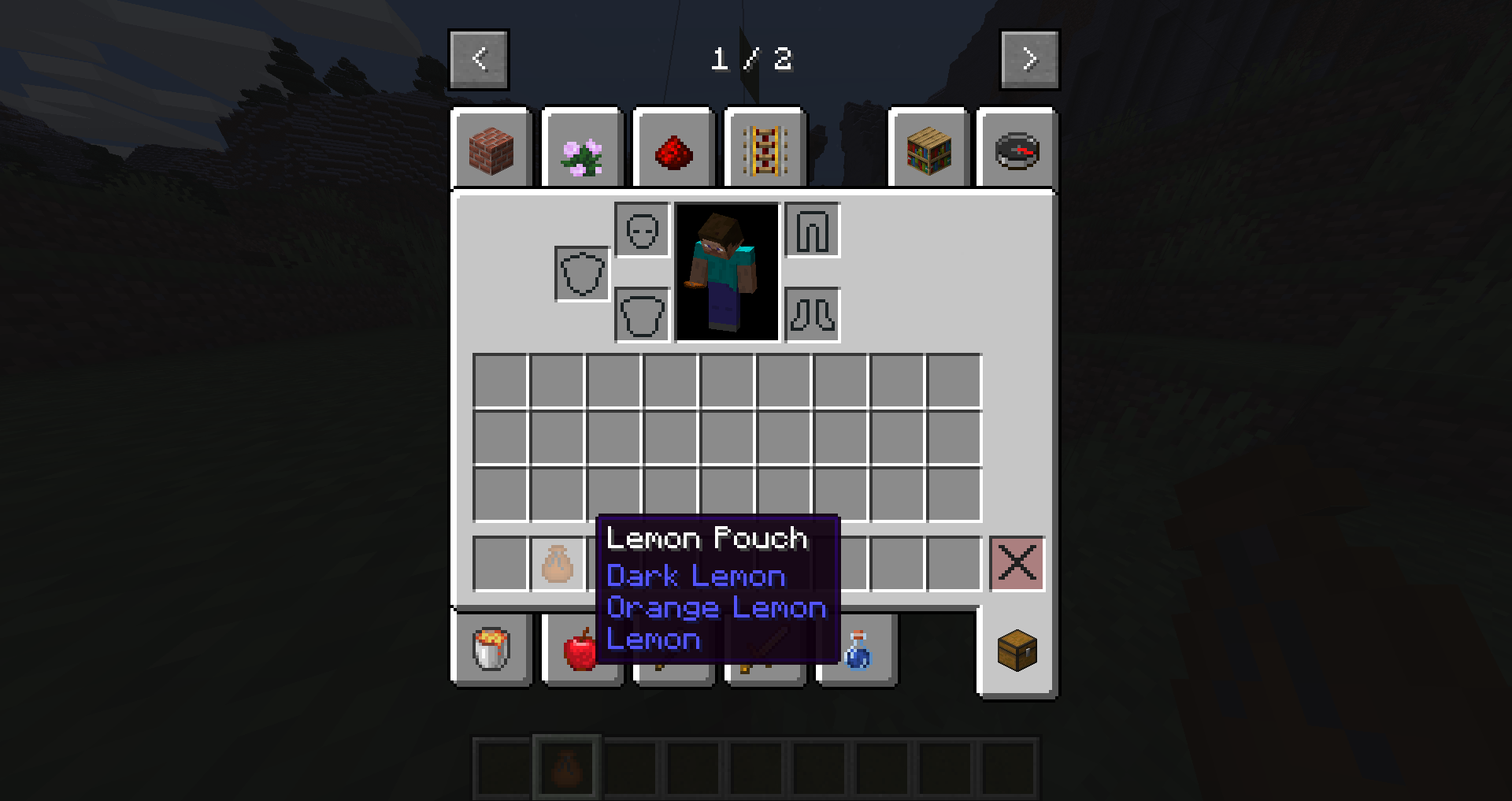
Ramwal
Features
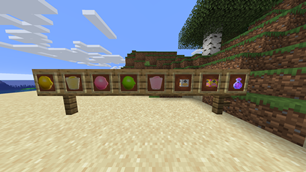
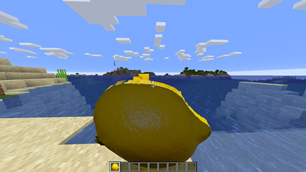
- Adds lemons and lemon variants with many effects and events
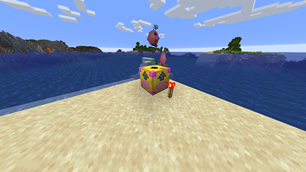
- Adds Lemon Spawners
- Adds a new music disc
- Adds a new dimension
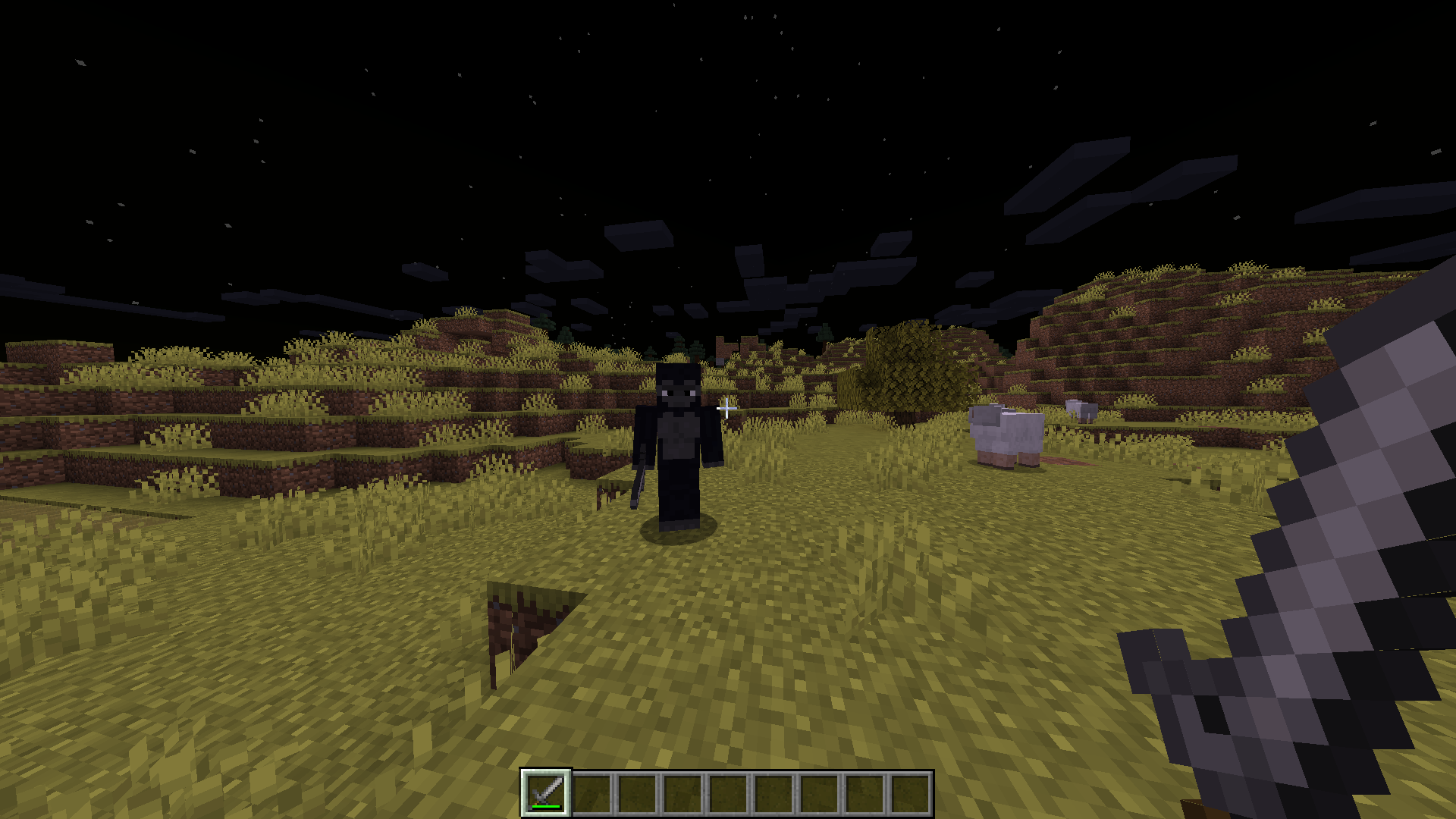
- Adds new mobs
Images
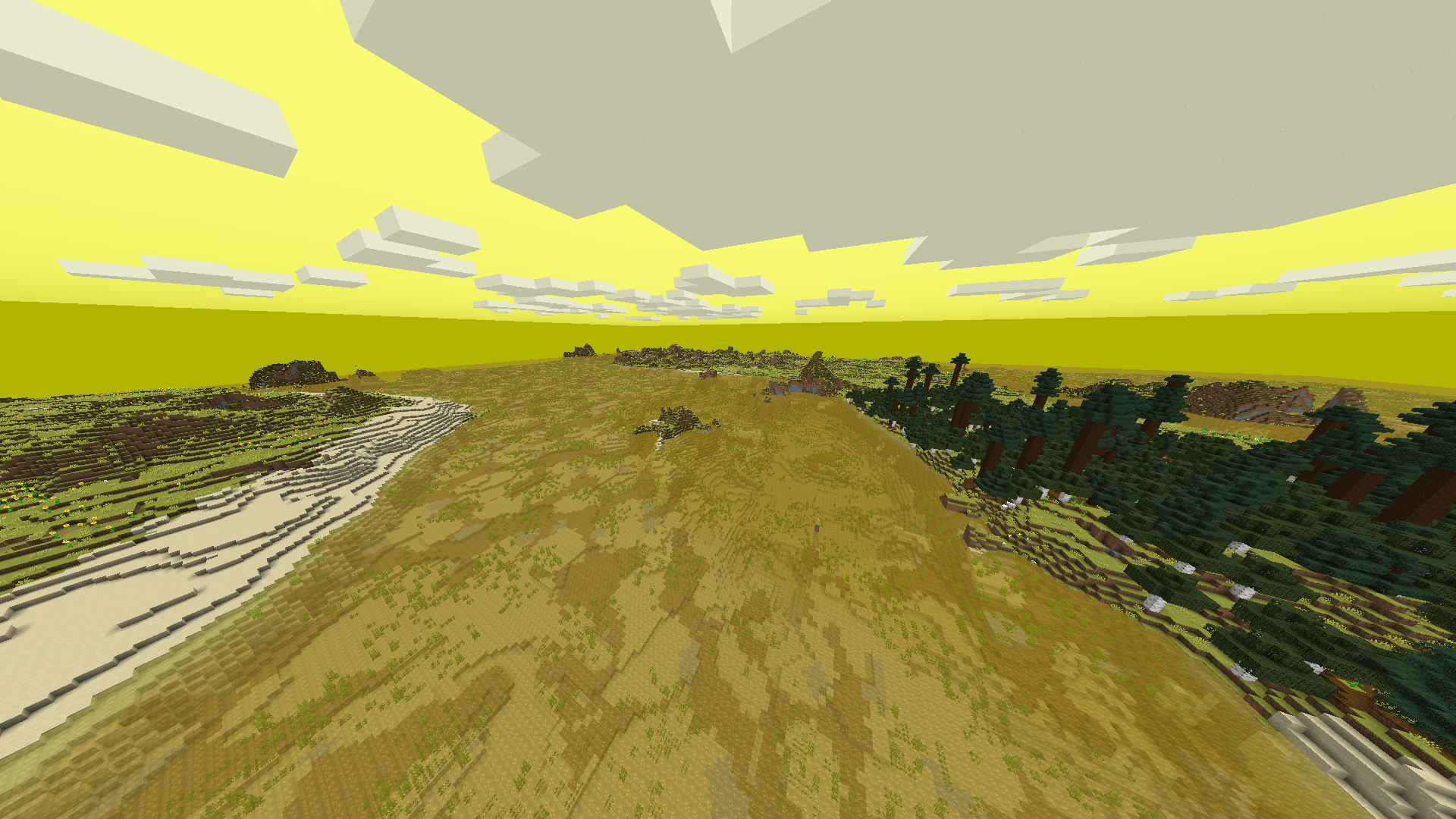
The Lemon Dimension
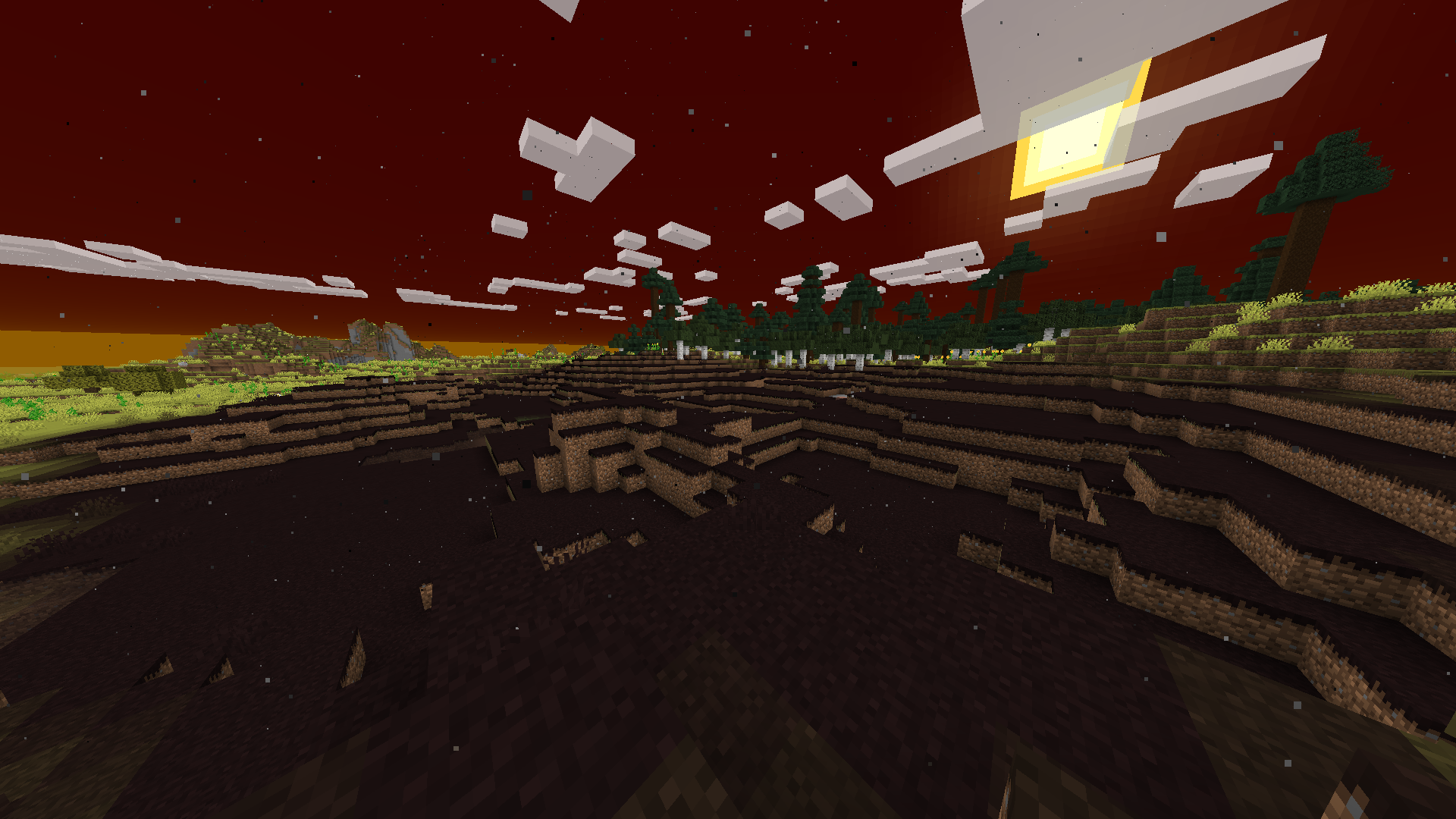
The Lemon Wastes
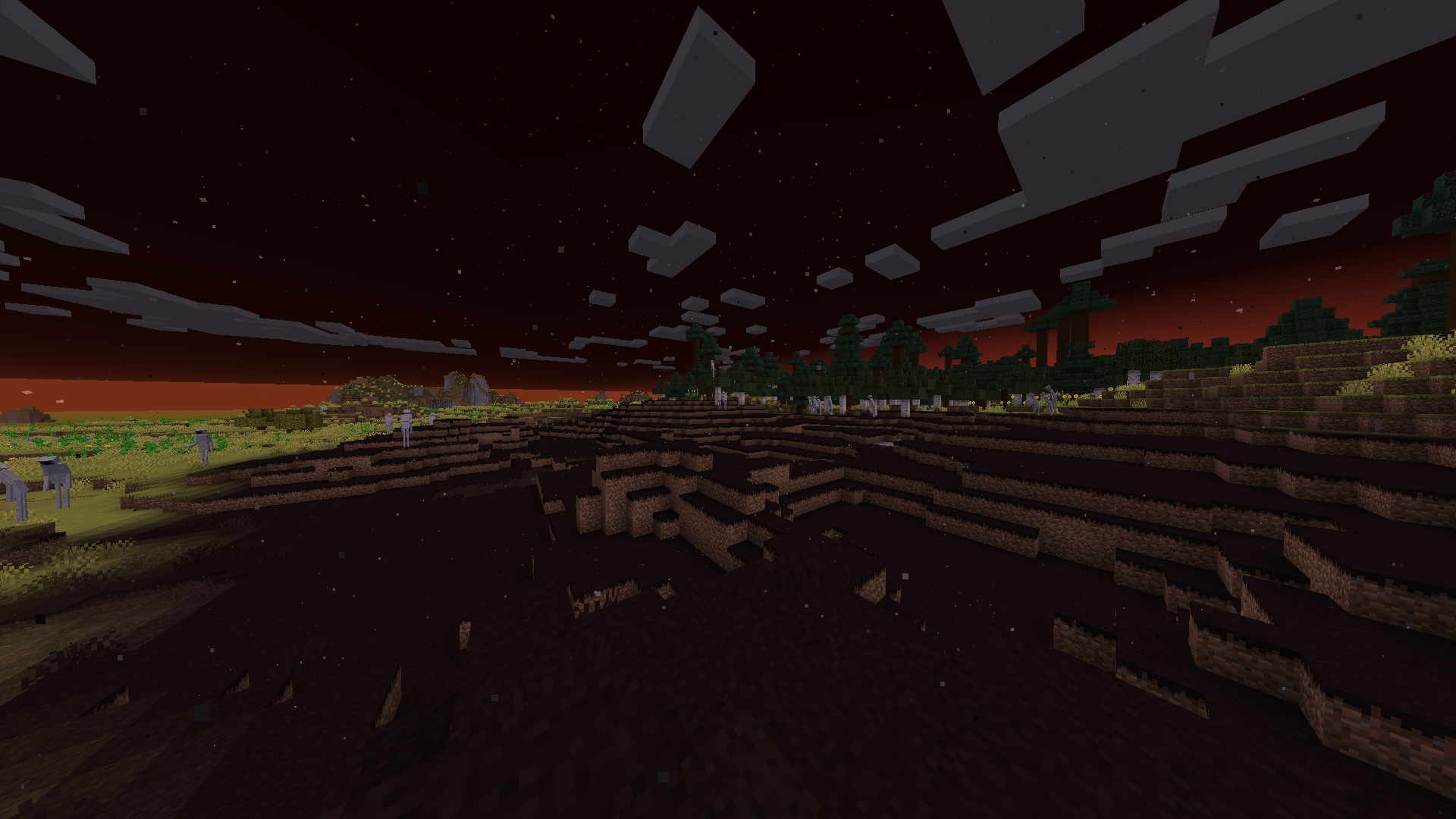
Disciples
Mimics
Getting Started
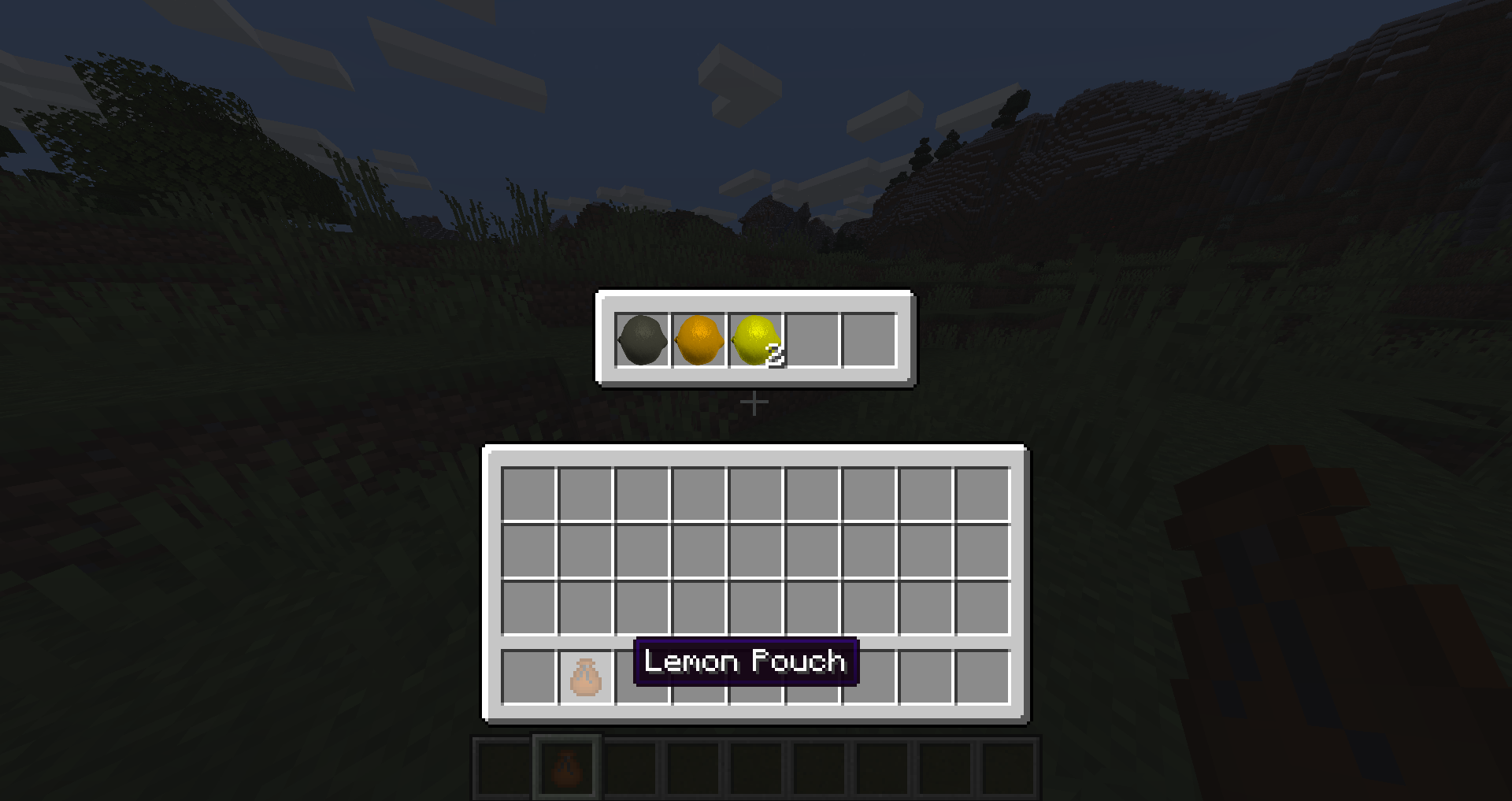
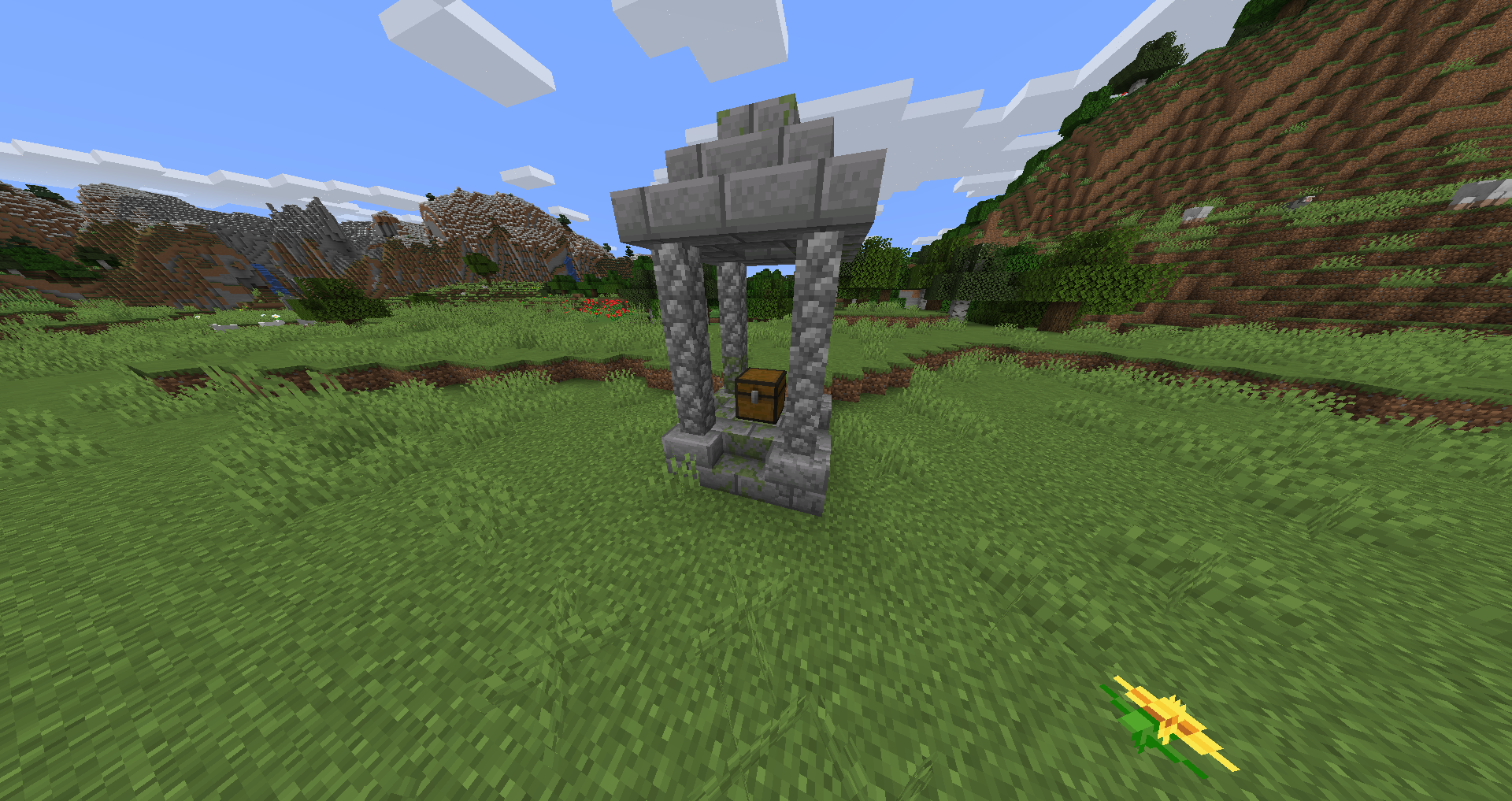
You can acquire your first lemon by locating a shrine somewhere in the world, which will provide some basic loot to get you started. However, be wary of eating them! Eating a lemon will give you nausea and has a small chance of spawning in a corrupted block, which will destroy a part of your world if you are not careful.
Combine a lemon with sugar and a water bottle to make lemonade! Lemonade gives boosts such as speed and haste, but has a small chance to give the lemon's negative effect. (This applies for all lemon variants)
If you want to step up your lemon production, you can make a Lemon Spawner. Lemon Spawners, when powered, constantly generate lemons. They have a small chance of producing a higher-tier lemon.
Corrupt blocks have a small chance of decaying into invisible portals, which can be used to access the lemon dimension.
Eating pink lemons spawns Mimics, which are mobs that can copy your skin and the item in your hand. They are faster and stronger than you, so make sure to be careful when fighting them!
When exploring the Lemon Dimension, beware of the Lemon Wastes! Disciples, which are extremely strong mobs, can spawn in that biome at night!
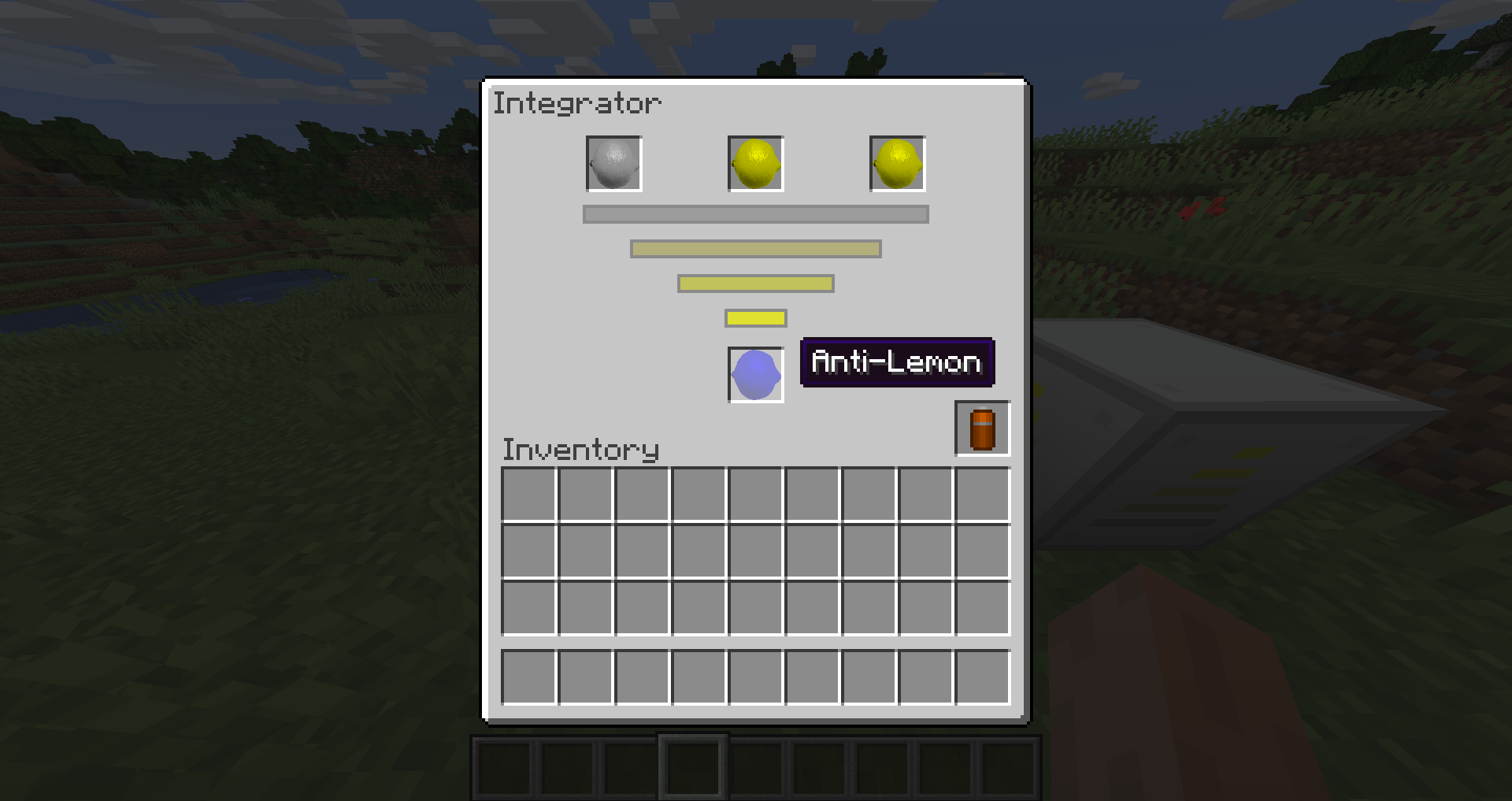
Use Integrators to combine lemons to get new variants!
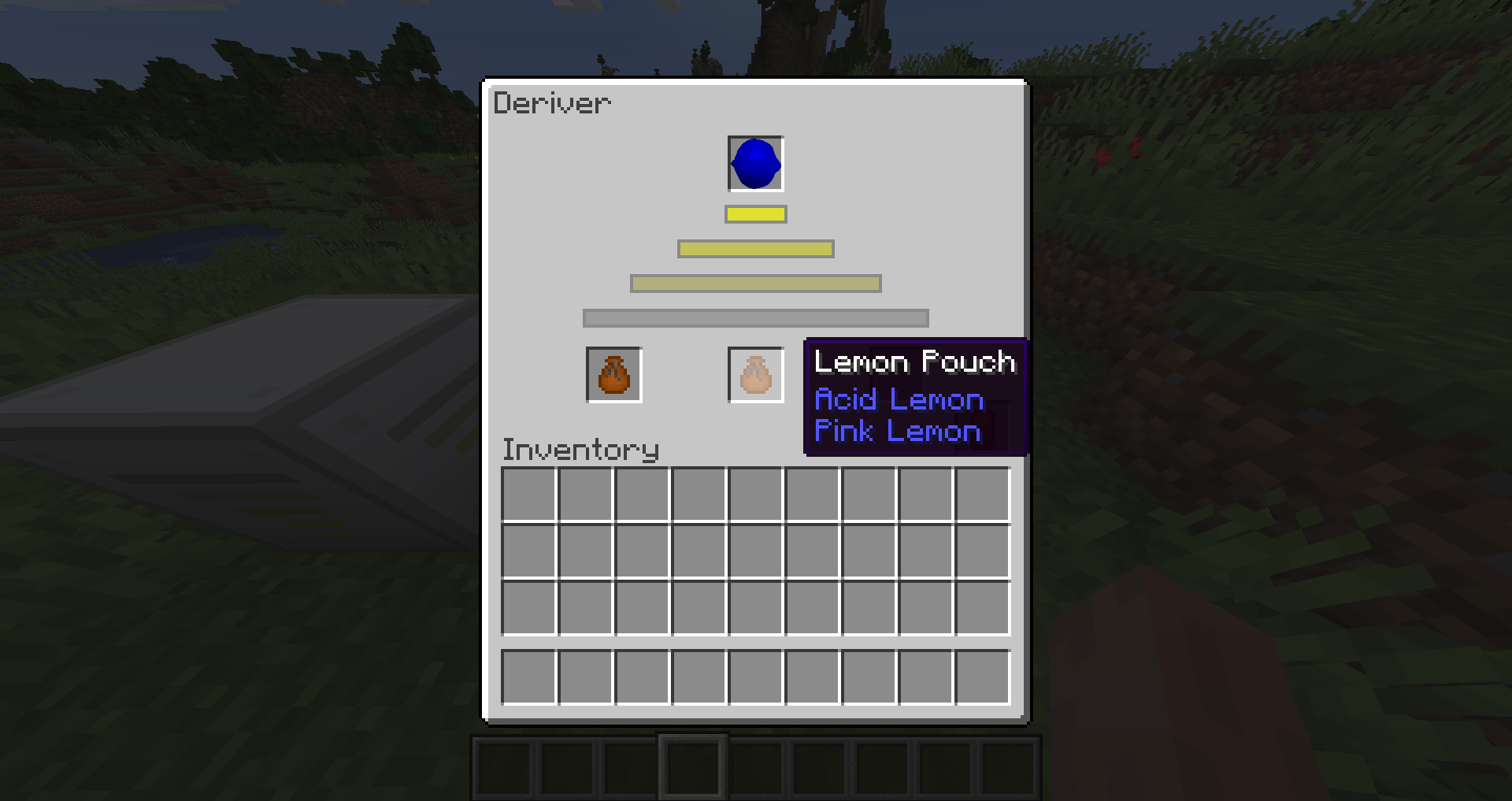
You can also use Derivers to un-combine lemons and discover other recipes for what you are un-combining.
Installation
Please install the newest file! Older files may have unfixed bugs and missing content.
Download this mod and place it in your mods folder to use it.
You can find the mods folder by searching %appdata% and going to that folder, then going to the .minecraft folder, which contains the mods folder.
A Note to Players
Ramwal is still in its early stages and will be receiving many more updates in the future. If you find any bugs, please let me know in the Issues tab!
If you want to give ideas for new features or just ask questions, you can visit the Discussions page on my Github.
The Team:
Jaystun: Director / Head Programmer / Site Manager
R.G.: Lead Designer / Idea Generation Team
RamseyWalid: Sound & Music Producer / Idea Generation Team
R.T.: Idea Generation Team
- Edition: Minecraft Java
- File type: .jar
- Minecraft version listed: 1.16.5
- How to install: Install the matching mod loader (Forge, Fabric or NeoForge) for your Minecraft version. → Download the .jar. → Put it in the .minecraft/mods folder and launch that loader profile.
- Where to get it: Opens on CurseForge — not every file is mirrored on our own servers.
Install steps are the general flow for this file type — How to install Minecraft Java mods & modpacks walks through it step by step.
- Ships as ramwal-1.0.jar — drop this file into the mods folder
- Download size: 3.8 MB
- Download link checked 14 Oct 2026 — working
These come from our own check of the pack file, not from the source page.