Satchels
Minecraft Java mod. Downloads from the MC Java Mods app on Android.
⬇ Download on CurseForgeSatchels
This mod adds pouches and satchels, which act as wearable inventory upgrades. Unlike your typical backpack mod, it's seamlessly integrated into the inventory screen instead of being on a separate screen.
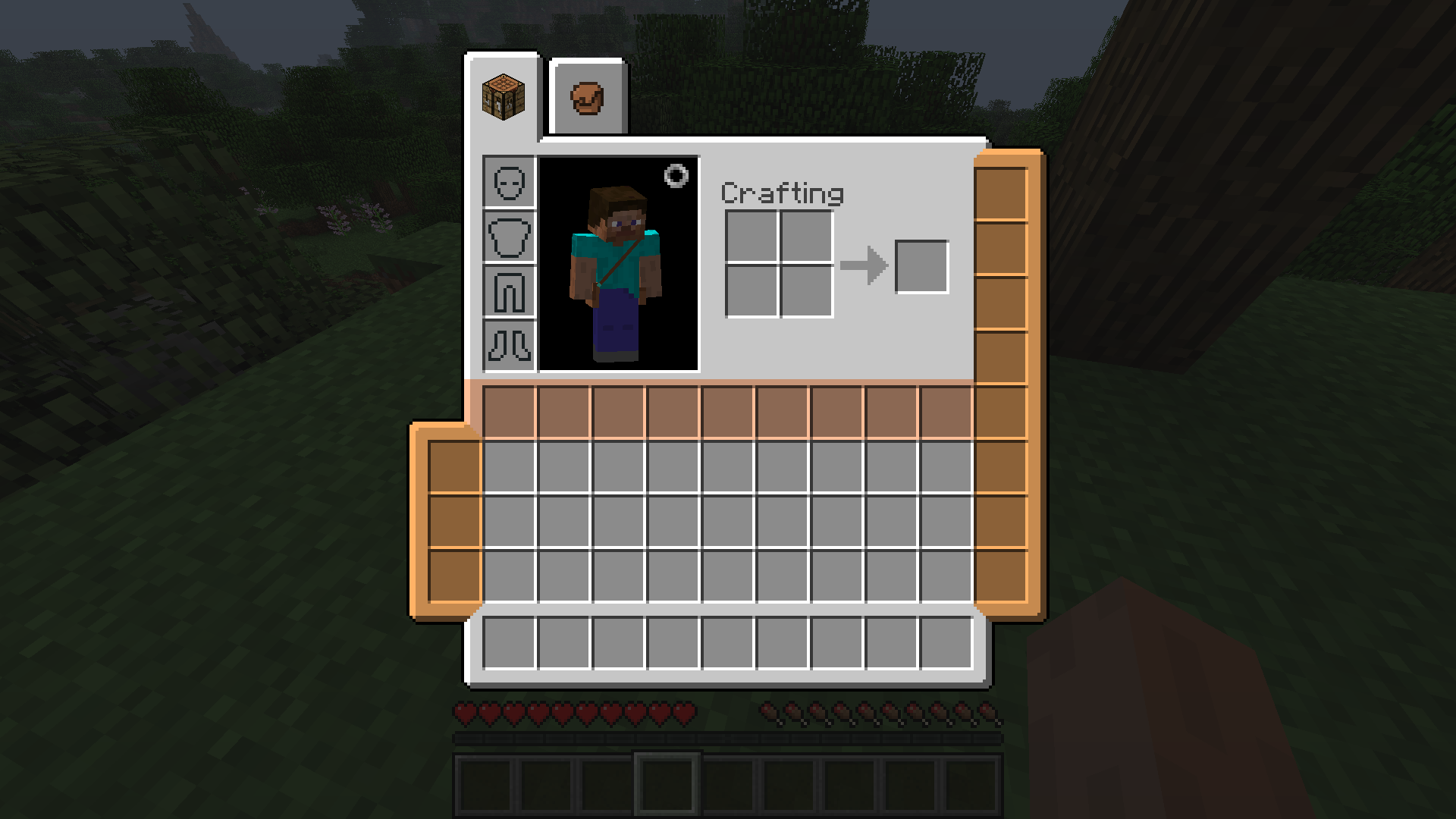
Pictured: an unupgraded pouch (the colored column on the left), a fully upgraded pouch (the colored column on the right) and a satchel (the colored row)
Pouches
A pouch adds 3 slots to your inventory, and can be worn on the left or the right side. You only need some leather and some string to craft it.
Its capacity can be increased with pouch expansions, which can only be found inside dungeon chests. Each expansion will add an additional slot to the pouch's capacity, with the maximum being 8 slots. To apply a pouch upgrade, right click a pouch to open its upgrade inventory where you can insert it.
You can wear up to 2 pouches at the same time.
Satchel
A satchel adds an entire row (9 slots) of storage to your inventory. But its utility is matched by its cost: crafting it requires a full diamond block and some slime by default. You can only wear 1 satchel at a time.
Models
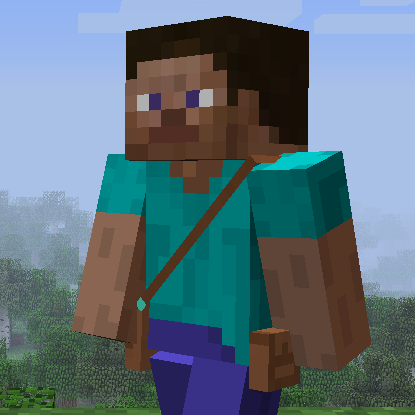
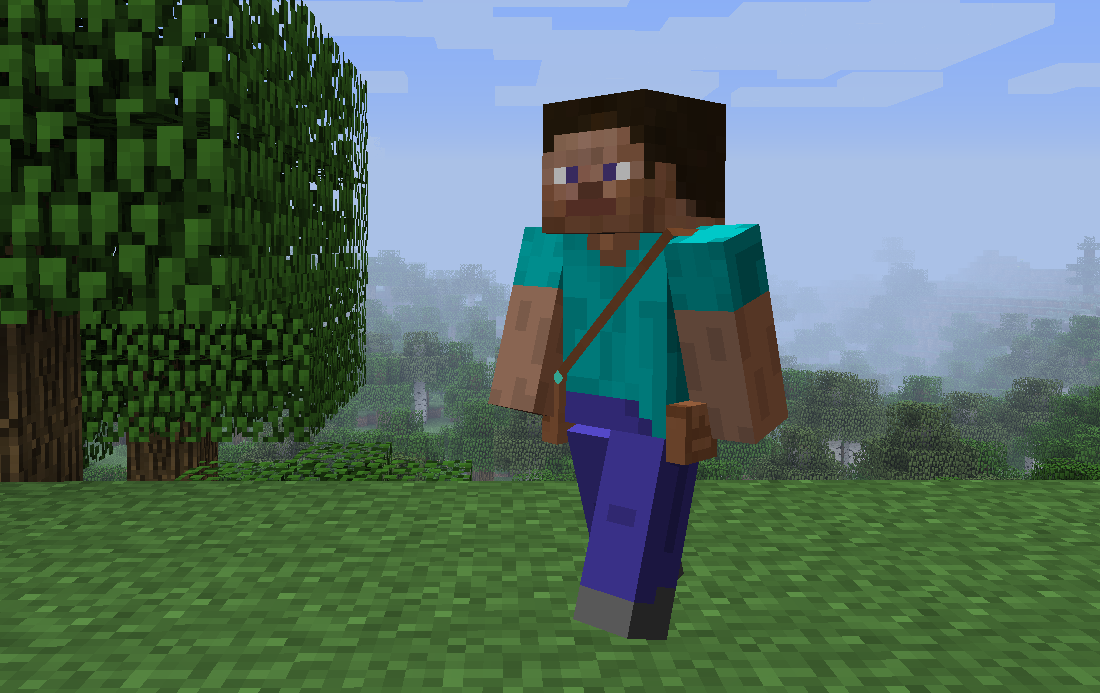
The items you wear will show up as 3D models on the player. This can be disabled in the config.
Dependencies
This mod requires CodeChickenLib (installed by CodeChickenCore).
Suggested mods
If you want more inventory expansion options in your earlygame, check out D-Mod's bundle backport!
Incompatibilities
- NotEnoughItems: when a potion effect is active, the inventory tabs will show up at the wrong position due to a buggy interaction between NEI and TConstruct's tab API which Satchels uses. Enable
fixPotionRenderOffsetin Hodgepodge to fix this. - Aether Legacy: accessories button doesn't show up in inventory. This is a bug on their side. Until it's fixed, use the keybind to open the equipment GUI.
- When DropOff's button is enabled, the slots in the inventory are at the wrong position. As a workaround, set
B:"Show inventory button"=falsein its config (the hotkey can still be used). - Various coremods (for example, Factorization) will crash during startup due to an incompatibility with Mixin. This is fixed by Mixingasm.
Alternatives
- Edition: Minecraft Java
- File type: .jar
- How to install: Install the matching mod loader (Forge, Fabric or NeoForge) for your Minecraft version. → Download the .jar. → Put it in the .minecraft/mods folder and launch that loader profile.
- Where to get it: Opens on CurseForge — not every file is mirrored on our own servers.
Install steps are the general flow for this file type — How to install Minecraft Java mods & modpacks walks through it step by step.
- Ships as Satchels-1.7.10-1.0.7.jar — drop this file into the mods folder
- Download size: 1.5 MB
- Download link checked 14 Oct 2026 — working
These come from our own check of the pack file, not from the source page.