(Forge) Item NBT Viewer (Tooltip) (+ Slot Numbers)
Java mod listed for Minecraft 1.16–1.20. Downloads from the MC Java Mods app on Android.
Extends item stack tooltips with the stacks' NBT data in a readable format and the slot numbers when advanced tooltips are enabled (F3 + H).
I don't know my version or loader
This mod allows you to view the NBT data of item stacks in a readable format inside the item tooltips. To use it, please enable the advanced tooltips (F3 + H). You can manually scroll the view and adjust its size using the key mappings (the default controls are in a screenshot below). You can also scroll fast with the help of another key mapping. It's basically a Forge alternative of the NBT Tooltip mod but with a slightly different format and controls. This mod also adds another line in the tooltip that tells you the slot number that the item stack is in.
I made this mod a couple of years ago by somebody's request because there was no mod like this available for Forge that they were happy with. I assume things have changed but it doesn't seem like by much. I was planning to release the mod back when I originally made it but then I kept being busy with something and somehow 2 years had passed lol. It was very easy to port this mod from 1.14.4 to 1.17.1, so I'm pretty sure I'll continue doing it for the future Minecraft releases as well.
How to install the mod in your development environment:
flatDir {
    dir 'libs'
}
2. Add the following to dependencies, if you're on 1.17.1 (change the MC version for others):
implementation fg.deobf("xaero:ItemNBTViewer-Forge-1.17.1:1.0")
3. Download the mod jar file made for your Minecraft version and put it in the libs folder in your project directory. Create the folder if necessary. Screenshots:
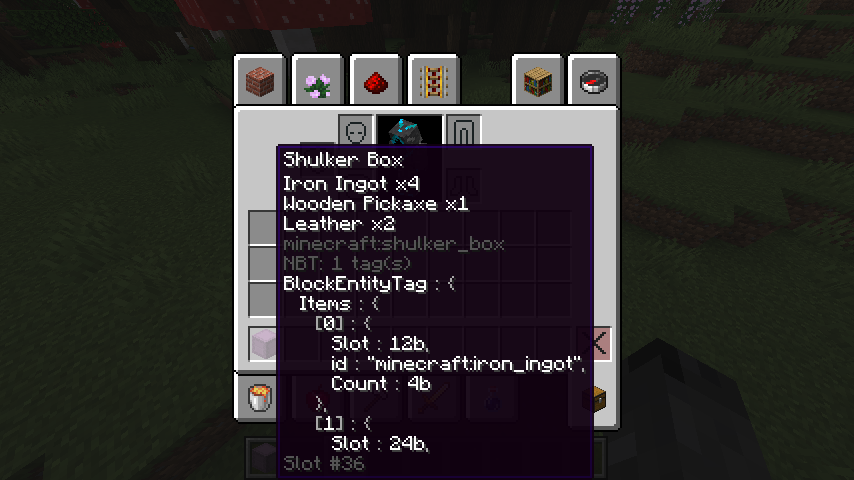
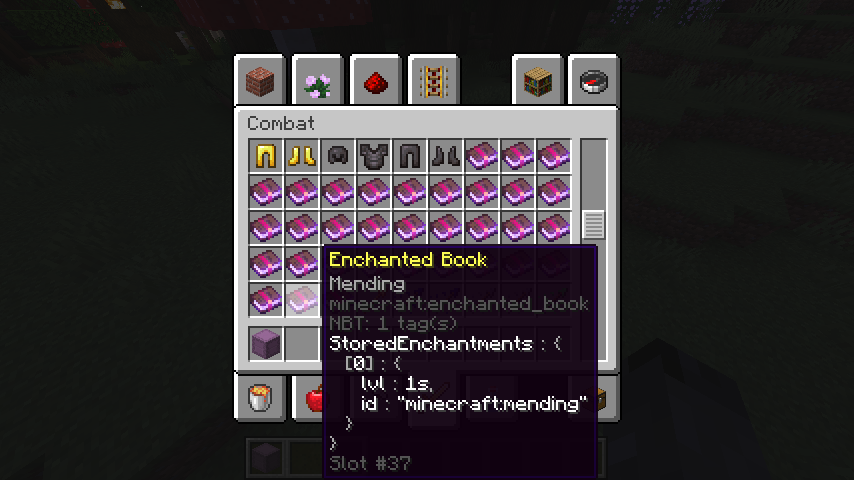
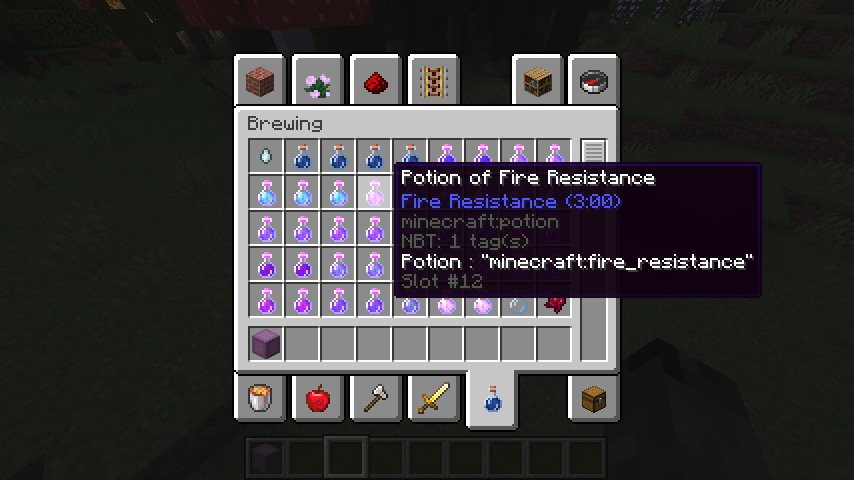

- Edition: Minecraft Java
- File type: .jar
- Minecraft versions listed: 1.20.1, 1.20, 1.19
- How to install: Install the matching mod loader (Forge, Fabric or NeoForge) for your Minecraft version. → Download the .jar. → Put it in the .minecraft/mods folder and launch that loader profile.
- Where to get it: Opens on CurseForge — not every file is mirrored on our own servers.
Install steps are the general flow for this file type — How to install Minecraft Java mods & modpacks walks through it step by step.
- Ships as ItemNBTViewer-Forge-1.20-1.0.2.jar — drop this file into the mods folder
- Download size: 7 KB
- Download link checked 14 Oct 2026 — working
These come from our own check of the pack file, not from the source page.