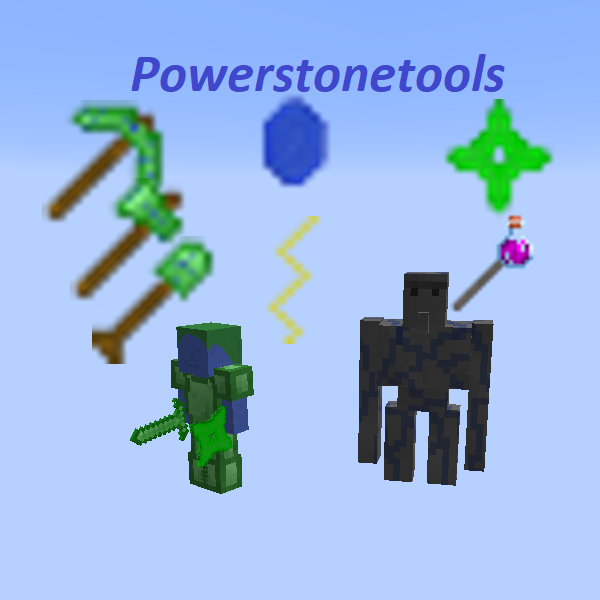
Powerstonetools
I don't know my version or loader
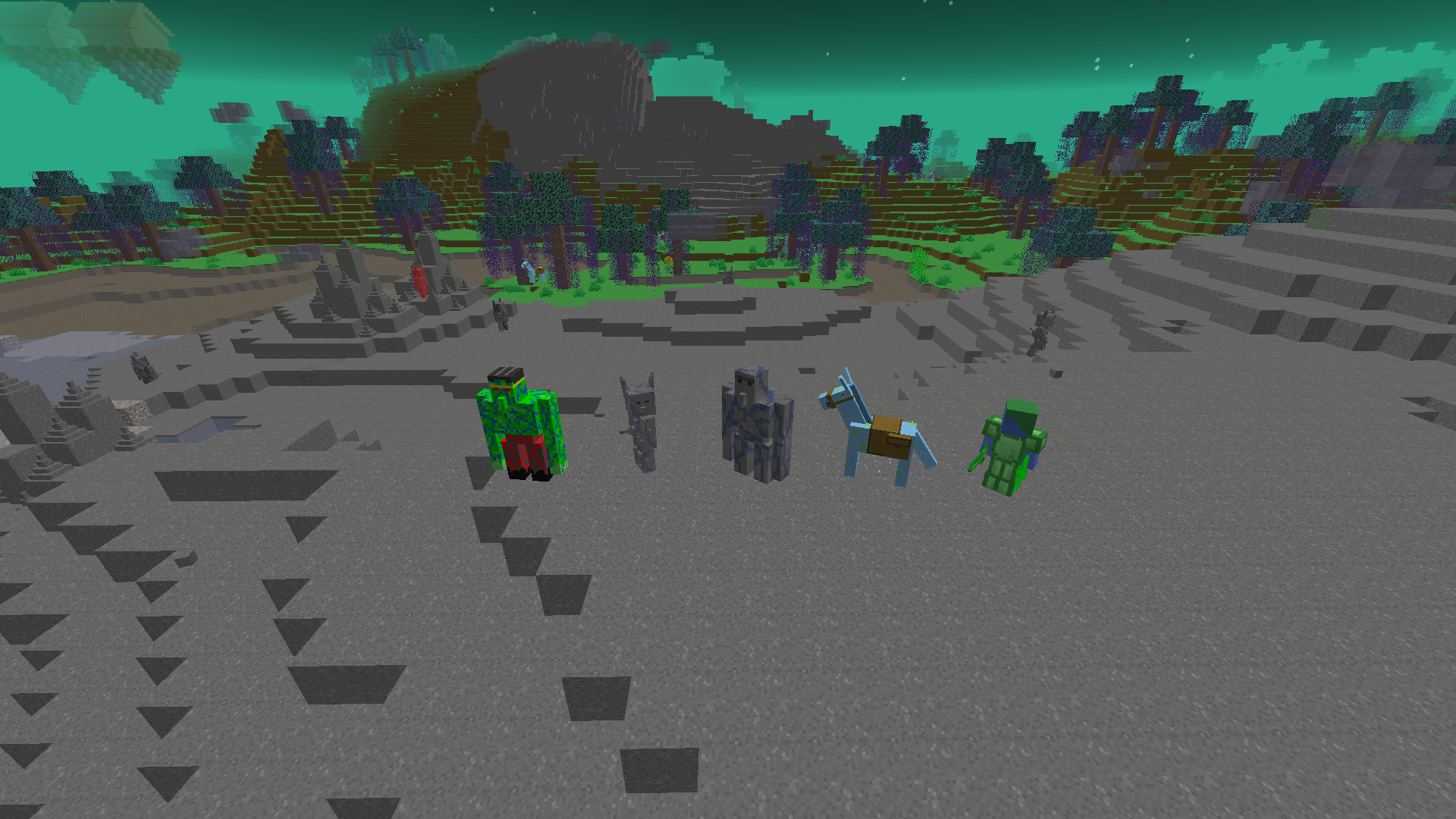
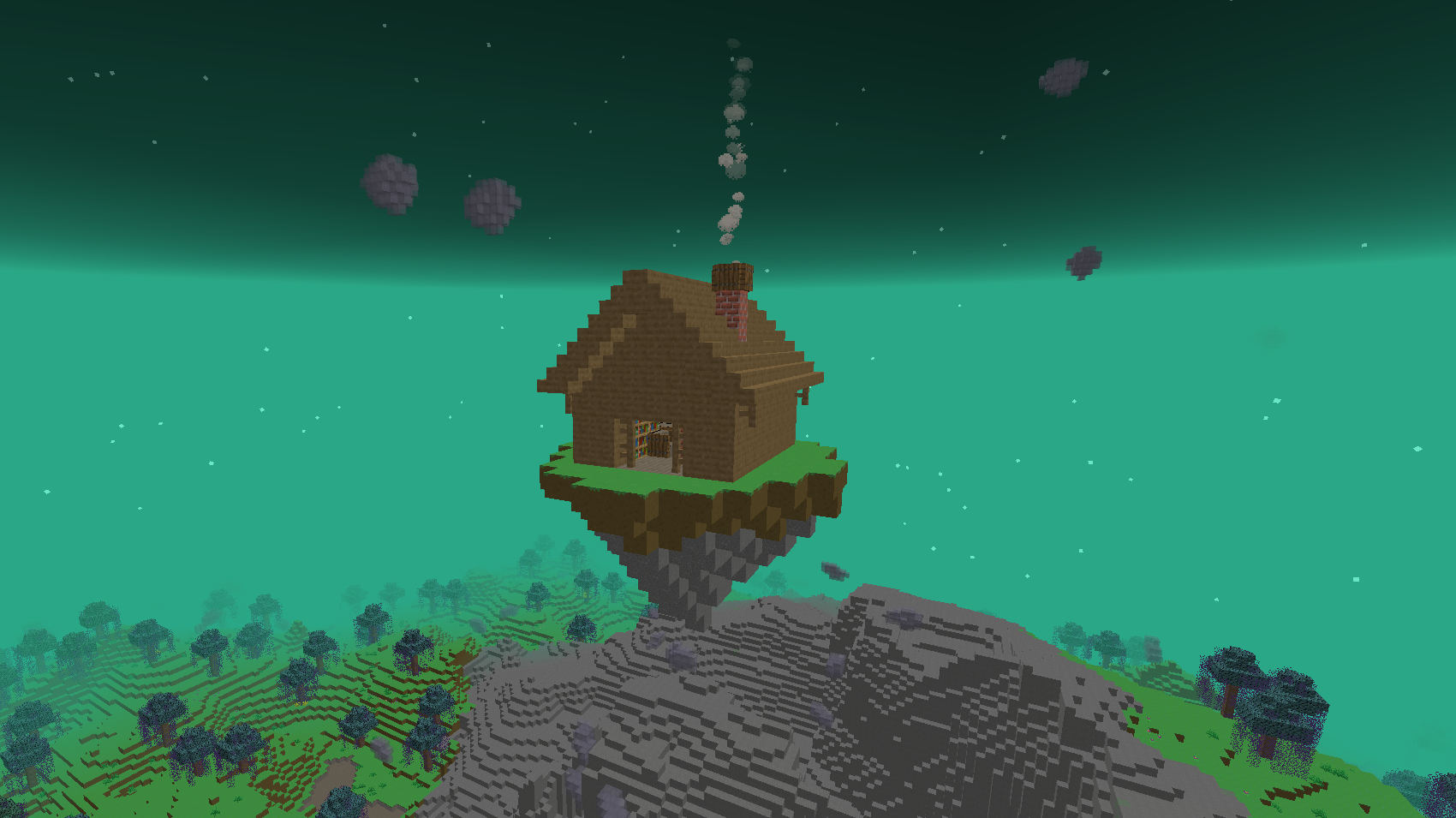
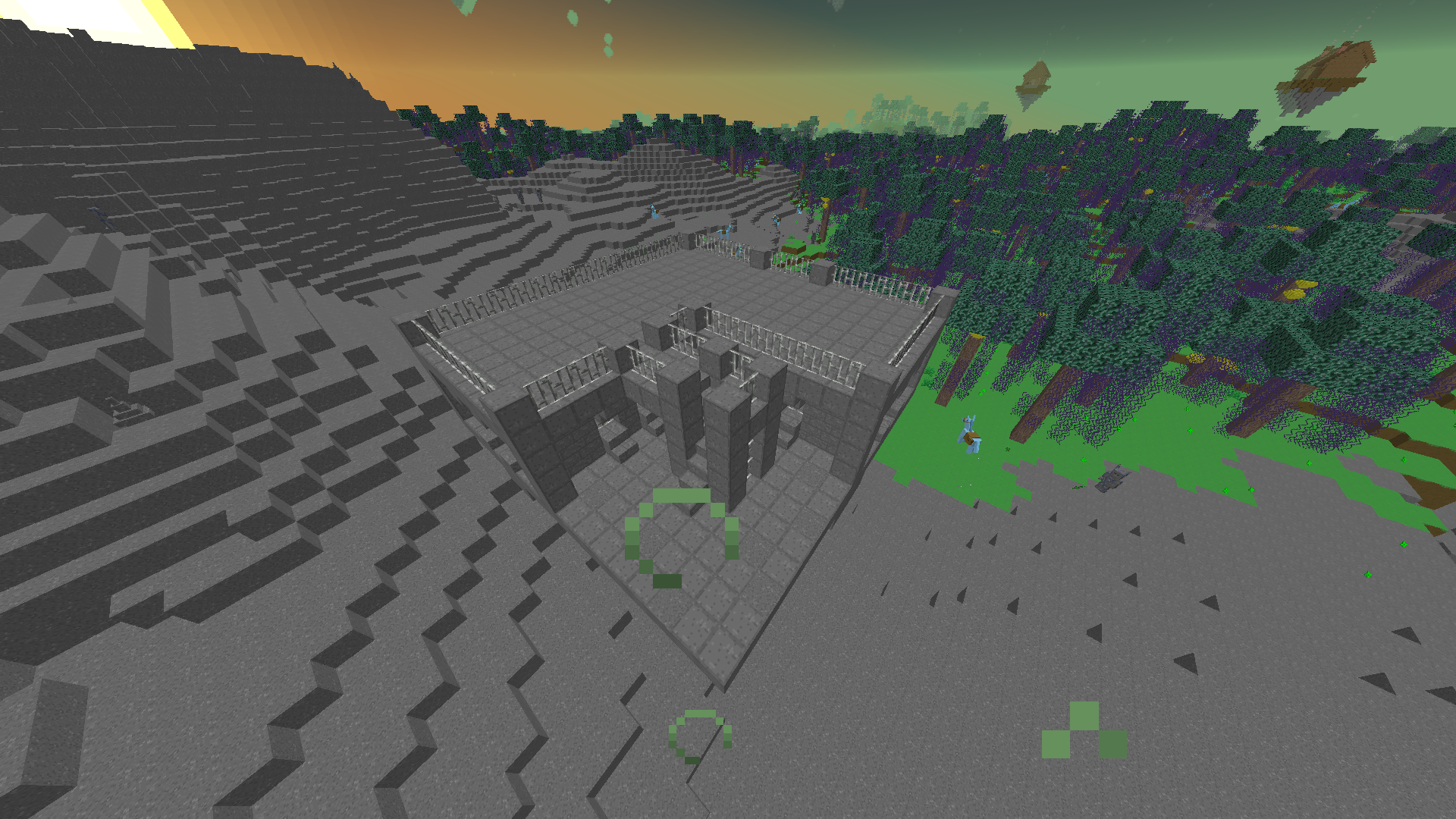


Powerstonetools is focused on it's tools, weapons and armor. You can get those in it's new dimension with it's new biomes, blocks, entites and structures.
In this mod you start with mining the new ore. It is named powerore and gives you powerstone. You can craft blocks out of powerstones. Combine them with enderpearls to get dastportalframes which are then used to build a portal to a new dimension (with the name dast). You can activate it with a dastportalstick which is crafted with a powerstone and a stick. In this dimension you can find three new biomes with forests, new building blocks, huts on flying islands, boss dungons, dastmen which have the ability to trade with you, dastdonkeys, other new living creatures and more. This dimension contains an other new ore: dragonsteel. With dragonsteel, powerstones and the different items you can get from the dast you are able to get all the different tools and stuff this mod has to offer.
Here's a little list of some of those tools and things:
-ghostarmor
-day and nigthchanger
-tnttools
-flyingorb
-tp orb
-inventory beacon
-switchtool
-stunorb
-speedorb
-dimensionstick(let you instant switch thoug dimension)
-different armor sets
-dragonsteel tools
-spawner pickaxe(break spawners and place them somewhere else)
Powerstonetools also has an ingame guide to everything in the mod if you want an good overview for everything missing in this description.
This modifikation was created using MCreator. Here's the link to the MCreator forum of this mod: https://mcreator.net/modification/68938/powerstonetools There you can find the older outdated verions of the mod.
- Edition: Minecraft Java
- File type: .jar
- Minecraft versions listed: 1.21.4, 1.21.1, 1.20.1
- How to install: Install the matching mod loader (Forge, Fabric or NeoForge) for your Minecraft version. → Download the .jar. → Put it in the .minecraft/mods folder and launch that loader profile.
- Where to get it: Opens on CurseForge — not every file is mirrored on our own servers.
Install steps are the general flow for this file type — How to install Minecraft Java mods & modpacks walks through it step by step.
- Ships as powerstonetools 1.0.4.jar — drop this file into the mods folder
- Download size: 13.6 MB
- Download link checked 24 Sept 2026 — working
These come from our own check of the pack file, not from the source page.