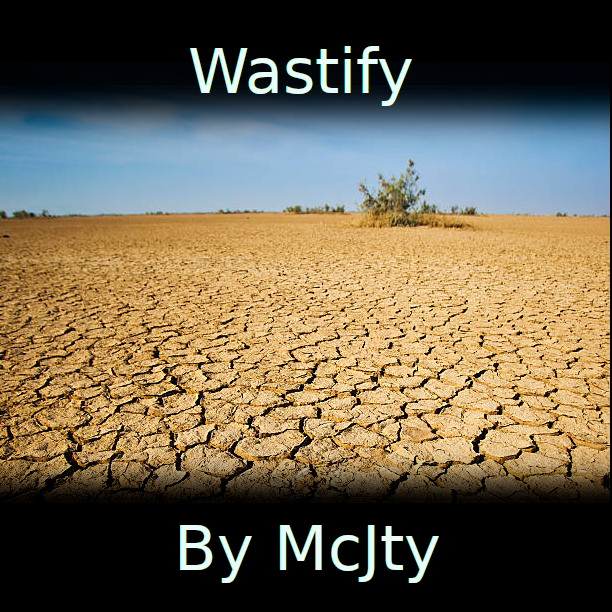
Wastify
Java mod listed for Minecraft 1.16–1.20. Downloads from the MC Java Mods app on Android.
I don't know my version or loader
With this mod you can alter worldgen. It allows you to replace biomes or blocks. Replacing blocks is expensive so be careful with that! In the configuration you can define a mapping between biomes and a mapping between blocks. The main purpose of this mod was to allow you to make a world look like a wasteland but it can also be used to get rid of biomes that you don't want. Or get rid of blocks you don't want in the world (like water).
1.16.5
To use this mod you first have to edit its configuration. By default this mod doesn't do anything. This mod is intended to be used with the default world type.
1.18.2 and 1.19.2
In this version there is a preconfigured overworld.json which will convert your landscape to desert. To override this you need to make a datapack with your custom overworld.json. More documentation will follow later
Here is an example of a world converted to a wasteland by this mod:

This mod is free to be used in any modpack. Let me know if you have issues. And warning! The block replacement feature really makes worldgen a lot slower. Use at your own risk!
- Edition: Minecraft Java
- File type: .jar
- Minecraft versions listed: 1.20.1, 1.19.3, 1.19.2
- How to install: Install the matching mod loader (Forge, Fabric or NeoForge) for your Minecraft version. → Download the .jar. → Put it in the .minecraft/mods folder and launch that loader profile.
- Where to get it: Opens on CurseForge — not every file is mirrored on our own servers.
Install steps are the general flow for this file type — How to install Minecraft Java mods & modpacks walks through it step by step.
- Ships as wastify-1.20-3.0.0.jar — drop this file into the mods folder
- Download size: 15 KB
- Download link checked 14 Oct 2026 — working
These come from our own check of the pack file, not from the source page.