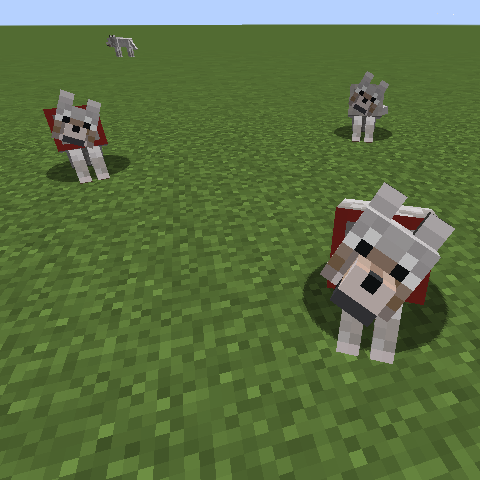
A simple mod that lets you configure what items are and aren't considered food for attracting/taming wolves.
Configuration (still configured under the old mod name, "extendedWolfFood.cfg"):
foodOredictsToAdd - list of ore dictionary names to be added as wolf food
specificFoodsToAdd - list of specific item names (modid:item_name) to be added
foodOredictsBlacklist - Within the ore dictionary names specified to be marked as wolf food, skip any items that are part of these ore dictionaries
specificFoodsBlacklist - Within the ore dictionaries names specified to be marked as wolf food, skip these items
foodOredictsToRemove - Remove items with this ore dictionary from being wolf food
specificFoodsToRemove - Remove these specific items from being wolf food
Removals are applied before adding, so if you want to remove all but one item from an ore dictionary, you would remove the whole ore dictionary, and add the one specific food.
The default configuration makes all of the Pam's Harvestcraft raw and cooked meats wolf food.
Feel free to include this mod in any modpack!
- Edition: Minecraft Java
- File type: .jar
- How to install: Install the matching mod loader (Forge, Fabric or NeoForge) for your Minecraft version. → Download the .jar. → Put it in the .minecraft/mods folder and launch that loader profile.
- Where to get it: Opens on CurseForge — not every file is mirrored on our own servers.
Install steps are the general flow for this file type — How to install Minecraft Java mods & modpacks walks through it step by step.
- Ships as table_scraps-1.12.2-1.0.jar — drop this file into the mods folder
- Download size: 10 KB
- Download link checked 24 Sept 2026 — working
These come from our own check of the pack file, not from the source page.