VFX Generator
Java mod listed for Minecraft 1.16–1.20. Downloads from the MC Java Mods app on Android.
I don't know my version or loader
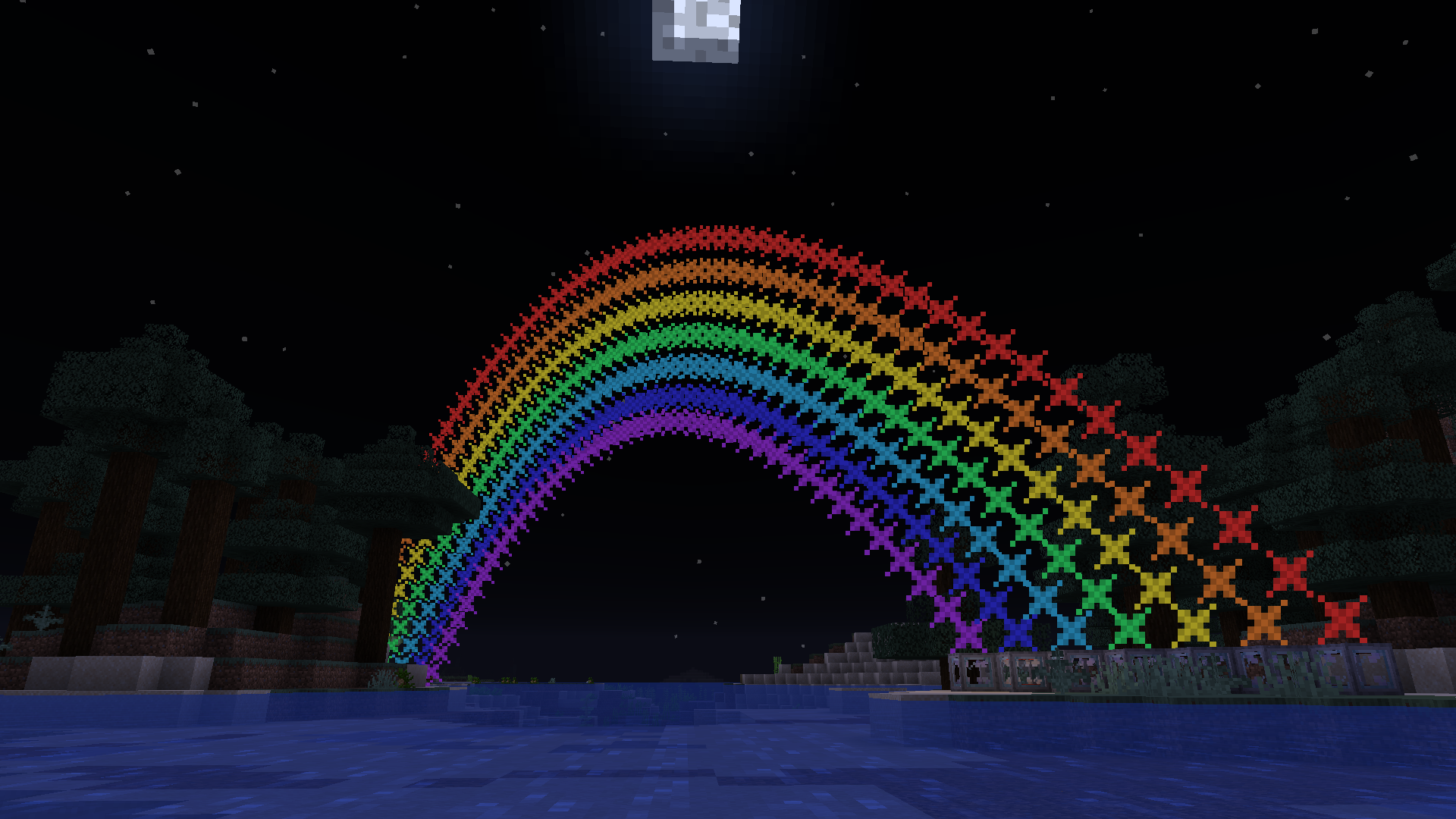
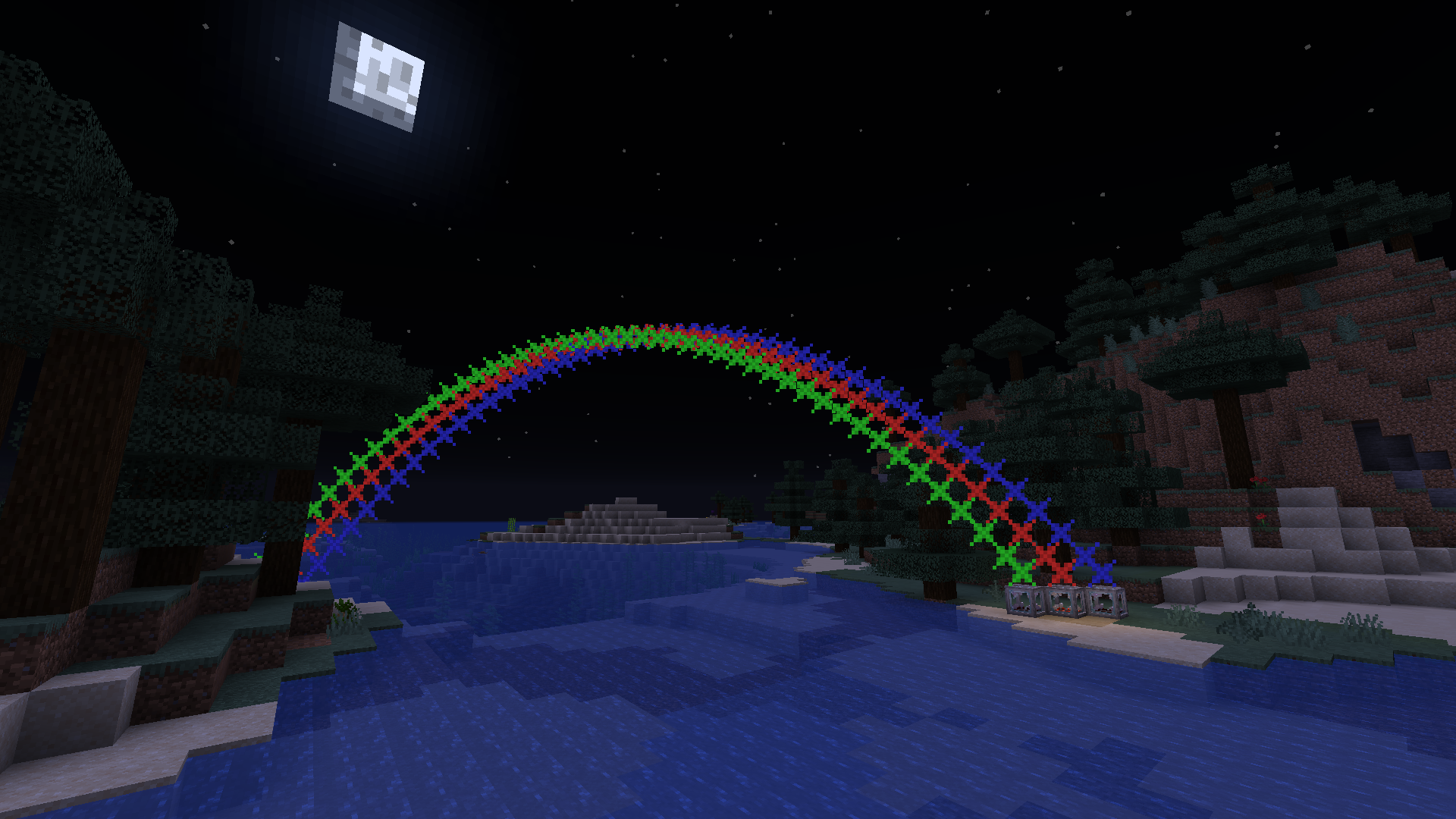
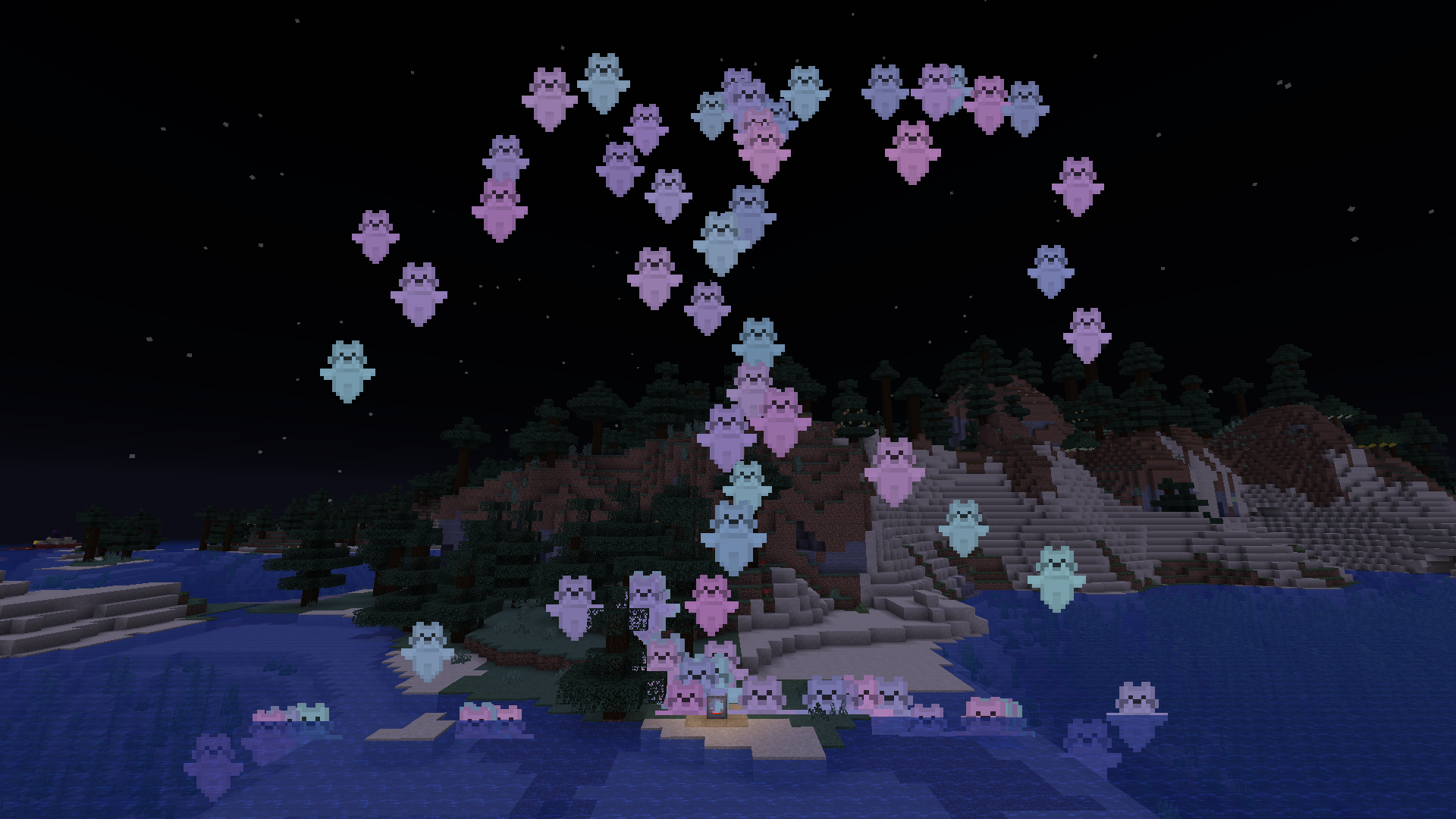
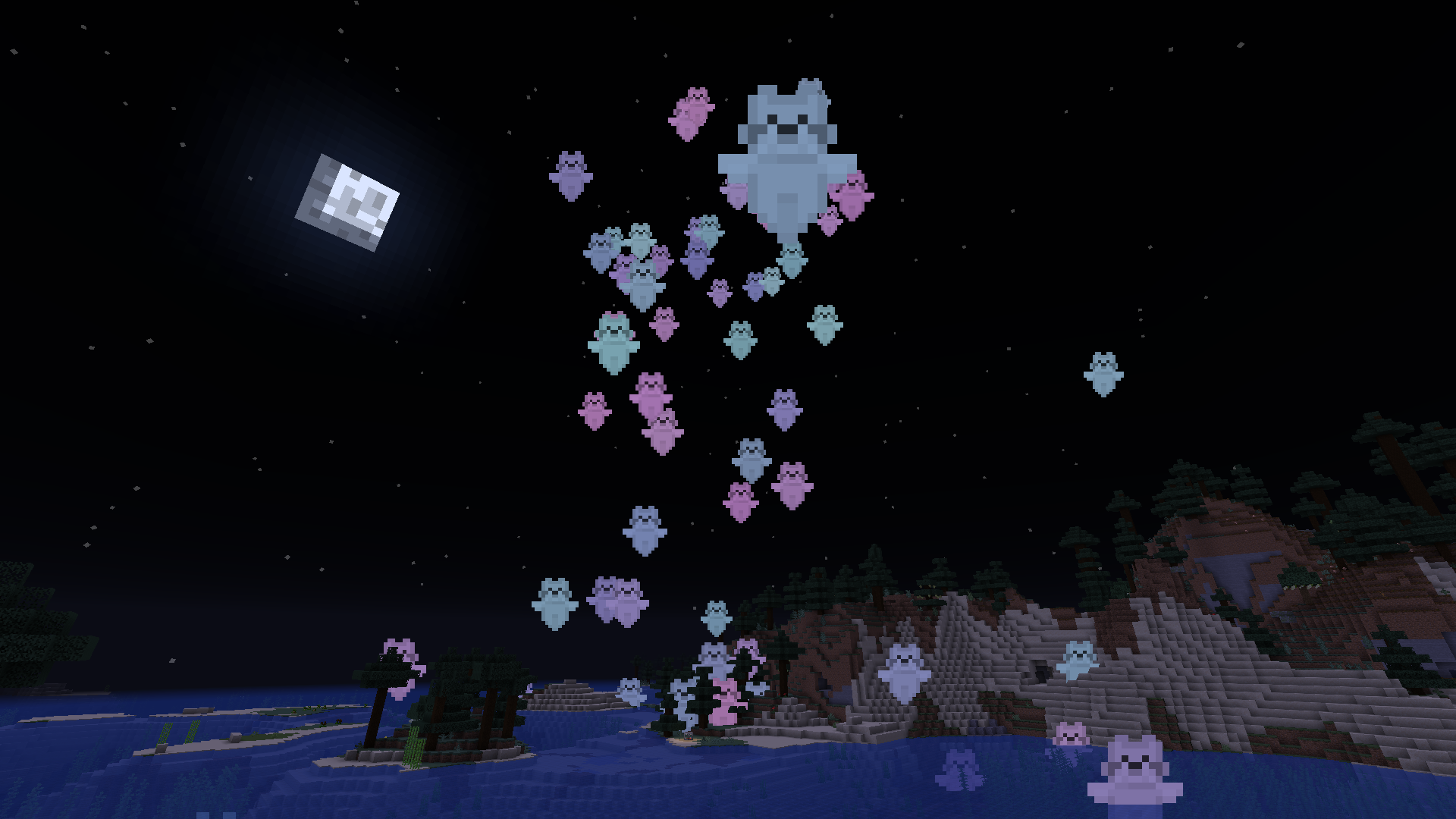
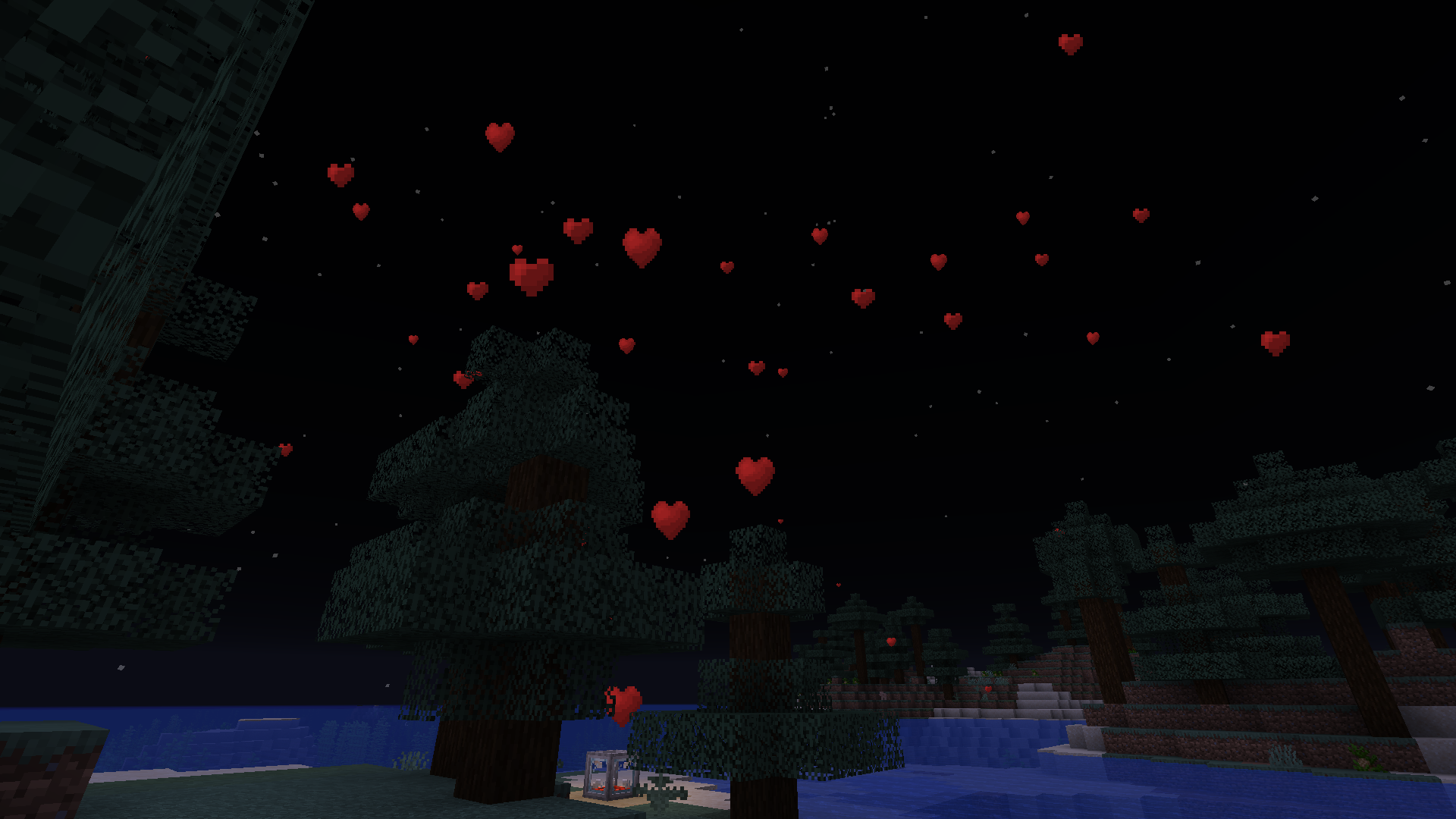
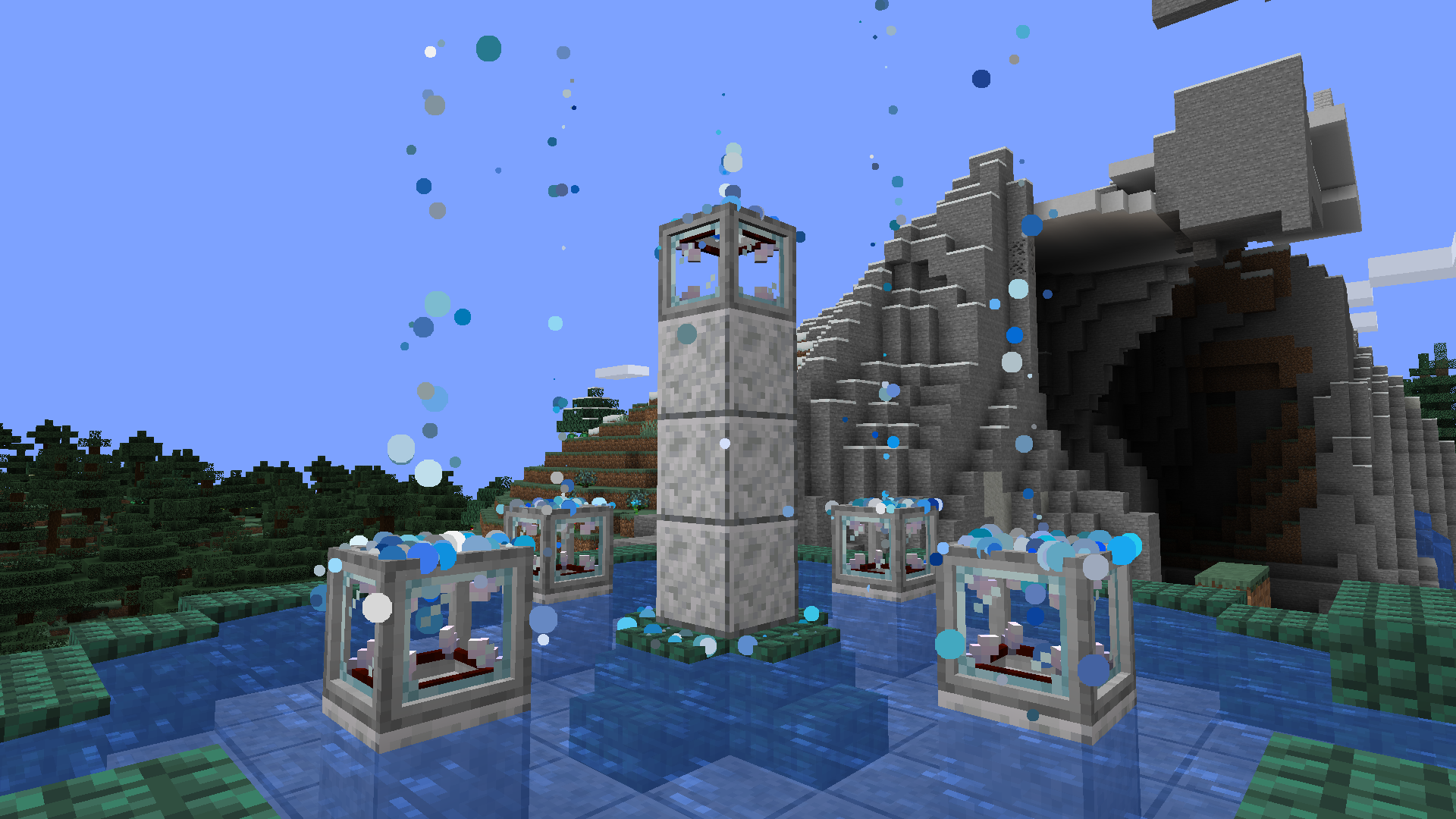
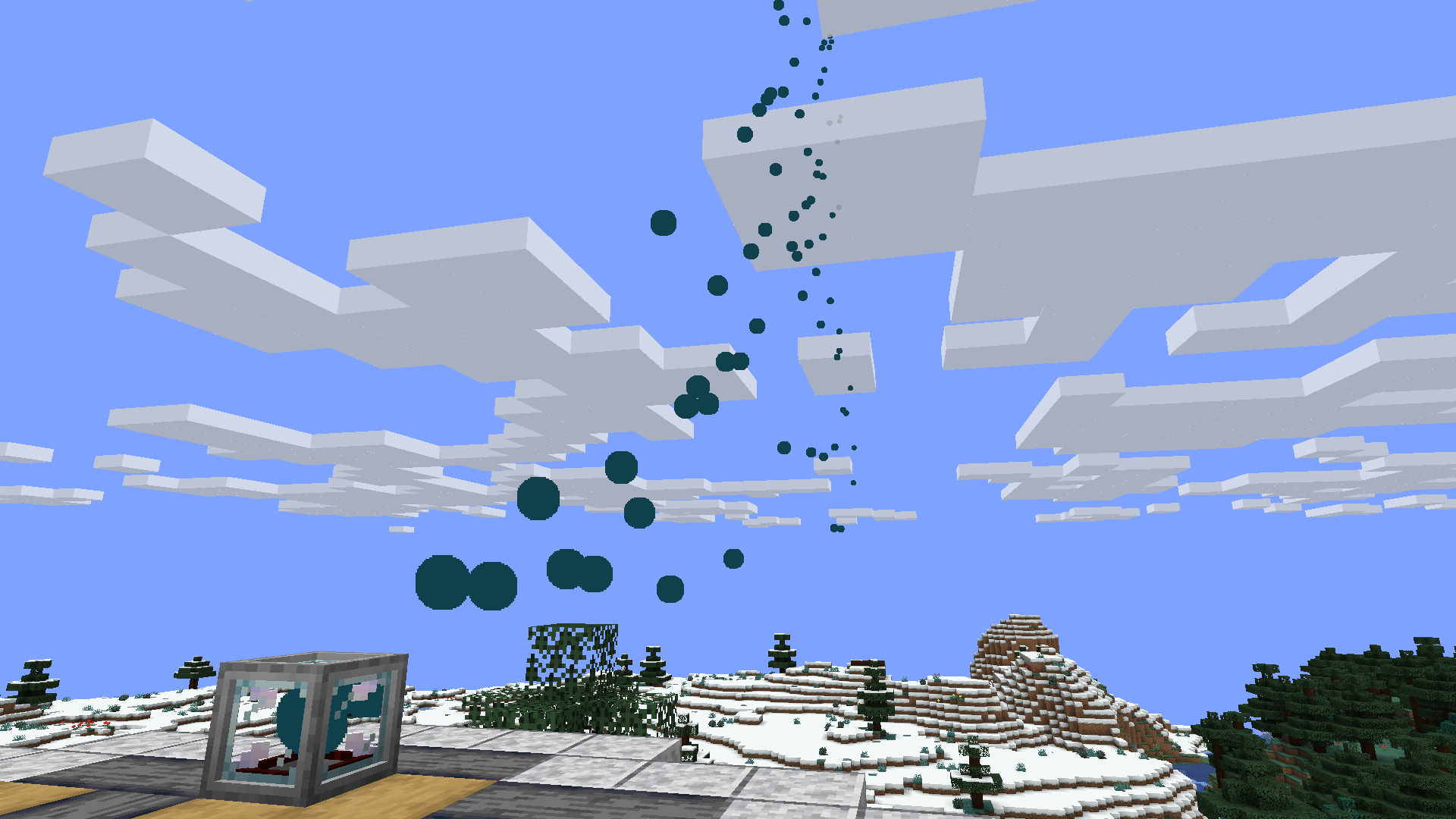

Want to build a menacing-looking volcano without running the risk of burning all your surroundings, including yourself? Want to build a confetti cannon but don't have any confetti lying around? Do have some spare end rods, redstone blocks, stone and some glass though? Well, just craft yourself the new VFX Generator!
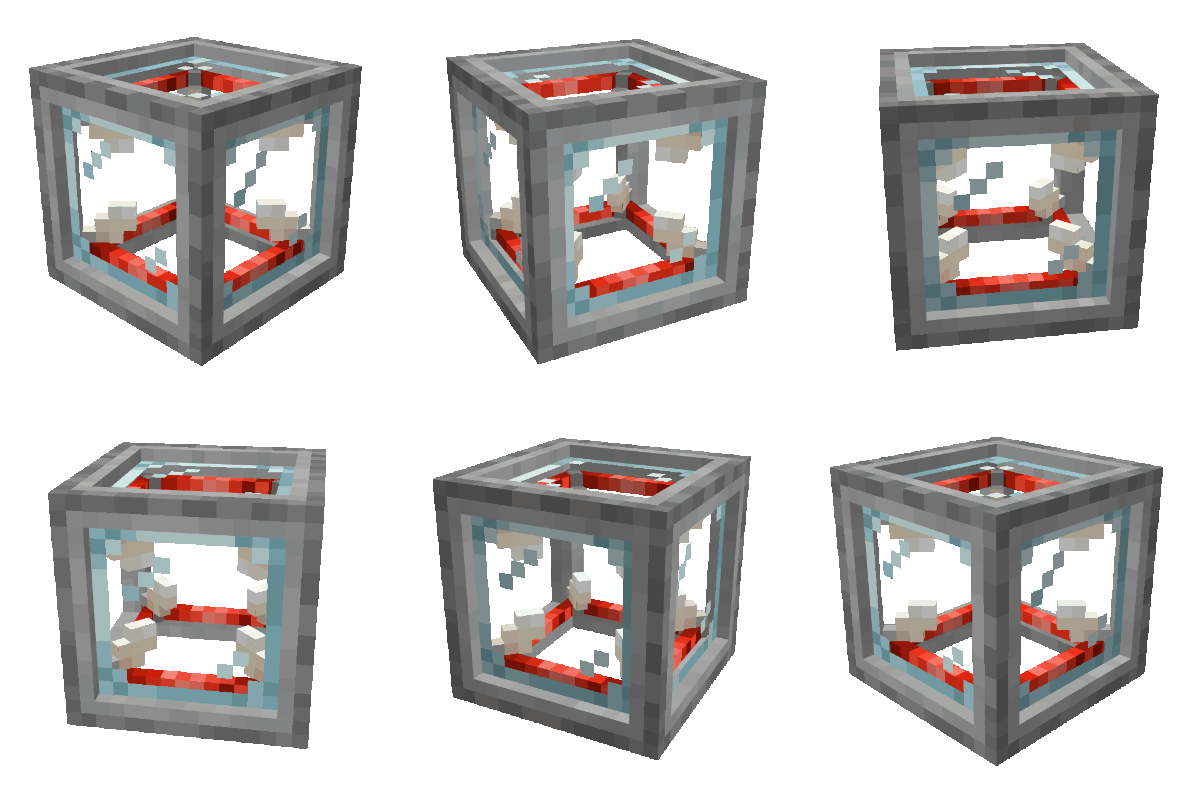
This mod adds a new block, the Visual Effects Generator

This block enables you to generate an array of visual effects using it's GUI, which the block then generates in a customizable area around it in the world.
Currently, you can only generate particles, but more effects are planned. You can also only choose from a few predefined shapes/textures, however we are also planning to add a way to add your own textures to enable you to create any particle or visual effect you want in the future.
You now have the ability to add your own particles! For a tutorial on how to do this, please take a look in the wiki before asking a question.
If you are stuck somewhere or don't understand something in the wiki, please feel free to complain about it (in a constructive manner!).
----------------------------------------------------------------------------------------------------------------------------------------------------------
Want to know exactly how to craft the thing? Look here:
For the core of the generator, you need: 4x Redstone Block | 4x End Rod | 1x Glass Block

For the generator block itself you need the Generator Core you just crafted + 4x Smooth Stone blocks

Want to know what the GUI of the VFX Generator looks like and what options you (currently) have? Look here:


Need a little inspiration? Look here or in the "Images"-Tab:
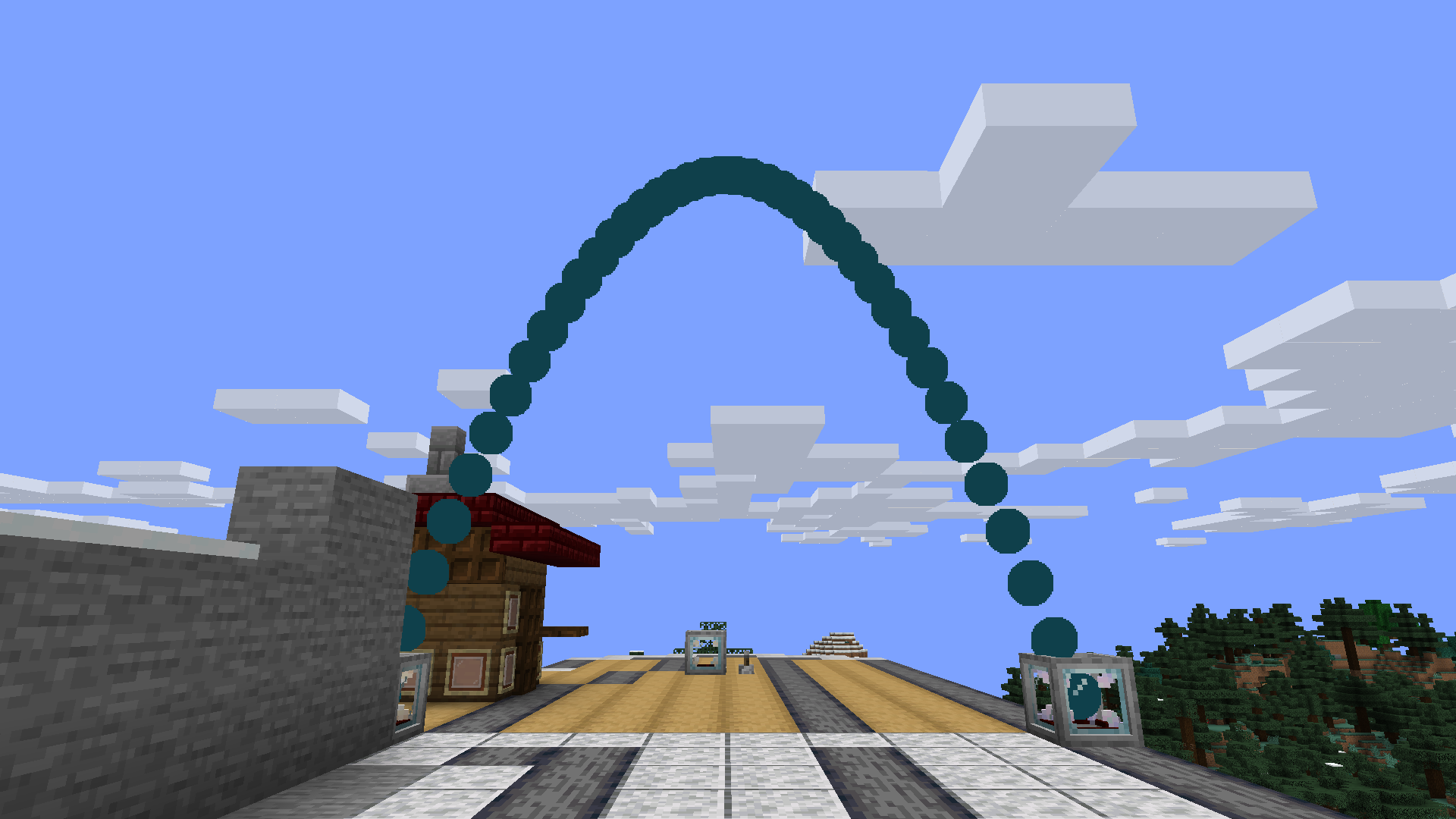
This is an example of a simple effect, combining the VFX Generator with the Target block:
If you hit the target, you get confetti, hoorrayy.
This is how the volcano (which you can see in the "Images" tab) looks under the stony facade, if you wondered. Spider approves:

----------------------------------------------------------------------------------------------------------------------------------------------------------
If you like our mods and want to support us a little, consider clicking the donation button on the right and leaving some euros/dollars/whatever your currency is!
(Note: what you can currently do with the generator is not too much, but we will eventually add many more features and options! Please have patience with us however, as we are both studying full time and as such unfortunately hardly have enough time to craft regular updates filled with new content. Thanks for your understanding!)
If you have any questions or suggestions, please open an issue on the GitHub!
We will most likely not read the comments here on CurseForge very frequently, so if you want to be heard, go pay the GitHub a visit, thank you!
- Edition: Minecraft Java
- File type: .jar
- Minecraft versions listed: 1.20.1, 1.20, 1.19.4
- How to install: Install the matching mod loader (Forge, Fabric or NeoForge) for your Minecraft version. → Download the .jar. → Put it in the .minecraft/mods folder and launch that loader profile.
- Where to get it: Opens on CurseForge — not every file is mirrored on our own servers.
Install steps are the general flow for this file type — How to install Minecraft Java mods & modpacks walks through it step by step.
- Ships as VFX Generator-1.20.1-1.2.0.1.jar — drop this file into the mods folder
- Download size: 239 KB
- Download link checked 14 Oct 2026 — working
These come from our own check of the pack file, not from the source page.