FpoMod
I don't know my version or loader
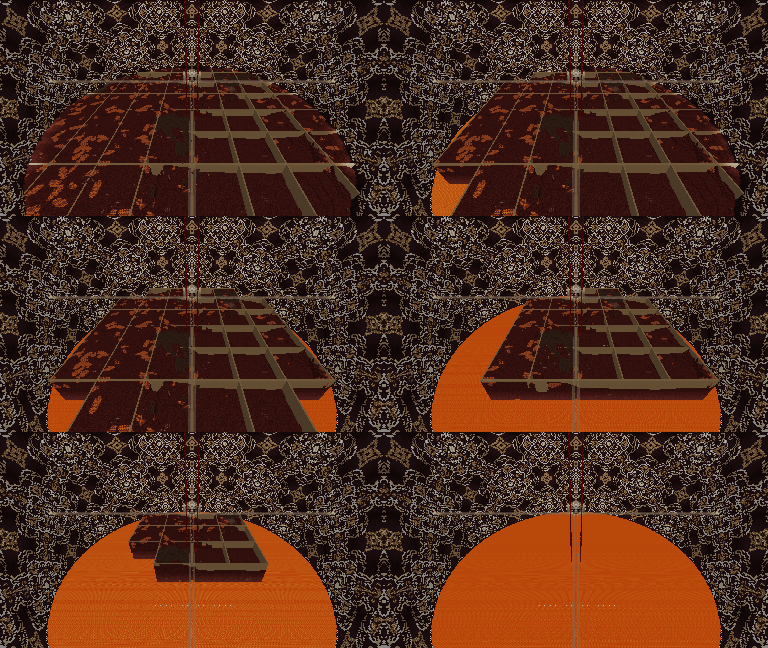
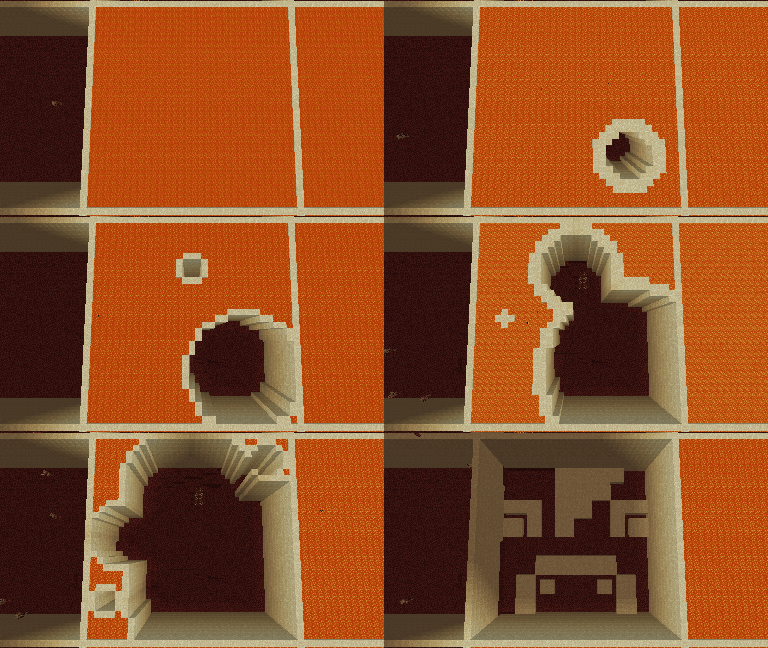
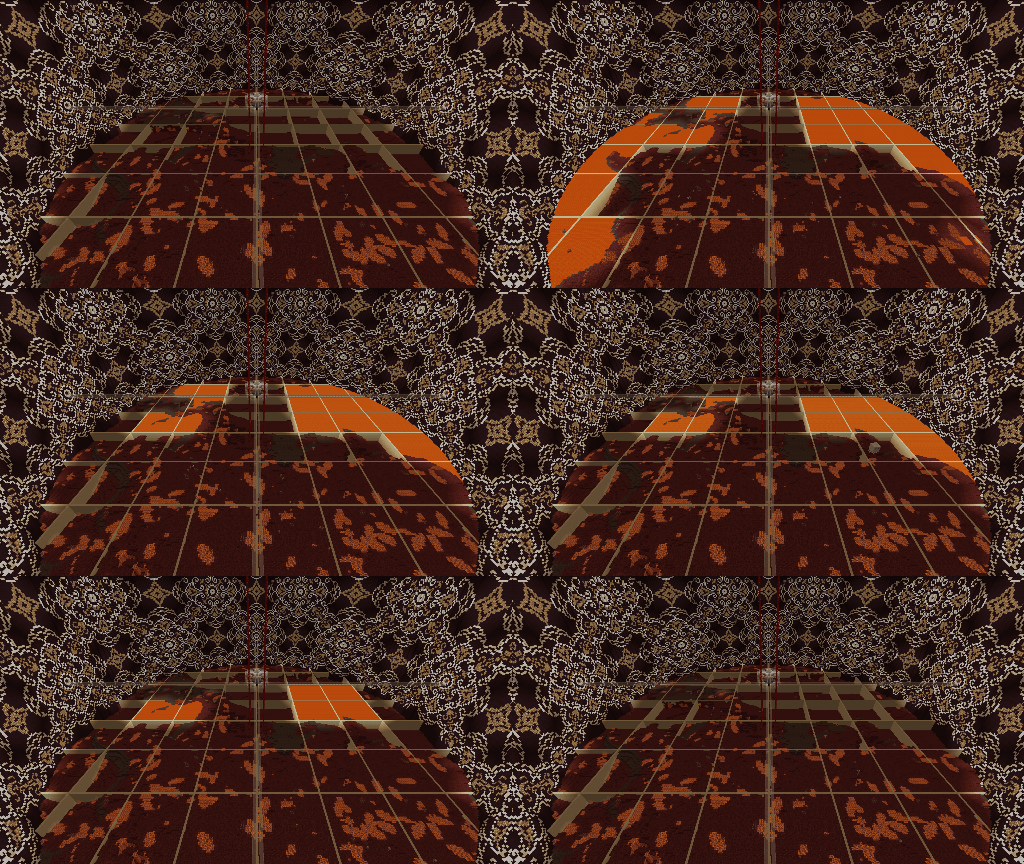
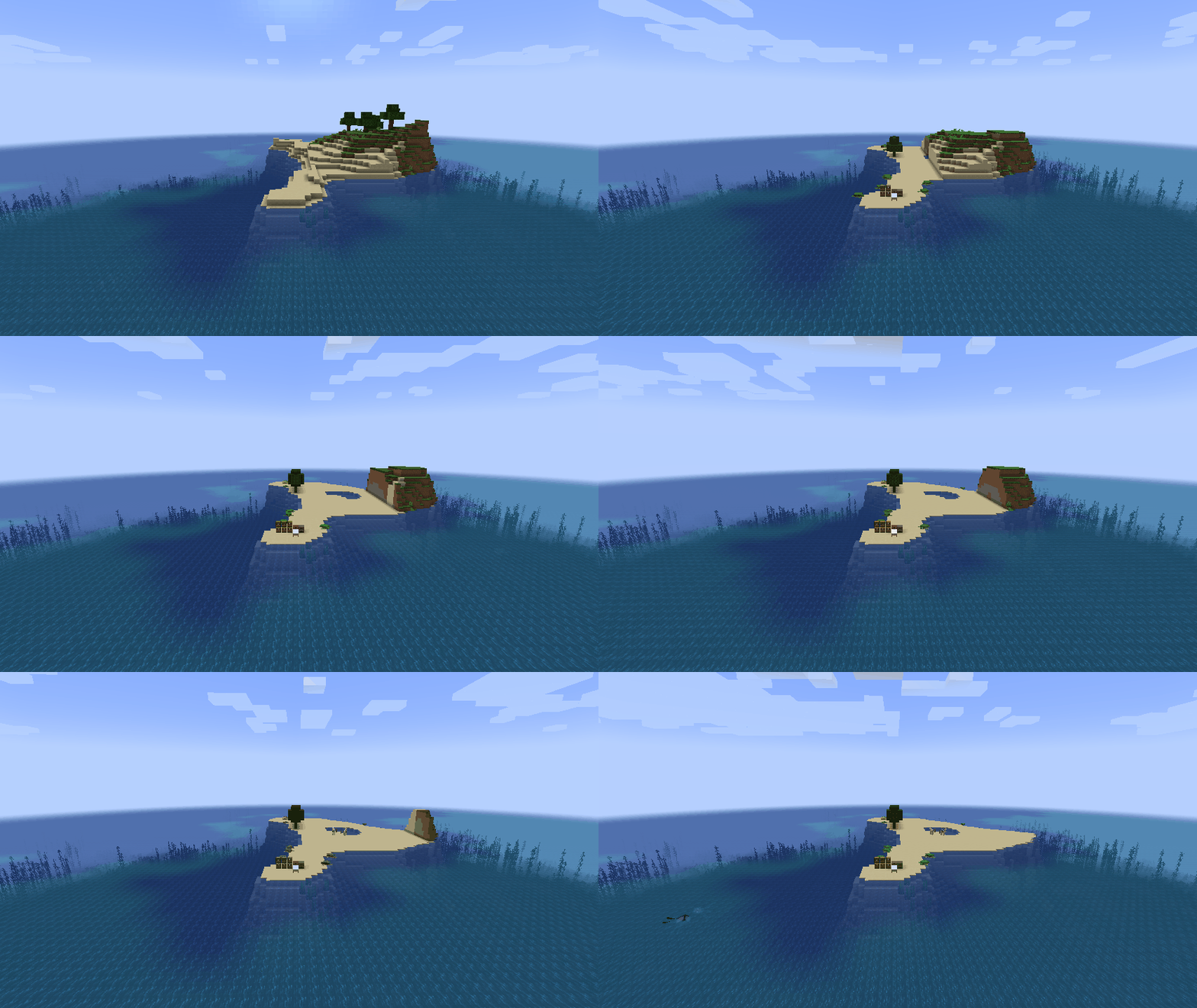
This is Fixed Perspective Observation Mod.
This mod helps with screenshots of leveling and building.
HOW TO USE
- Set Perspective : Sprint + Hotbar (Default: [Left Ctrl] + [1~9])
- Enabled FPO : List Players + Hotbar (Default: [Tab] + [1~9])
- Disabled FPO : Sprint + List Players (Default: [Left Ctrl] + [Tab])
NOTE
- The world will not be render if the player and FPO are too far apart.
- The act of setting/breaking block isn't work while FPO is selected.
- The act of attacking entity isn't work while FPO is selected.
- If the player move while FPO is selected, it will be returned to the previous position after FPO disabled.
/* END */
- Edition: Minecraft Java
- File type: .jar
- Minecraft versions listed: 1.20.4, 1.19.2, 1.19.1
- How to install: Install the matching mod loader (Forge, Fabric or NeoForge) for your Minecraft version. → Download the .jar. → Put it in the .minecraft/mods folder and launch that loader profile.
- Where to get it: Opens on CurseForge — not every file is mirrored on our own servers.
Install steps are the general flow for this file type — How to install Minecraft Java mods & modpacks walks through it step by step.
- Ships as FpoMod-0.0.2.jar — drop this file into the mods folder
- Download size: 14 KB
- Download link checked 24 Sept 2026 — working
These come from our own check of the pack file, not from the source page.