
Rotten Economy
Minecraft Java modpack. Downloads from the MC Java Mods app on Android.
Epic Fight all the things! Scape and Run Parasites integrated Deep Mob Learning. Tech guns working with Nuclearcraft Radiation! So much more!
⬇ Download on CurseForge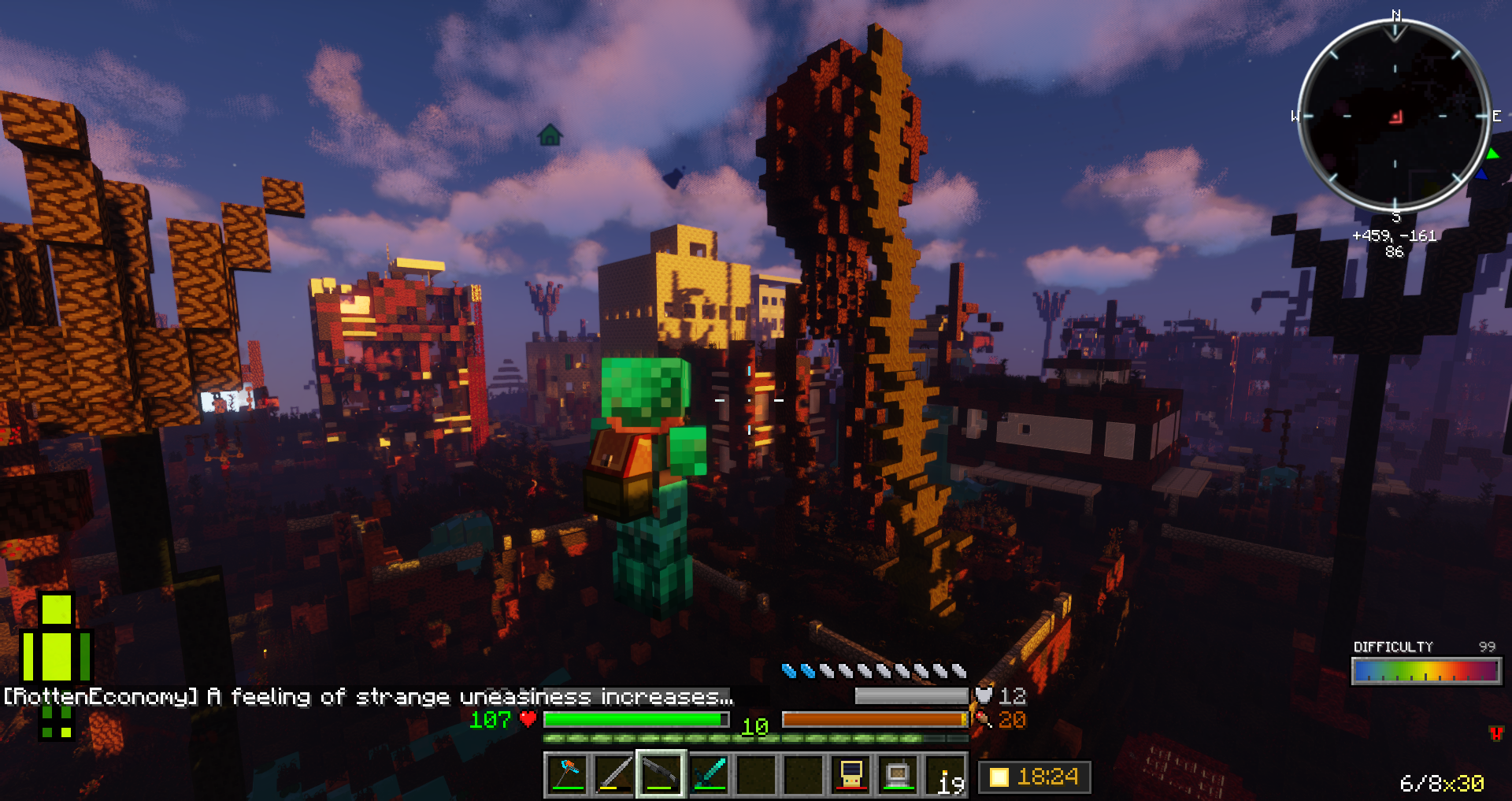
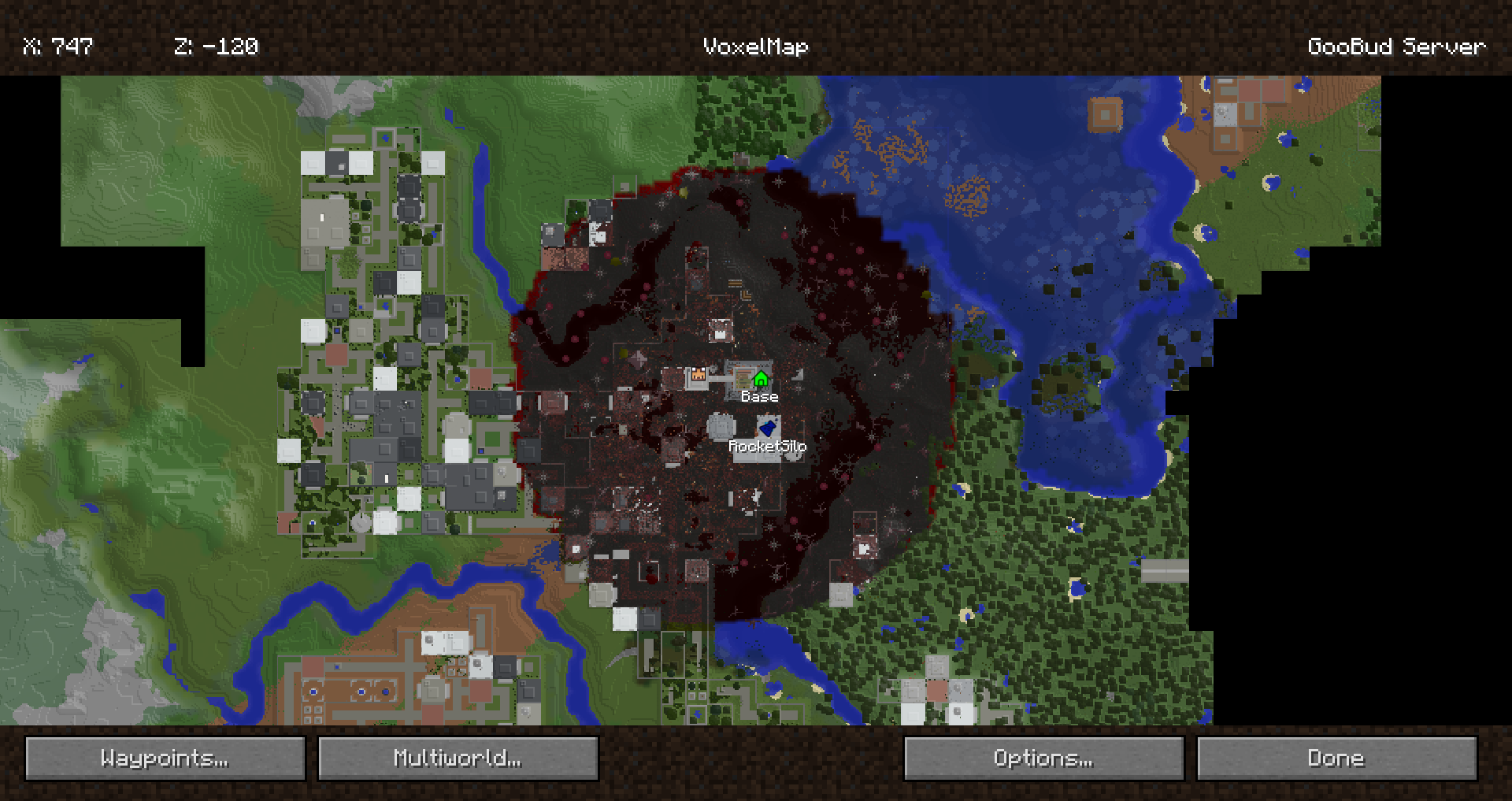
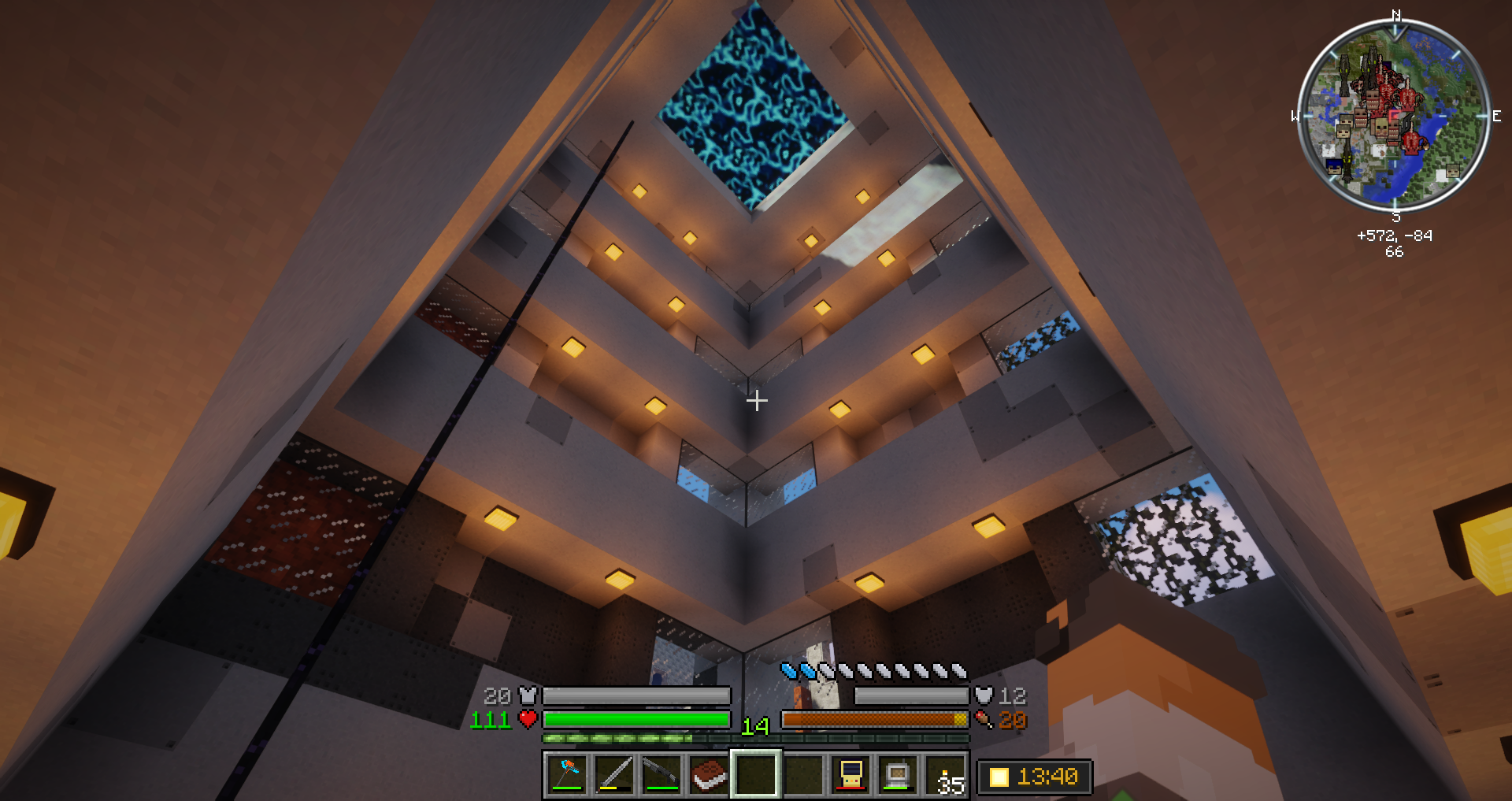
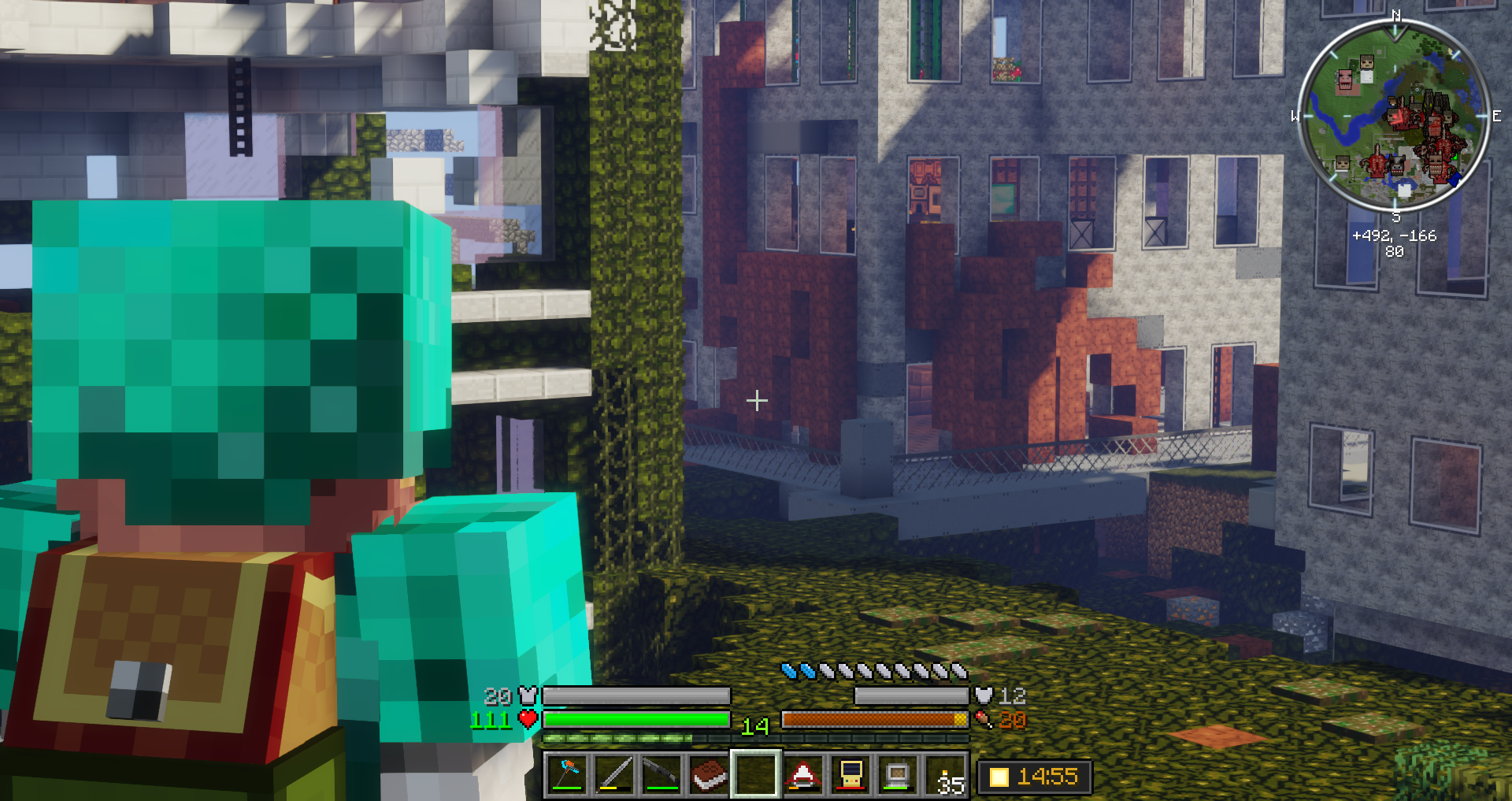
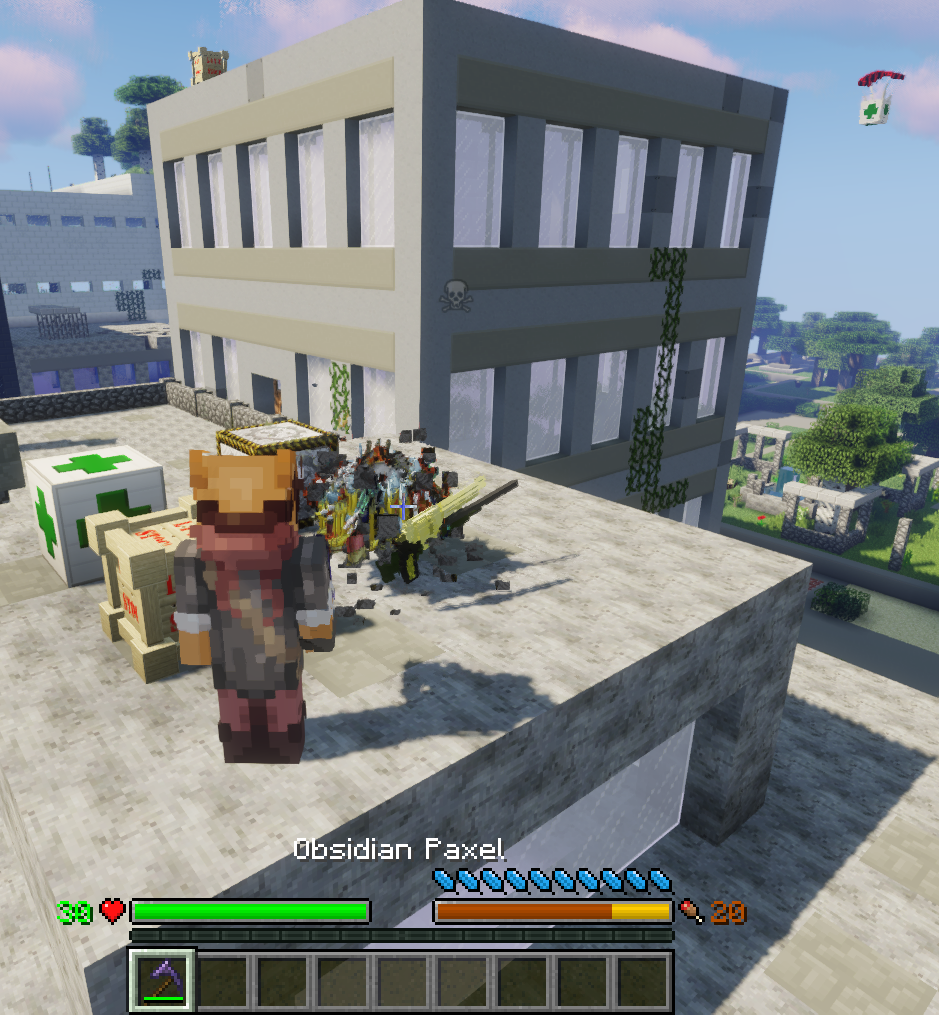
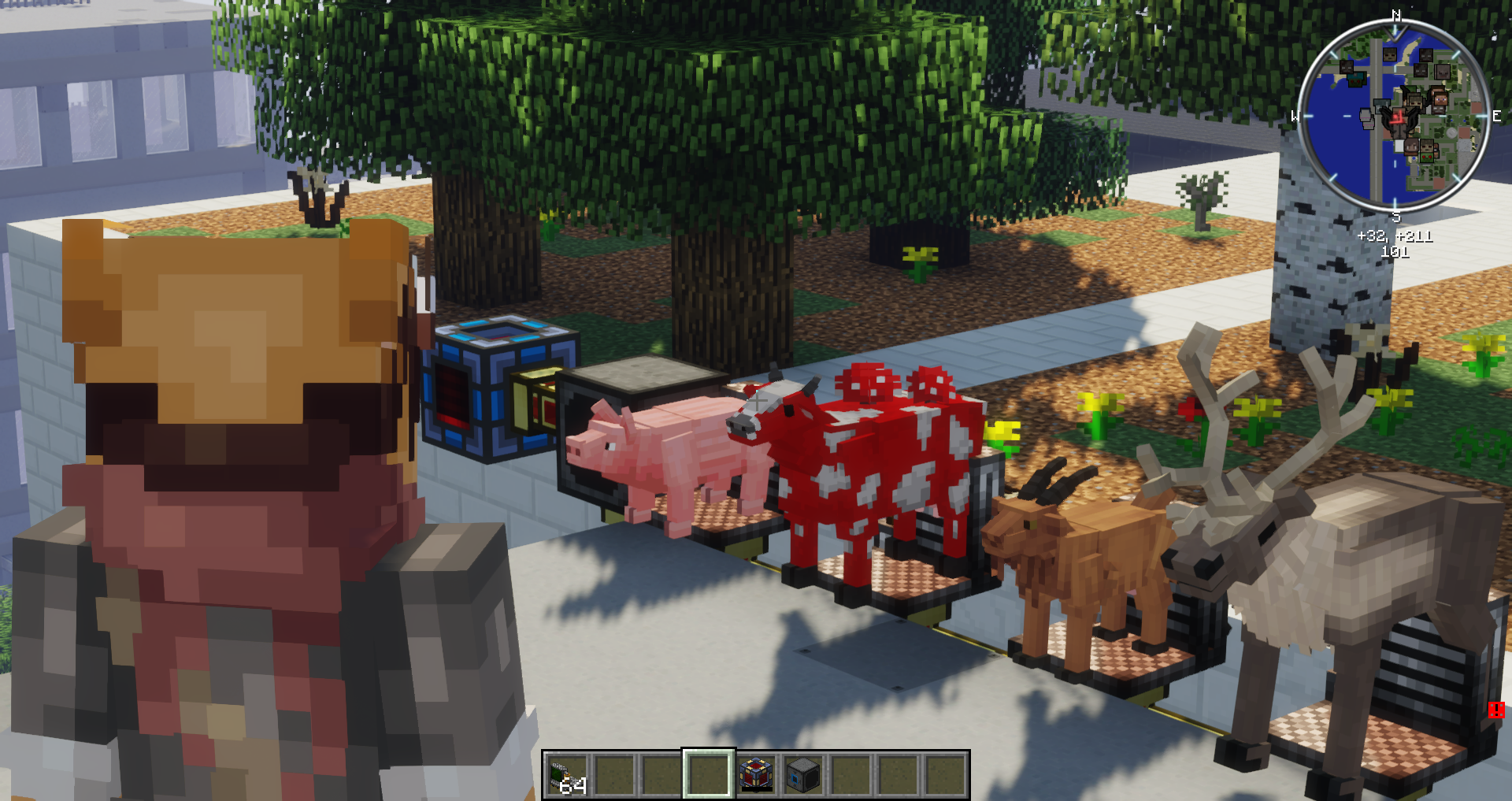
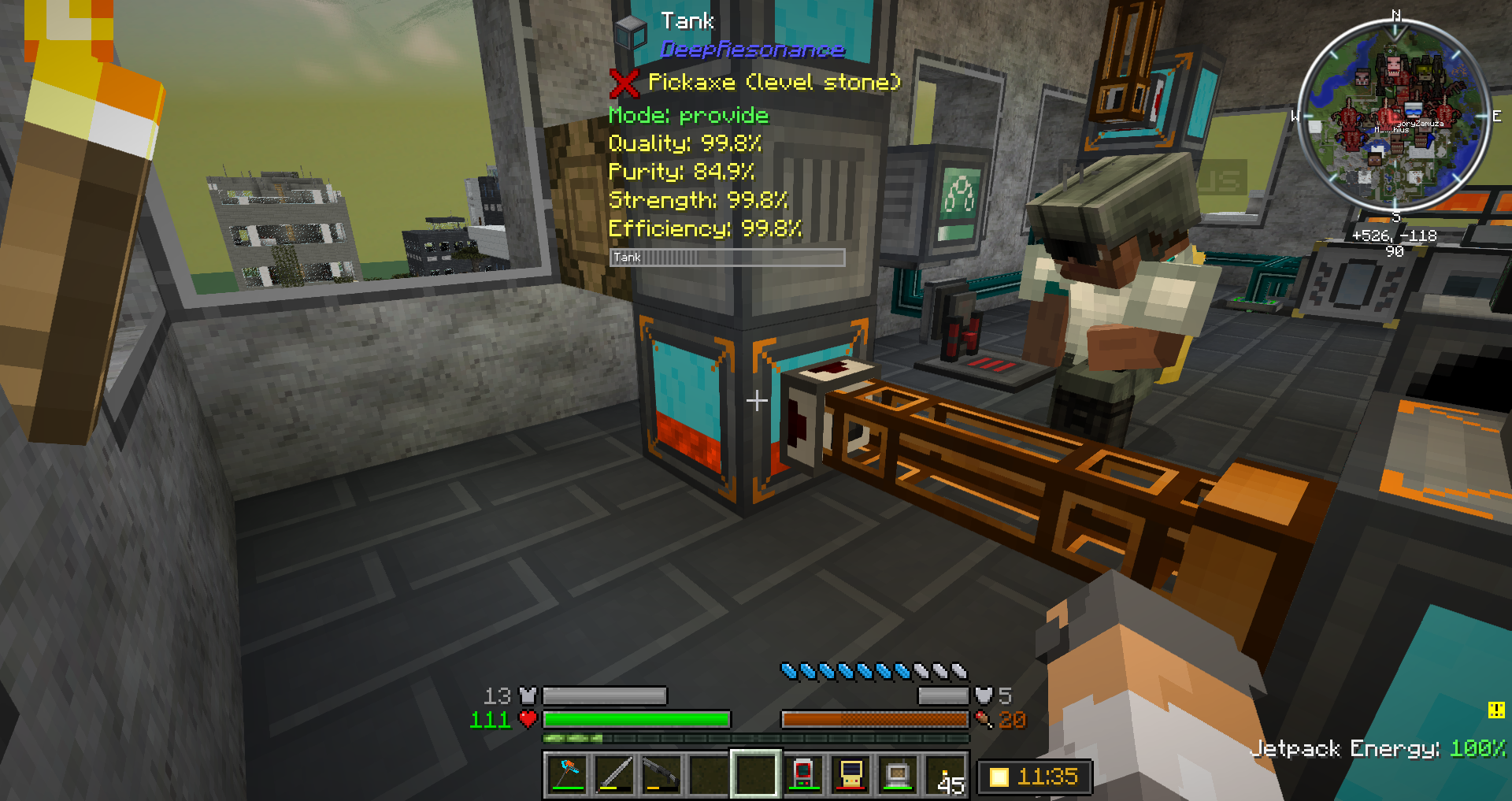
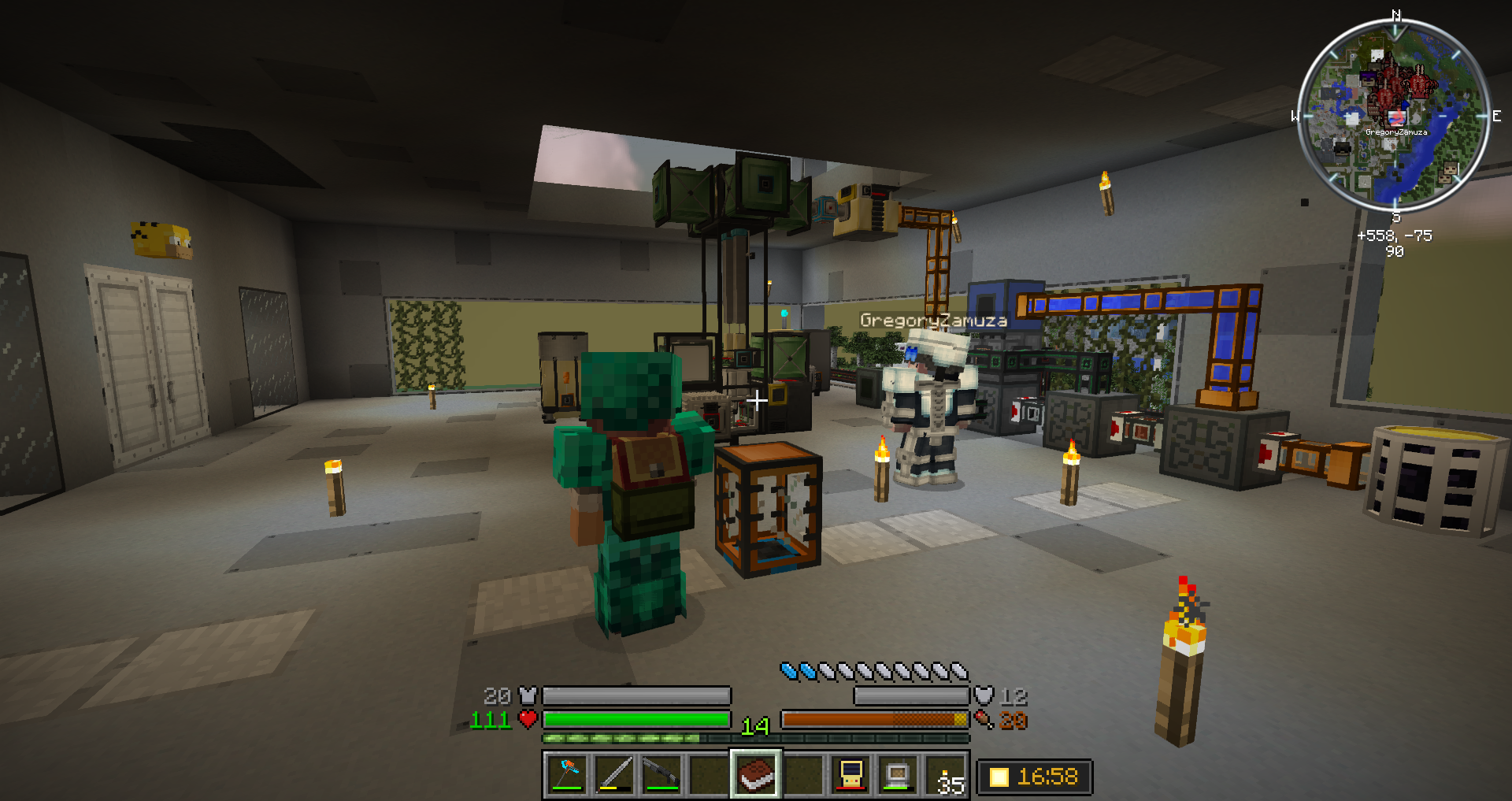
Rotten Economy
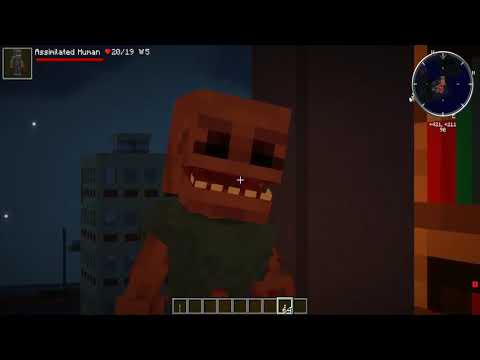
Open video link below in new tab to watch Official Trailer v0.92!
Features
- Original FTB Quests and Rewards Shop to guide you through custom content
- Unique resource generation mechanics to keep your storage system full of ores
- Epic Fight fully configured for all weapons and armor
- Tech Guns integrated with NuclearCraft:Overhauled Radiation system
- Scape and Run parasites custom integrated with Deep Mob Learning
- Genetics Reborn custom integrated with Scape and Run Parasites
- Matter Overdrive custom structures and Player Androids with
respirocytesskill can breathe in space! - Fart Generator custom integrated with Better Animals Plus including special nausea effect
- Air Support loot crates contain tons of items and mobs per crate thanks to CraftTweaker
- Scavenge Lost Cities buildings to find useful machines and Resonating Crystals
- Vanilla Zombies, Husks, and many Parasites can grief most types of blocks
- 200% damage head-shots work with Spartan throwing weapons and all bows and guns
- Modpack exclusive content like Scrapper Tool, Anti-Parasite Bug Bomb, and more!
- BONUS explosion drops on Cyberware/ReWIRED guarantee all 50+ Scavenged parts
- Cyborgs, androids, clones, nukes, rockets and so much more!
- Pizza Sandwiches
Story
The cataclysmic combination of self-inflicted environmental devastation and a global zombie pandemic prompted complete economic collapse! In a world where stonks went to zero and the earth's slowing orbit led to longer days than nights, can you survive and find your way in this Rotten Economy?!
The wealthy elite escaped to their martian utopian bunker leaving the rest of us behind on this shattered earth. Work together with your few remaining friends to launch into orbit and remind those egomaniacs that we're all in this together!!!
Build or take over an existing zombie proof base, search destroyed urban areas for loot, equip yourself, skill up, improve your defenses, multiple tiers of rotten flesh for resource generation, become a cyborg, android or clone; finally craft high tech machines and rocket ships to explore the moon and fly across the solar system to lay siege on Mars!
But be warned, server-wide difficulty increases nightly per player health and expect extra challenges during each full moon!
Client Installation
- Do NOT update Tech Guns or other mods for now! (newest mods may conflicts YMMV).
- 6-8GB RAM recommended for client and server
- Defaults turn off fog, clouds and auto-jump.
- Defaults Dynamic Lighting to FANCY but at least use FAST.
- If your potato can handle it, turn up render distance a bit to 10 or 12.
NOTE if you are connected to the internet on modpack start, it will automatically download
OptiFine1.12.2HD_UG6pre1.jar
into your instances/Rotten Economy/mods/ folder and confirm the files
have valid hashes. So make sure you do not have other versions of
Optifine in the mods folder already when updating the pack!
Default Client Controls
Most of these can be reconfigured in the controls menu or in client .cfg files.
First Aid
h- check body part health (first time shows fake tutorial data)
Tech Guns
(be sure to check out the new tab with bullets icon in inventory)
rforce reload gunntoggle night vision goggles
Epic Fight
(backtick/grave)toggle mining mode / battle stanceLSHIFTrolling dodge (only after reading skillbook)Left Clicktap to base attack, long press with full meter to special attack
Elenai Dodge 2
double tap a,s,dto dodge
Wall Jump
Left Shifthold to cling to wall and release to wall jump
Shoulder Surfing
vtoggle 1st person and enhanced 3rd person view with adaptive crosshairsotoggle between left or right shoulder camera perspective
Ping
Middle Clickopen ping menu to notify friends of John Cena cree—oooh its too late…
Grave Keeper
Right Clickretrieve your grave (don't try to break it)
Player Revive
Right Clickhold 5 seconds to revive downed friend- (except for death by Radiation Poisioning, Space Vacuum, or becoming Android death)
Improved Backpacks
bOpen Backpack
Advancements
lopen progress log
FTB Quests and Teams
;open team quests and shop menu (or use FTB Quest Book)
OptiFine
czoom in
Voxel Map
=cycle zoom levelmopen big map
Lag Goggles
insertopen profiler menu
JEI
usee what item under mouse pointer can be used to craftaadd item under mouse pointer into recipe bookmarksMouse Button 4go back to last viewed recipe
Misc
F2screenshotF5cycle camera perspectiveF7cycle light level overlaysF9cycle chunk display overlaysF3+Rreload audio driver (RAD mod)F3+Qdebugging menu (careful you will throw your held item xD)
Tip
You have to map other mod keys as needed. Use Escape key to unbind something to Nothing.
Server Installation
Make sure to download the server zip file matching the same version as the client under Files.
Read the EULA, configure the startup script for the amount of RAM
available on your server, and edit the server.properties. Linux example:
unzip RottenEconomy-Server-vX.XX.zipcd RottenEconomy/echo "eula=true">eula.txtcp server.properties.example server.properties# optionally edit server.properties# optionally edit start.sh to change default 6GB RAM./start.sh
Windows will be very similar, but you might need a start.bat script instead.
Server Commands
Make a team and join with your friends:
/scoreboard teams add MyTeamName MyTeamName/scoreboard teams join MyTeamName player1name/scoreboard teams join MyTeamName player2name/scoreboard teams join MyTeamName player3name/scoreboard teams option MyTeamName friendlyfire false
FTB Commands:
/team create MyTeamName
Misc commands:
/omshareowner add usernameadd friends so they don't shred themselves on your OMPD fences/gamerule keepSkills trueonly have to read epic fight's skill book once (auto runs this command on world creation)
It is highly recommended to pregenerate chunks for both stability and performance! Example commands to start/stop generating 64 chunk radius around your x/z location in the Overworld dimension (you need to have OPs).
/pregen gen startradius square ~ ~ 64 0 TerrainOnly/pregen stop/pregen clear
Mods
Please support our mod developers! They are the creative inspiration and perspiration for many beautiful gems and works of art! Check out their project pages and follow the links to donate, like, subscribe, and support them however feels right to you!
If you want to throw me some coin, check out my book at
emptyduck.com or give directly through paypal
using the Donate button above in the About Project box. Thanks and
have fun!
Complete list of mods with authors and links available in Files under Related Projects.
Resource Packs
I highly recommend these unobtrusive resource packs which come pre-installed in this order:
- Nuka Cola Potions
- Tissou's Zombie Pack
- Pixel Reality - Atmosphere - nice moon; best with OptiFine
- Advanced Rocketry NuclearCraft Unification
- Matter Overdrive Fixes - adds missing textures and names
- Faithful 32x Modded Edition - or something similar with some mod coverage
Known Bugs
Report bugs on the github issue tracker not in the comments when possible please.
- If you get a crash first time, check RAM is >= 6144MB, you have OptiFine, and try again usually fixes it!
- Spartan Shield bash does not work with Epic Fight battle stance
- Some armor models and other minor visual glitches with Epic Fight battle stance
- Sometimes opening the Voxel Map (
mkey) crashes the client - Trying to visualize the Alchemistry multiblock structures may crash client
- Cyberware and ReWIRED Cyber and Necrotic Arms and Legs mess up Epic Fight animations
(Work-around:
B:"Enable changes to player model (missing skin, missing limbs, Cybernetic limbs)"=falseincyberware.cfg) - If your client stutters and uses excess CPU its likely due to Java Garbage Collection which you can tune like this:
-Xms4G -XX:+UseConcMarkSweepGC -XX:+CMSIncrementalMode -XX:MaxGCPauseMillis=1000 -XX:ParallelGCThreads=4
References
- Rotten Economy - this zombie tech modpack
- Sky Magic Islands - my magic modpack
- 7 Days to Die - inspirational co-op survival crafting game
- Matter Overdrive Structures by Gandalf360one
- Final boss structure adapted from RevenJoakimMc
License
 CC BY-NC 3.0
Creative Commons Attribution-NonCommercial 3.0 Unported
CC BY-NC 3.0
Creative Commons Attribution-NonCommercial 3.0 Unported
Any audio/image/code content not created by ubergarm is licensed as per their respective owners.
- Edition: Minecraft Java
- File type: .jar
- How to install: Install the matching mod loader (Forge, Fabric or NeoForge) for your Minecraft version. → Download the .jar. → Put it in the .minecraft/mods folder and launch that loader profile.
- Where to get it: Opens on CurseForge — not every file is mirrored on our own servers.
Install steps are the general flow for this file type — How to install Minecraft Java mods & modpacks walks through it step by step.
- Downloads as RottenEconomy-Client-v0.80.zip
- Download size: 1.8 MB
- Download link checked 14 Oct 2026 — working
These come from our own check of the pack file, not from the source page.