ModsJava
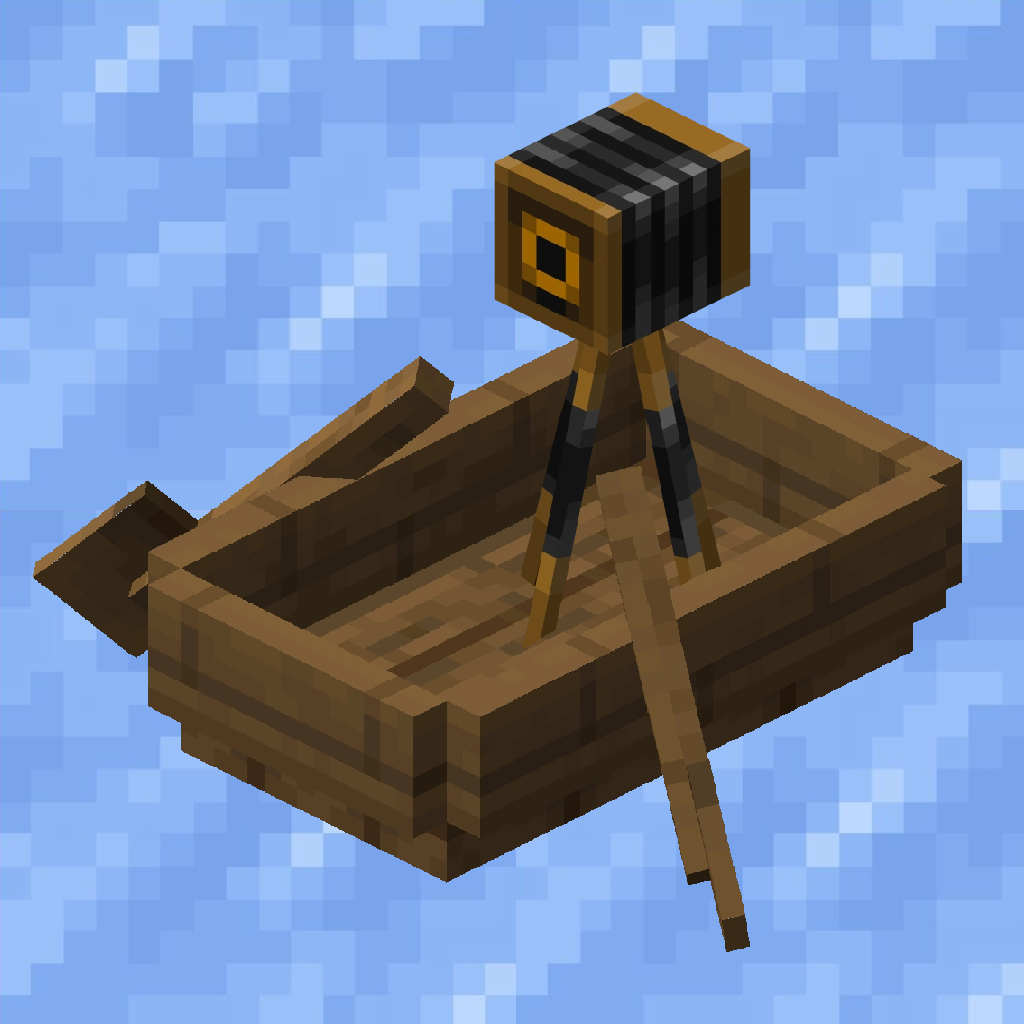
BoatCam
Java mod listed for Minecraft 1.17–1.20. Downloads from the MC Java Mods app on Android.
I don't know my version or loader
Open the Minecraft launcher and look at the profile you play on — it names both, like fabric-loader-1.21.4. The version also shows in the bottom-right corner of the game's main menu.
No loader in the profile name? Then it's plain Minecraft, and these mods won't run — you need Fabric or NeoForge installed first.
BoatCam [1.20+][Fabric][Client]
Description
Some nice tweaks to the boat and player camera for way cooler drifts on ice :D
Features
- Fixes the camera to a certain horizontal angle depending on the boat's direction and velocity
- Configurable smoothness of the camera
- Automatically go into first/third person view when entering a boat
- Can be toggled using a key bind (boat mode/normal mode)
- Another key bind allows you to look behind while the key bind is pressed
- The camera's vertical angle can be fixed to a configurable angle as well
- Graphical user interface to configure the mod when using ModMenu
Requirements
This mod requires ClothConfig and ModMenu is highly recommended.
Installation
- 1. Download and install Fabric for the latest client version
- 2. Download the Fabric API mod and put the .jar file into the mods folder
- 3. Download ClothConfig, ModMenu (optional) and this mod and put the .jar files into the same folder
Compatibility
- ModMenu - Properly shows the mod icon, name and author and provides a link for this page and the github issues page; Graphical user interface to configure the mod in game using ModMenu
Quick facts
- Edition: Minecraft Java
- File type: .jar
- Minecraft versions listed: 1.19.3, 1.19.4, 1.19.2
- How to install: Install the matching mod loader (Forge, Fabric or NeoForge) for your Minecraft version. → Download the .jar. → Put it in the .minecraft/mods folder and launch that loader profile.
- Where to get it: Opens on CurseForge — not every file is mirrored on our own servers.
Install steps are the general flow for this file type — How to install Minecraft Java mods & modpacks walks through it step by step.
File checked by MCModsHub
- Ships as boatcam-1.0.3.jar — drop this file into the mods folder
- Download size: 408 KB
- Download link checked 24 Sept 2026 — working
These come from our own check of the pack file, not from the source page.