Eroding Stone Entities (Legacy Fabric)
Java mod listed for Minecraft 1.16–1.17. Downloads from the MC Java Mods app on Android.
I don't know my version or loader


Requires the library mod Collective (Fabric) and the Fabric API.
This mod is part of The Vanilla Experience.
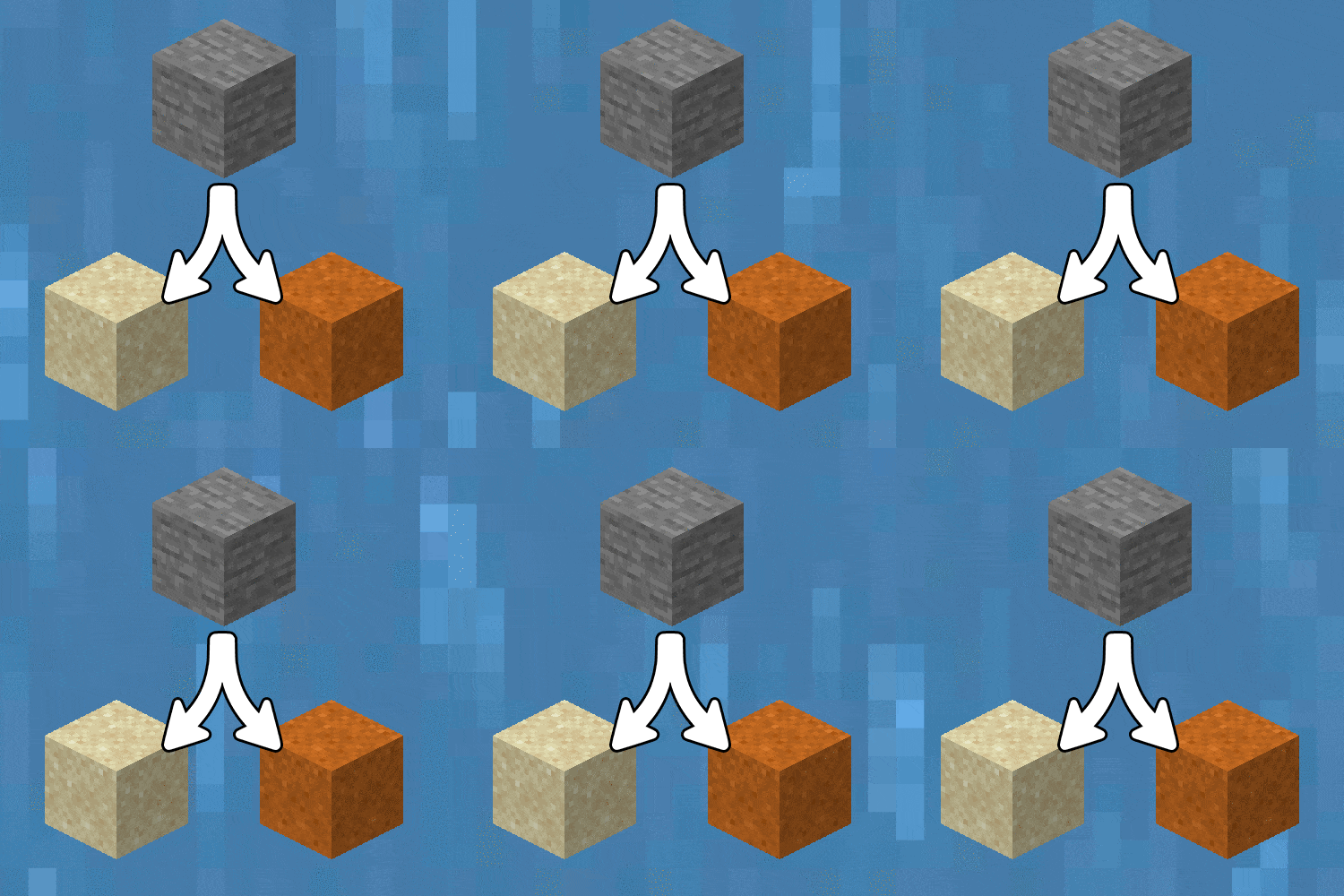
Eroding Stone Entities was created to give players access to a more sustainable way of farming sand and clay. After playing a while you'll have chests upon chests of cobblestone, but that precious sand for your glass castle is nowhere to be found. Now you can drop any type of stone block into a moving water stream and after 150 seconds it will turn into sand, red sand or clay. See the list below for the compatible blocks. You can still have item transport streams without worrying about all the stone eroding, just have ice blocks below the stream. This will prevent the erosion.
The water source must move for the erosion effect to occur.
Default erosion properties, can be changed in the config:
Blocks that turn into sand:
Cobblestone, Mossy Cobblestone, Stone, Stone Bricks, Chiseled Stone Bricks, Cracked Stone Bricks, Smooth Stone, Gravel, Andesite, Polished Andesite, Diorite, Polished Diorite, Granite, Polished Granite, Sandstone, Chiseled Sandstone, Cut Sandstone, Smooth Sandstone, End Stone and End Stone Bricks.
Blocks that turn into red sand:
Red Sandstone, Chiseled Red Sandstone, Cut Red Sandstone, Smooth Red Sandstone, Netherrack, Nether Bricks and Red Nether Bricks.
Blocks that turn into clay:
All non-glazed terracotta blocks.
Configurable: ( how do I configure? )
durationInSecondsStoneErodes (default = 150, min 1, max 3600): The duration in seconds after a stone-type item entity in the world erodes if it's in a water stream.
preventErosionIfAboveIceBlock (default = true): If enabled, prevents the erosion of stone blocks if the item entity is above an ice block. Useful for when you use water streams to transport items you don't want to have eroded, just place ice underneath the streams.
erodeIntoClayBlockInsteadOfClayBall (default = false): If enabled, the items specified in 'itemsWhichErodeIntoClay' will erode into a clay block instead of the default clay ball.
itemsWhichErodeIntoSand (default = "minecraft:cobblestone, minecraft:mossy_cobblestone, minecraft:stone, minecraft:stone_bricks, minecraft:chiseled_stone_bricks, minecraft:cracked_stone_bricks, minecraft:smooth_stone, minecraft:gravel, minecraft:andesite, minecraft:polished_andesite, minecraft:diorite, minecraft:polished_diorite, minecraft:granite, minecraft:polished_granite, minecraft:sandstone, minecraft:chiseled_sandstone, minecraft:cut_sandstone, minecraft:smooth_sandstone"): The items which erode into normal sand when left in flowing water. Divided by a comma.
itemsWhichErodeIntoRedSand (default = "minecraft:red_sandstone, minecraft:chiseled_red_sandstone, minecraft:cut_red_sandstone, minecraft:smooth_red_sandstone, minecraft:netherrack, minecraft:nether_bricks, minecraft:red_nether_bricks"): The items which erode into redsand when left in flowing water. Divided by a comma.
itemsWhichErodeIntoClay (default = "minecraft:terracotta, minecraft:white_terracotta, minecraft:orange_terracotta, minecraft:magenta_terracotta, minecraft:light_blue_terracotta, minecraft:yellow_terracotta, minecraft:lime_terracotta, minecraft:pink_terracotta, minecraft:gray_terracotta, minecraft:light_gray_terracotta, minecraft:cyan_terracotta, minecraft:purple_terracotta, minecraft:blue_terracotta, minecraft:brown_terracotta, minecraft:green_terracotta, minecraft:red_terracotta, minecraft:black_terracotta"): The items which erode into clay when left in flowing water. Divided by a comma.
Some GIF examples:
The config option 'durationInSecondsStoneErodes' is set to 3 seconds in the examples. By default it'll take 2.5 minutes for the blocks to erode:
An assortment of blocks. Some turn into sand, others in red sand:

Works with entire stacks:

More block examples:

If the water stream has ice underneath it, it won't erode the blocks on top. This can be toggled in the config.

And terracotta blocks turning into clay balls:

------------------
You may freely use this mod in any modpack, as long as the download remains hosted within the CurseForge ecosystem.
Serilum.com contains an overview and more information on all mods available.
Comments are disabled as I'm unable to keep track of all the separate pages on each mod.
For issues, ideas, suggestions or anything else there is the Github repo. Thanks!
- Edition: Minecraft Java
- File type: .jar
- Minecraft versions listed: 1.16.5, 1.17.1, 1.17
- How to install: Install the matching mod loader (Forge, Fabric or NeoForge) for your Minecraft version. → Download the .jar. → Put it in the .minecraft/mods folder and launch that loader profile.
- Where to get it: Opens on CurseForge — not every file is mirrored on our own servers.
Install steps are the general flow for this file type — How to install Minecraft Java mods & modpacks walks through it step by step.
- Ships as erodingstoneentities-fabric_1.16.5-3.0.jar — drop this file into the mods folder
- Download size: 20 KB
- Download link checked 14 Oct 2026 — working
These come from our own check of the pack file, not from the source page.