ModsJava
Create Diagram Mod (1.21.1) – Plan Your Next Big Factory with In-Game Flowcharts
Java mod listed for Minecraft 1.21. Downloads from the MC Java Mods app on Android.
⬇ Download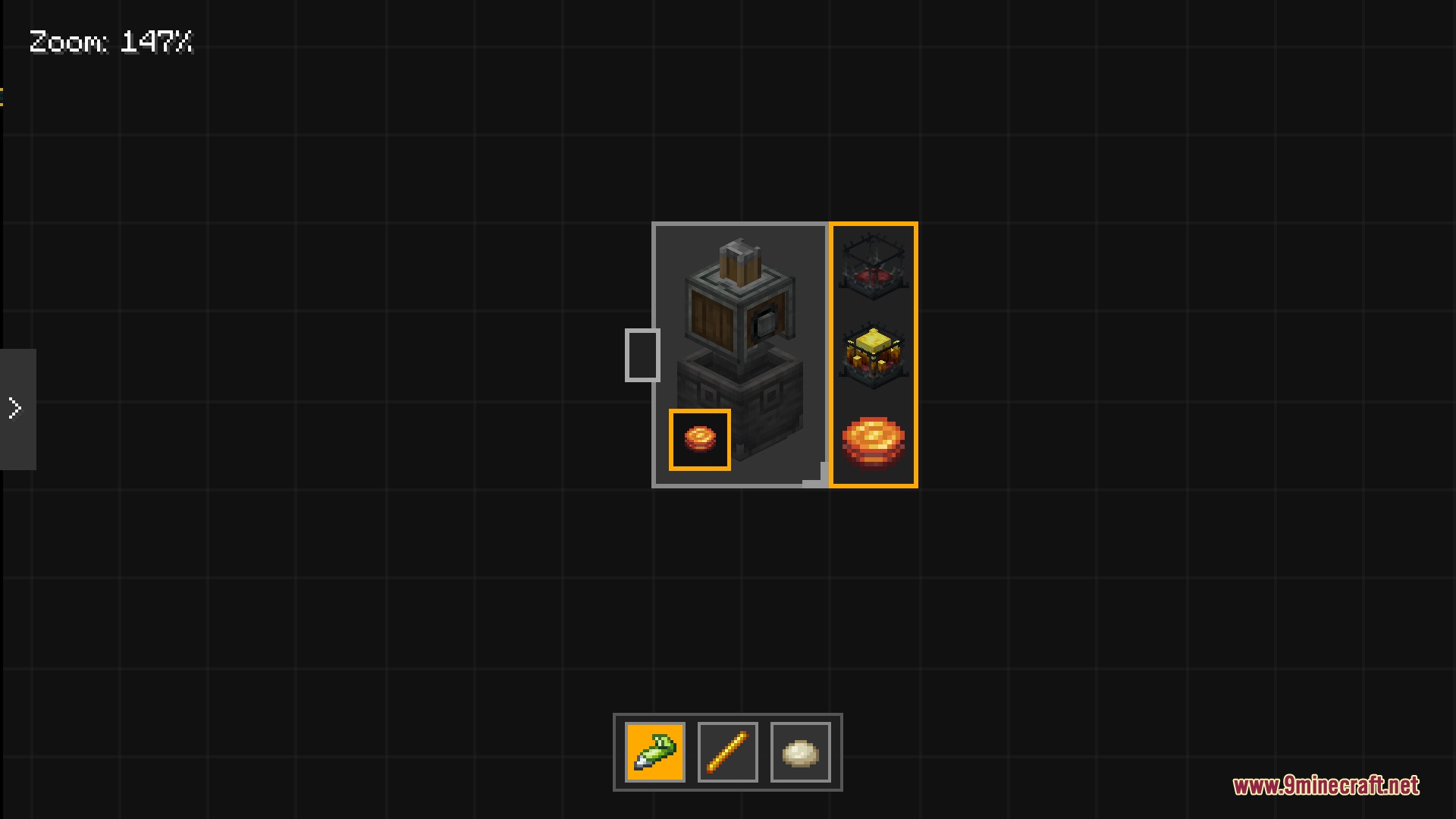
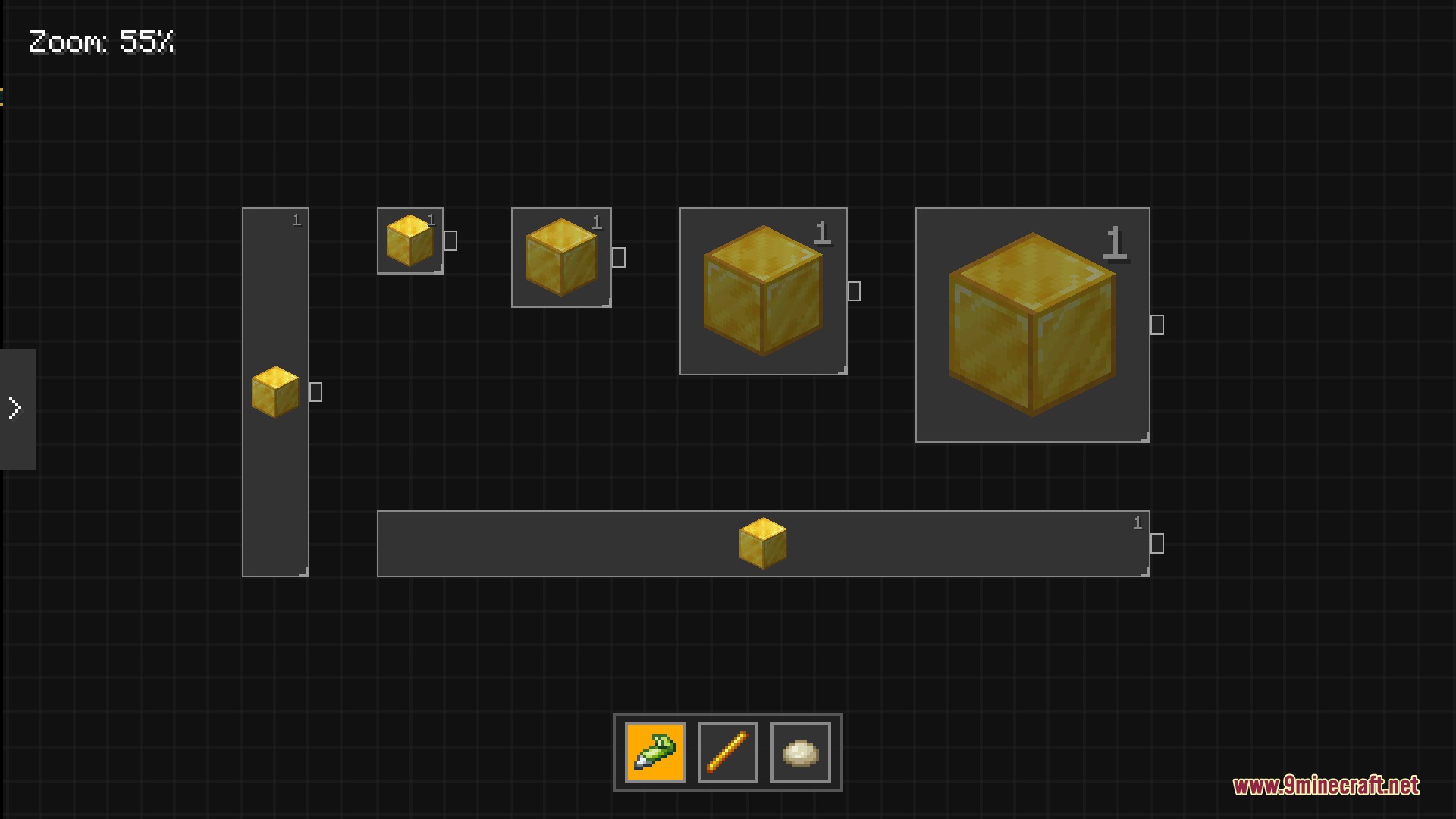
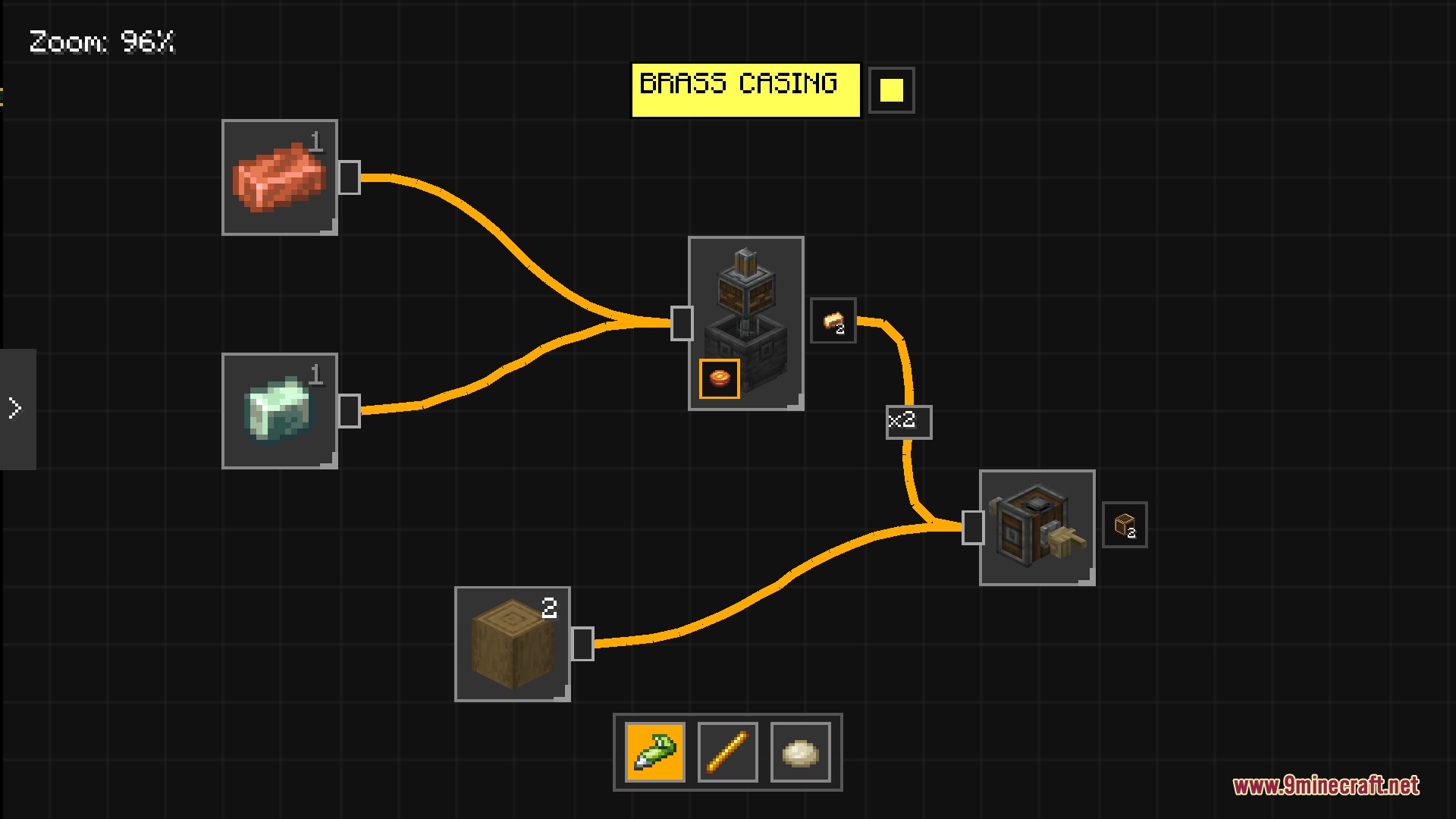
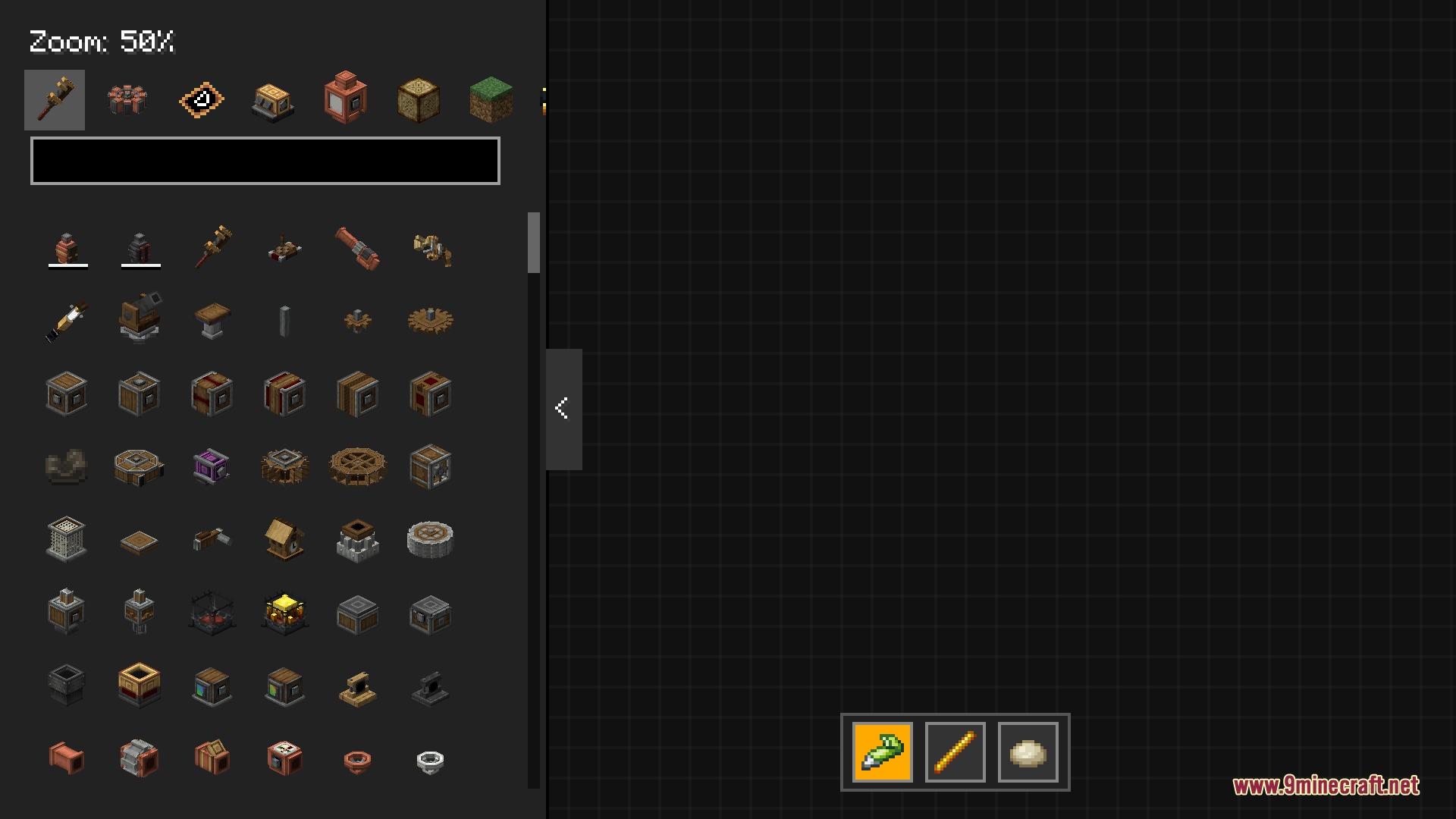
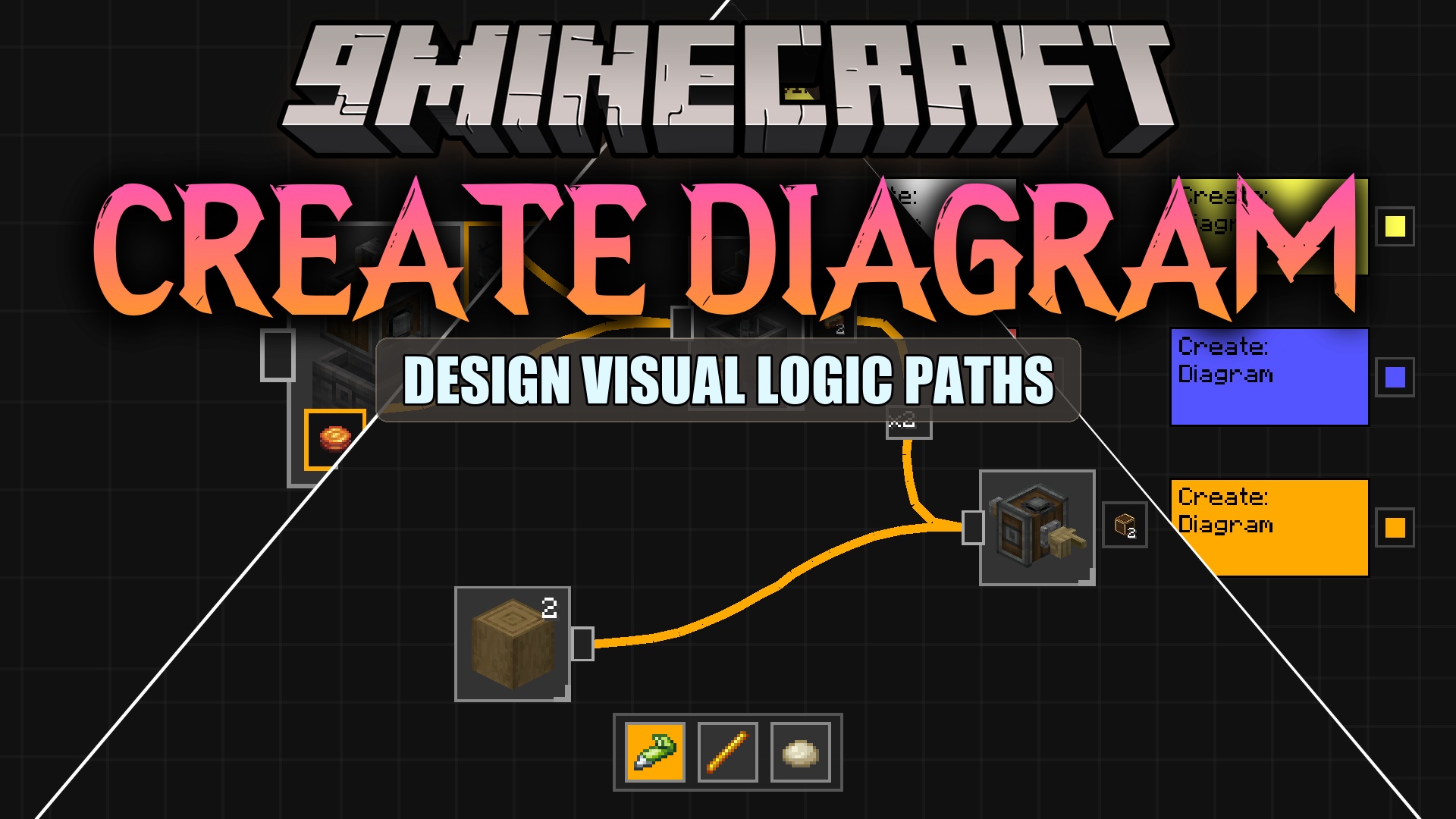
Create Diagram Mod adds a full in-game flowchart editor for the Create mod. It lets you plan out your complex machinery and recipes without ever leaving your world. You get a special tool to draw schematics, connect items, and write notes so you always know how to build your next big factory.
Features:
- Flowchart Editor: Gives you a complete drawing board right inside your game to plan your builds.
- Works with all items, blocks, and recipes from the main factory mod and its other addons.
- Lets you drop items from a side menu directly onto your blank diagram.
- You can draw straight lines or freehand shapes using the built-in pen tool.
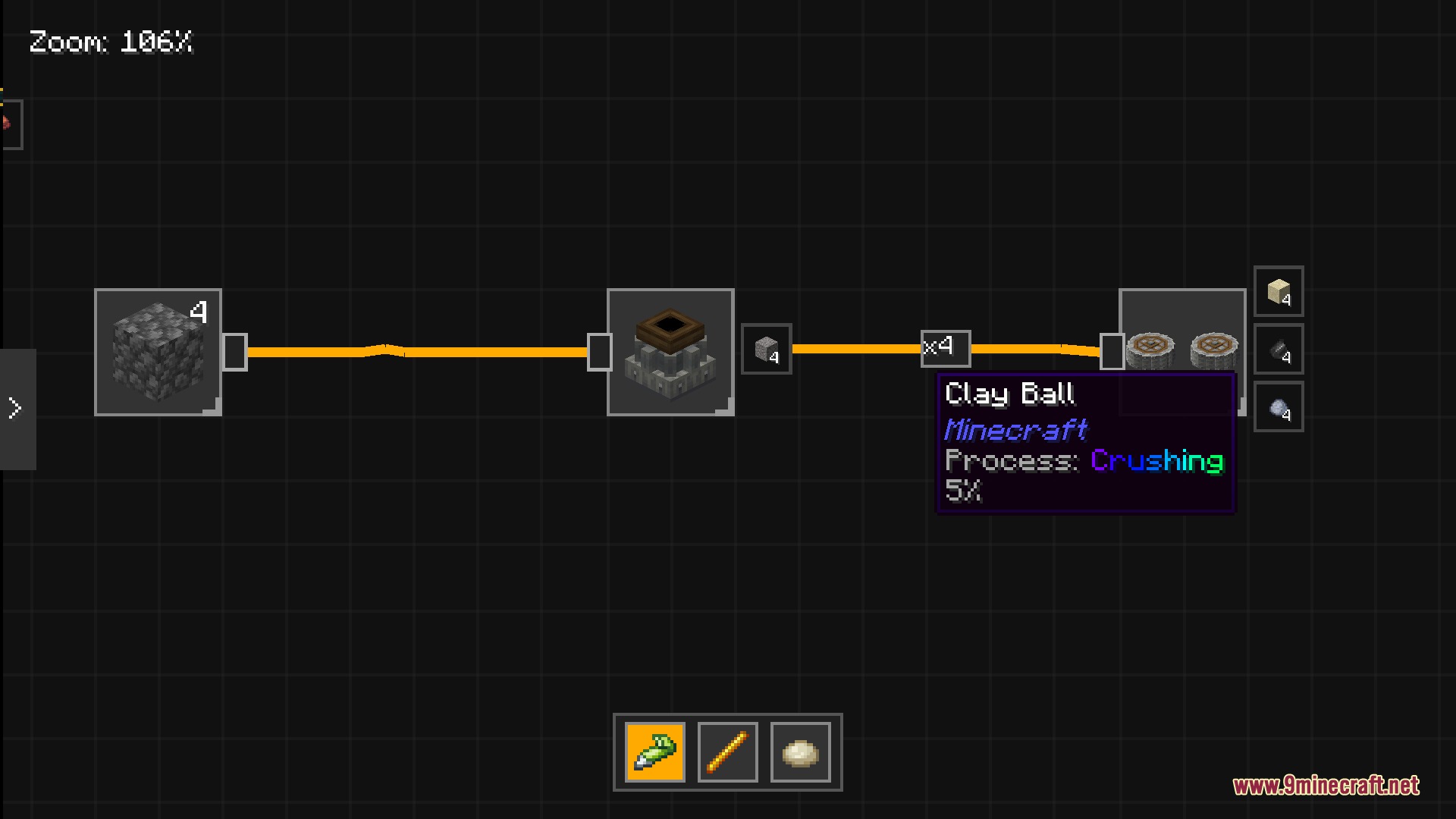
- Connect different items together with lines to show how materials move through your machines.
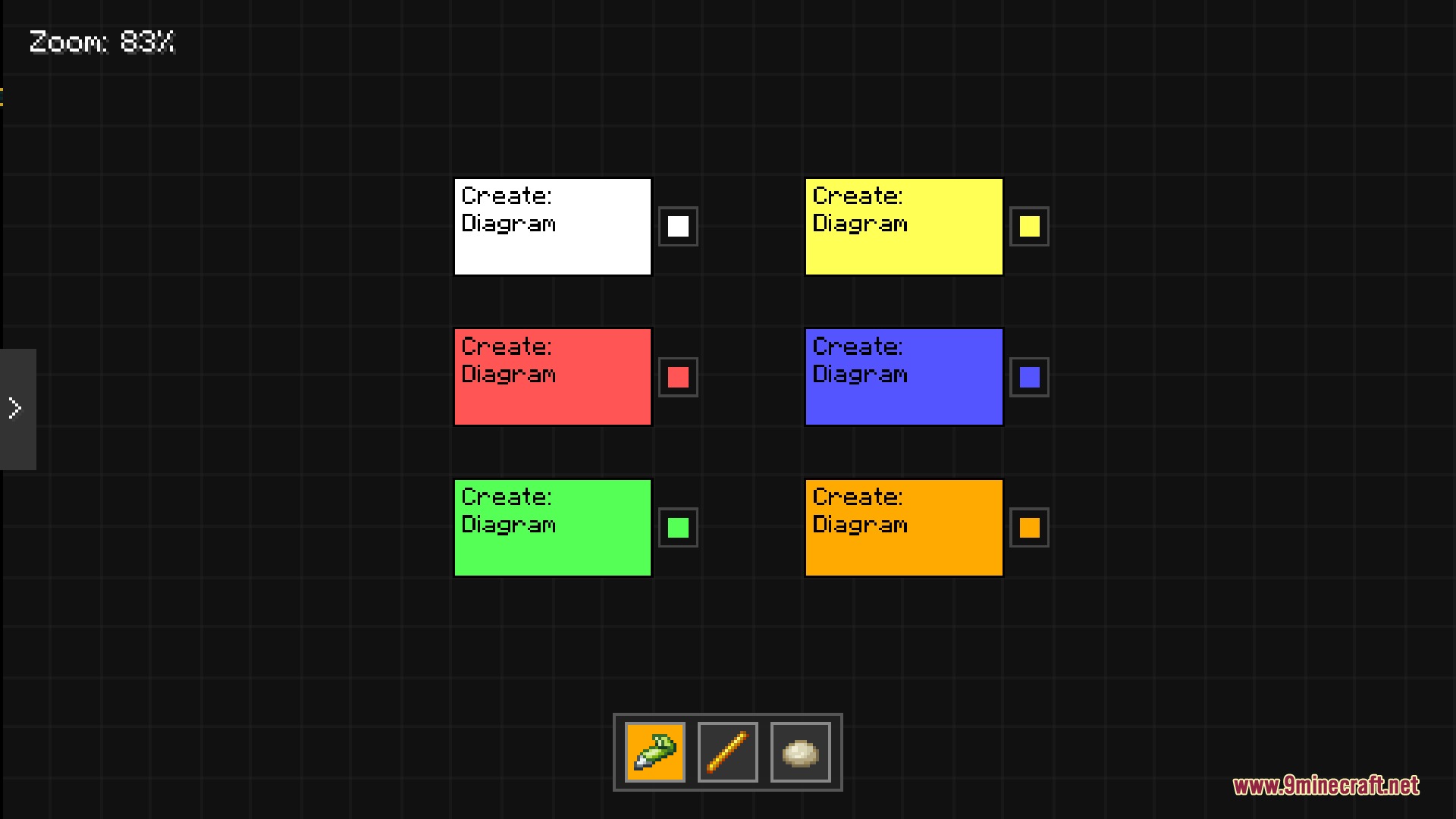
- Players can add sticky notes to write down specific instructions or reminders for their designs.
How to Use:
- Craft the Diagram item at a crafting table.
- Hold the item in your hand and right-click to open the drawing screen.
- Pick items from the side menu and place them on your board.
- Use the pen or line tools to draw connections between your items.
- Hold Shift and right-click to place a sticky note for custom text.
Screenshots:
Create Diagram Mod Download Links
Quick facts
- Edition: Minecraft Java
- File type: .jar
- Minecraft version listed: 1.21.1
- How to install: Install the matching mod loader (Forge, Fabric or NeoForge) for your Minecraft version. → Download the .jar. → Put it in the .minecraft/mods folder and launch that loader profile.
- Where to get it: In MC Java Mods, or directly above on this page.
Install steps are the general flow for this file type — How to install Minecraft Java mods & modpacks walks through it step by step.
File checked by MCModsHub
- Downloads as 429753.mcaddon
- Download size: 287 KB
- Download link checked 25 Sept 2026 — working
- Mirrored on our own servers — the download does not depend on the original host
These come from our own check of the pack file, not from the source page.