ModsJava
Whaleborne Mod (1.21.1, 1.20.1) – Turn Giant Ocean Creatures Into Living Pirate
Java mod listed for Minecraft 1.20–1.21. Downloads from the MC Java Mods app on Android.
⬇ Download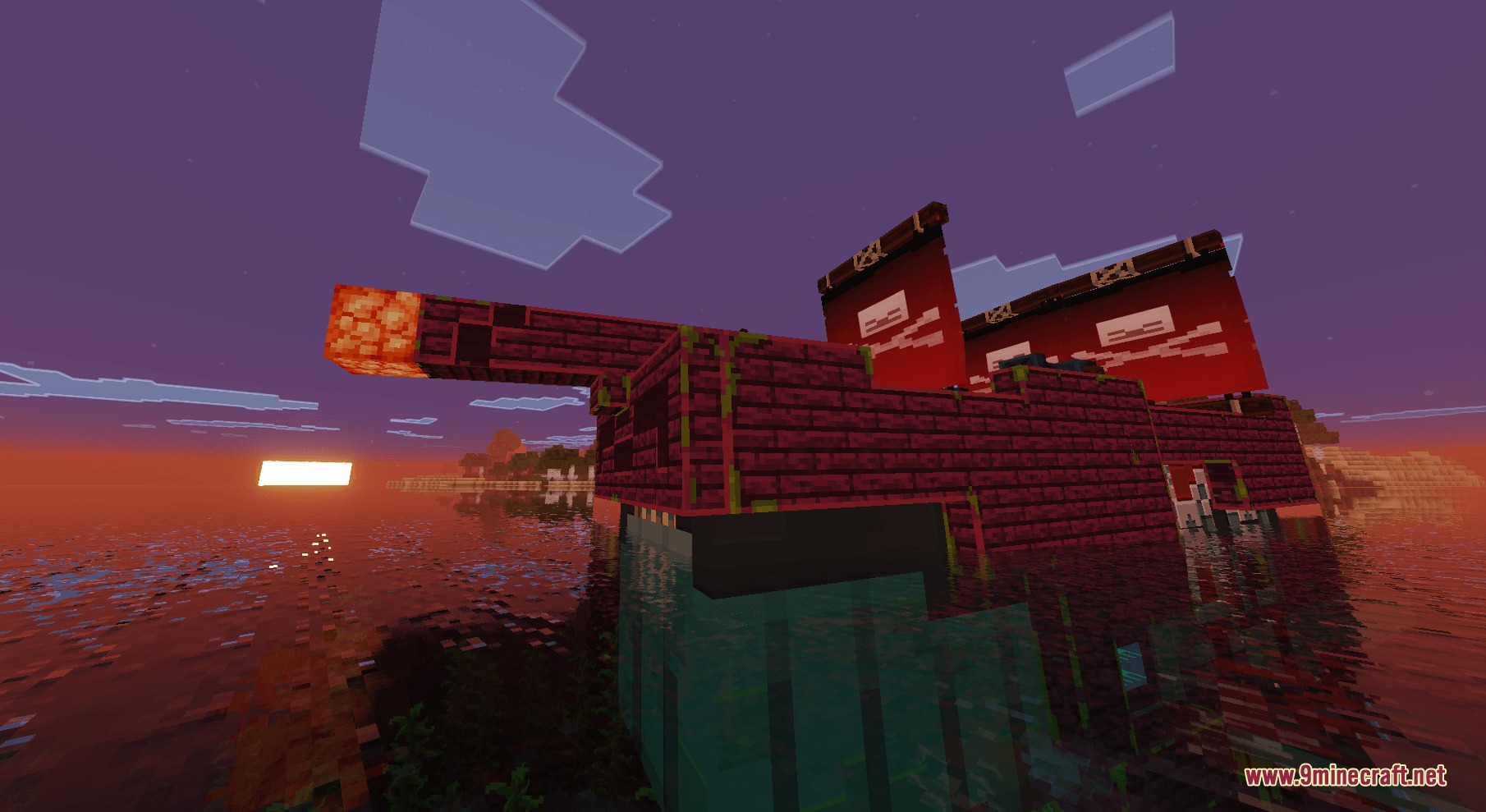
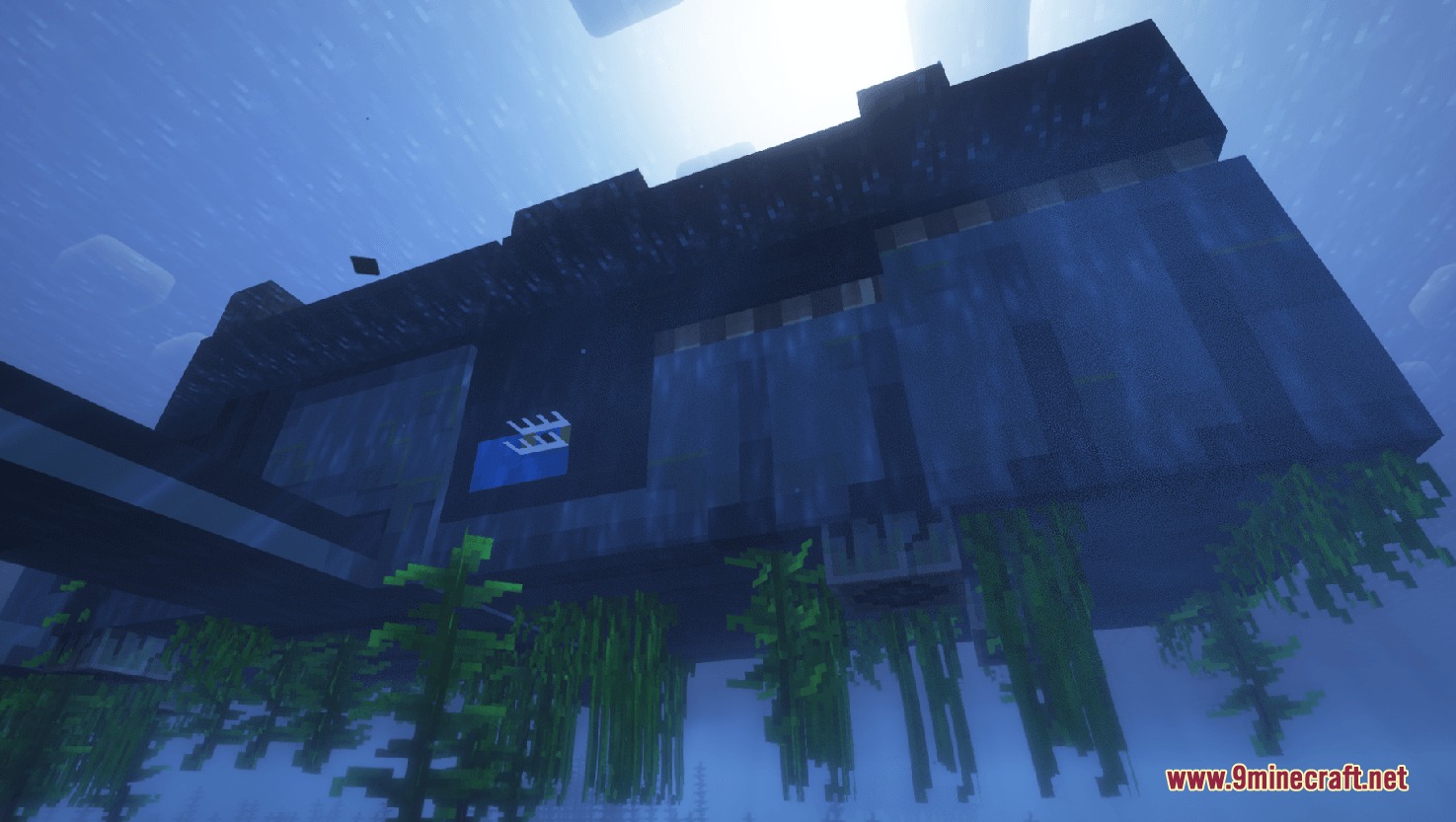
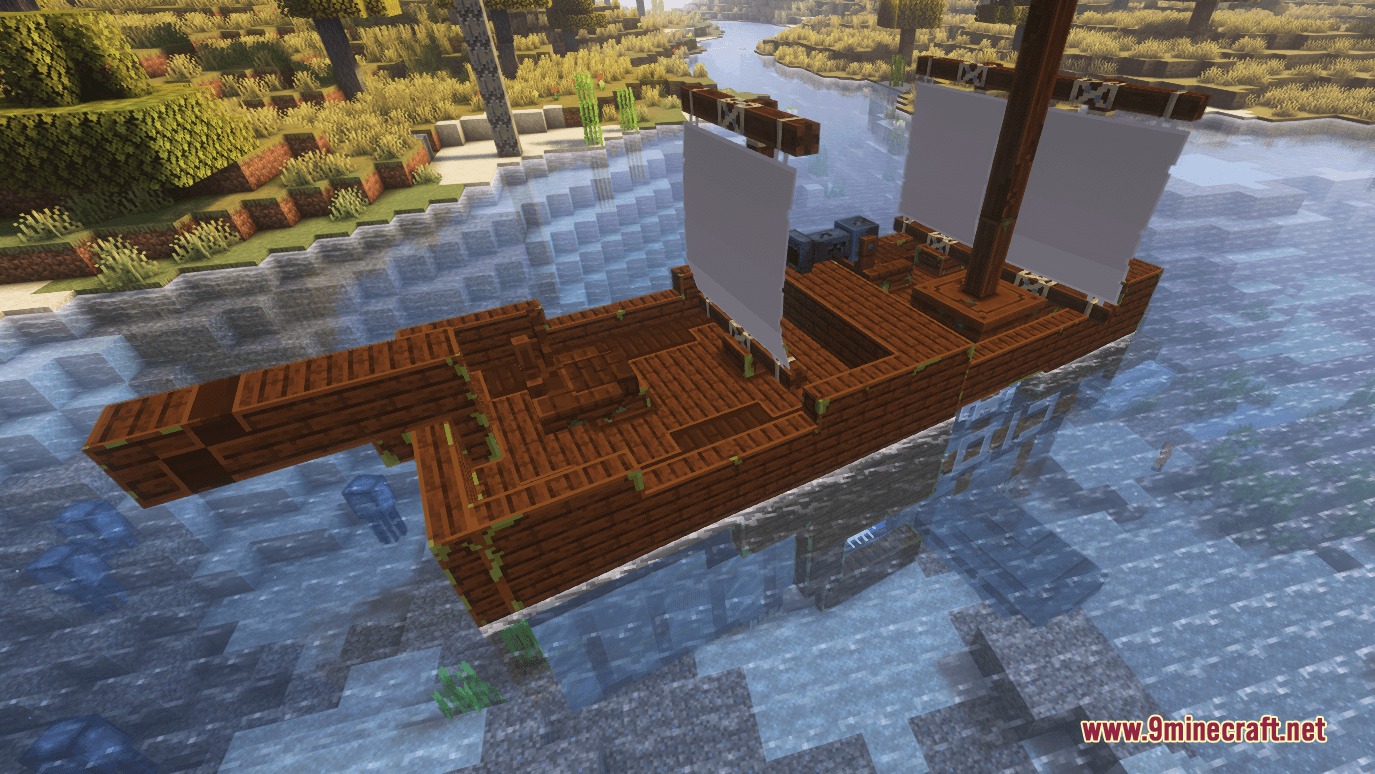
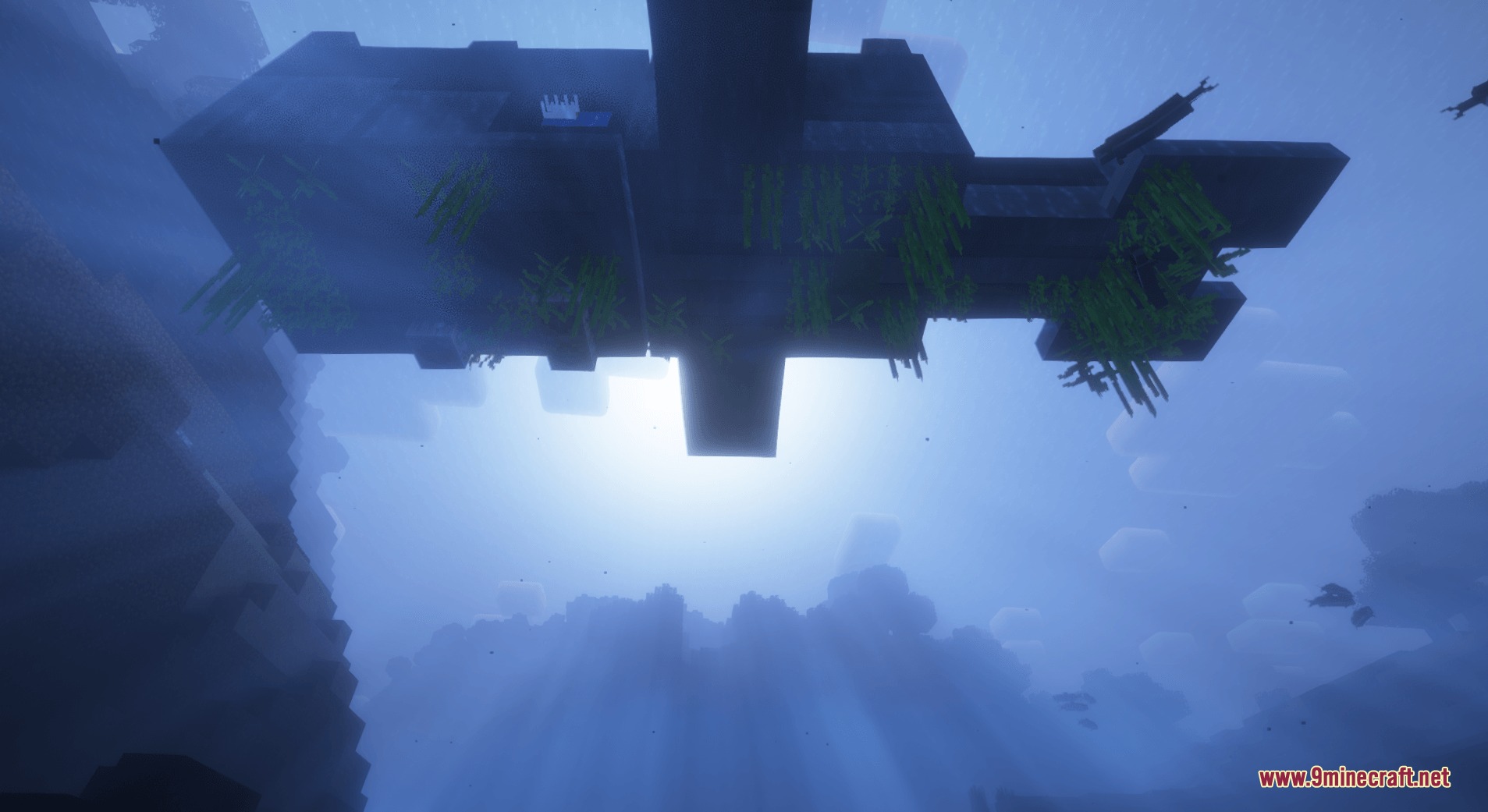
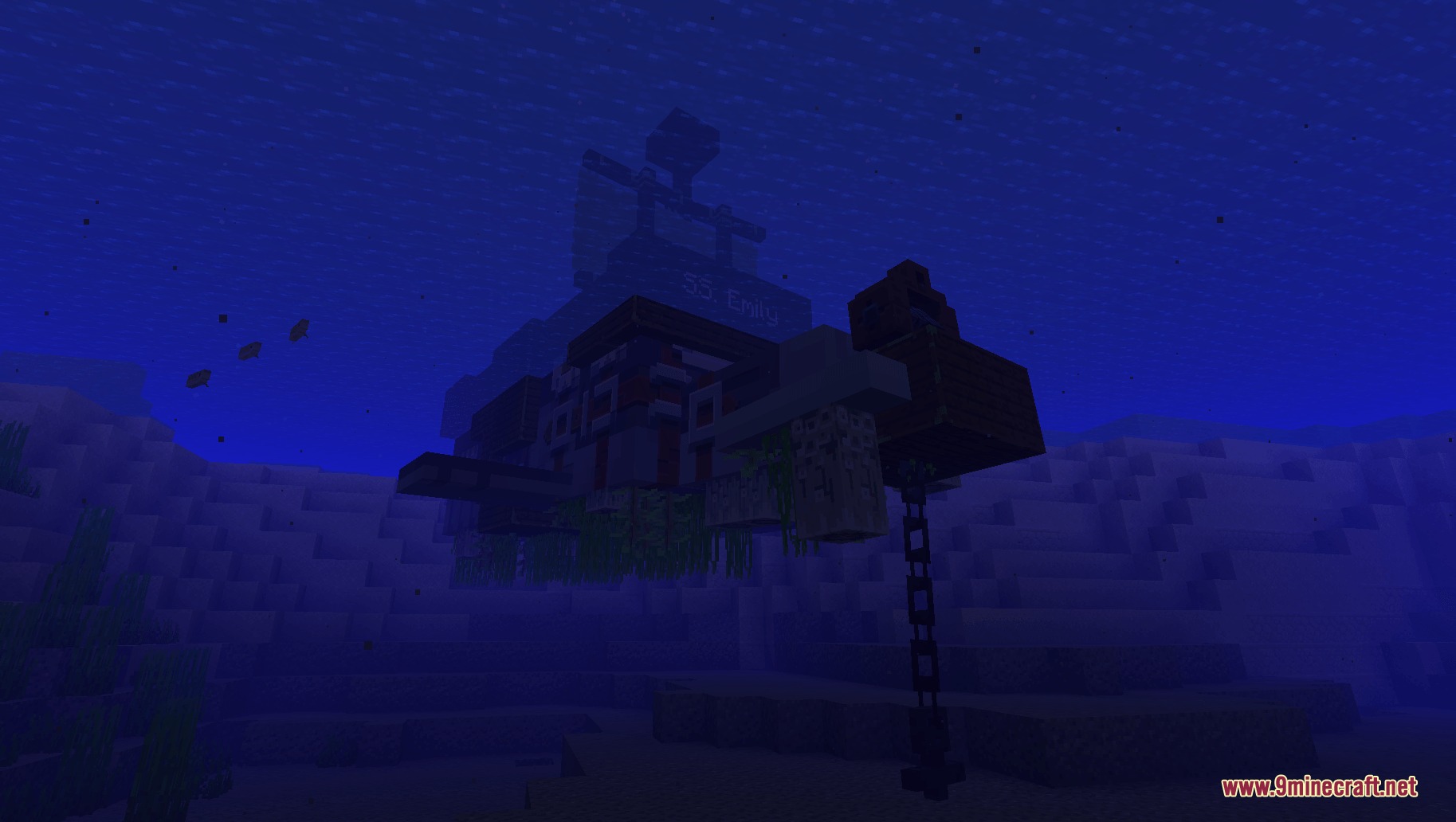
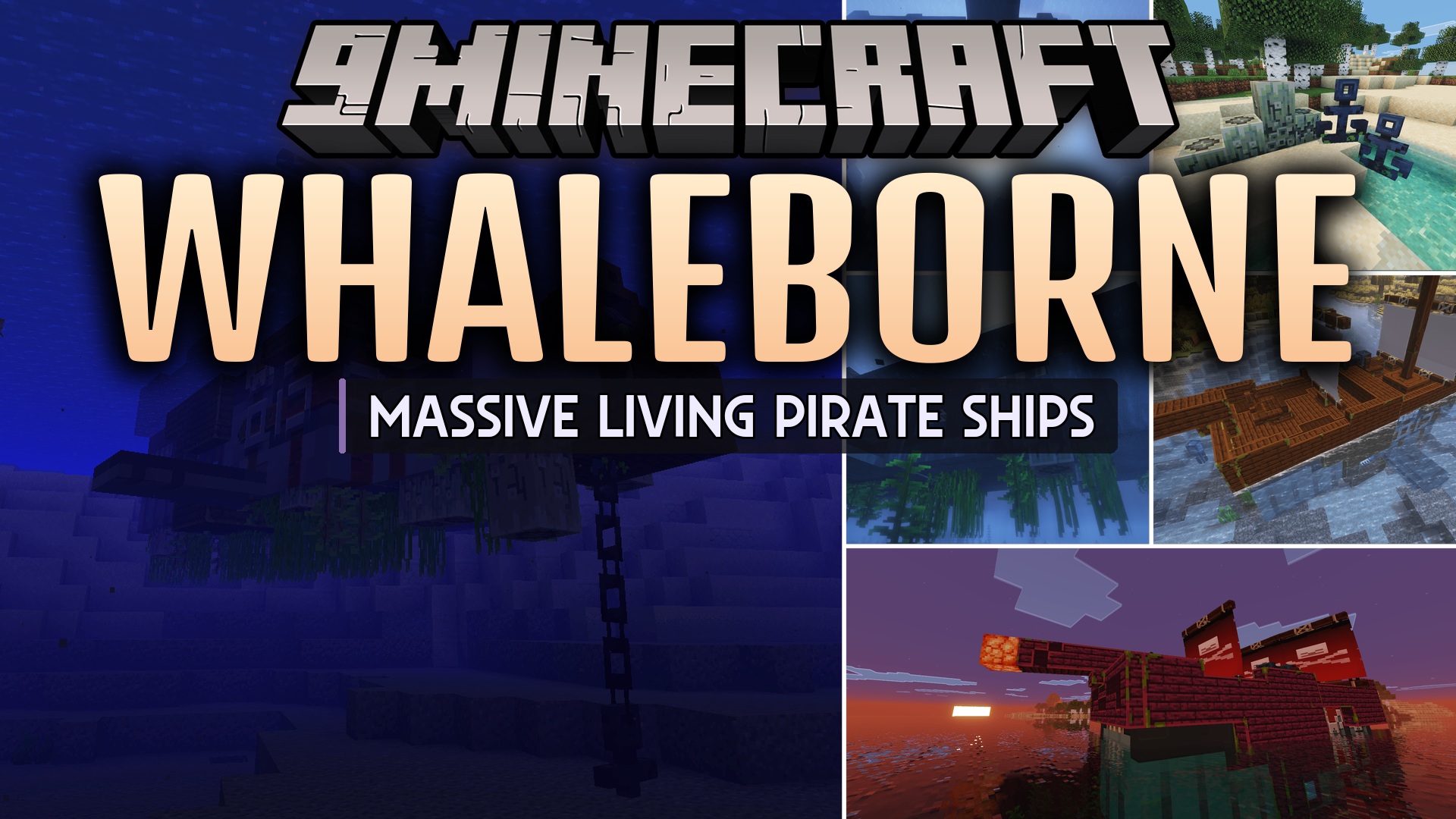
Whaleborne Mod introduces a massive new creature to the deep oceans called the Hullback. This mod lets you find these gentle giants, clean them up, and turn them into living pirate ships. You can sail across the seas on the back of your new friend, complete with custom sails, cannons, and cargo space for your ocean adventures.
Features:
- The Hullback: Adds a giant, friendly mob that swims deep in the ocean waters.
- Living Ships: Lets you transform a tamed creature into a working boat using a saddle and wooden planks.
- You can find special widgets like sails and cannons hidden inside buried treasure and sunken ships.
- Adds a new Helm item that you must craft to steer your creature across the water.
- Players can attach banners to the sails to customize their ship and wash them off with a water bucket.
- Lets you open the creature’s inventory by pressing your inventory key while riding to store your items safely.
- Adds working cannons that fire using gunpowder when you press the jump button.
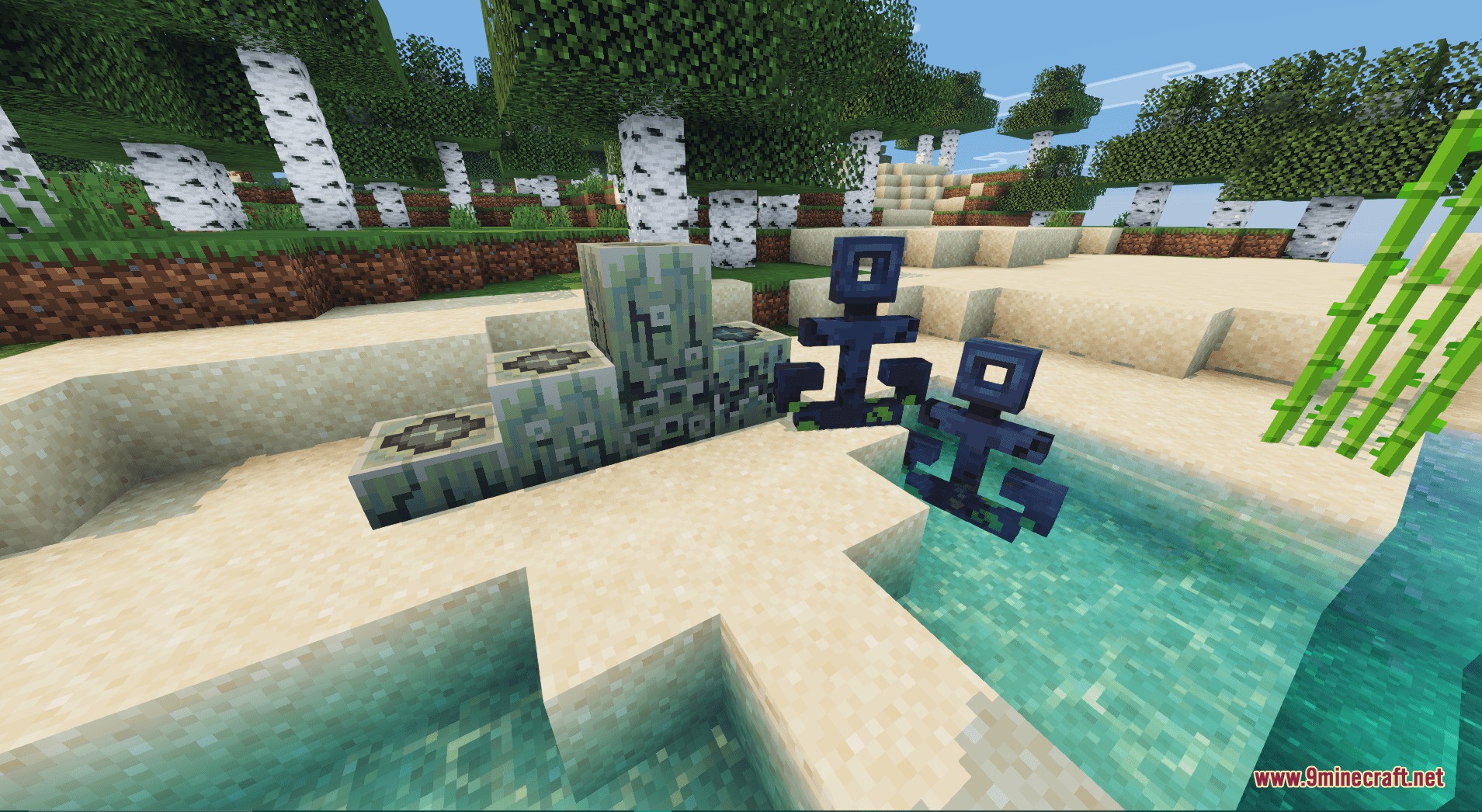
- Includes an anchor system that you can raise or lower directly from the steering helm.
- Allows you to stack barnacle blocks up to nine blocks high to create different custom sounds.
How to Use:
- Find a wild Hullback swimming in the deep ocean biomes.
- Use an Axe and Shears to clean the gunk off its body to tame it.
- Place a Saddle on the tamed creature, then upgrade it with 64 Planks to build the ship deck.
- Craft and hold a Helm in your hand to steer the living ship.
- Press E while riding to open the storage and cannon inventories.
- Press the Spacebar to fire cannons (requires gunpowder in the cannon inventory) or to drop the anchor.
Screenshots:
Whaleborne Mod Download Links
Quick facts
- Edition: Minecraft Java
- File type: .jar
- Minecraft versions listed: 1.21.1, 1.20.1
- How to install: Install the matching mod loader (Forge, Fabric or NeoForge) for your Minecraft version. → Download the .jar. → Put it in the .minecraft/mods folder and launch that loader profile.
- Where to get it: In MC Java Mods, or directly above on this page.
Install steps are the general flow for this file type — How to install Minecraft Java mods & modpacks walks through it step by step.
File checked by MCModsHub
- Downloads as 429755.mcaddon
- Download size: 9.9 MB
- Download link checked 23 Sept 2026 — working
- Mirrored on our own servers — the download does not depend on the original host
These come from our own check of the pack file, not from the source page.