ModsJava
Shulker Stuff Mod (26.2, 1.21.1) – Access Shulker Boxes Without Ever Placing
Java mod listed for Minecraft 1.21. Downloads from the MC Java Mods app on Android.
⬇ Download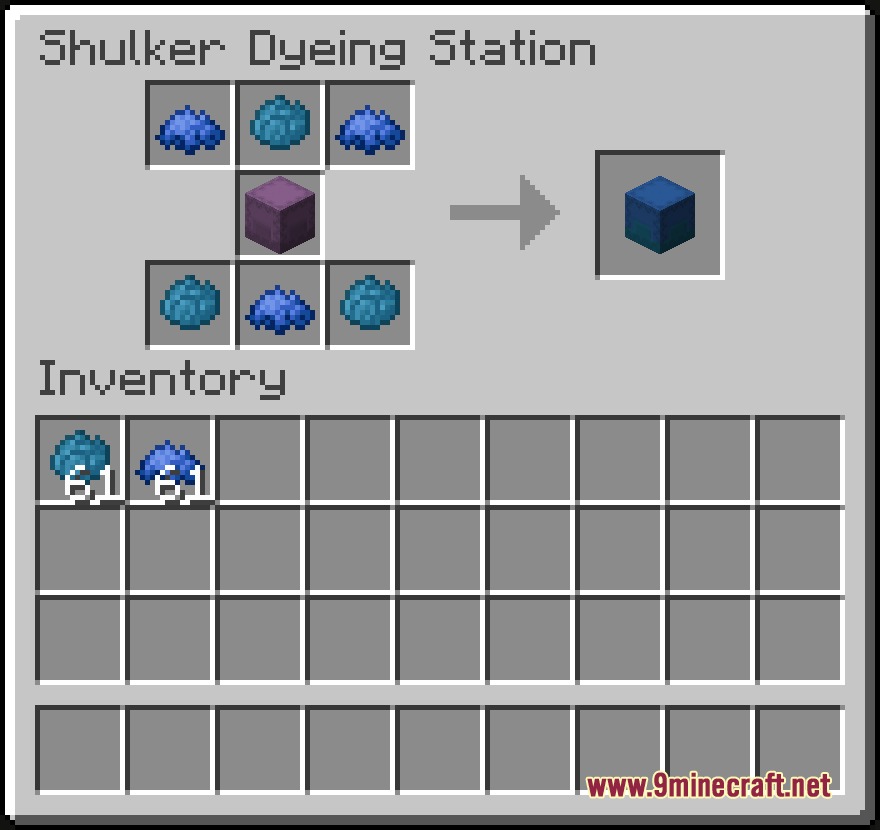
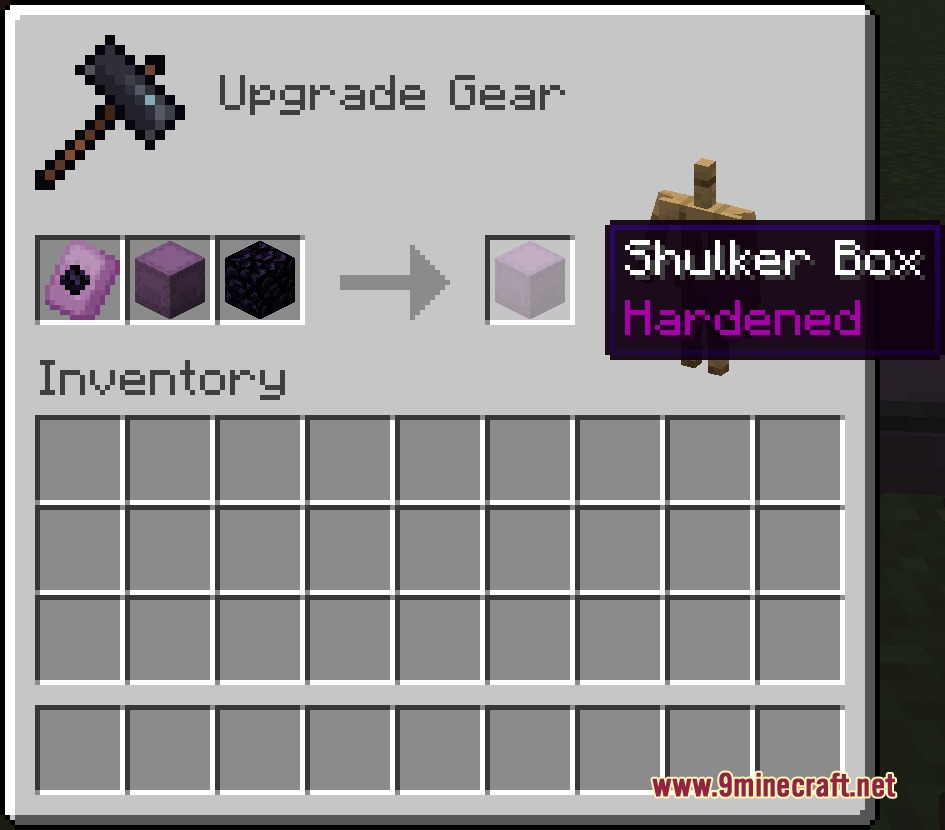
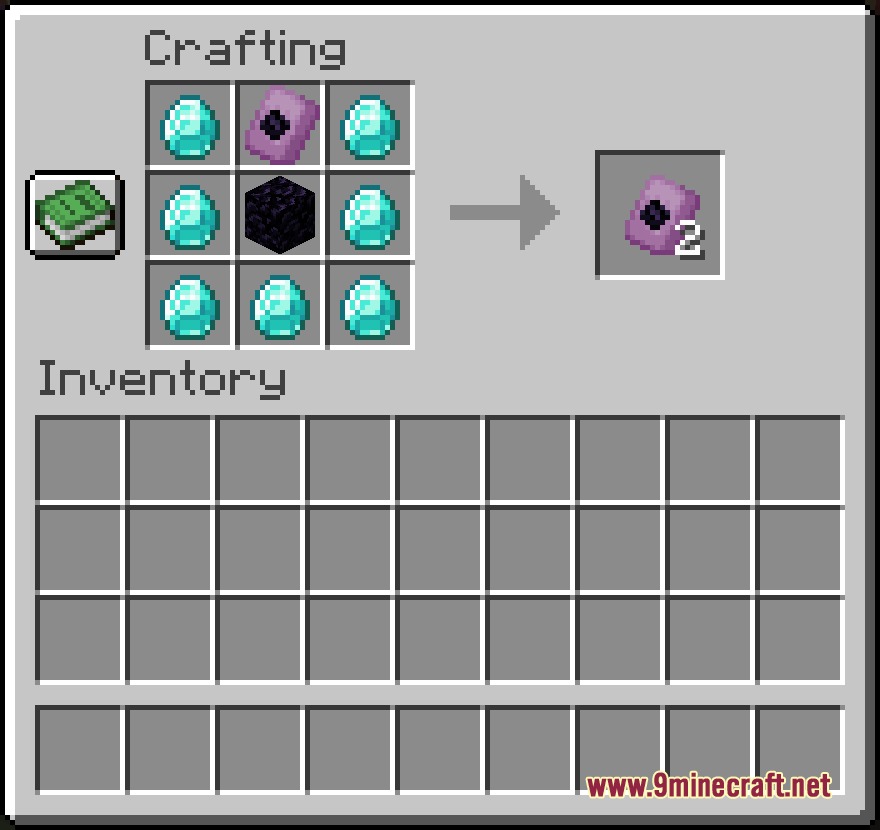
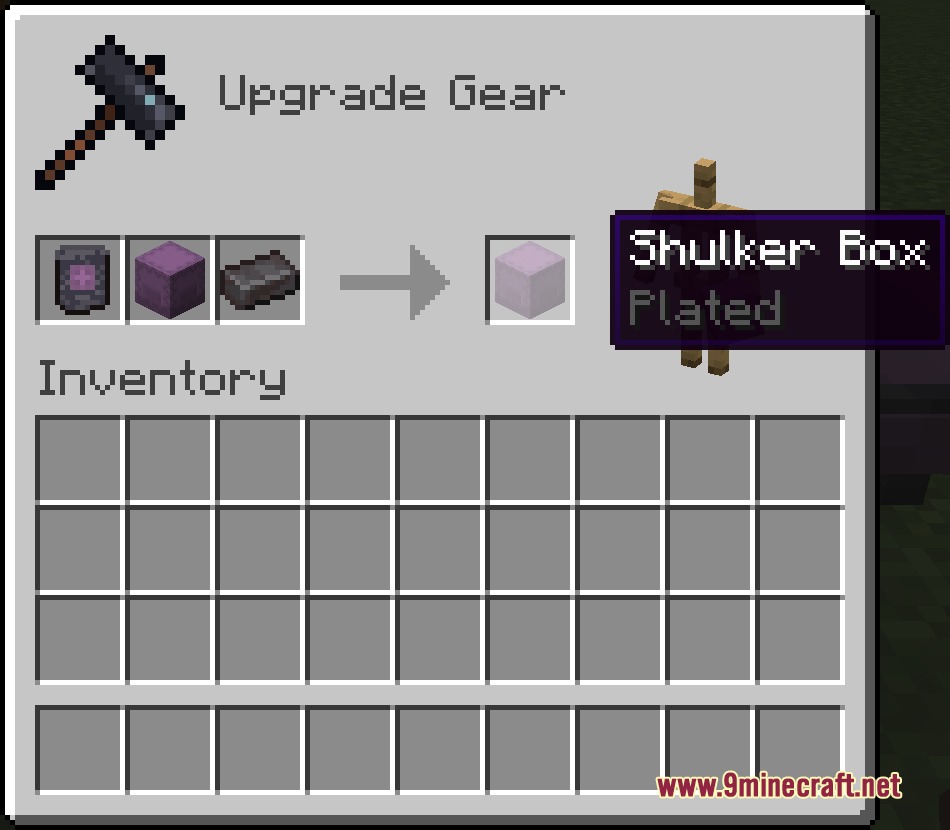
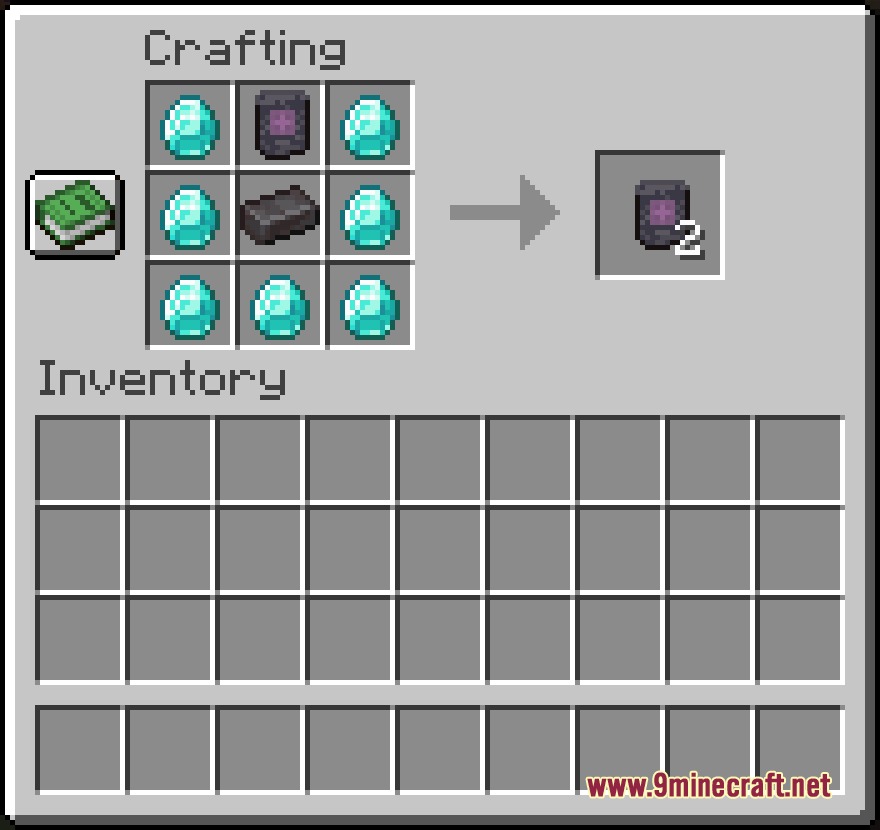
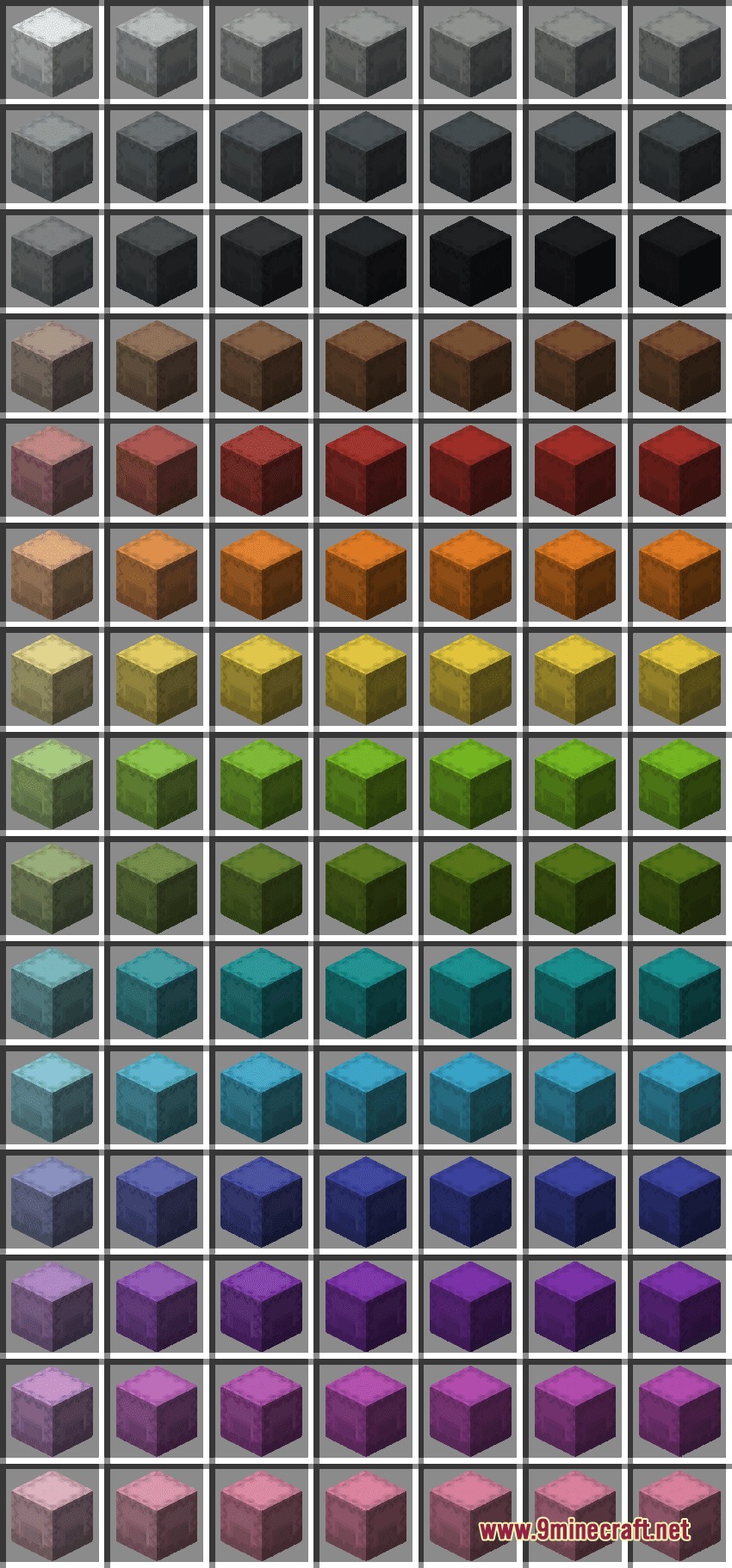
Shulker Stuff Mod changes how you use and customize your storage boxes. It lets you open, dye, and upgrade your boxes right from your inventory without putting them on the ground. You get to mix and match colors for each half of a box and add powerful enchantments to automatically collect or refill your items on the go.
Features:
- Bundle Mechanics: You can add or remove items directly in your inventory without ever placing the box down.
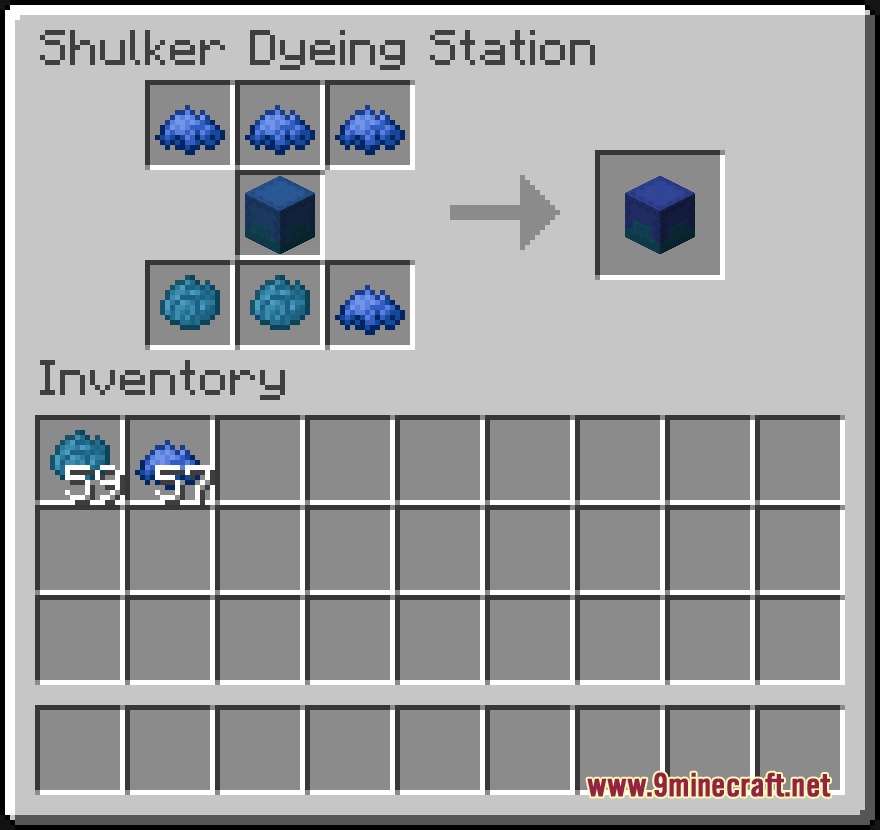
- Two-Tone Colors: The mod adds a new dyeing station to color the top and bottom halves of your boxes differently.
- Box Upgrades: Players can apply special smithing templates to make their storage blast-proof or fire-resistant.
- Toss items straight out of a box by holding Shift and right-clicking in the air.
- Protects your boxes from explosions with the Hardened upgrade found in ancient and end cities.
- Saves your items from lava and fire with the Plated upgrade found in treasure bastions.
- Pulls matching dropped items straight into your box automatically using the Vacuum enchantment.
- Sucks up any random items into empty slots if you upgrade Vacuum to level 2.
- Destroys unwanted extra items automatically when your box is full by using the Void enchantment.
- Refills your hand automatically when you run out of blocks or food using the Refill enchantment.
How to Use:
- Open your inventory and click items directly into the box to store them, just like a bundle.
- Hold Shift and right-click while holding the box in the air to quickly throw items out.
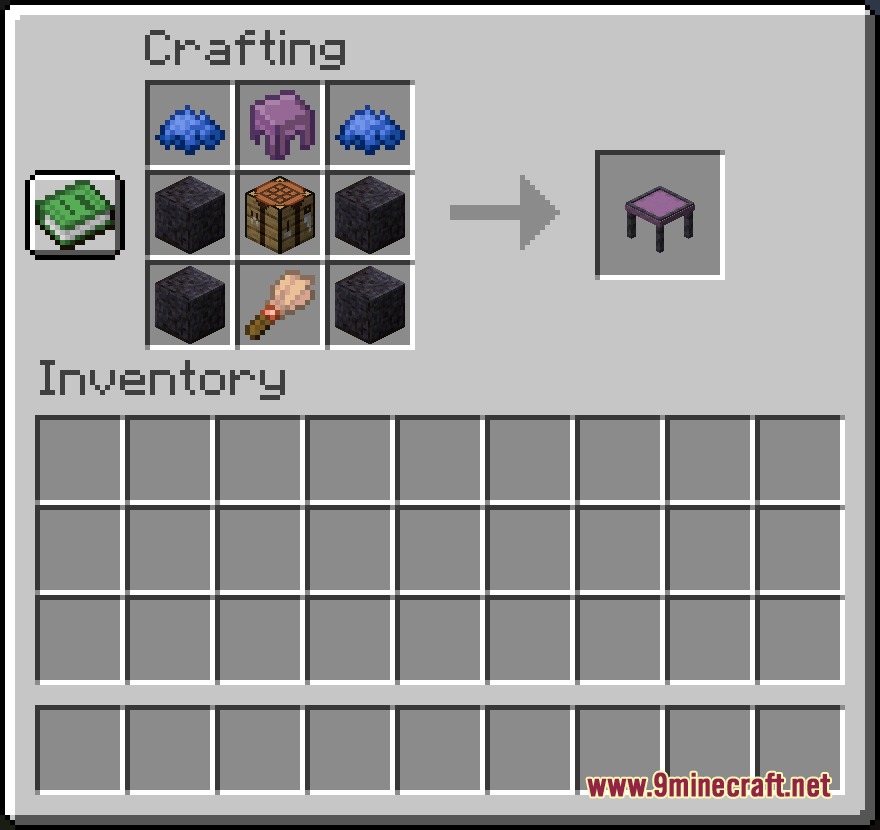
- Craft and open the new shulker dyeing station to color each half of your box.
- Take a Hardened or Plated smithing template to a Smithing Table to upgrade your box.
Screenshots:
Shulker Stuff Mod Download Links
Quick facts
- Edition: Minecraft Java
- File type: .jar
- Minecraft version listed: 1.21.1
- How to install: Install the matching mod loader (Forge, Fabric or NeoForge) for your Minecraft version. → Download the .jar. → Put it in the .minecraft/mods folder and launch that loader profile.
- Where to get it: In MC Java Mods, or directly above on this page.
Install steps are the general flow for this file type — How to install Minecraft Java mods & modpacks walks through it step by step.
File checked by MCModsHub
- Downloads as 429764.mcaddon
- Download size: 167 KB
- Download link checked 24 Sept 2026 — working
- Mirrored on our own servers — the download does not depend on the original host
These come from our own check of the pack file, not from the source page.