ModsJava
Realistic Nametag Mod (1.21.1, 1.20.1) – Hide Behind Walls Without Floating
Java mod listed for Minecraft 1.20–1.21. Downloads from the MC Java Mods app on Android.
⬇ Download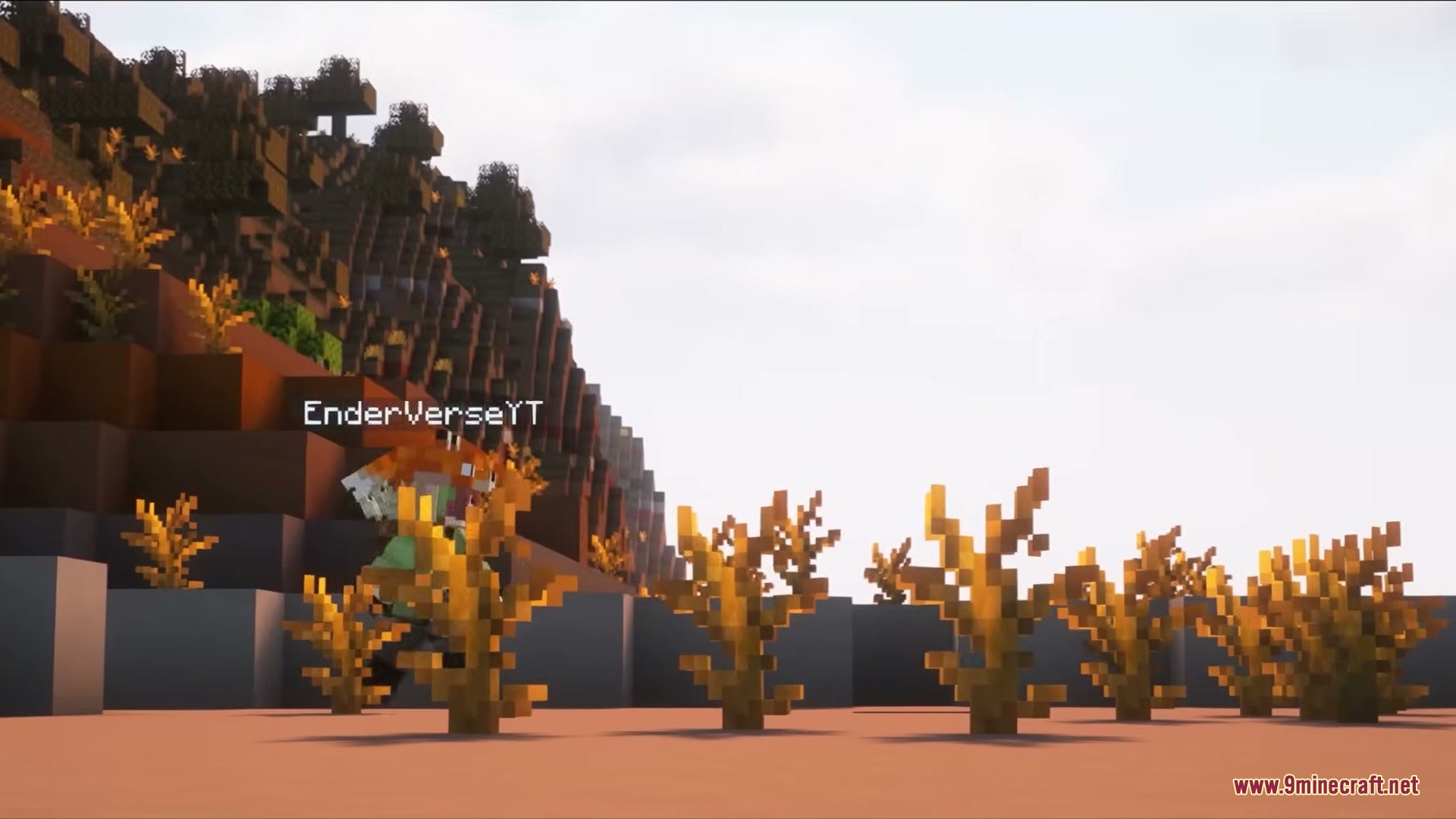
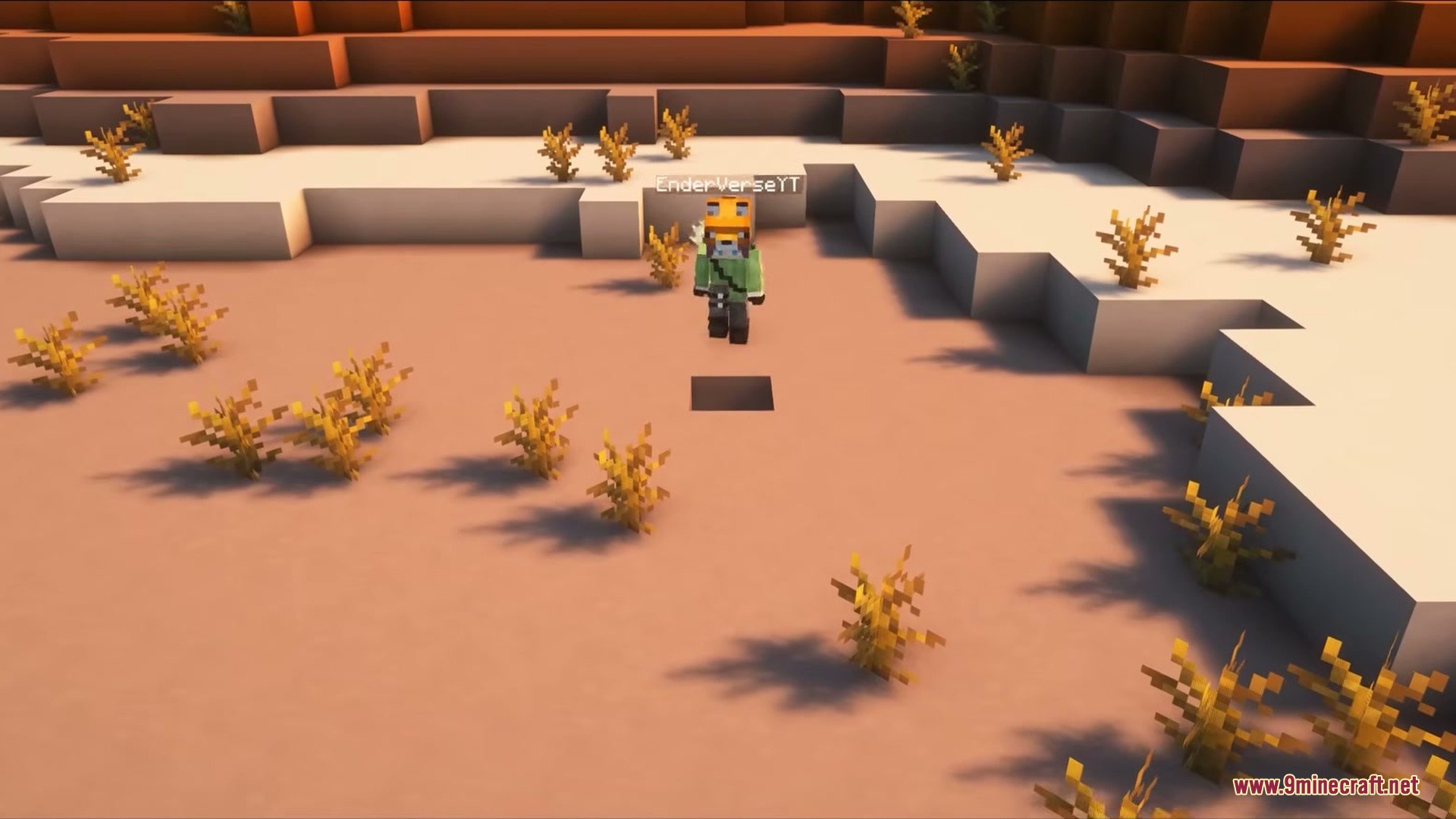
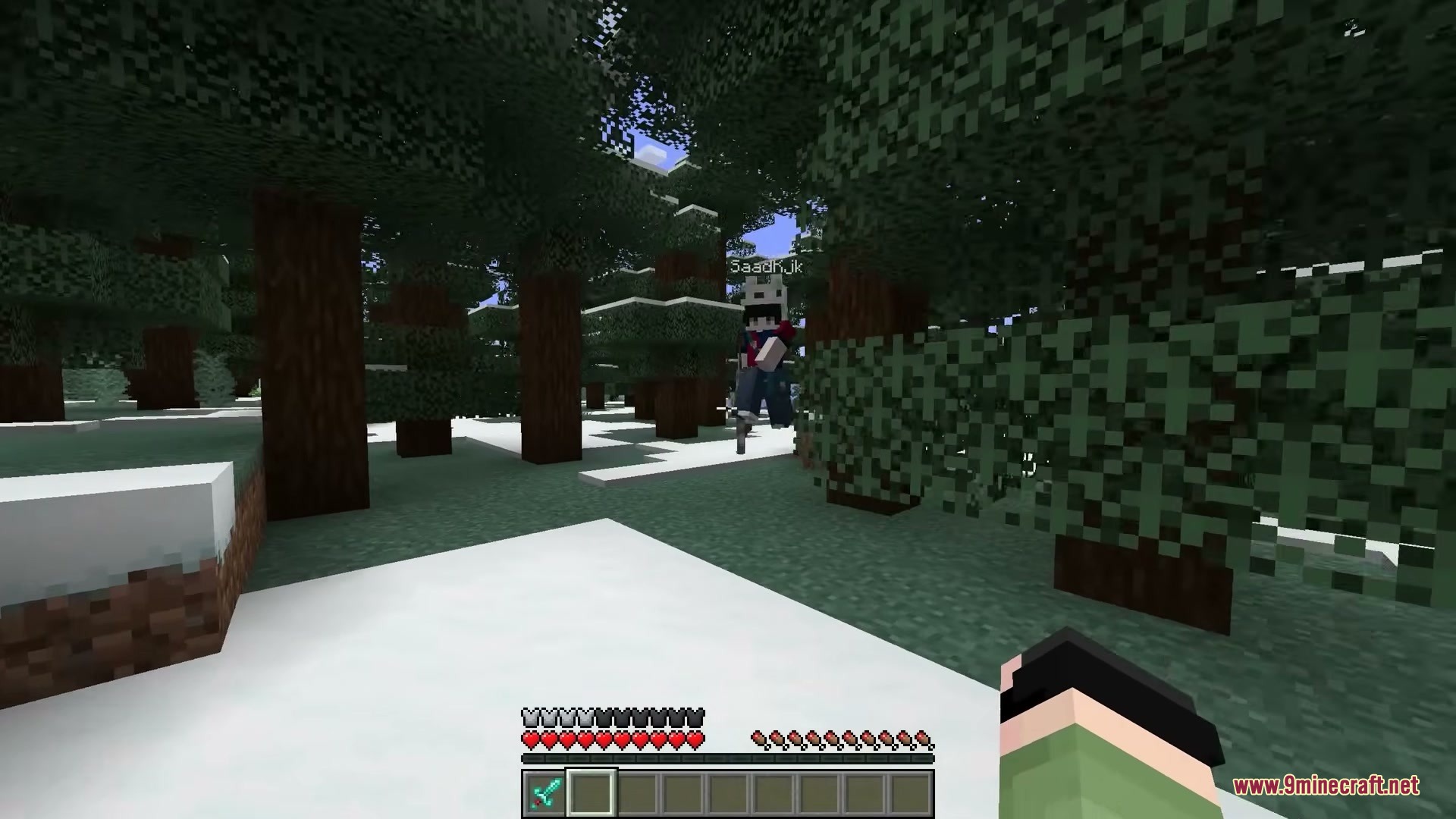
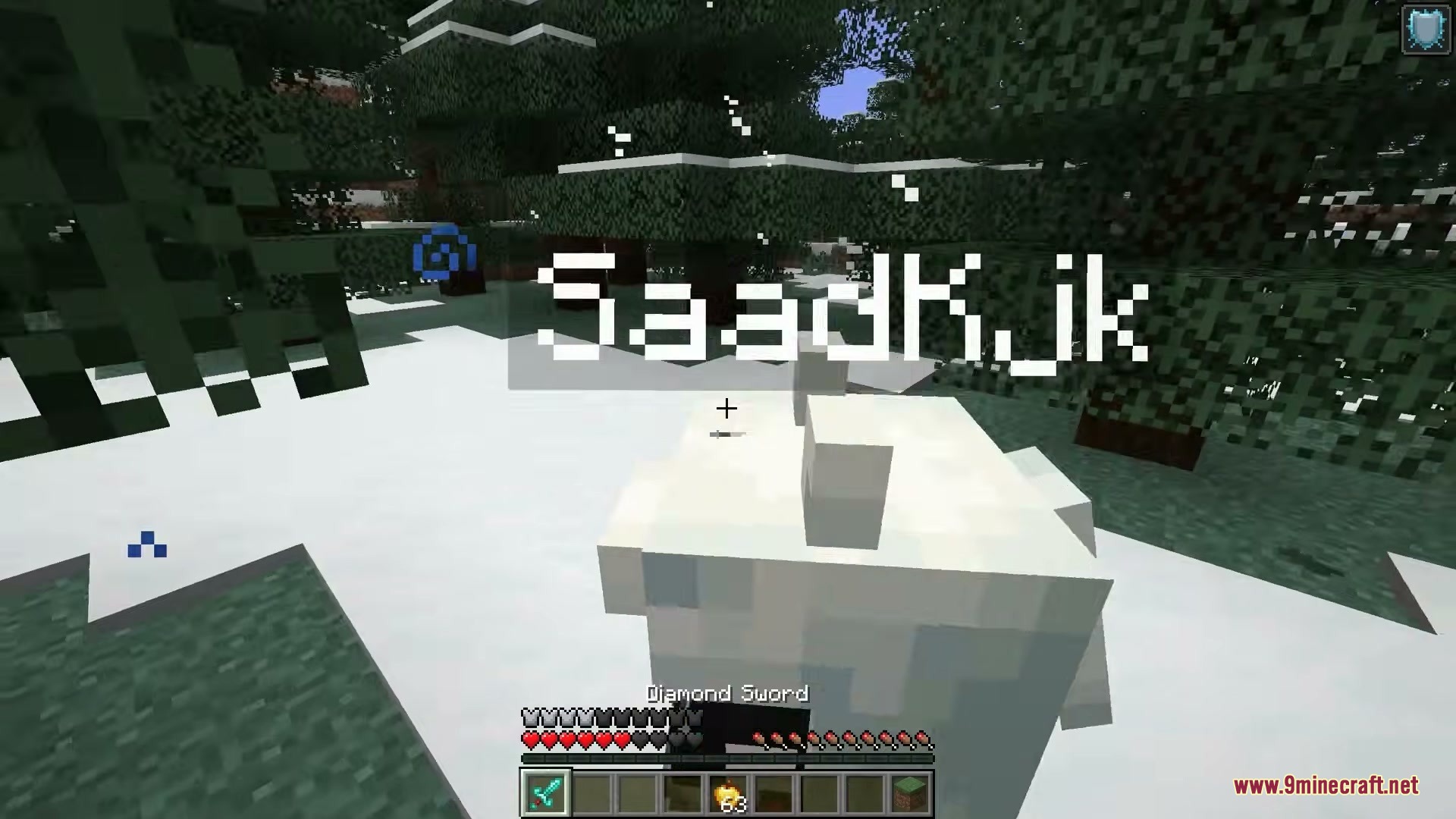
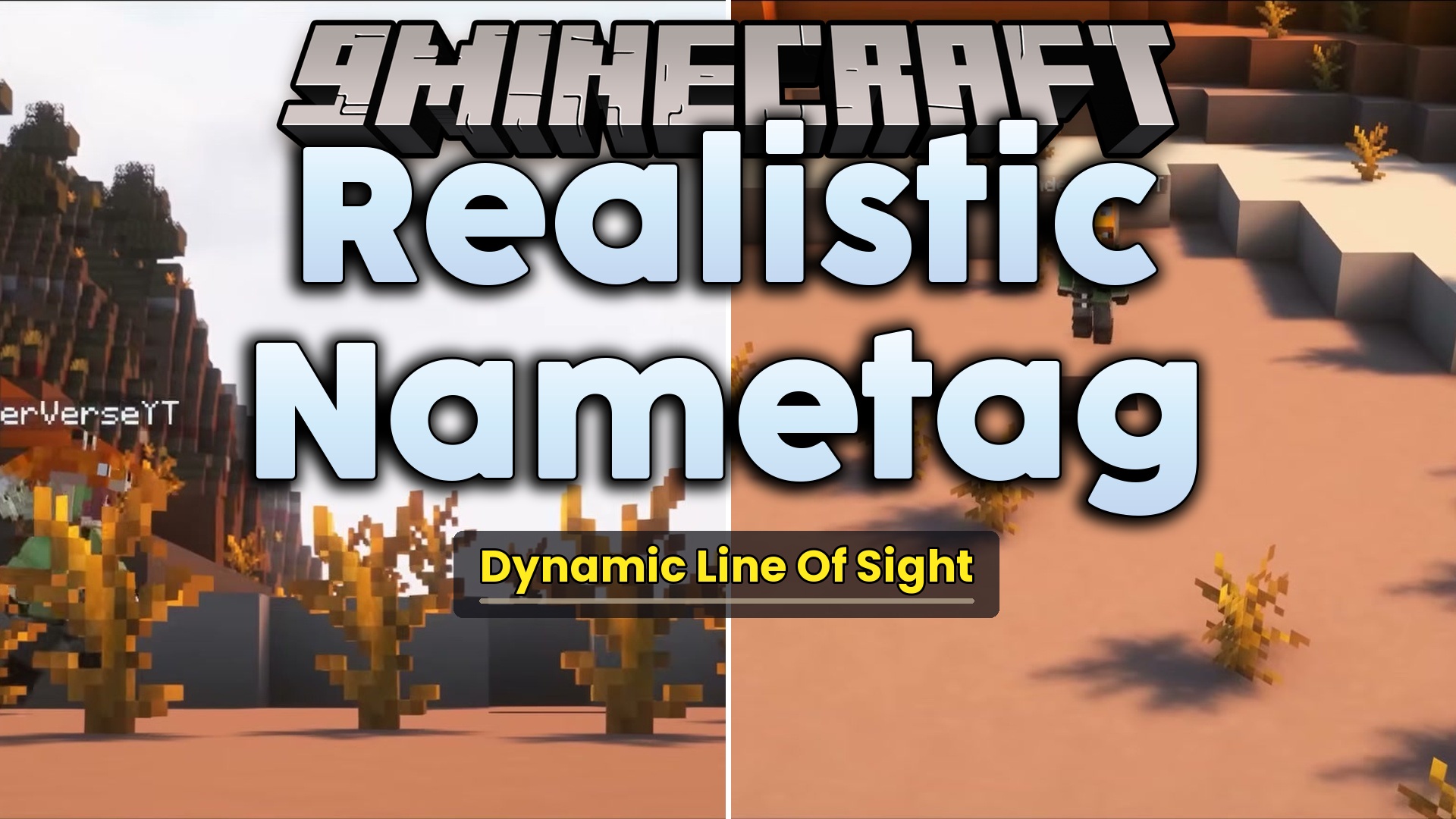
Realistic Nametag Mod changes how player and mob names appear in your world. It stops name tags from showing through walls and solid objects. You can finally play hide and seek or build secret bases without your floating name giving away your location.
Features:
- Hides player and mob name tags behind solid blocks like stone, dirt, or wood.
- Shows name tags normally when you look through clear blocks like glass.
- Draws only the visible part of a name tag if an object covers half of it.
- Requires all players on a server to install it so no one gets an unfair advantage.
Configuration:
disableMod: turns the mod features on or off completely.disableInSpectator: controls whether the hiding effect works while you are in spectator mode.
Screenshots:
Realistic Nametag Mod Download Links
Quick facts
- Edition: Minecraft Java
- File type: .jar
- Minecraft versions listed: 1.21.1, 1.20.1
- How to install: Install the matching mod loader (Forge, Fabric or NeoForge) for your Minecraft version. → Download the .jar. → Put it in the .minecraft/mods folder and launch that loader profile.
- Where to get it: In MC Java Mods, or directly above on this page.
Install steps are the general flow for this file type — How to install Minecraft Java mods & modpacks walks through it step by step.
File checked by MCModsHub
- Downloads as 429773.mcaddon
- Download size: 32 KB
- Download link checked 23 Sept 2026 — working
- Mirrored on our own servers — the download does not depend on the original host
These come from our own check of the pack file, not from the source page.