ModsJava
Netherite Vault Mod (26.2, 1.21.11) – Loot Ominous Vaults for End-Game
Java mod listed for Minecraft 1.21. Downloads from the MC Java Mods app on Android.
⬇ Download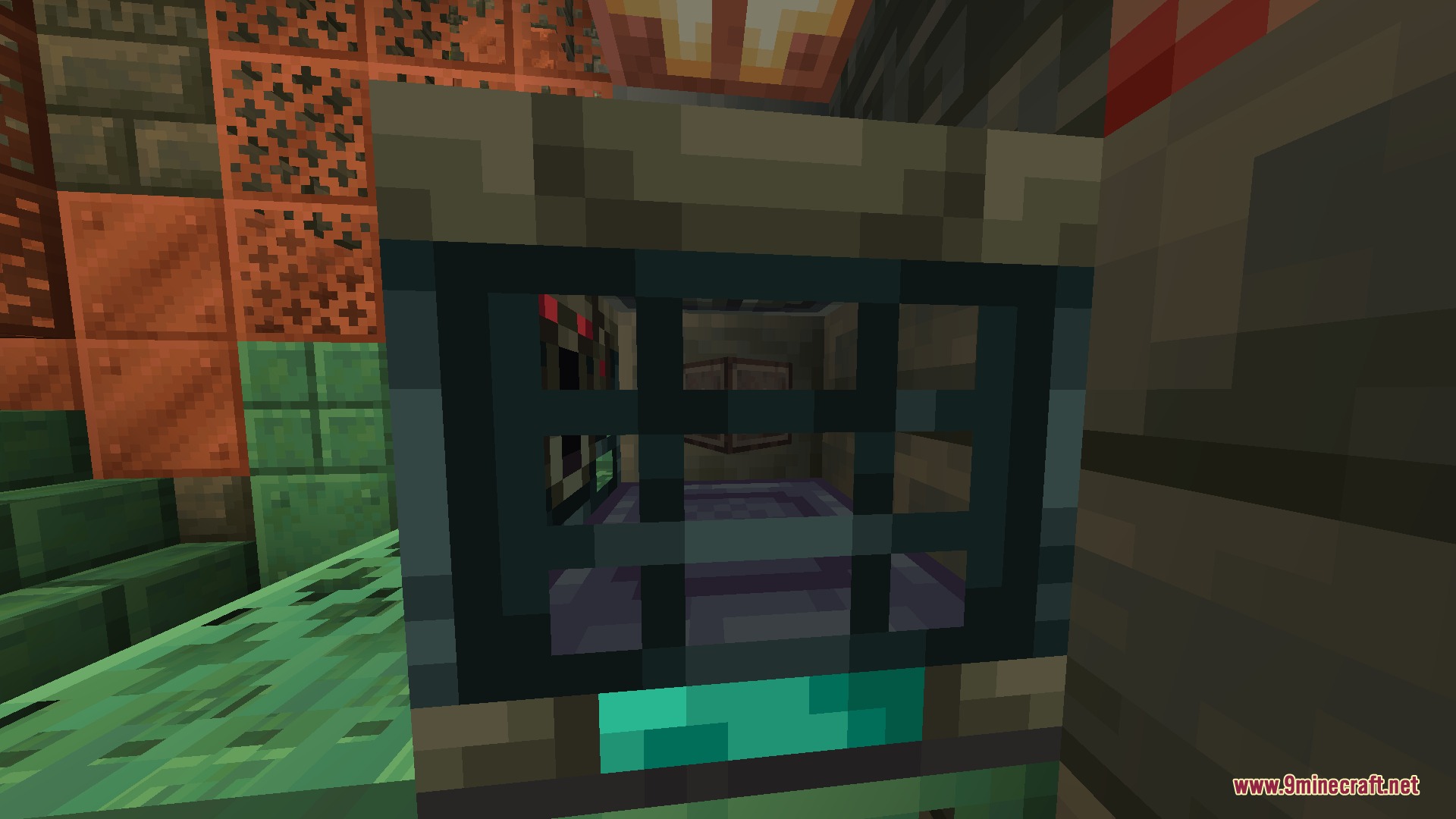
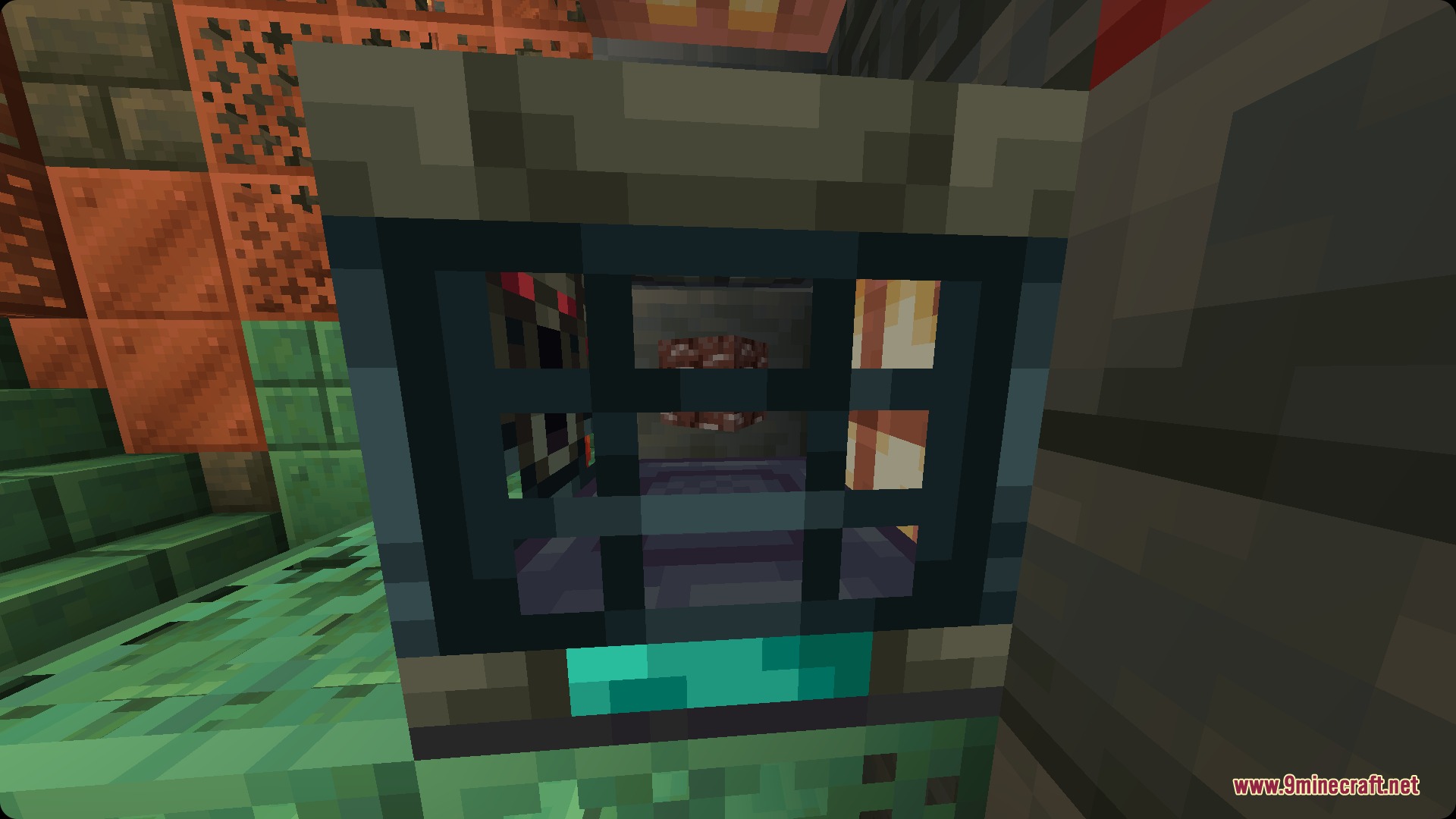
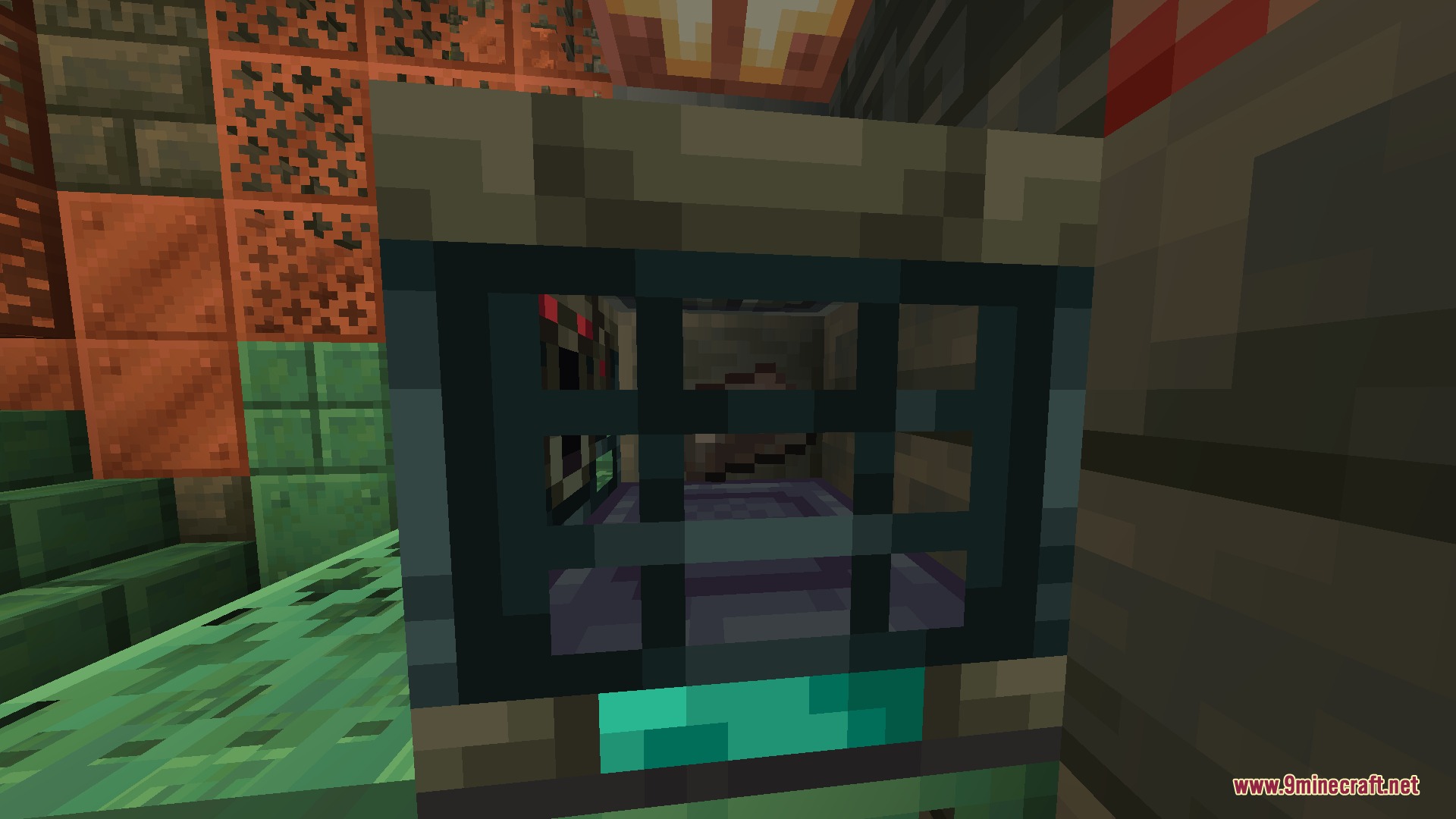
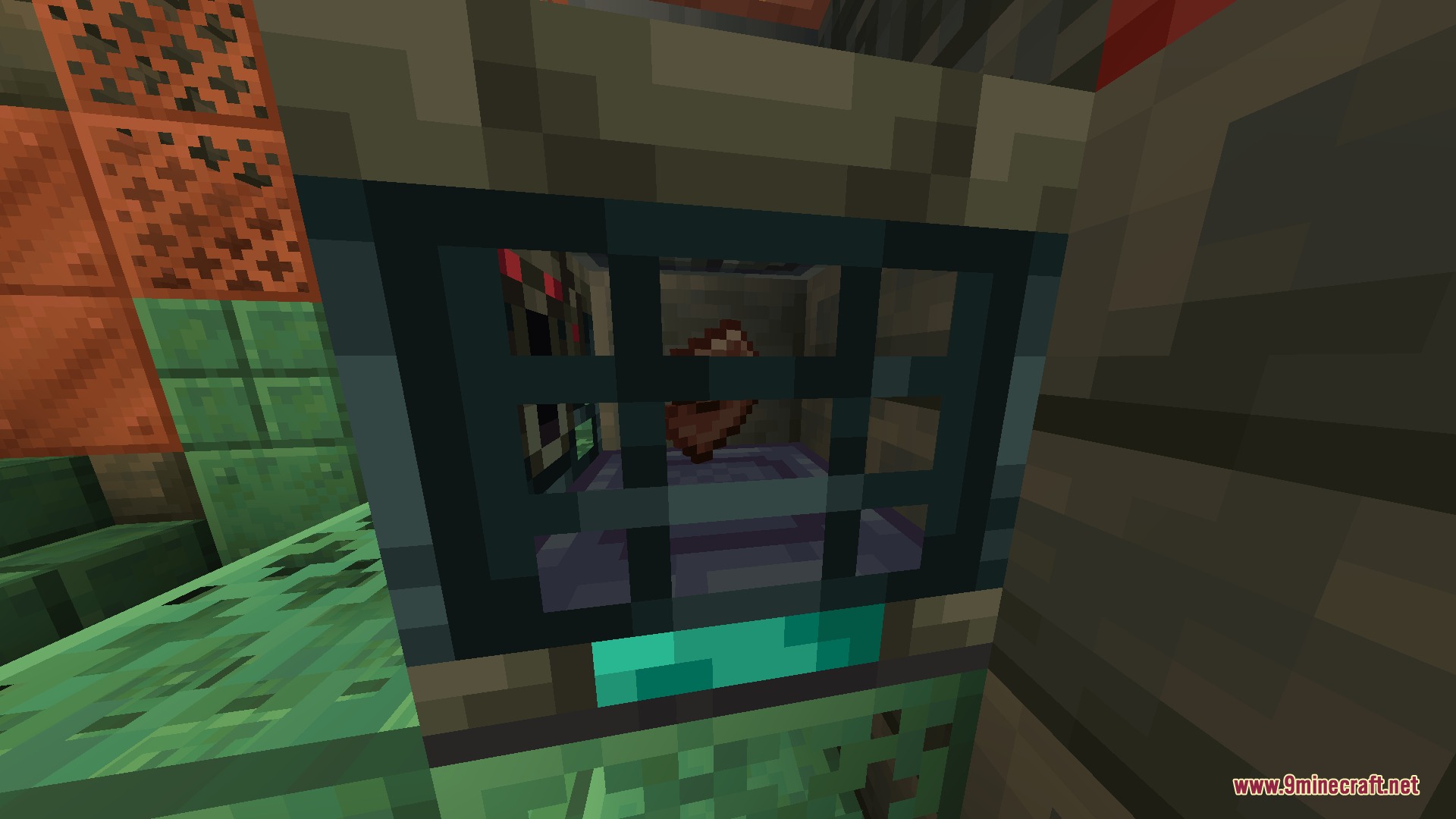
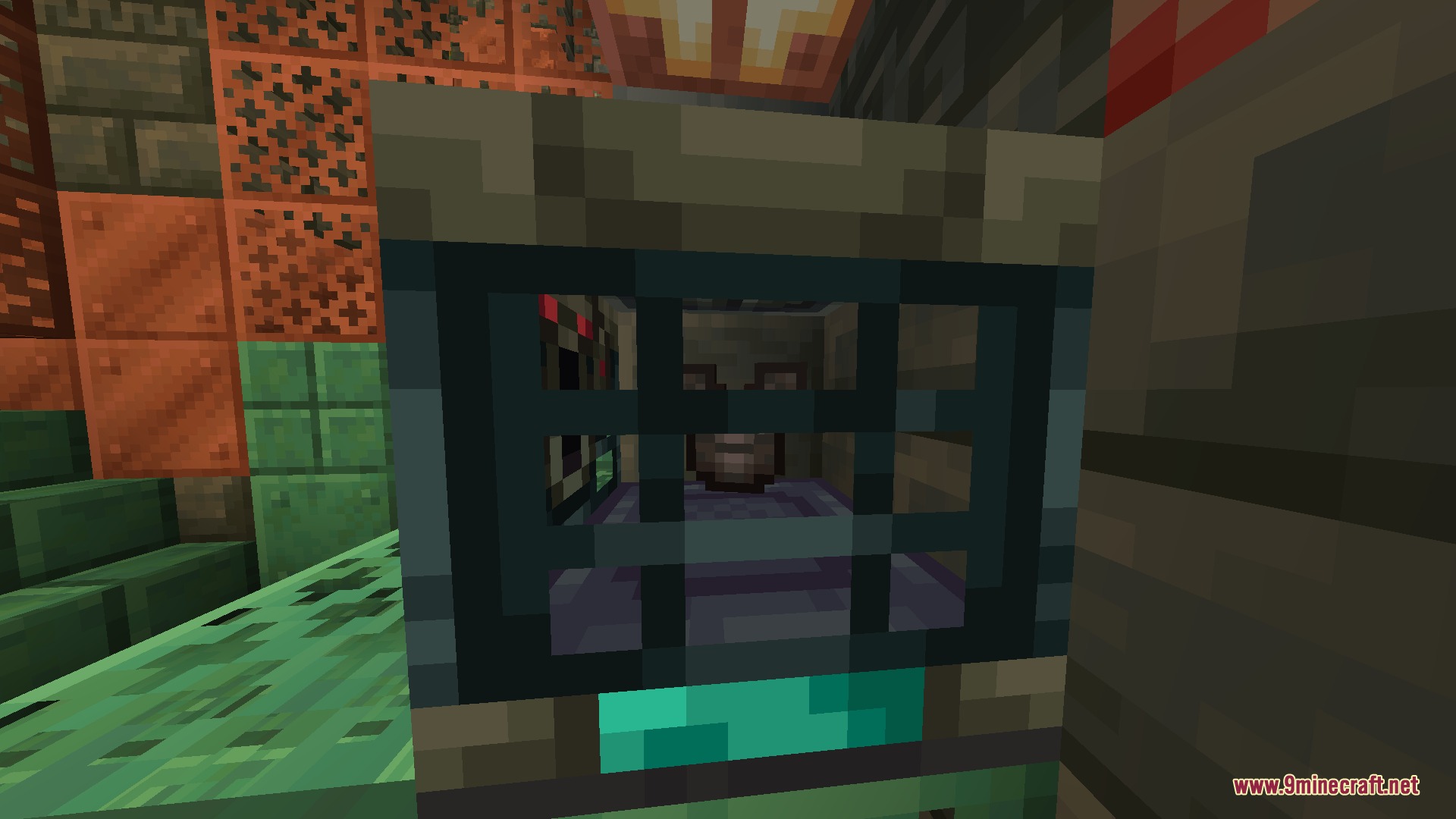
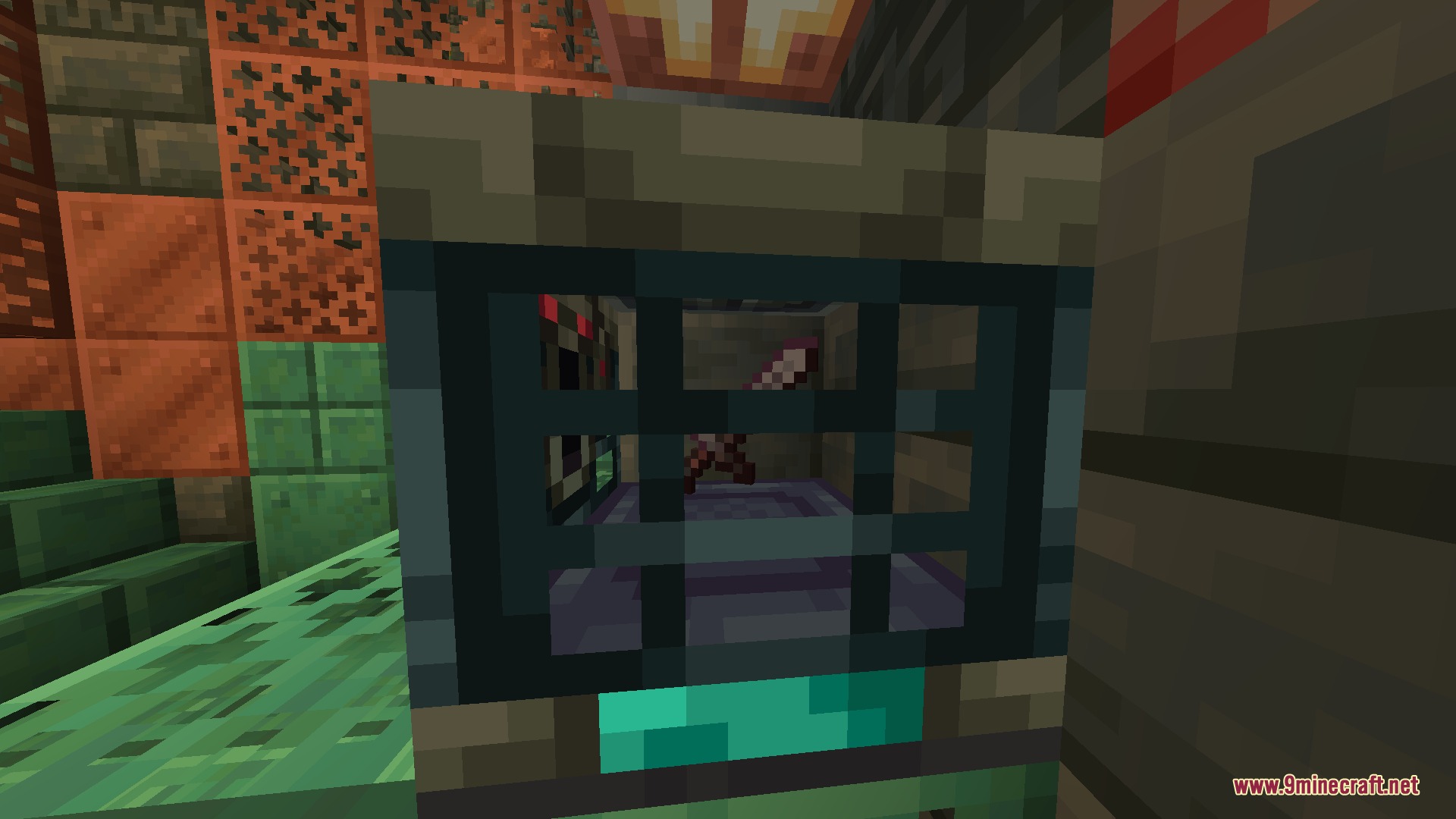
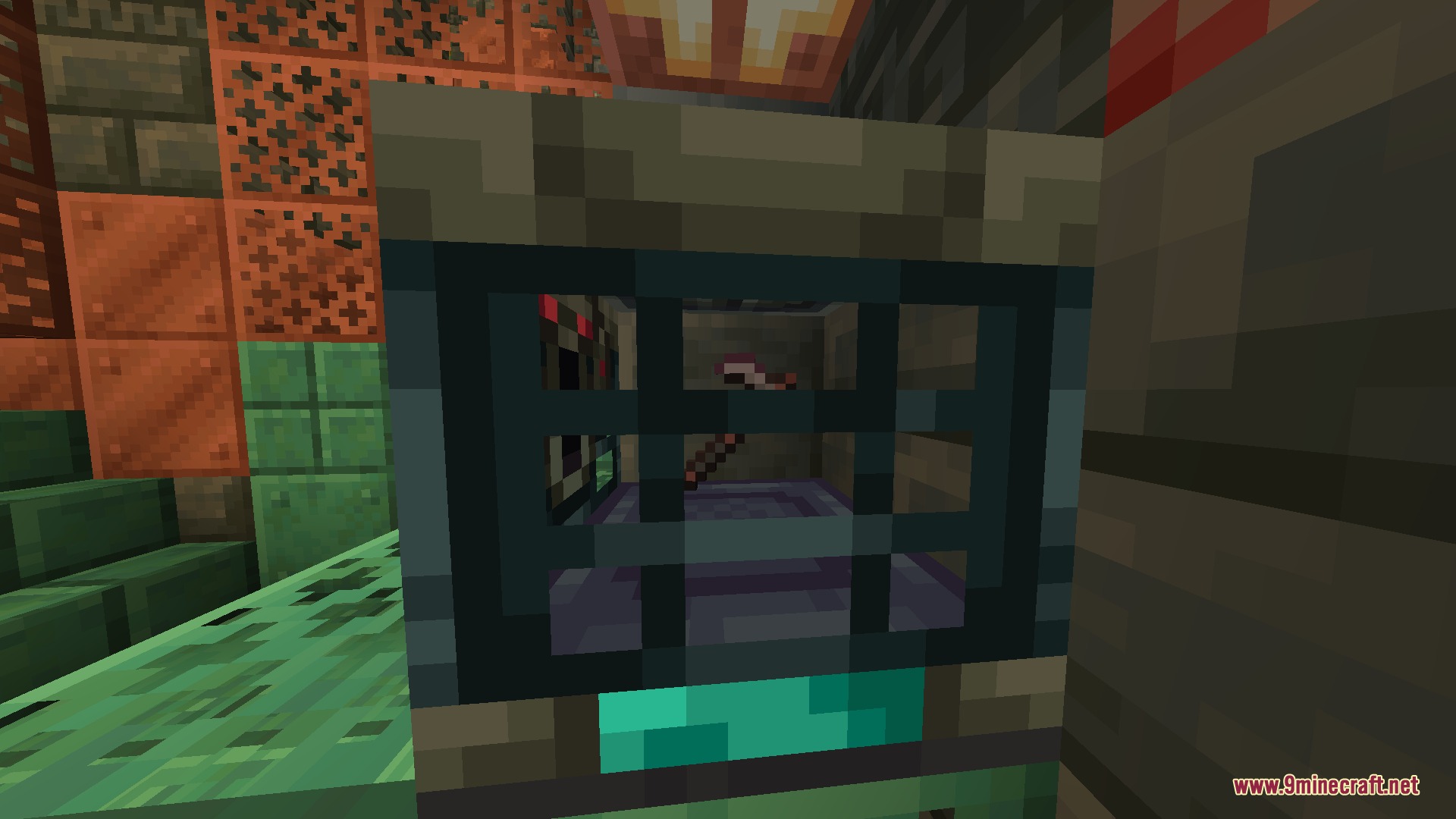
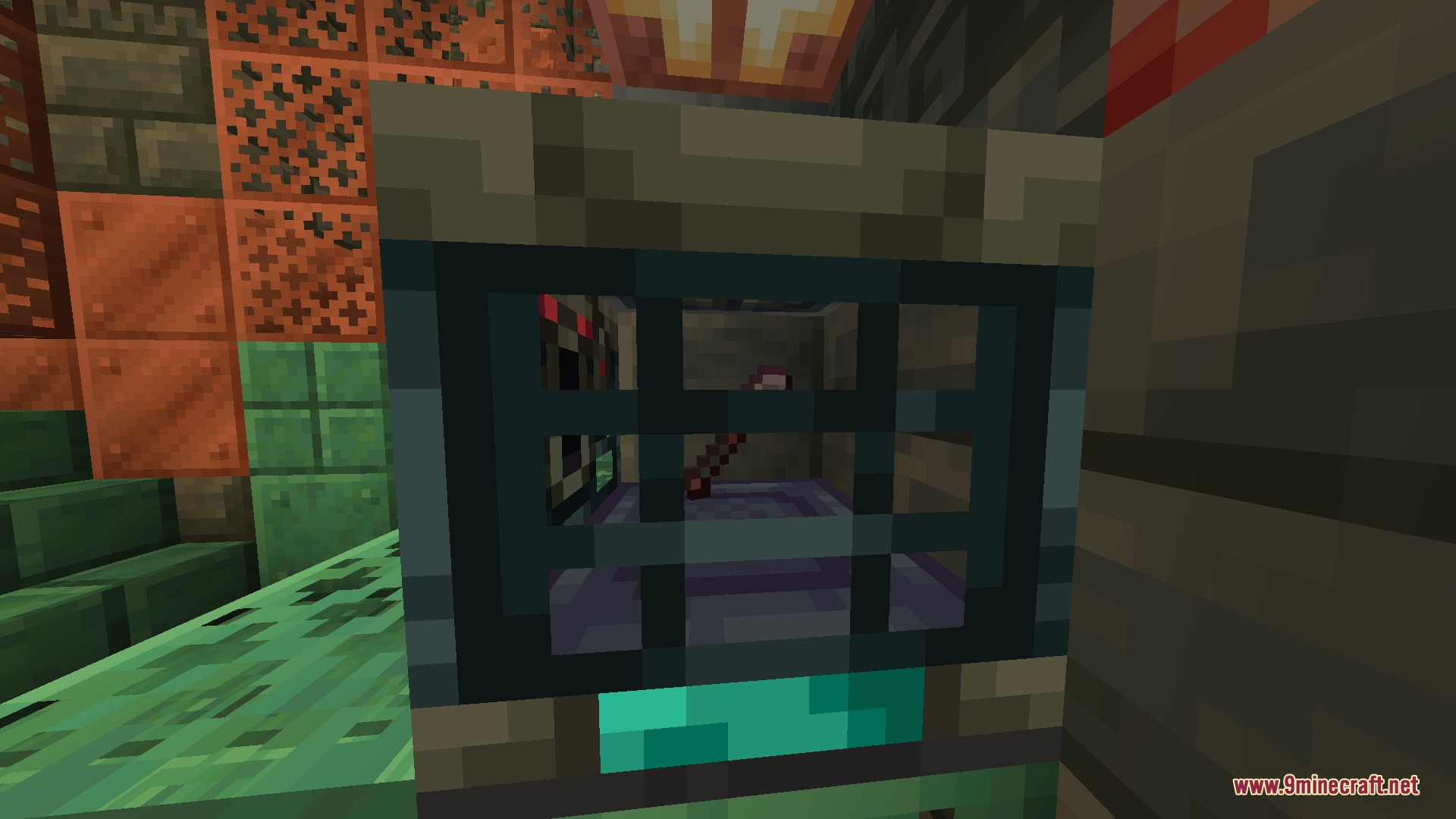
Netherite Vault Mod adds valuable Netherite items to the Ominous Vault loot tables. This mod gives you a new way to find end-game materials and gear while exploring, without replacing your normal Nether mining trips. Every vault opening becomes more rewarding because each rare item rolls its own independent drop chance.
Features:
- Vault Rewards: Adds Ancient Debris, Netherite Scraps, and Netherite Ingots to Ominous Vaults.
- Lets you find fully crafted Netherite armor pieces like helmets, chestplates, leggings, and boots.
- Includes powerful Netherite tools and weapons in the reward pool, such as swords, axes, and pickaxes.
- Keeps normal Nether mining useful since these drops act as rare bonuses.
- Gives every single item its own independent chance to drop when you open a vault.
- Adds a tiny chance to find a full Netherite Block.
Drop Chances:
Higher weights mean the item is more likely to be chosen relative to other items in the loot pool.
| Item | Type | Chance | Weight |
|---|---|---|---|
| Ancient Debris | Material | 10.0% | 4 |
| Netherite Block | Material | 0.3% | 1 |
| Netherite Ingot | Material | 2.5% | 2 |
| Netherite Scrap | Material | 8.0% | 3 |
| Netherite Helmet | Armor | 2.0% | 1 |
| Netherite Chestplate | Armor | 1.5% | 2 |
| Netherite Leggings | Armor | 1.5% | 1 |
| Netherite Boots | Armor | 2.0% | 2 |
| Netherite Sword | Weapon | 1.5% | 1 |
| Netherite Axe | Tool & Weapon | 1.5% | 1 |
| Netherite Pickaxe | Tool | 2.0% | 1 |
| Netherite Spear | Weapon | 15.0% | 5 |
| Netherite Hoe | Tool | 20.0% | 5 |
| Netherite Shovel | Tool | 20.0% | 5 |
Screenshots:
Netherite Vault Mod Download Links
Quick facts
- Edition: Minecraft Java
- File type: .jar
- Minecraft version listed: 1.21.11
- How to install: Install the matching mod loader (Forge, Fabric or NeoForge) for your Minecraft version. → Download the .jar. → Put it in the .minecraft/mods folder and launch that loader profile.
- Where to get it: In MC Java Mods, or directly above on this page.
Install steps are the general flow for this file type — How to install Minecraft Java mods & modpacks walks through it step by step.
File checked by MCModsHub
- Downloads as 429775.mcaddon
- Download size: 45 KB
- Download link checked 24 Sept 2026 — working
- Mirrored on our own servers — the download does not depend on the original host
These come from our own check of the pack file, not from the source page.