ModsJava
Hopper X Treme Mod (26.2, 1.21.1) – Move Loot Upward and Build Faster Storage
Java mod listed for Minecraft 1.21. Downloads from the MC Java Mods app on Android.
⬇ Download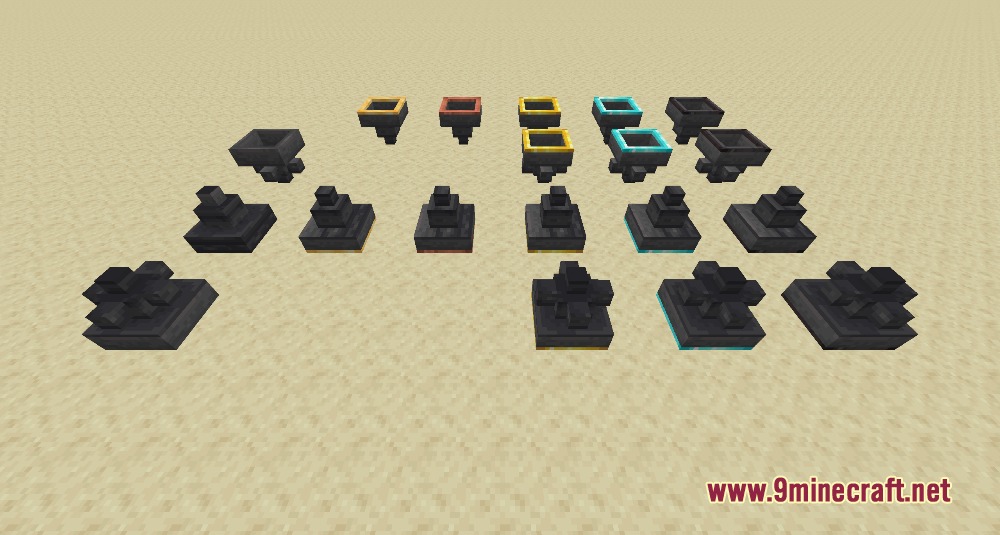
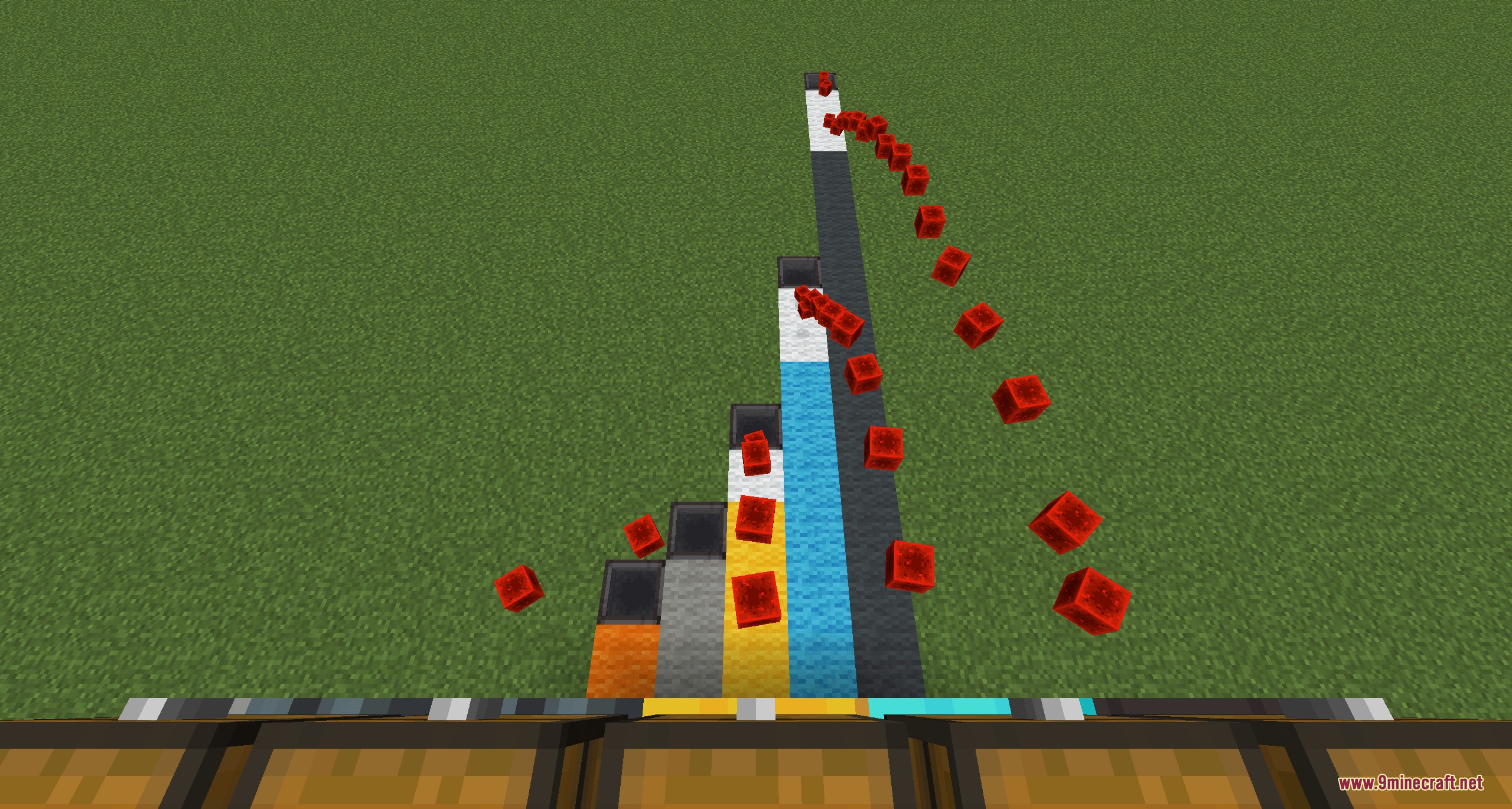
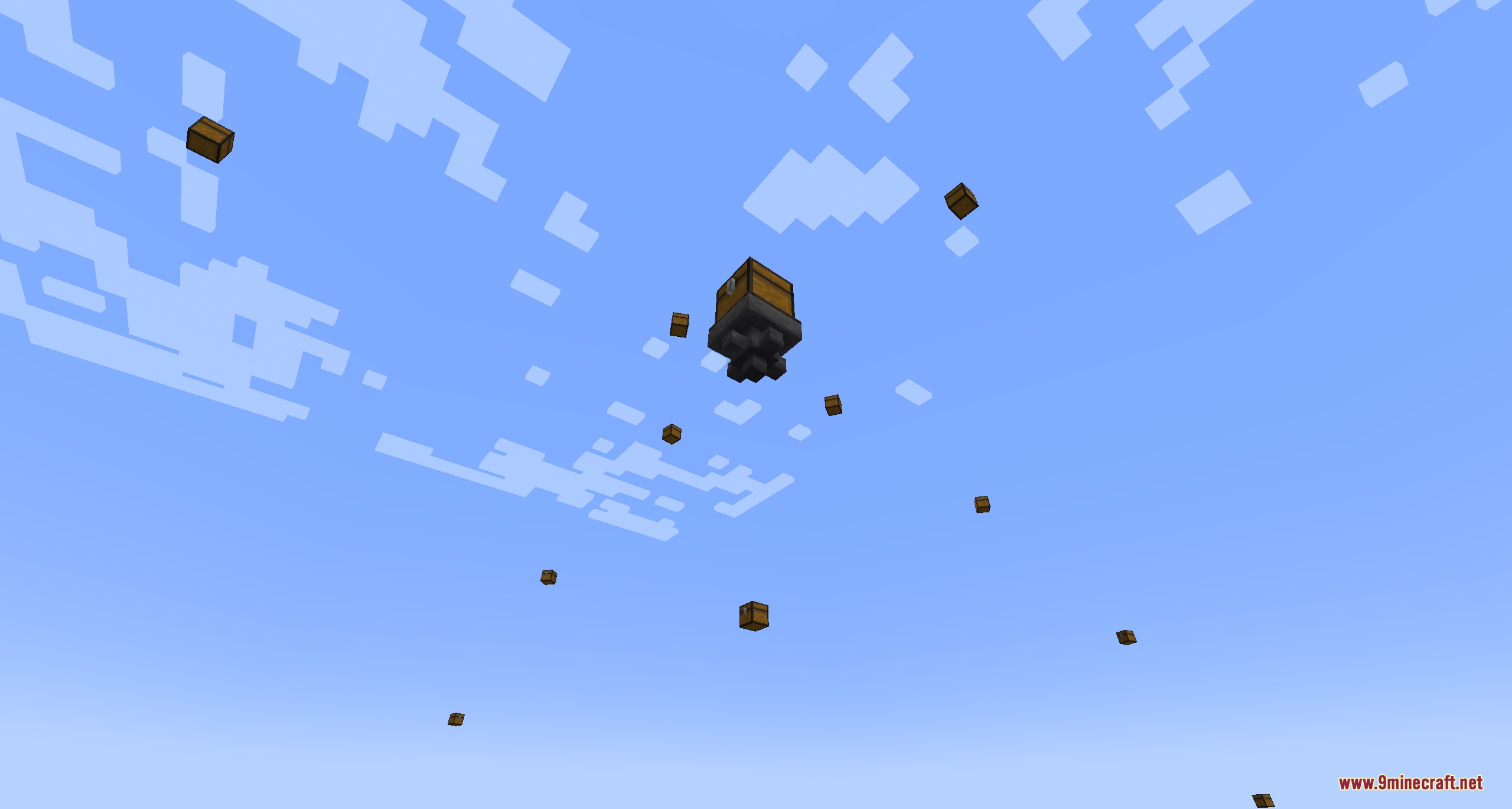
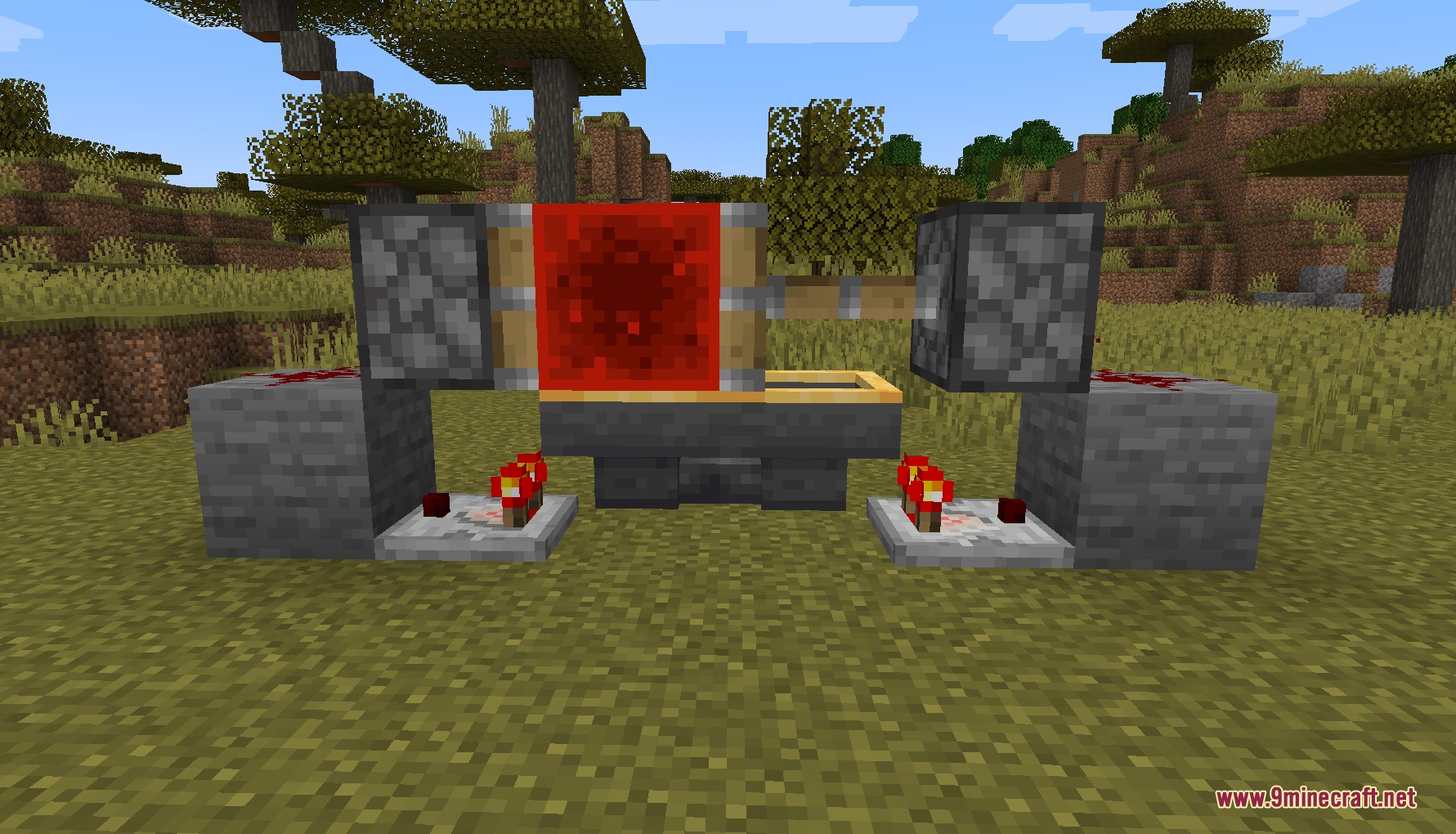
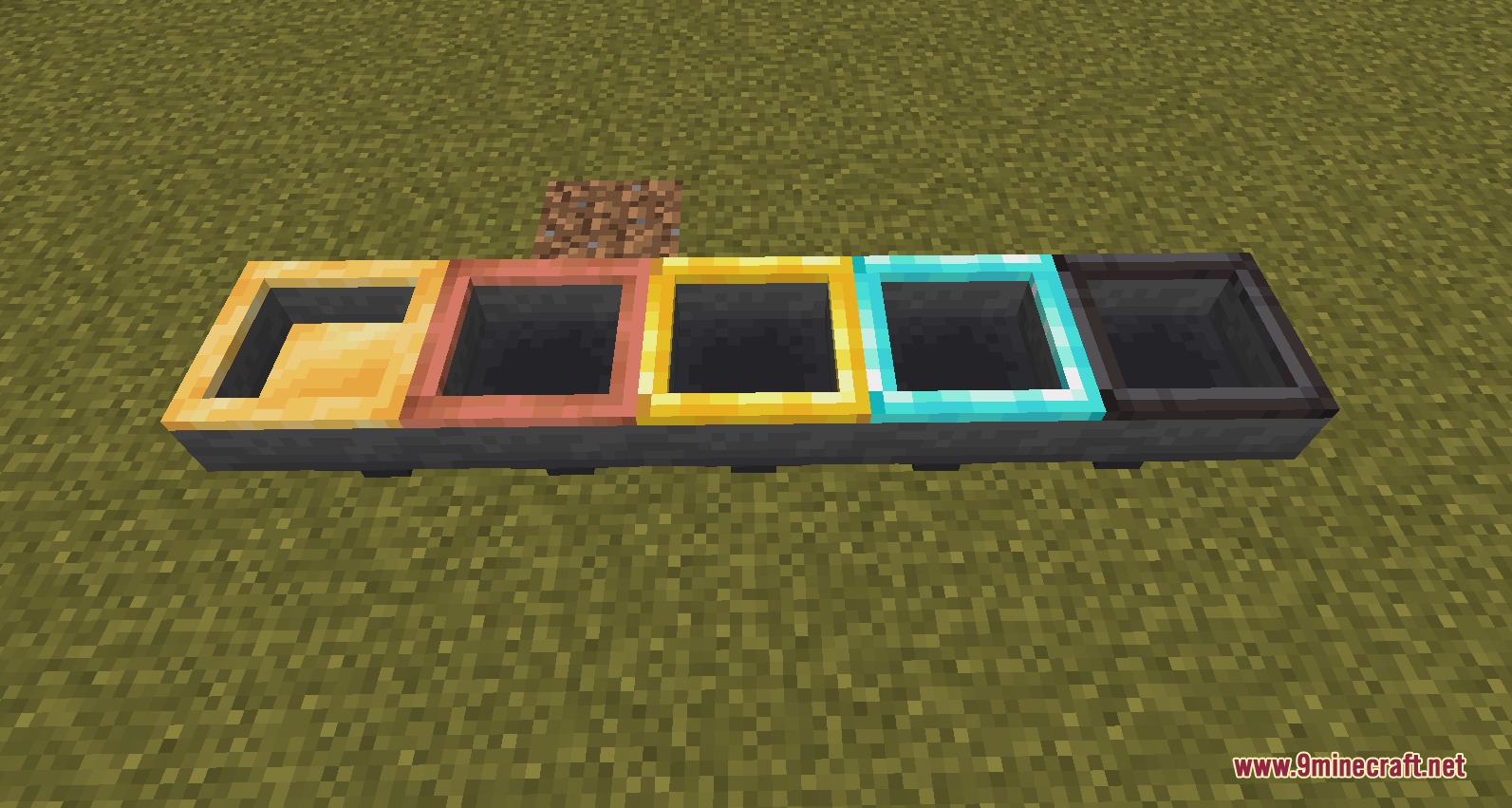
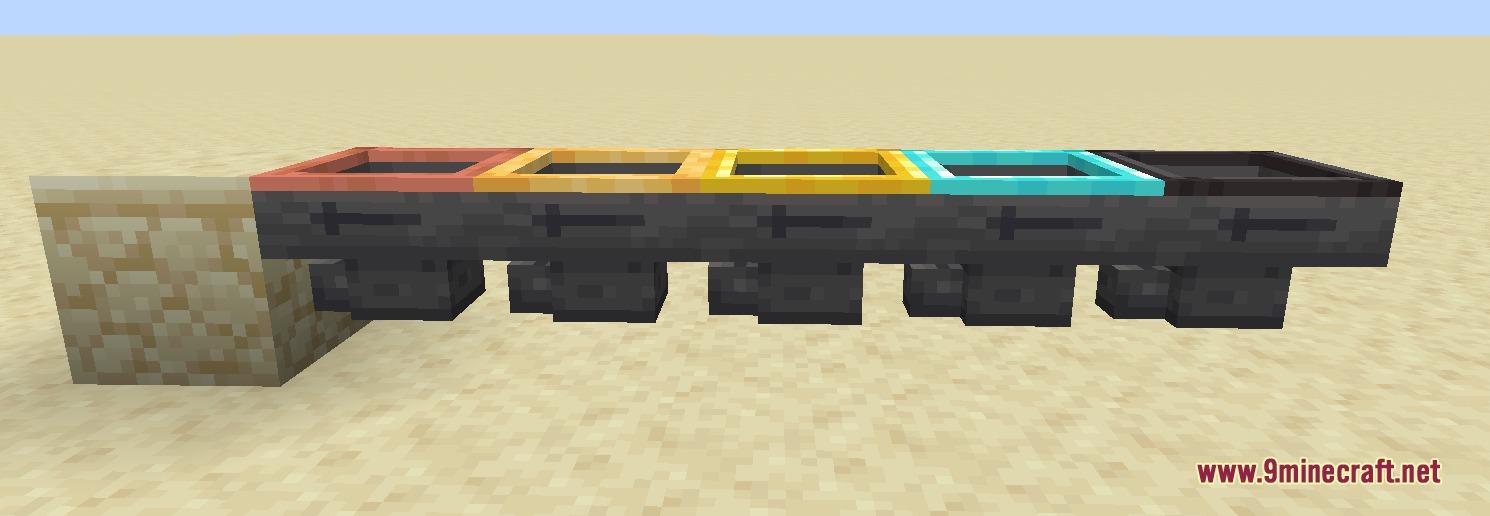
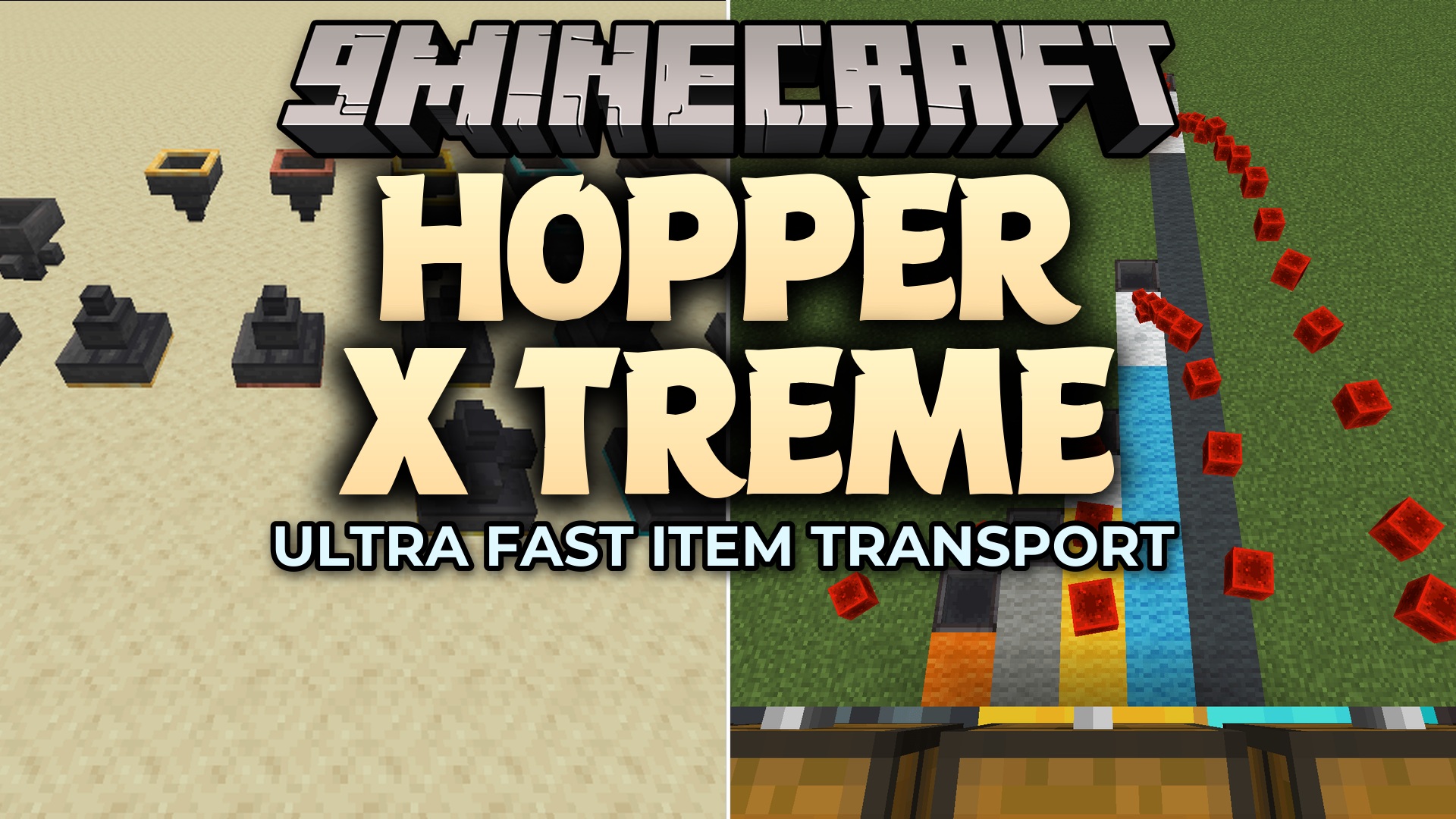
Hopper X Treme Mod gives you total control over how items move around your base. It adds new hoppers that can transfer items much faster or slower than normal. You can even send your loot upward into chests above you or shoot blocks across the room to build better storage systems.
Features:
- Faster Transfer: Upgrades your storage systems with diamond and netherite hoppers that move items at lightning speed.
- Slower Transfer: Gives you a honeyed hopper that moves exactly one item per second for easy redstone clocks.
- Redstone Proof: Adds a copper hopper that never locks when powered by redstone signals.
- Sends items upward instead of downward using special blocks called huppers.
- Splits your items into multiple different directions at the same time using multi-hoppers.
- Tosses blocks right into the open air with glazed hoppers, shooting them further based on the tier.
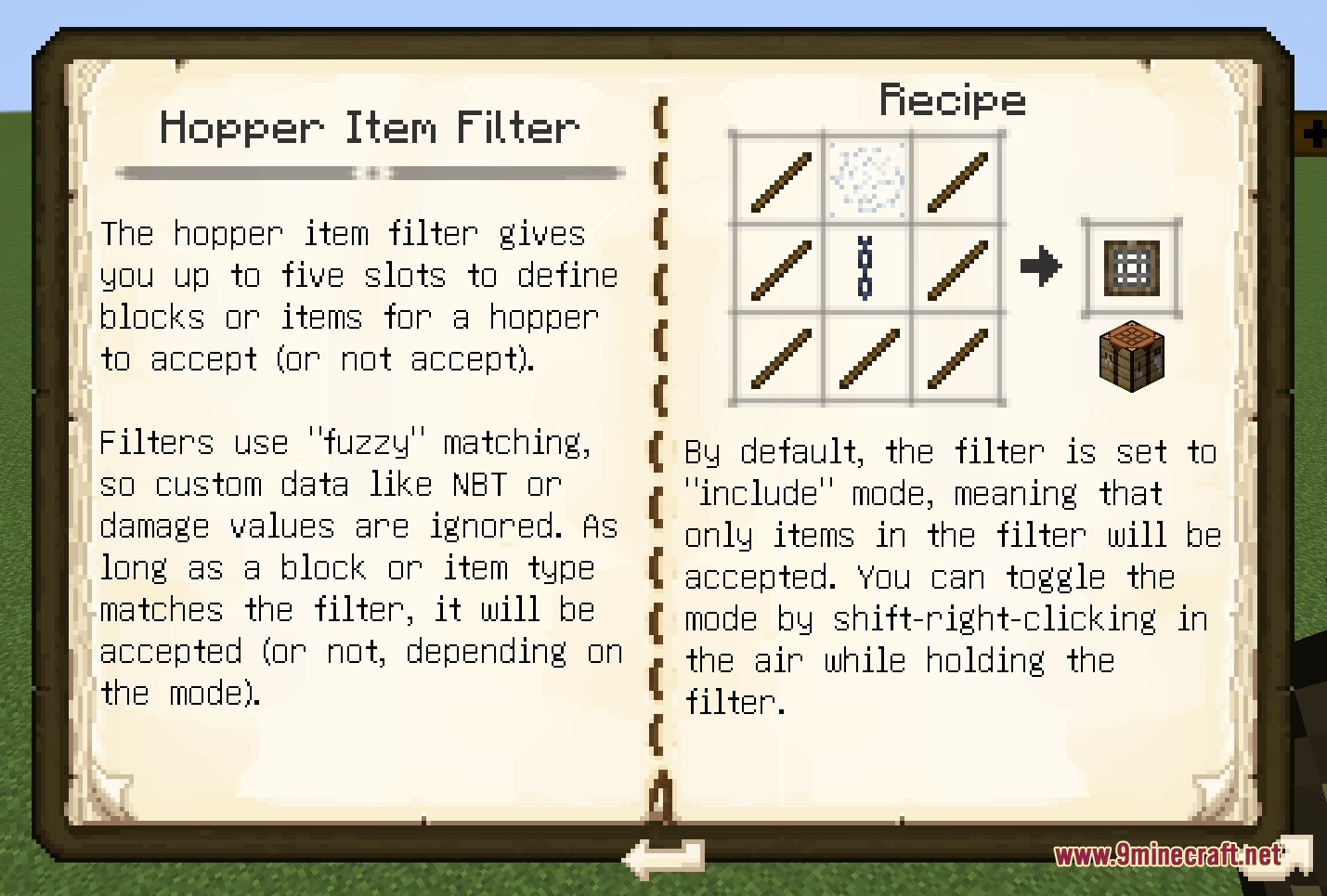
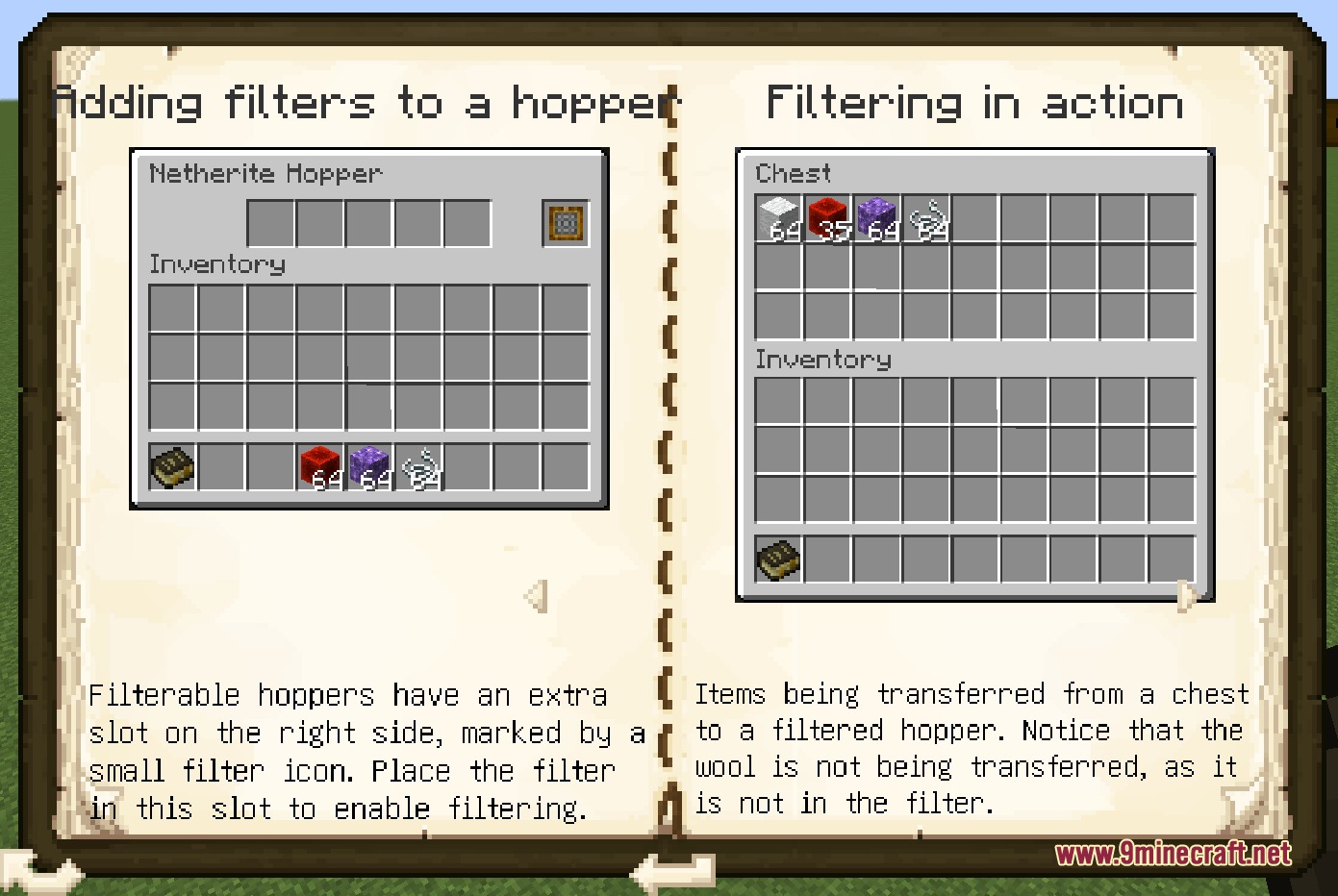
- Lets you filter exactly which items can pass through golden-tier hoppers and above.
Hopper Tiers:
- Honeyed: Moves 1 item per second.
- Copper: Moves 2.5 items per second and ignores redstone locking.
- Golden: Moves 5 items per second.
- Diamond: Moves 10 items per second.
- Netherite: Moves 20 items per second.
Special Hopper Types:
- Huppers: Push items straight up into containers above them.
- Multi-hoppers: Distribute items evenly to multiple connected blocks.
- Glazed Hoppers: Act like droppers that spit items out into the world.
How to Use:
- Place down a multi-hopper or multi-hupper in your base.
- Grab any standard wrench item and right-click the block to turn different output directions on or off.
- Upgrade to a golden tier or higher to unlock item filtering options.
- Check the in-game guide book to learn how to set up your specific item filters.
Screenshots:
Hopper X Treme Mod Download Links
Quick facts
- Edition: Minecraft Java
- File type: .jar
- Minecraft version listed: 1.21.1
- How to install: Install the matching mod loader (Forge, Fabric or NeoForge) for your Minecraft version. → Download the .jar. → Put it in the .minecraft/mods folder and launch that loader profile.
- Where to get it: In MC Java Mods, or directly above on this page.
Install steps are the general flow for this file type — How to install Minecraft Java mods & modpacks walks through it step by step.
File checked by MCModsHub
- Downloads as 429777.mcaddon
- Download size: 467 KB
- Download link checked 23 Sept 2026 — working
- Mirrored on our own servers — the download does not depend on the original host
These come from our own check of the pack file, not from the source page.