Modest Mining Mod (1.21.1, 1.20.1) – Crush Ores and Craft Tools
Java mod listed for Minecraft 1.20–1.21. Downloads from the MC Java Mods app on Android.
⬇ Download
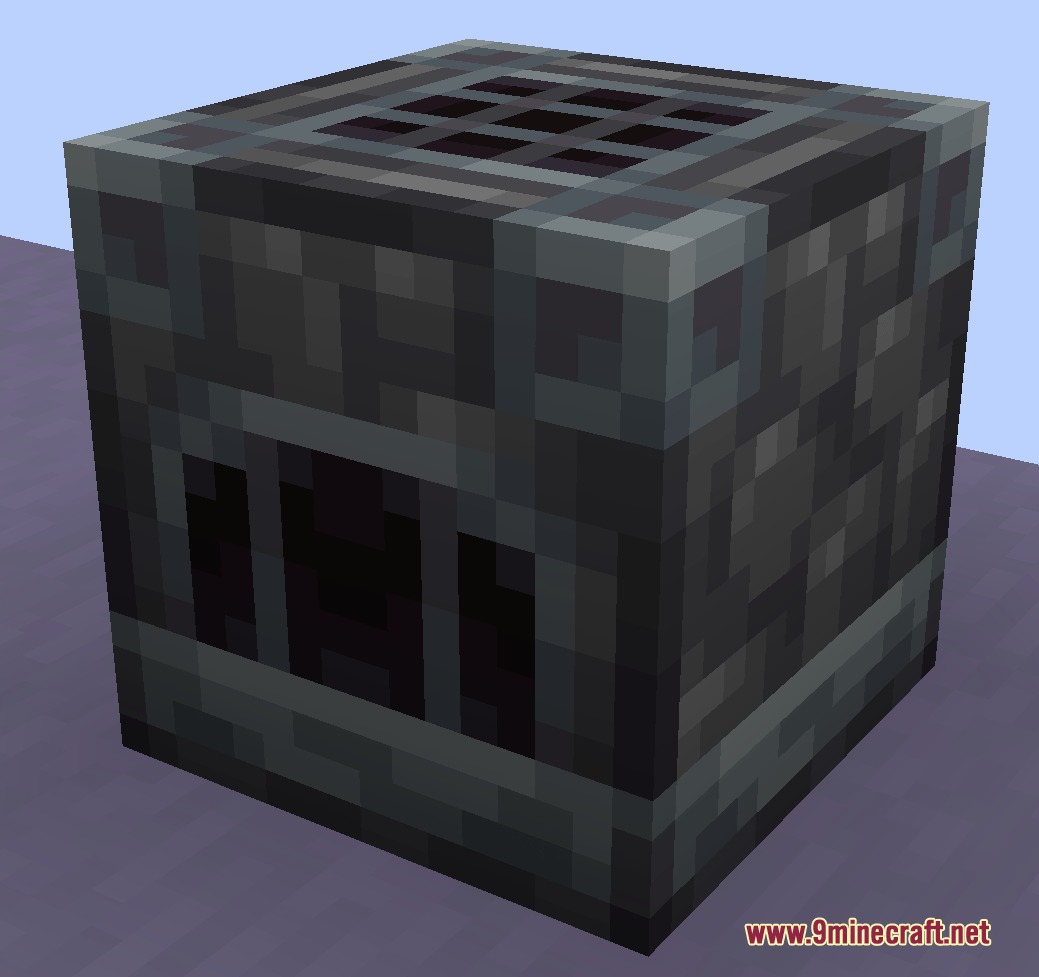
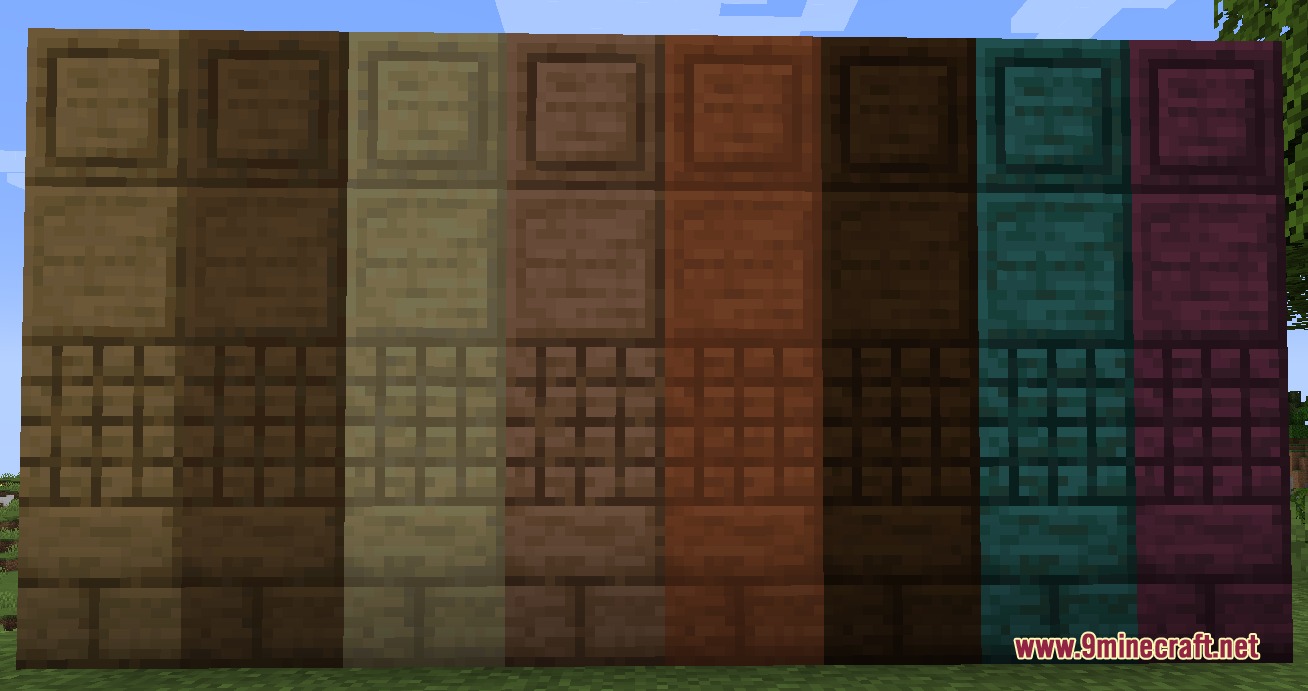
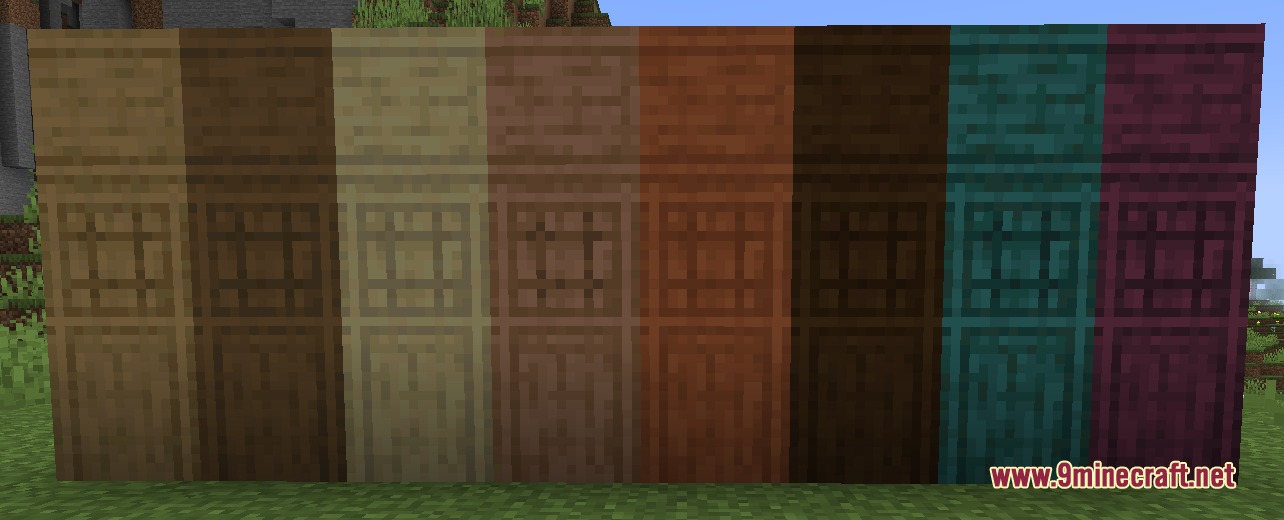
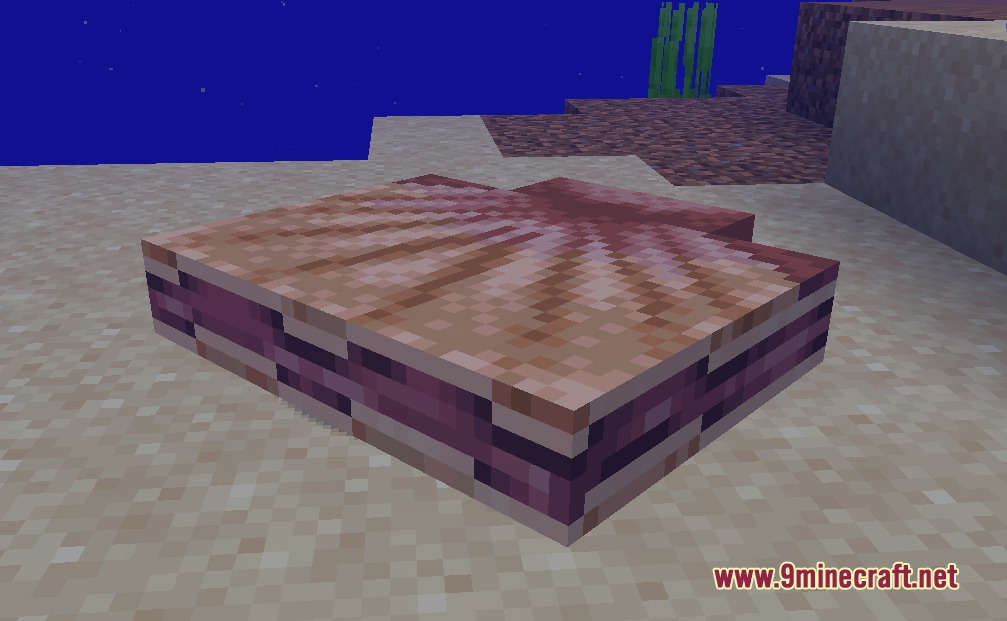
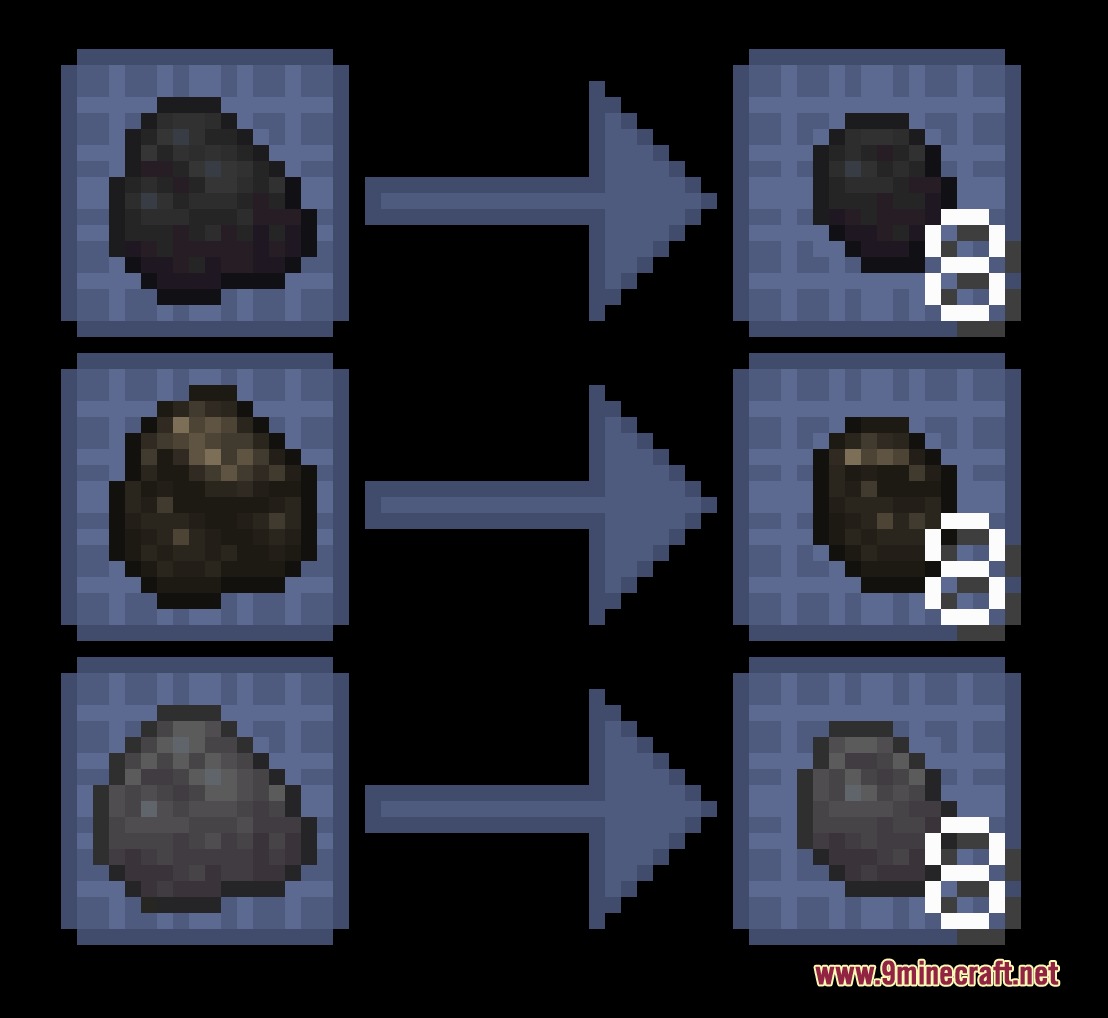
Modest Mining Mod changes how you make tools and handle ores in your world. It adds new workstations like a heated forge and a spinning millstone to process your items differently than a normal crafting table. You also get new weapons to fight mobs, like heavy hammers and throwable javelins. The mod breaks down basic items into smaller pieces, letting you turn rotten flesh into leather or use tiny coal chunks to smelt single blocks without wasting fuel.
Features:
- The Forge Workstation: Acts like a regular crafting table but requires furnace fuel to run. You must use this specific block to craft any tools made from metal ingots or gems.
- The Redstone Millstone: Takes one item and crushes it down into nine smaller pieces. You need to connect it to redstone power to make the stone spin.
- Adds slow, heavy hammers that deal big damage to enemies and crush raw ores into dust.
- Lets you craft javelins out of different materials so you always have a throwable weapon similar to a trident.
- Breaks standard coal down into tiny coal chunks, which burn just long enough to smelt exactly one item in a furnace.
- Changes rotten flesh so you can smelt it into regular flesh pieces, which then combine to make usable leather.
- Adds diamond and amethyst shards that work exactly like tiny nuggets for those rare gems.
- Lets you compact amethyst pieces together into large storage blocks to save space in your chests.
How to Use:
- Place down a Forge and add coal or wood to fuel it.
- Put your ingots or gems into the Forge grid to craft your pickaxes, swords, and other tools.
- Set up a Millstone and connect it to a redstone signal, like a lever or redstone block, to make it spin.
- Throw raw ores or specific items into the Millstone to crush them down into dusts or smaller parts.
Screenshots:
Modest Mining Mod Download Links
- Edition: Minecraft Java
- File type: .jar
- Minecraft versions listed: 1.21.1, 1.20.1
- How to install: Install the matching mod loader (Forge, Fabric or NeoForge) for your Minecraft version. → Download the .jar. → Put it in the .minecraft/mods folder and launch that loader profile.
- Where to get it: In MC Java Mods, or directly above on this page.
Install steps are the general flow for this file type — How to install Minecraft Java mods & modpacks walks through it step by step.
- Downloads as 429780.mcaddon
- Download size: 1.1 MB
- Download link checked 24 Sept 2026 — working
- Mirrored on our own servers — the download does not depend on the original host
These come from our own check of the pack file, not from the source page.