
✦ Item Rarity System — Vanilla Lite
Give your vanilla Minecraft gear actual loot tiers.
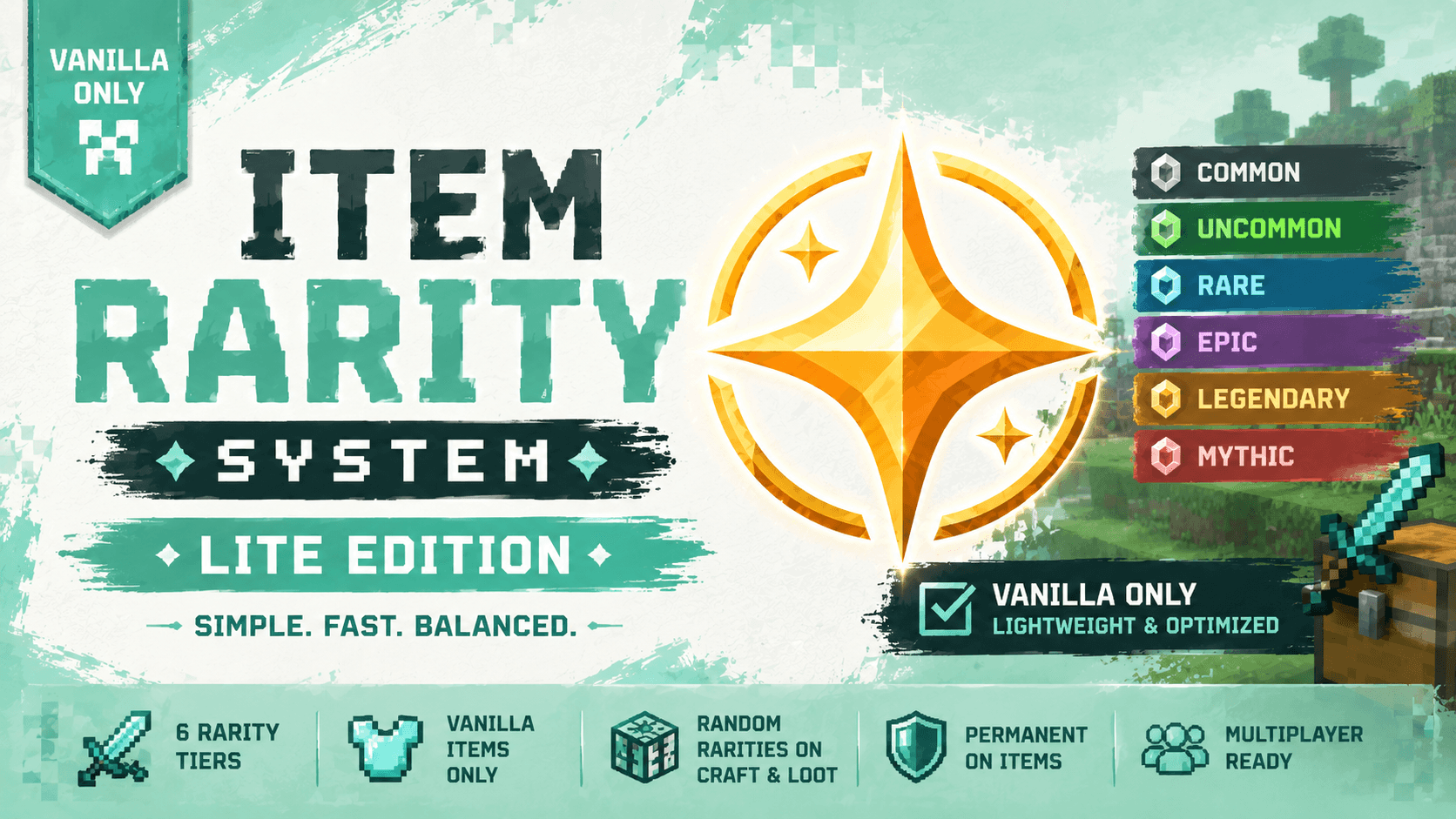
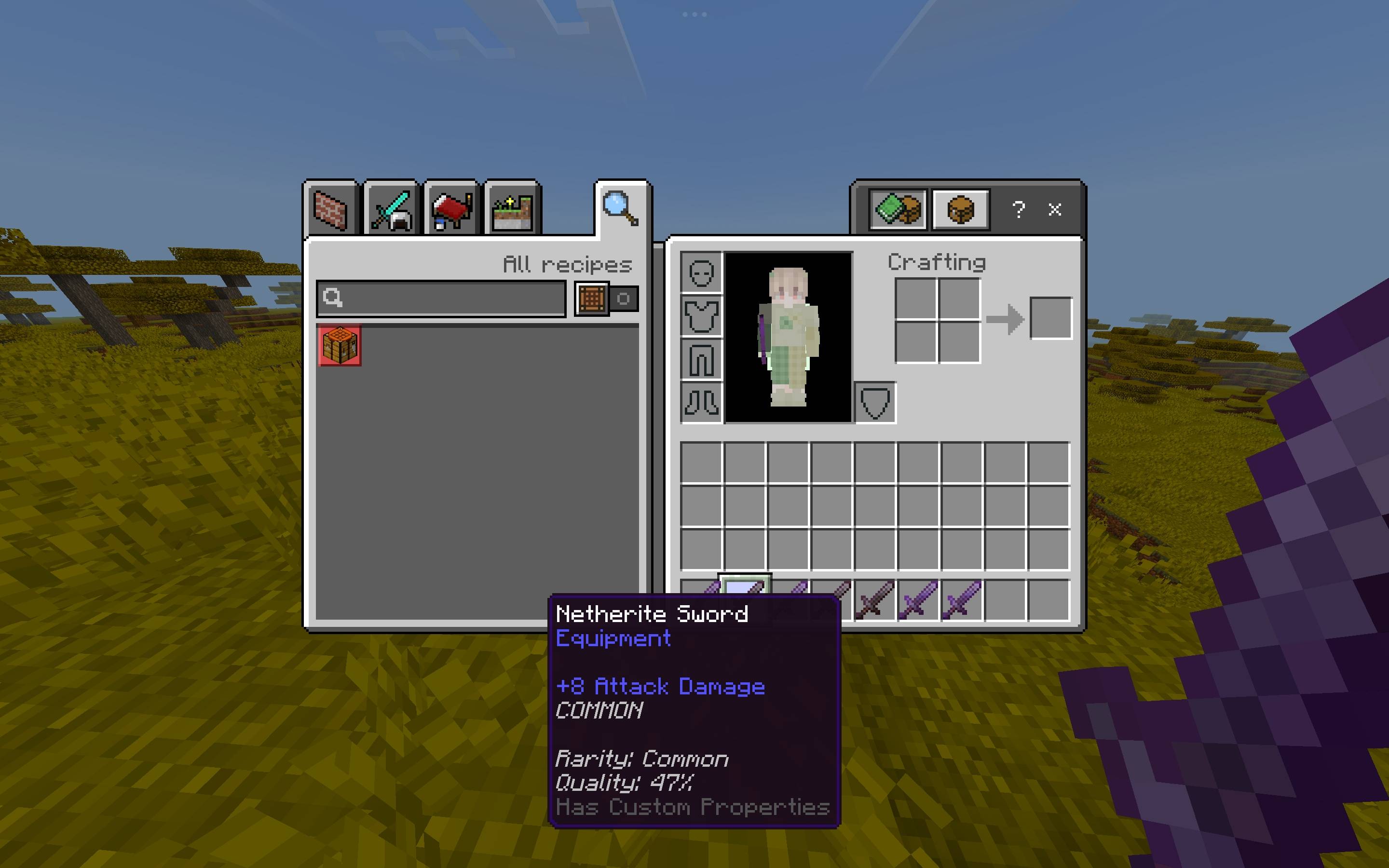
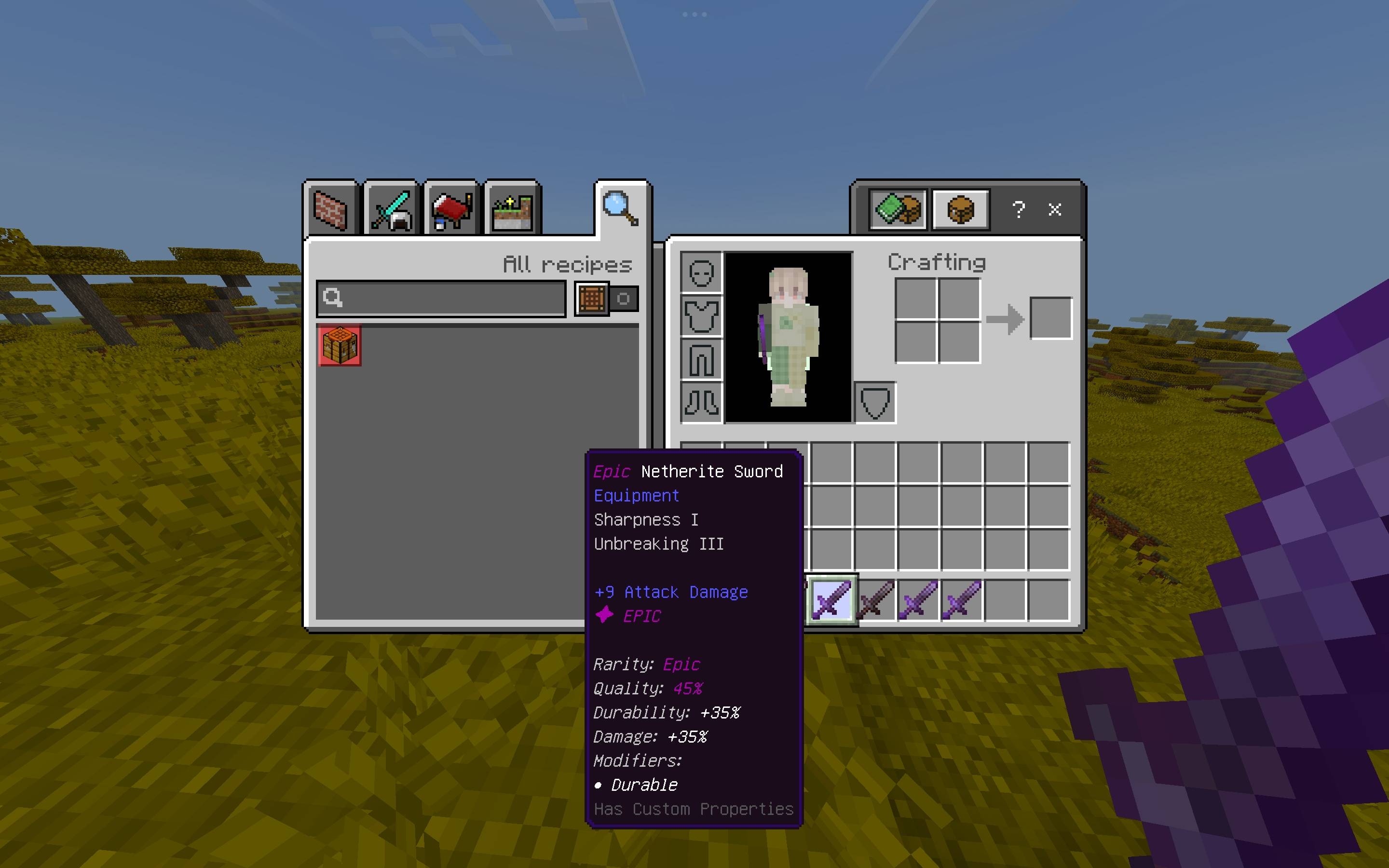
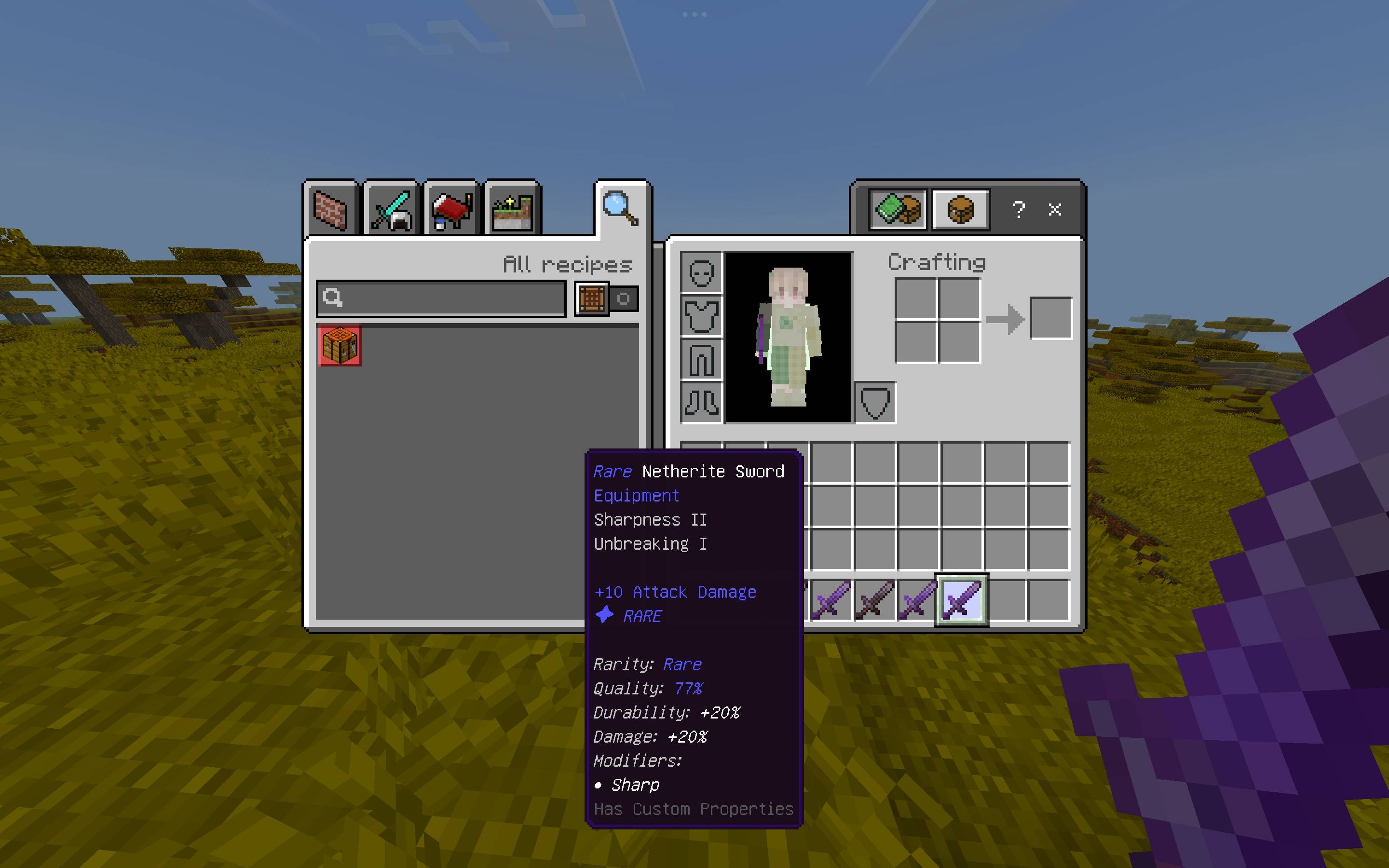
Item Rarity System — Vanilla Lite adds a complete rarity and modifier system to vanilla weapons, tools, and armor. Every supported item can receive a rarity the first time it enters a player's inventory — whether it is crafted, looted, picked up, or given.
Higher rarities mean better bonuses, more modifiers, and more exciting feedback.
✦ Six Rarities
- ⚪ Common
- 🟢 Uncommon
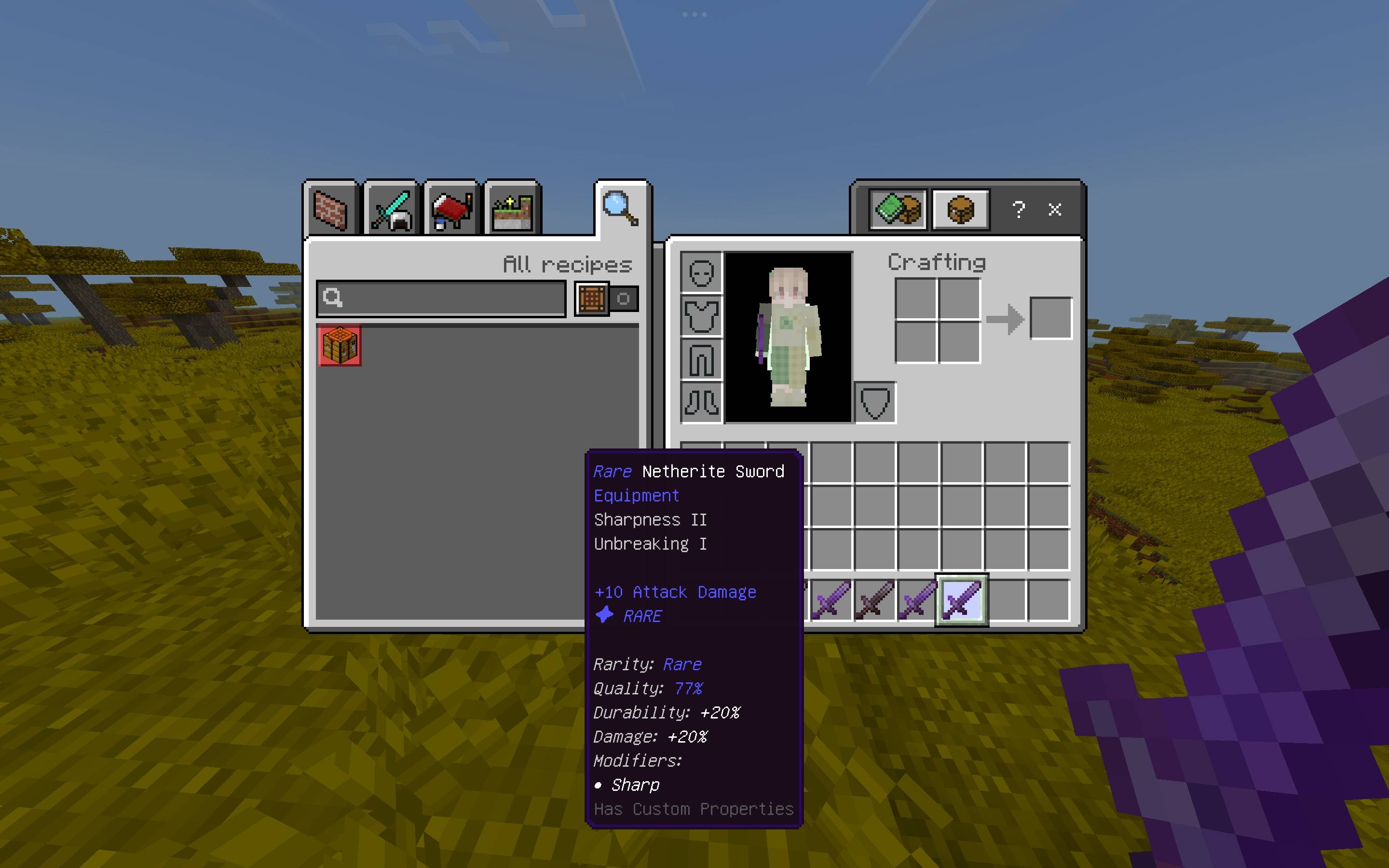
- 🔵 Rare
- 🟣 Epic
- 🟠 Legendary
- 🔴 Mythic
Rarity weights, colors, stat multipliers, modifier counts, notifications, and loot-zone bonuses are configurable.
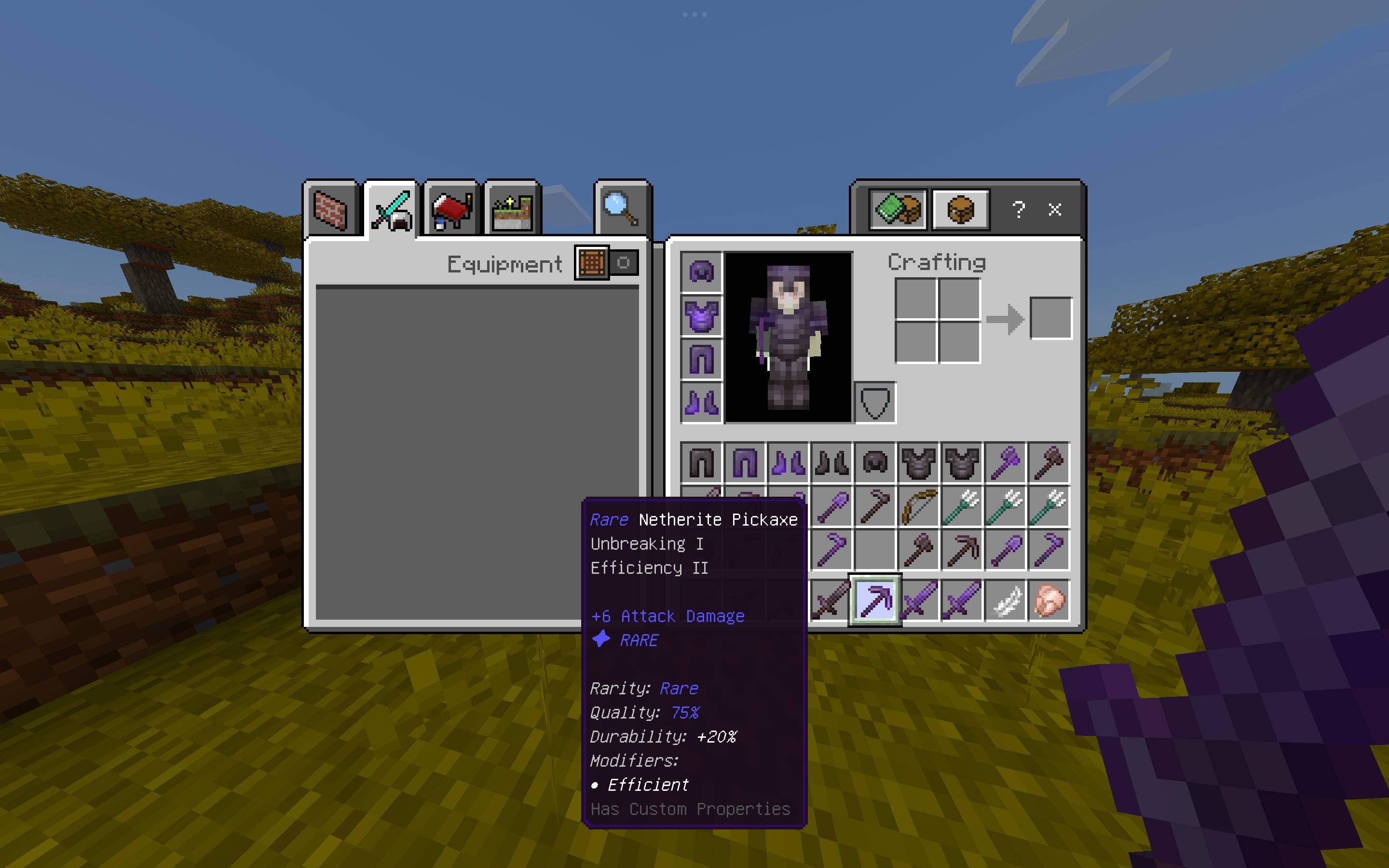
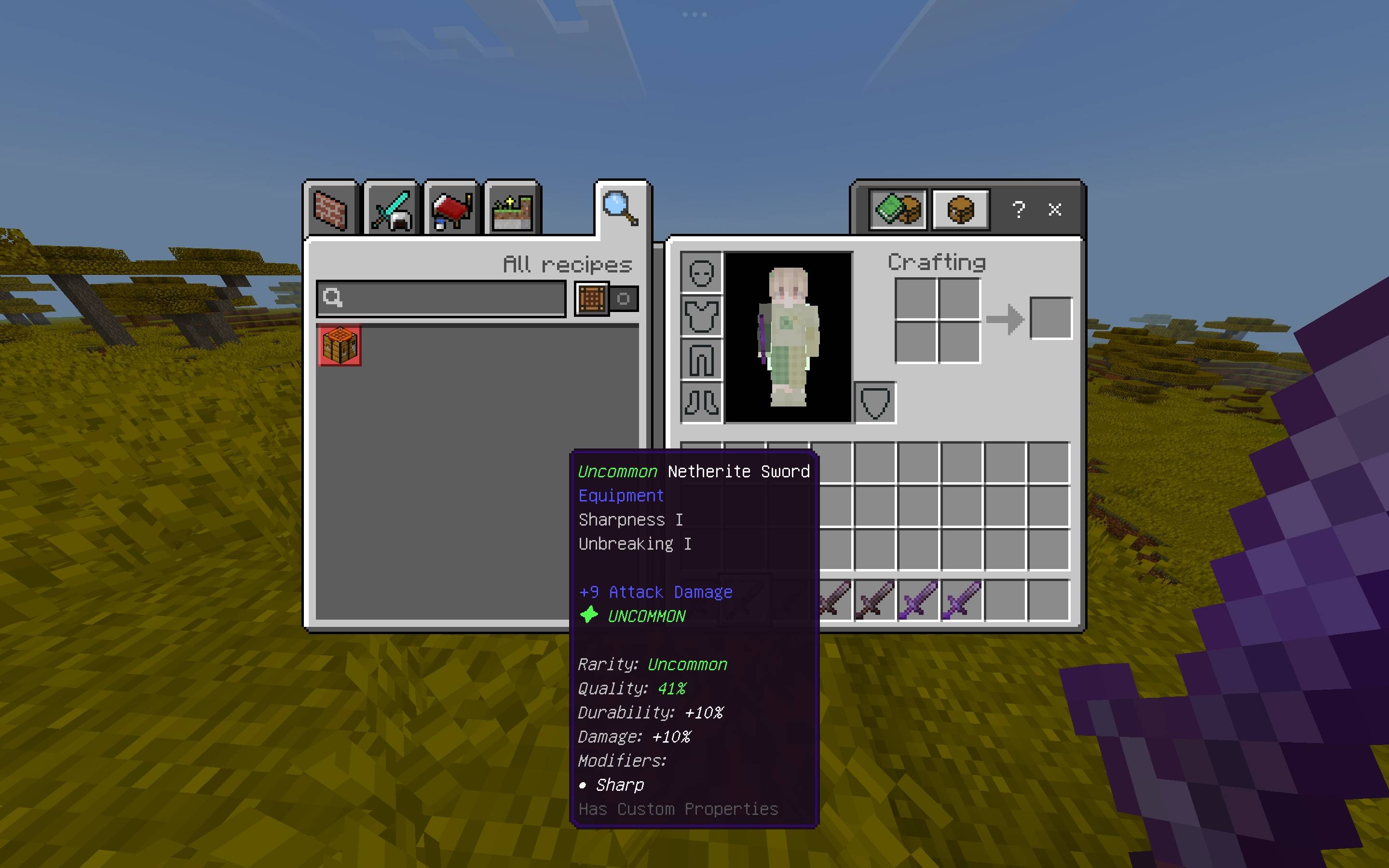
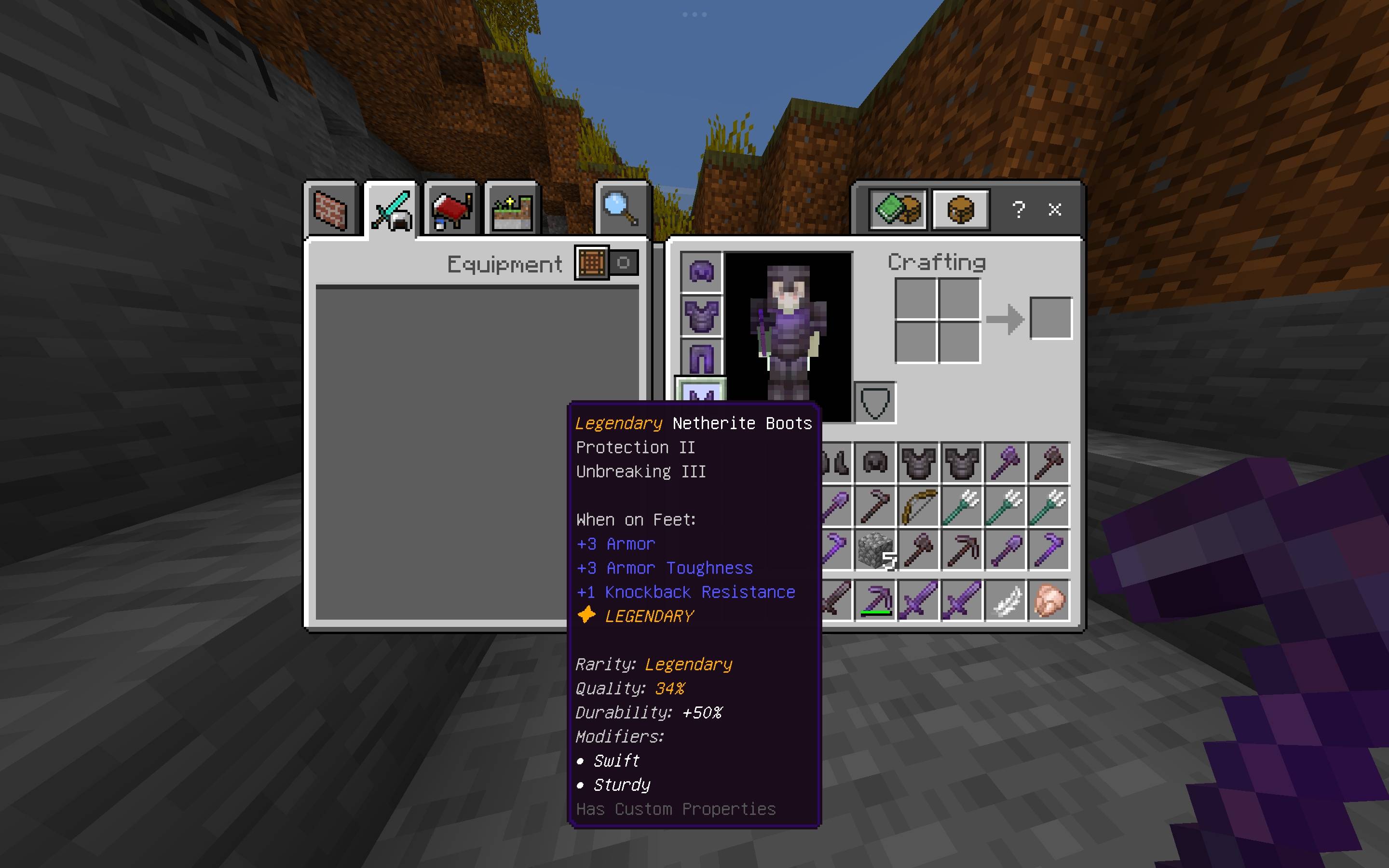
Once an item receives a rarity, it isn't randomly rerolled. Its rarity, modifiers, and item quality are stored directly on the item using persistent dynamic properties.
⚔️ 14 Unique Modifiers
Higher-rarity gear can also receive secondary modifiers:
- Sharp — Weapons — Bonus Sharpness
- Brutal — Weapons — Chance of a bonus strike
- Swift — Weapons & Armor — Speed while equipped
- Vampiric — Weapons — Heal on hit
- Burning — Weapons — Sets targets on fire
- Heavy — Weapons — Slows targets
- Durable — Weapons, Tools & Armor — Bonus Unbreaking
- Efficient — Tools — Bonus Efficiency
- Lightweight — Tools — Haste while held
- Prospector — Pickaxes & Shovels — Bonus Fortune
- Reinforced — Armor — Bonus Protection
- Sturdy — Armor — Bonus Unbreaking
- Guardian — Armor — Resistance after being hit
- Vital — Armor — Health Boost while worn
Modifiers have category and minimum-rarity requirements, so different types of gear can receive different effects.
🛡️ Vanilla Items Only
Vanilla Lite is intentionally focused on vanilla Minecraft items. It does not perform custom-item classification or process equipment from other addons.
⚔️ Weapons
- Wooden Swords
- Stone Swords
- Iron Swords
- Golden Swords
- Diamond Swords
- Netherite Swords
⛏️ Tools
- Pickaxes
- Axes
- Shovels
- Hoes
🛡️ Armor
- Leather
- Chainmail
- Iron
- Golden
- Diamond
- Netherite
- Helmets, Chestplates, Leggings & Boots
🗺️ Loot Zones
Create boosted-rarity areas around important locations in your world.
Available profiles:
dungeonstrongholdancient_cityend_cityboss
Perfect for custom dungeons, treasure rooms, boss arenas, and adventure maps.
✨ Make Rare Loot Feel Rare
Better loot gets better feedback.
- Actionbar messages
- Titles
- Sounds
- Particles
- World-wide announcements
Finding a Mythic item should feel like finding something special.
💾 Persistent Gear
Rarity, modifiers, and item quality are stored directly on the item.
They survive:
- Renaming
- Trading
- Storage
- Dropping
- Death
- World/server restarts
Player-created item names are also preserved.
⚙️ Commands
The Lite Edition includes the base Item Rarity command set.
Commands
/scriptevent rarity:help
/scriptevent rarity:give <player> <item> <rarity>
/scriptevent rarity:reroll
/scriptevent rarity:inspect
/scriptevent rarity:reload
/scriptevent rarity:debug
/scriptevent rarity:config <flag> <true|false>
/scriptevent rarity:zone create <profile> <radius>
/scriptevent rarity:zone remove <index>
/scriptevent rarity:zone list
The custom-item commands from the Full Edition are not included in Lite.
⚙️ Configuration
Available live configuration flags:
enableddebugModeapplyOnCraftapplyOnLootcreativeModeAutoAssign
These can be changed live using /scriptevent rarity:config and synchronized with /scriptevent rarity:reload.
Additional settings such as rarity weights, modifier ranges, notifications, aura timing, and loot-zone multipliers are available in the configuration file.
⚡ Lightweight by Design
Vanilla Lite is designed for players who want the smallest possible footprint.
Instead of performing custom-item classification, it uses a small static vanilla-only item registry. This keeps item detection simple and avoids unnecessary processing.
Perfect for vanilla survival worlds where custom-item support isn't needed.
📦 Lite vs Full
| Feature | Vanilla Lite | Full Edition |
|---|---|---|
| Vanilla weapons/tools/armor | ✓ | ✓ |
| Custom addon items | ✗ | ✓ |
| Automatic item classification | ✗ | ✓ |
| Custom item registry | ✗ | ✓ |
| Base commands | ✓ | ✓ |
| Custom-item commands | ✗ | ✓ |
| Processing overhead | Minimal | Slightly higher when unknown custom items are encountered |
If you're using custom weapons, tools, or armor from other addons, use the Full Edition instead.
⚠️ Only install one edition on a world. Do not enable both at the same time.
🛠️ Installation
- Import
ItemRaritySystem-VanillaLite.mcpack. - Open your world settings.
- Go to Behavior Packs.
- Activate the pack.
- Make sure the Full Edition is not enabled.
✓ No resource pack required.
✓ Uses vanilla textures, models, and sounds.
✓ No custom-item processing.
🎮 Multiplayer
Built with multiplayer in mind.
Item state is stored directly on individual items, while configuration and loot-zone state are stored separately. This allows simultaneous crafting, trading, dropping, and container interactions to work correctly across multiple players.
⚠️ Bedrock Limitations
Minecraft Bedrock's Script API does not allow the addon to directly increase an individual item's maximum durability.
Instead, higher rarities use scaled Unbreaking levels as a reliable vanilla alternative that meaningfully extends an item's life.
✦ Vanilla Minecraft. Better Loot.
Find better gear. Get lucky.
- Edition: Minecraft Bedrock
- File type: .mcpack or .mcaddon
- Minecraft versions listed: 26.30, 26.40
- How to install: Download the .mcpack or .mcaddon file. → Open it — Minecraft imports it. → In your world: Behavior Packs → Available → Activate, then the same under Resource Packs.
- Where to get it: Opens on CurseForge — not every file is mirrored on our own servers.
Install steps are the general flow for this file type — How to install Minecraft Bedrock addons & mods walks through it step by step.
- Save it as lite.mcaddon before opening — it downloads as .mcpack, but it is a .mcaddon pack
- Manifest requires Minecraft 1.21.100 or newer
- Complete pack — everything it depends on is inside the file
- Download size: 926 KB
- Download link checked 24 Sept 2026 — working
These come from our own check of the pack file, not from the source page.