Filled To The Brim
I don't know my version or loader
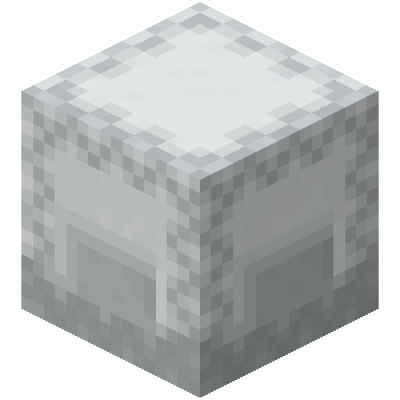
This is a Fabric mod that allows you to put Empty Shulker Boxes inside Shulker boxes.
This Mod Should Not Crash Your Server due to a Shulker Having too much nbt data.
If you find any issues Please report them to the issue tracker.
To Enable the mod you need to download this pack and enable it in game.
If you want to disable the mod with magenta boxes (for things like easier box sorting), you can get it here
There are version Compatible with the Forge Mod Loader Marked FilledToTheBrim-Forge
You can Join the Discord Here if you need any help! https://discord.gg/PB6UD7WtWy
- Edition: Minecraft Java
- File type: .jar
- Minecraft versions listed: 1.19.4, 1.16.5, 1.16.4
- How to install: Install the matching mod loader (Forge, Fabric or NeoForge) for your Minecraft version. → Download the .jar. → Put it in the .minecraft/mods folder and launch that loader profile.
- Where to get it: Opens on CurseForge — not every file is mirrored on our own servers.
Install steps are the general flow for this file type — How to install Minecraft Java mods & modpacks walks through it step by step.
- Ships as FilledToTheBrim-Forge-1.0.10.jar — drop this file into the mods folder
- Download size: 13 KB
- Download link checked 25 Sept 2026 — working
These come from our own check of the pack file, not from the source page.