
Spoticraft
Java mod listed for Minecraft 1.17. Downloads from the MC Java Mods app on Android.
⬇ Download on CurseForgeThe author built this one for Minecraft 1.17–1.17.1 on Fabric. On other versions it may install and then do nothing.
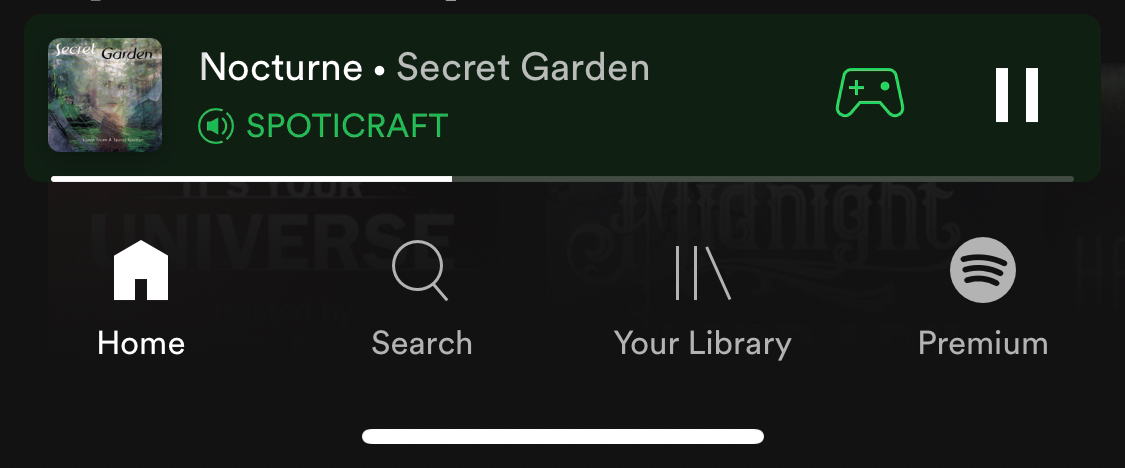
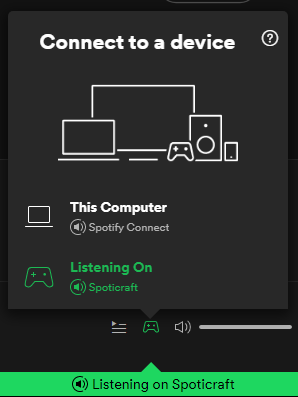
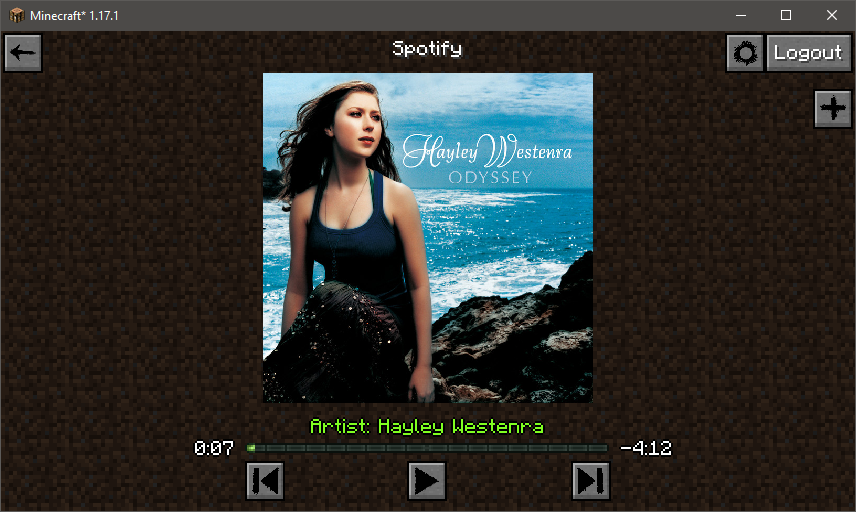
Spotify comes to Minecraft!
This client-side mod allows you to play your favorite songs and stations from Spotify inside Minecraft. It does not need to be installed on the server and won't do anything if you do. You do not need to have Spotify running in order to use this mod as all connections are handled by the mod itself.
The default key-binding to access Spotify is F8. You may change this is the standard controls Minecraft controls screen. If you click on something and you get a blank screen, it's probably just being worked on and not fully implemented yet. This mod is still in early development.
See the Images tab for screenshots
You can listen to songs from inside Minecraft with immersive notifications while you play. There are a few settings in the config file to tweak if you so choose. To start playing, you need to click the "Plus" button and paste in a URL or URI. Search functionality not yet implemented. You may also fully control playback using other devices connected to your account.
You CANNOT, however, download or save songs locally or do anything else that may VIOLATE Spotify's ToS! You are still bound by the Spotify's user agreement while using this mod.
This mod does not claim any rights over any of Spotify's services and by using this mod, you agree to be bound by all of Spotify's legally binding contracts. This mod merely provides a portal to access an already existing service. You must have a Spotify account to access Spotify's services. Therefore, Spotify must be accessible in your country. You can visit Spotify.com for more information.
In addition, this mod was created for Fabric and I will not be porting to Forge. I will try to keep up with new versions of Minecraft as they come out, but I will not be back-porting to older versions. I work a full time job and do modding in my spare time. My life obviously comes first. Updates/Patches/Bug fixes may not be available in a timely fashion. If you'd like to help contribute, just let me know.
- Edition: Minecraft Java
- File type: .jar
- Minecraft versions listed: 1.17.1, 1.17
- How to install: Install the matching mod loader (Forge, Fabric or NeoForge) for your Minecraft version. → Download the .jar. → Put it in the .minecraft/mods folder and launch that loader profile.
- Where to get it: Opens on CurseForge — not every file is mirrored on our own servers.
Install steps are the general flow for this file type — How to install Minecraft Java mods & modpacks walks through it step by step.
- Ships as spoticraft-1.2.1.jar — drop this file into the mods folder
- Download size: 8.4 MB
- Download link checked 5 Nov 2026 — working
These come from our own check of the pack file, not from the source page.