
Shader Pastel Settings
Java shader pack listed for Minecraft 1.16–1.17. Downloads from the MC Java Mods app on Android.
⬇ Download on CurseForge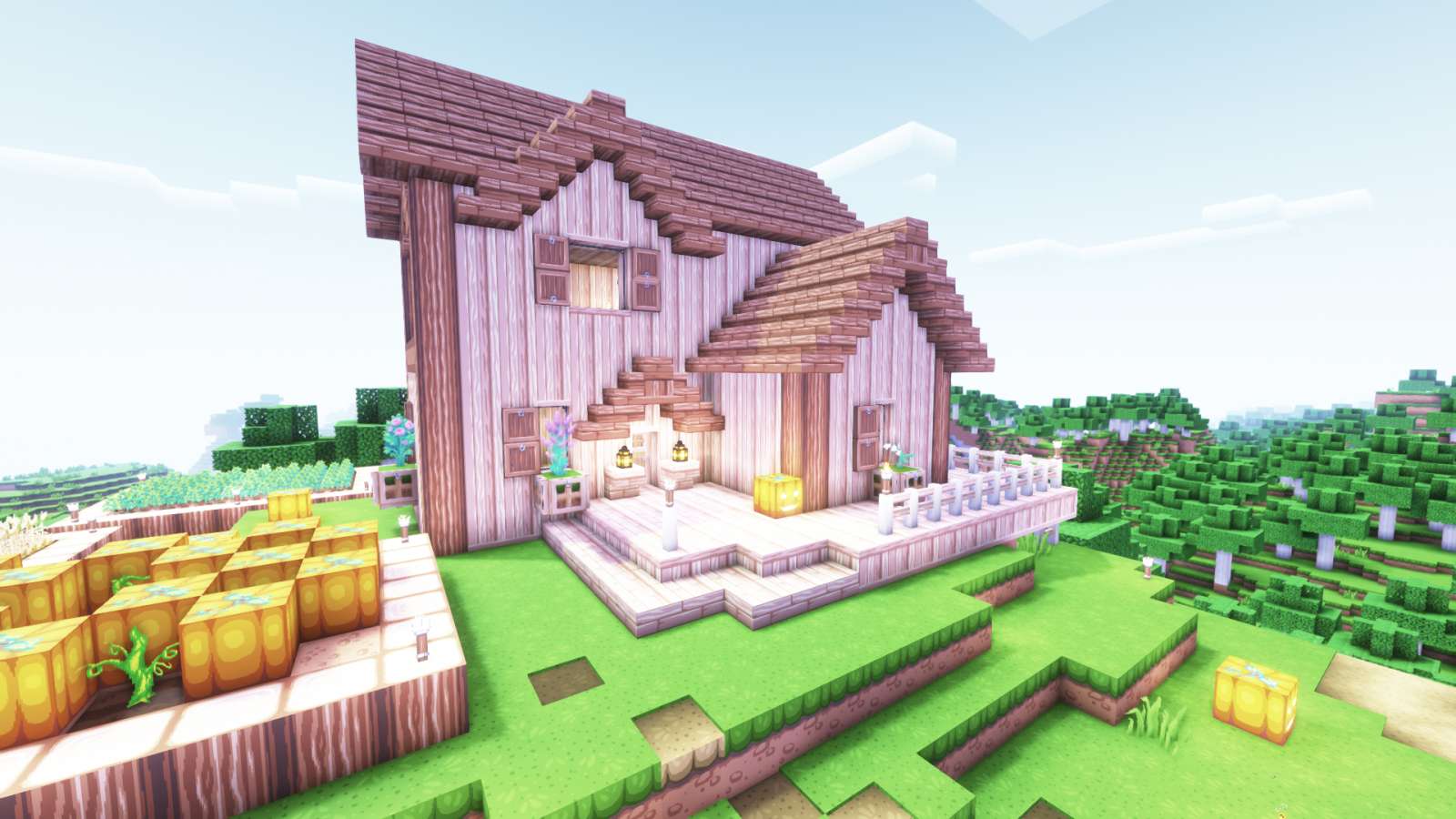
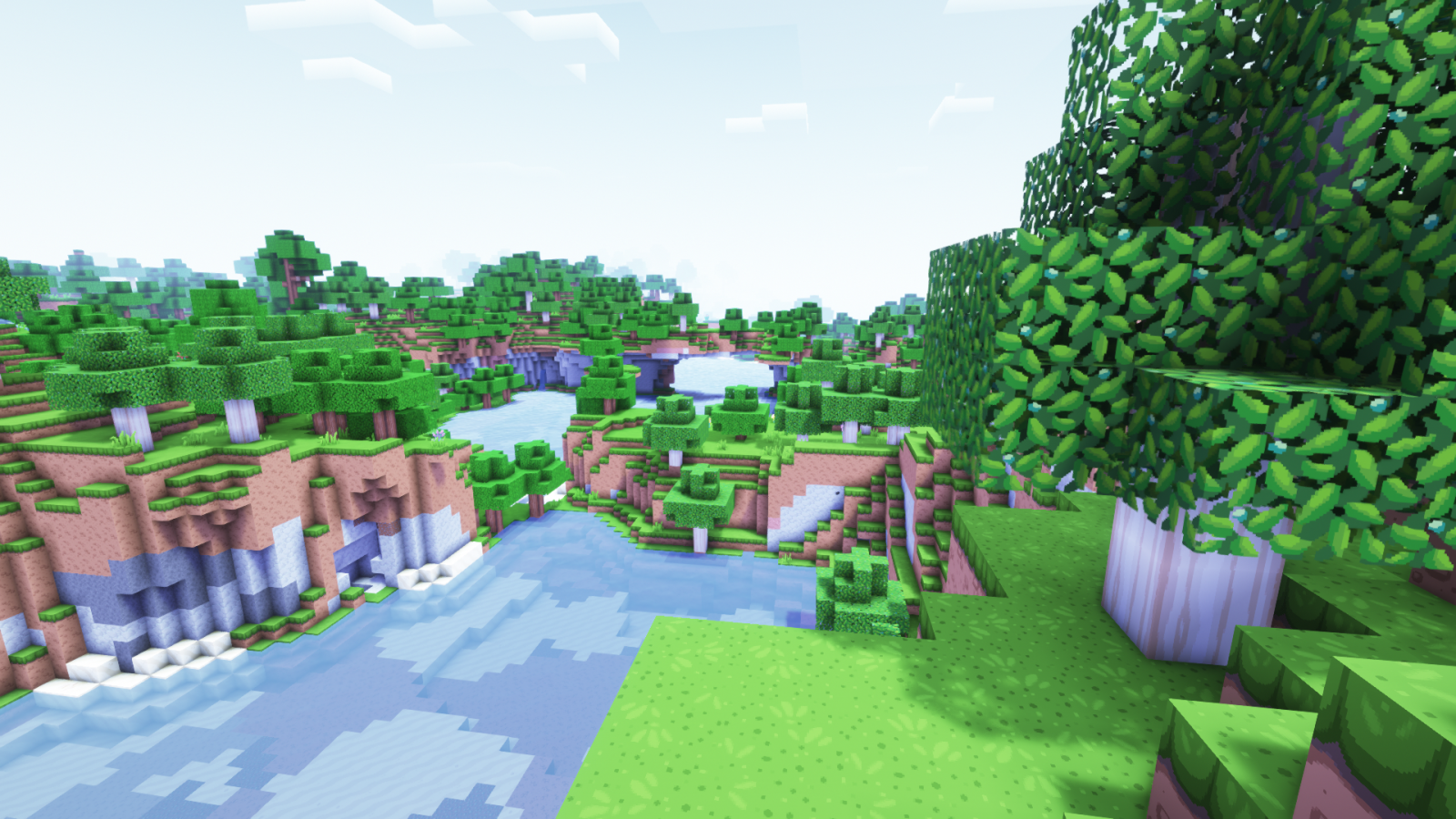
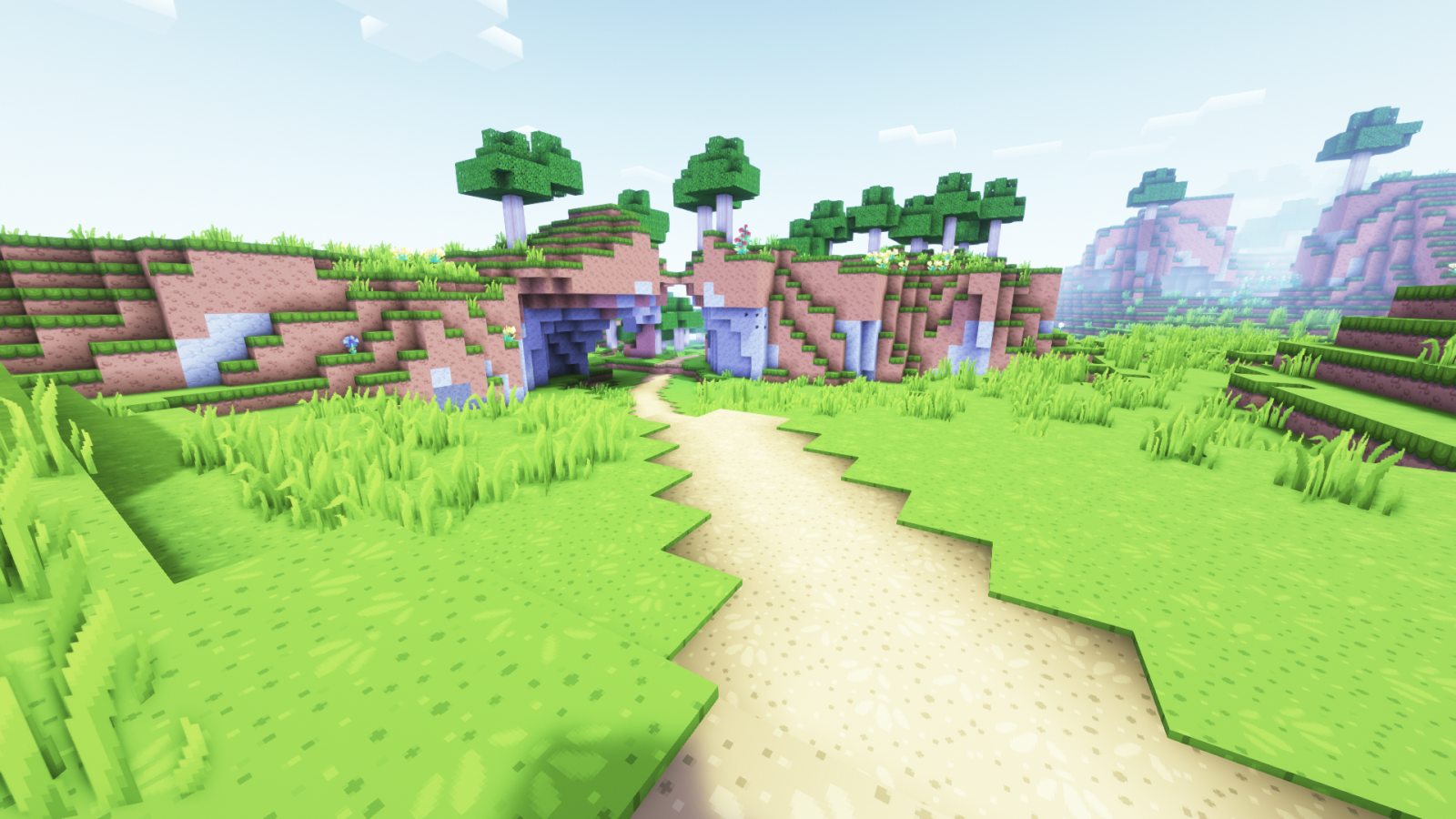
What42's Pastel Settings for Complementary
These settings are designed to pair with the texture pack Dragon Dance, though it should work with other silimar texture packs (with some tweaking).
How to install:
1: Open your shaderpacks folder
1.1: Open Minecraft
1.2: Go to the shaders menu
1.3: Click 'Shaders Folder'
2: Make a copy of Complementary and add "_Pastel" to the end of the name (this step is optional)
3: Copy the entire name of the shader file and paste it into the settings file (the one from this page)
For example, if the shader file is "Complementary_v4.5_Pastel.zip", the settings file needs to be "Complementary_v4.5_Pastel.zip.txt"
4: Move the settings file into the shaders folder.
- Edition: Minecraft Java
- File type: .zip (resource pack)
- Minecraft versions listed: 1.17.1, 1.16.5
- How to install: Download the .zip resource pack — do not unzip it. → Put it in .minecraft/resourcepacks. → Enable it in Options → Resource Packs.
- Where to get it: Opens on CurseForge — not every file is mirrored on our own servers.
Install steps are the general flow for this file type — see the MC Java Mods guides for the full walkthrough.
- Downloads as EXTRACT THIS.zip
- Download size: 1 KB
- Download link checked 15 Oct 2026 — working
These come from our own check of the pack file, not from the source page.