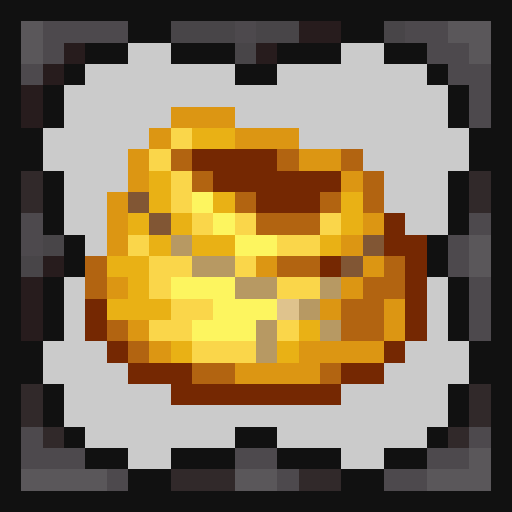
ModsJava
More Bundles!
Java mod listed for Minecraft 1.17–1.19. Downloads from the MC Java Mods app on Android.
I don't know my version or loader
Open the Minecraft launcher and look at the profile you play on — it names both, like fabric-loader-1.21.4. The version also shows in the bottom-right corner of the game's main menu.
No loader in the profile name? Then it's plain Minecraft, and these mods won't run — you need Fabric or NeoForge installed first.
More Bundles!
This mod adds many new features to the vanilla bundle!
Feature List
- Re-added the bundle recipe. It now accepts either rabbit hide or leather
- Vanilla bundles are now dyeable
- Four new bundle variants: Iron, Gold, Diamond and Netherite. These have a default capacity of 2, 4, 8, and 16 stacks respectively
- The capacity of bundles can now be altered through the MaxBundleStorage NBT tag
- The contents of bundles can now be hidden through the BundleContentsHidden NBT tag
- The bundle tooltip is now the same as the one showcased in Minecraft Live 2020 (WIP)
- Large bundles can store four times as many items as their regular counterparts but only of a single type
- The absorb enchantment makes all items picked up by the player automatically go into the bundle
- The extract enchantment will automatically refill the players hand with items from the bundle (Currently only works when placing blocks)
- Added some support for bundles to loot tables
- Interact with bundles through redstone with the bundle loader
- Modify and add bundles with the config.
For more in depth explanations look to the Github Wiki.
Upcoming Features
- Toggle tooltip type (Vanilla/Minecraft Live)
- Feel free to suggest any other features!
Quick facts
- Edition: Minecraft Java
- File type: .jar
- Minecraft versions listed: 1.19.2, 1.18.2, 1.18.1
- How to install: Install the matching mod loader (Forge, Fabric or NeoForge) for your Minecraft version. → Download the .jar. → Put it in the .minecraft/mods folder and launch that loader profile.
- Where to get it: Opens on CurseForge — not every file is mirrored on our own servers.
Install steps are the general flow for this file type — How to install Minecraft Java mods & modpacks walks through it step by step.
File checked by MCModsHub
- Ships as morebundles-forge-1.19.2-0.3.0.jar — drop this file into the mods folder
- Download size: 150 KB
- Download link checked 15 Oct 2026 — working
These come from our own check of the pack file, not from the source page.