
Old World - Seasons of Adventure
Java modpack listed for Minecraft 1.16. Downloads from the MC Java Mods app on Android.
⬇ Download on CurseForgeThe author built this one for Minecraft 1.16.5 on Forge. On other versions it may install and then do nothing.
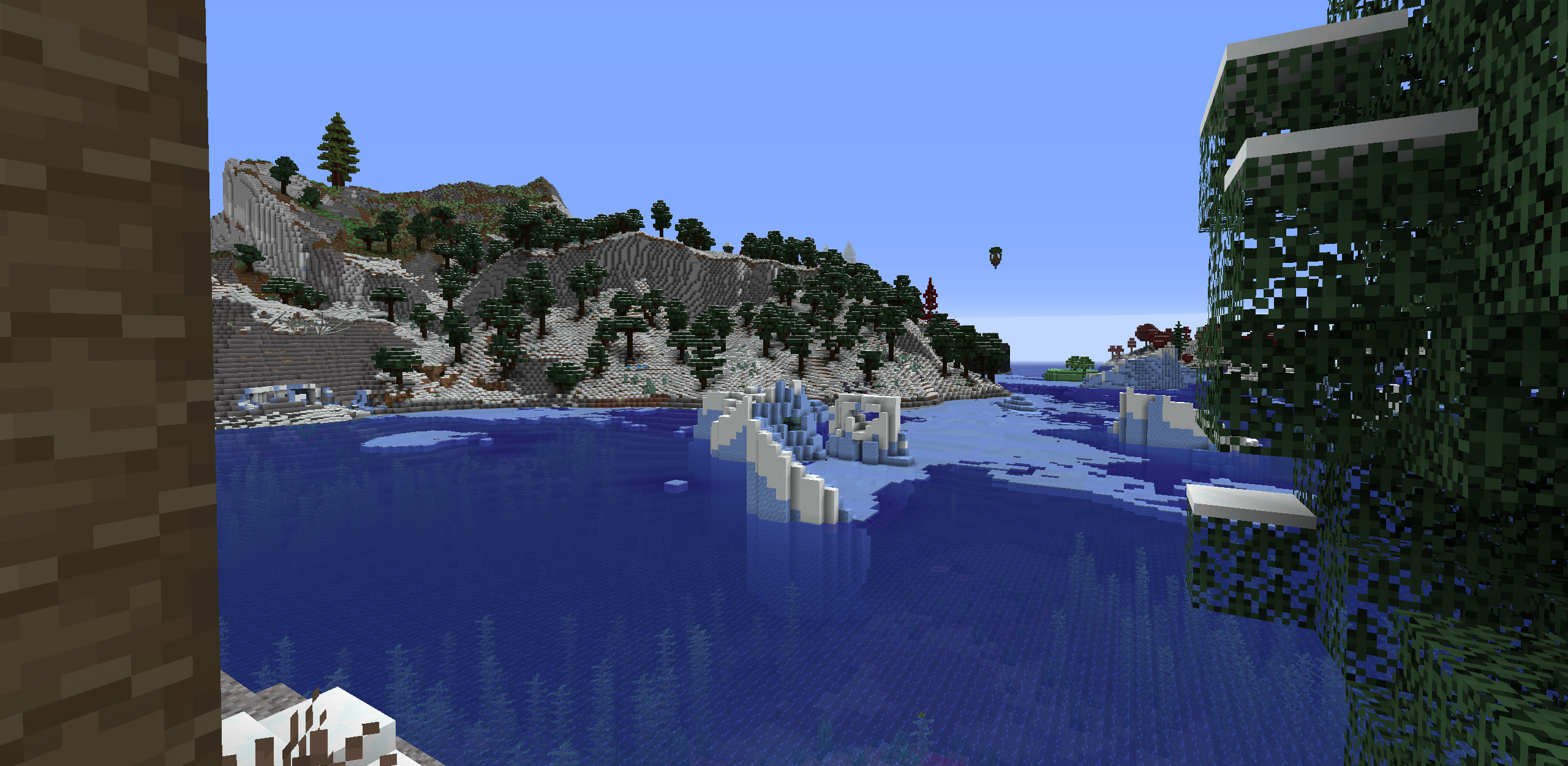
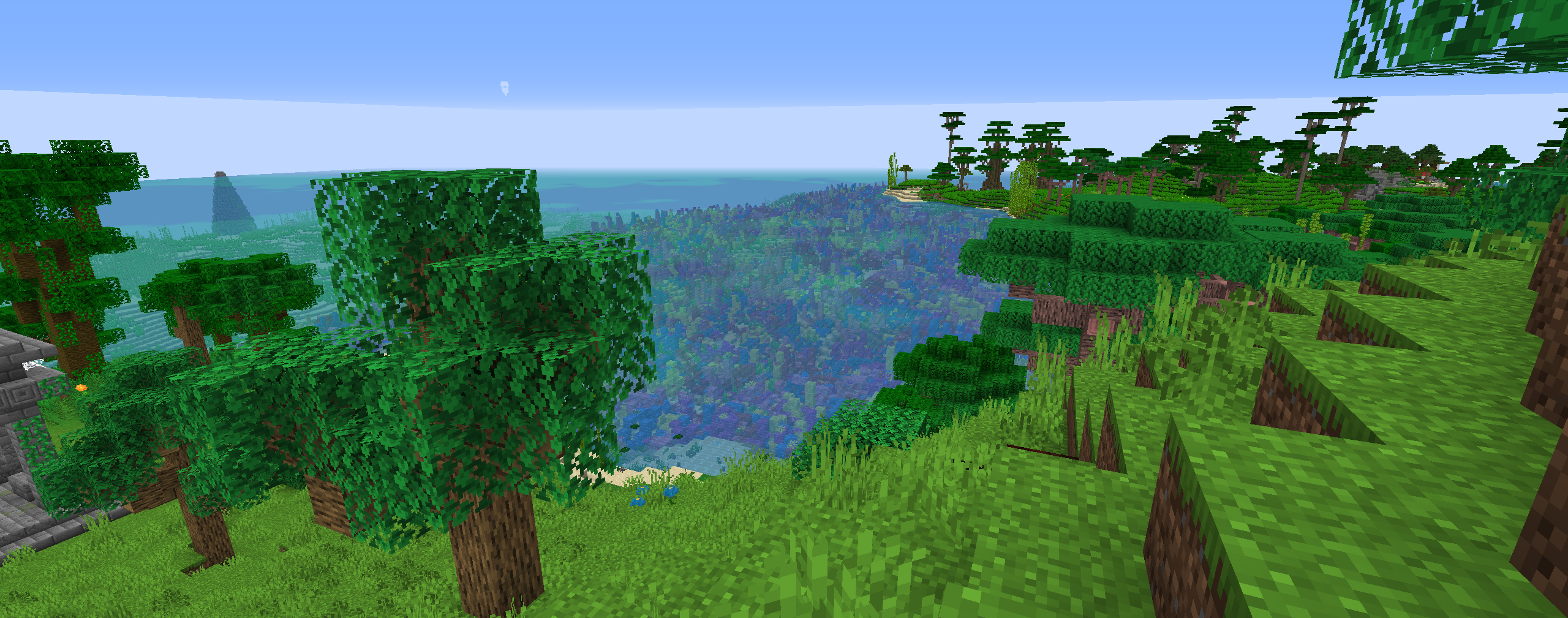
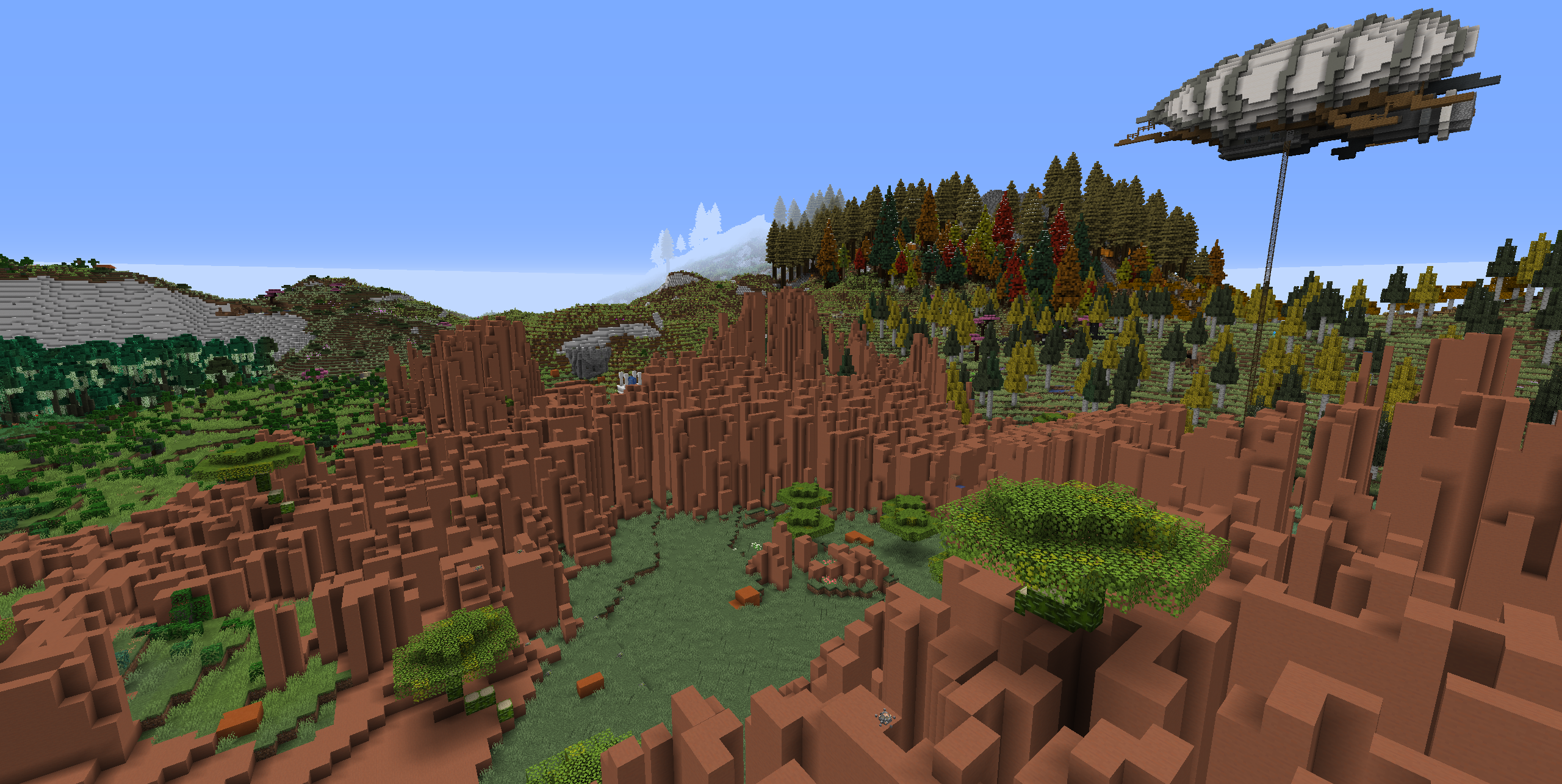
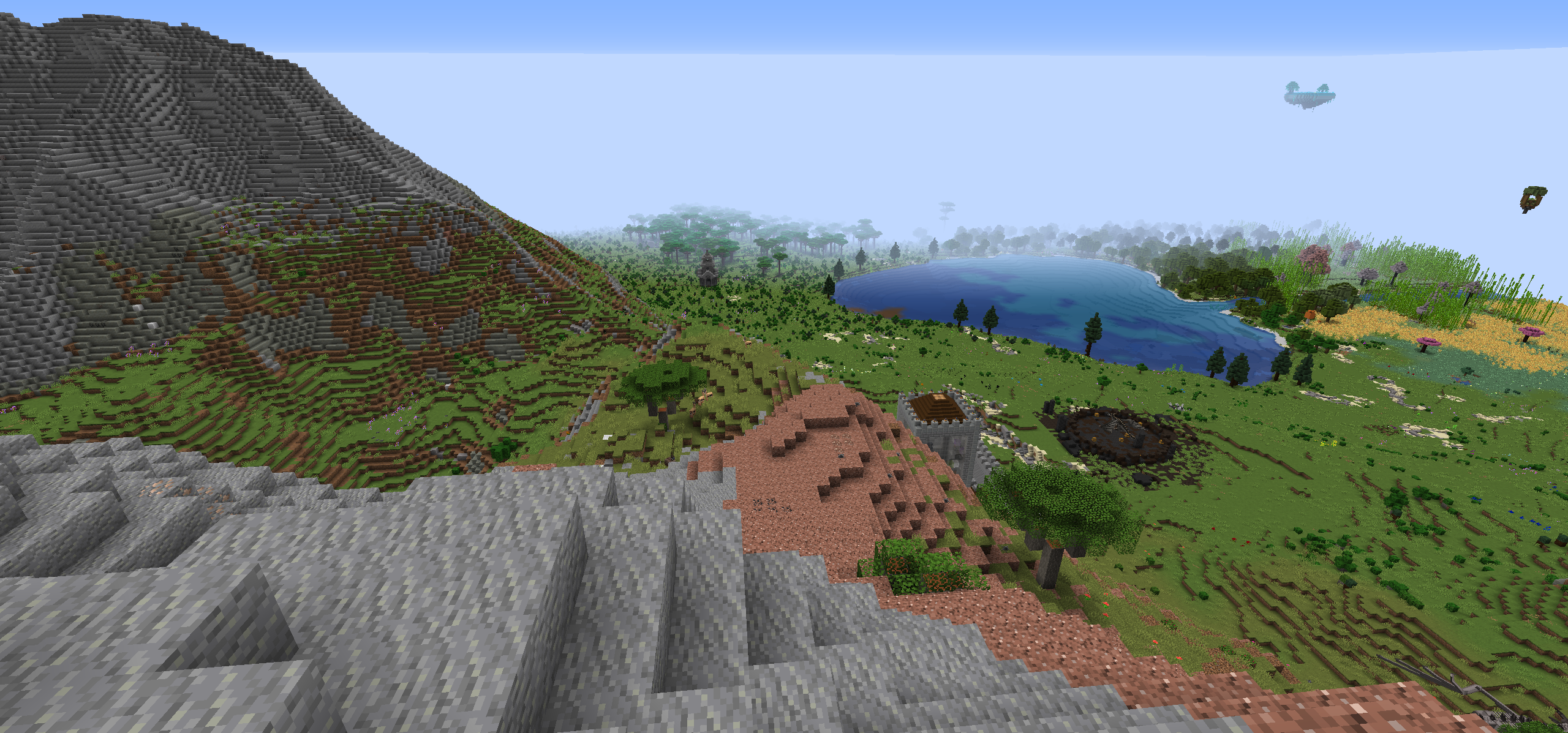
Old World
Welcome to the old world! This adventure strives to bring you some of the best minecraft mods, in a voyage of personal discovery and adventure. Many features of this mod are designed to challenge you, while providing a number of different solutions, allowing you to choose how your character and world develops.
Notable Features
- Quests! - There are quest trees to guide you through many of the major mods in this modpack
- Seasons - 4 different seasons with environmental changes help give the world an ever changing feeling
- Biome Variety - This modpack uses a number of biome mods configured for terraforged to provide a huge variance in the environment
- Great Foods - Food variety isn't only good for making use of whatever you have lying around, experimenting chefs will gain more health over time!
- Skills! - Doing what you do day in and out will improve your skills, mining and logging gain access to vein mining!
Performance Notes
Optifine is encouraged! I can't distribute or link to it here, but I do encourage the use of optifine for playing this modpack. This is a relatively large modpack, and while server tick rate is handled efficiently with the included performance mods graphical rendering can be quite slow and can result is pretty low FPS. That being said, a number of the mods included in this do not support optifine, which means if there are graphical glitches there is only so much I can do to support those issues. If you are experiencing graphical issues when using optifine I would recommend disabling it.
Memory
This modpack has a ton of items, which means it needs lot of memory to load everything, you will likely crash when loading with less than 4G.
It is encouraged to use upwards of 6-8G of memory for minecraft, the game will utilize ~6G on average when running this modpack.
Ways to Improve Performance
- Install Optifine, talked about above
- Remove clouds (you might already have done so due to them colliding with terrain easily)
- Reduce render distance (this is one of the biggest causes of load)
- Reduce Particle effects (this modpack has lots of particle effects, and reducing this will reduce load on your GPU)
If you are still having performance issues after following those suggestions I'm happy to hear your concerns, but the very likely scenario is you just don't have enough performance to run this modpack at the settings you would like, and you will either need to turn down something or accept a lower framerate.
Server Notes
This modpack is relatively quite large, which means that the default Minecraft version checking for compatibility will fail, the server will always say its the wrong version/offline.
It is also highly recommended to set the tick timeout protection in server.properties to something larger, like the below example (3 minutes, instead of 1).
max-tick-time=180000
Known Issues
None at the moment!
- Edition: Minecraft Java
- File type: .jar
- Minecraft version listed: 1.16.5
- How to install: Install the matching mod loader (Forge, Fabric or NeoForge) for your Minecraft version. → Download the .jar. → Put it in the .minecraft/mods folder and launch that loader profile.
- Where to get it: Opens on CurseForge — not every file is mirrored on our own servers.
Install steps are the general flow for this file type — How to install Minecraft Java mods & modpacks walks through it step by step.
- Downloads as Old World - Seasons Adventure-1.3.1.zip
- Download size: 650 KB
- Download link checked 15 Oct 2026 — working
These come from our own check of the pack file, not from the source page.