The Tube
Java mod listed for Minecraft 1.16–1.20. Downloads from the MC Java Mods app on Android.
I don't know my version or loader
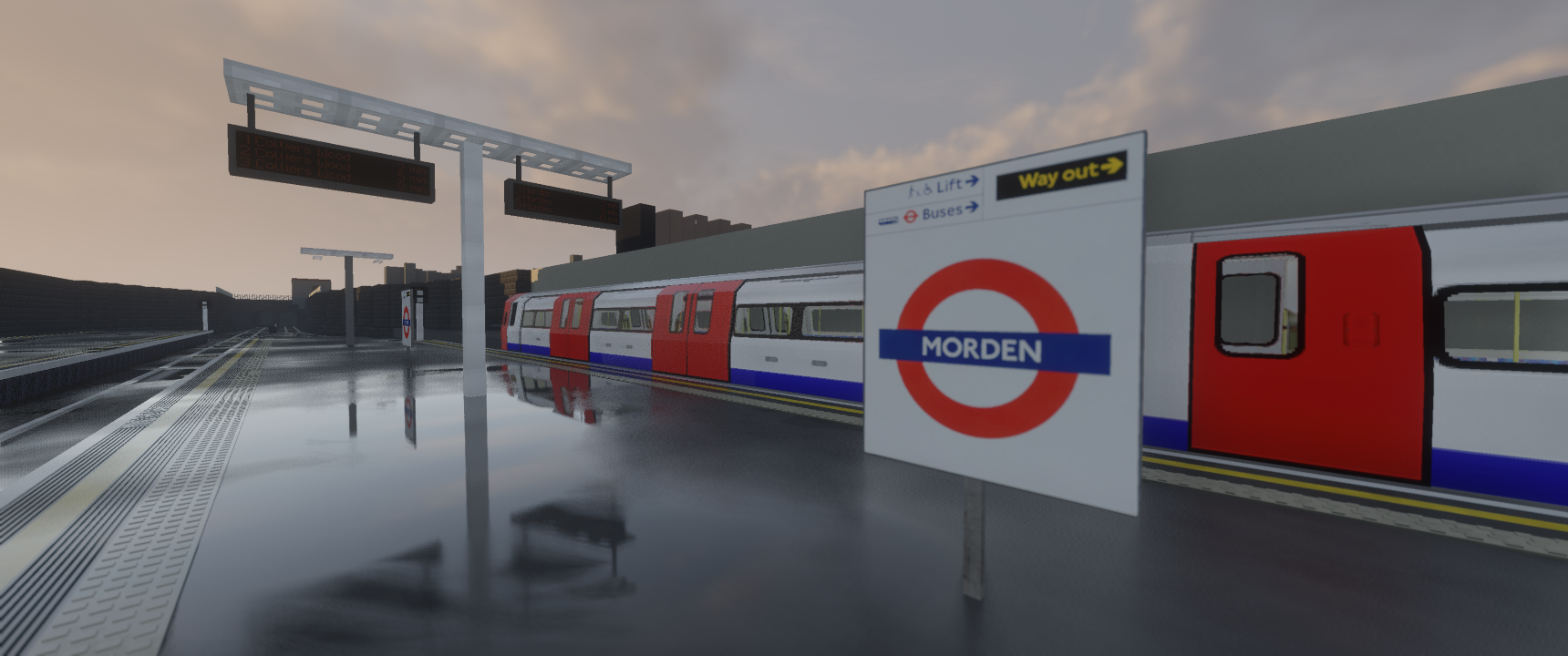
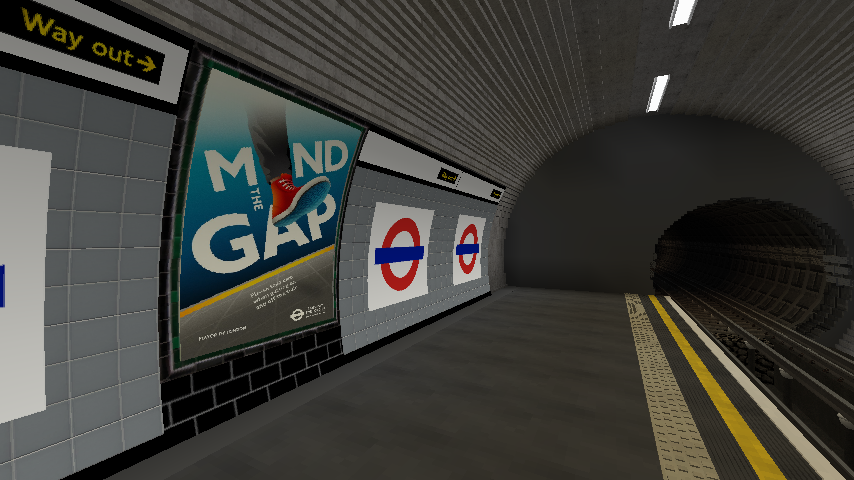
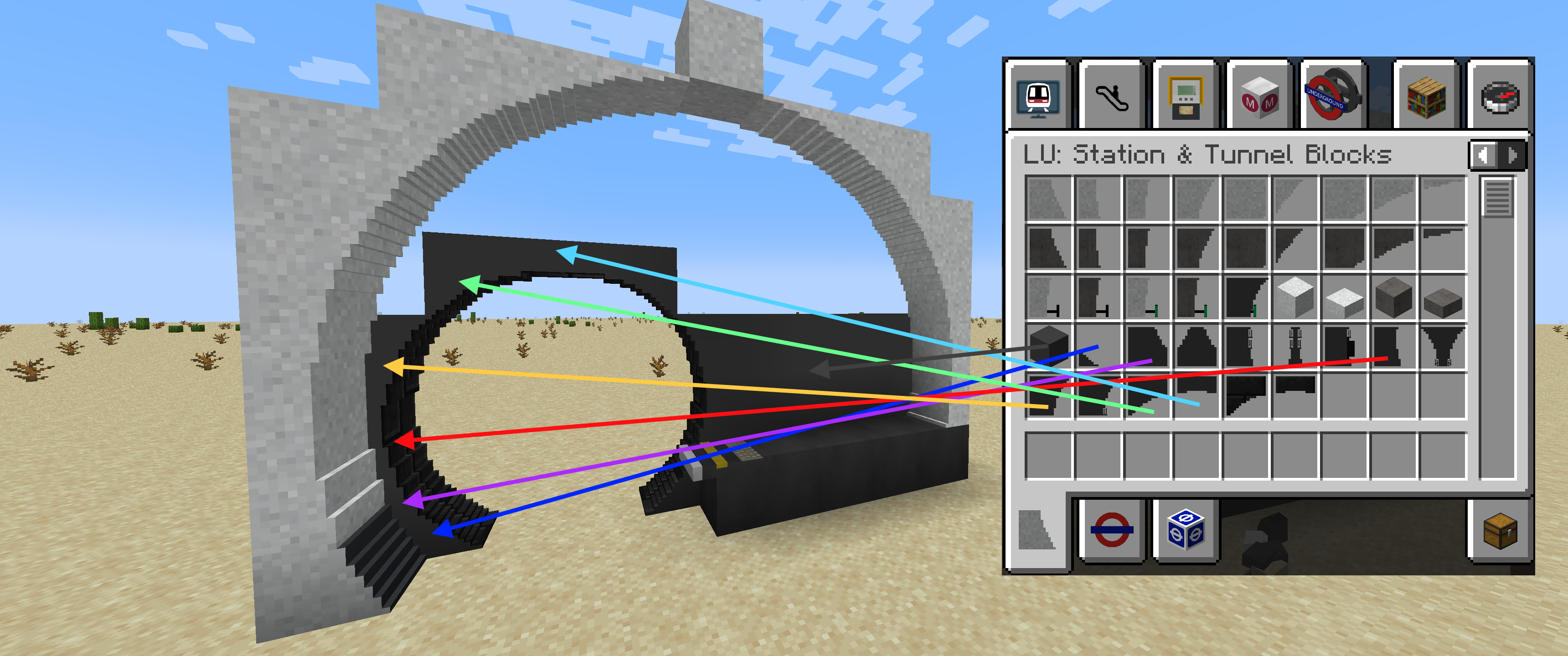
This Addon is for the Minecraft Transit Railway mod. The latest release requires 3.2 of the Minecraft Transit Railway Mod.
(Compatibility for Graphics Cards that cannot support custom fonts)
Custom fonts are turned off by default. If you want to use custom fonts in the Passenger Information Displays (PIDS) and/or the station name roundels then you must enable Use MTR Custom Fonts in the Railway Dashboard Options screen. If your game crashes while trying to use any of these items that use the custom fonts, it means your Graphics Card is not capable of using custom fonts in Minecraft and you will need to keep this option turned off to stop Minecraft from crashing.
(Note for Forge users)
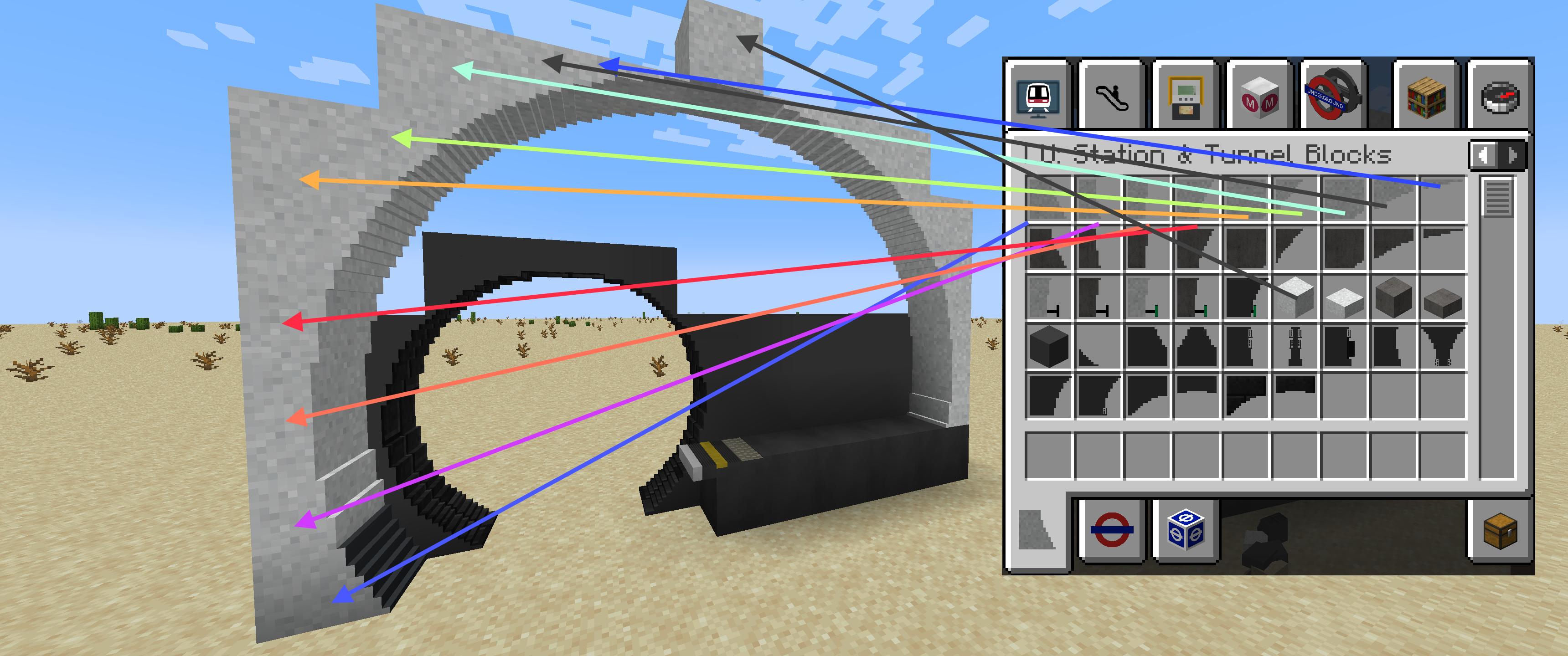
If you suffer lighting glitches on the tunnel block faces then set experimentalForgeLightPipelineEnabled to true in the config/forge-client.toml file. This should cure it.
- Edition: Minecraft Java
- File type: .jar
- Minecraft versions listed: 1.20.4, 1.20.1, 1.19.4
- How to install: Install the matching mod loader (Forge, Fabric or NeoForge) for your Minecraft version. → Download the .jar. → Put it in the .minecraft/mods folder and launch that loader profile.
- Where to get it: Opens on CurseForge — not every file is mirrored on our own servers.
Install steps are the general flow for this file type — How to install Minecraft Java mods & modpacks walks through it step by step.
- Ships as MTR-London-Underground-Addon-fabric-2.2.3+1.20.4.jar — drop this file into the mods folder
- Download size: 60.9 MB
- Download link checked 24 Sept 2026 — working
These come from our own check of the pack file, not from the source page.