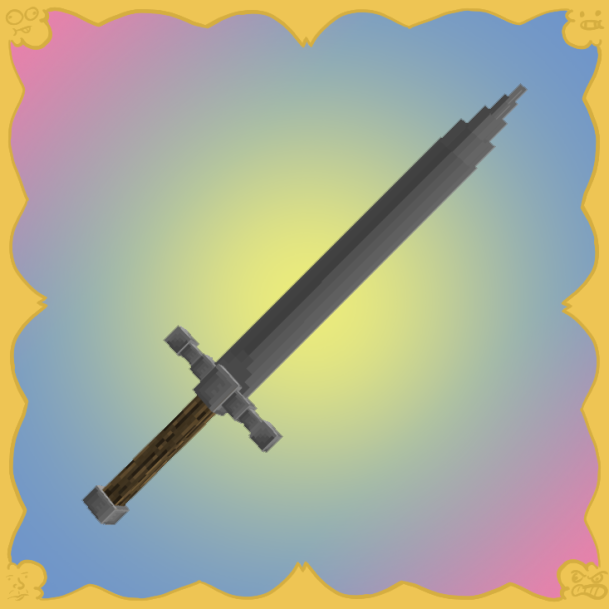
Historicality
Java mod listed for Minecraft 1.16. Downloads from the MC Java Mods app on Android.
⬇ Download on CurseForgeThe author built this one for Minecraft 1.16.5 on Forge. On other versions it may install and then do nothing.

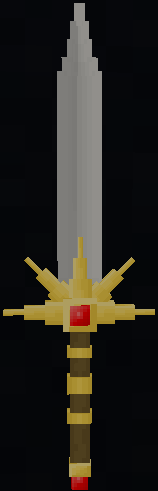
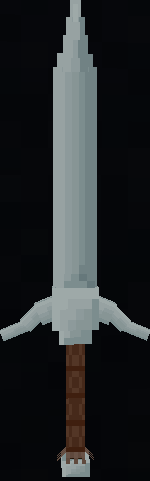
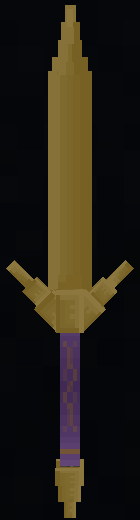
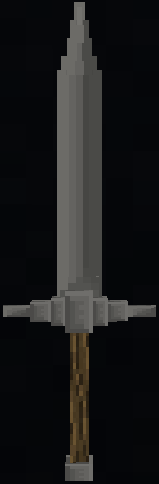
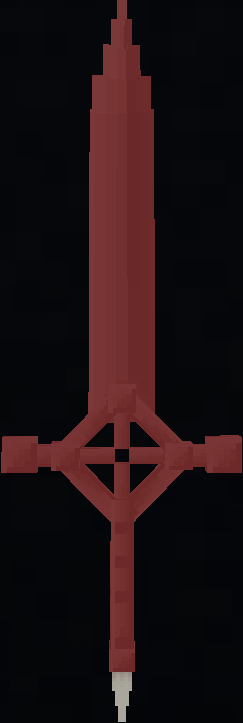
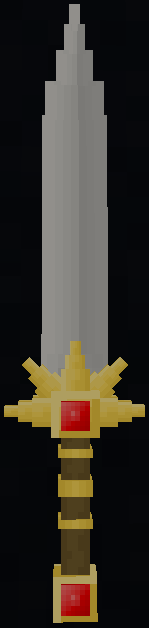
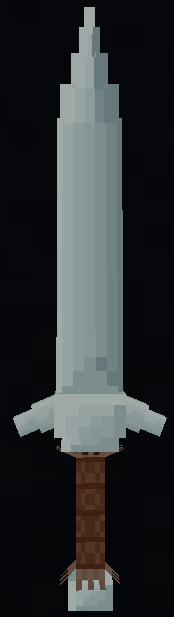
Historicality Mod
This mod looks forward to adding new weapons into your game and all of them made of different materials. This mod uses different materials for the different weapons, those materials are: Iron, Bronze, Silver, Ruby and (with bronze and blaze powder) Infernal.
Iron Weapons:

Bronze Weapons:

Silver Weapons:

Royal Weapons:

Infernal Weapons:

"I want to get started on this mod"- Pretty much you.
So, how do you get started?
First of all, you have to get these items:
A hammer to break minerals to make the ingots and to shape your weapon,

A rock smasher to smash coal, emeralds and rubies,

A grinding stone (Yea, just a grindstone but with a longer name),

A basin,

Some tongs.

And the Ultimate Forge.

Then: You´ve got to make yourself a BIG iron of your choosing.
A BIG iron ingot,

A BIG bronze ingot,

Or a BIG silver ingot.

But like someone once said "Any metallurgist will tell you bronze isn't found, it's made" (HarryDaGreat99). So here´s the bronze´s recipe:

"But what is that powder with a darker color than gunpowder?" (Also you). Well that my friend, is Coal Dust! You get 4 of it by placing a Rock Smasher and putting a coal on it and, you know, smashing it with your hammer.

Then, you must put that BIG ingot of your choosing into a furnace / blast furnace. When it ends up heating, you better be quick, because it´s obviously gonna burn your hands! You have to put it on your ULTIMATE FORGE, then you can do many things with it!
To give shape to your new weapon, you need to use your hammer and hit the hot BIG ingot with it. It´ll go through many sizes and shapes like: Plates, Greatswords, Broadswords, Shortswords and Daggers. Each time you hit the ingot, it will drop a slag of the material you´re pounding.
It is advisable to use Just Enough Items (JEI) alongside this mod.
Now that you´ve seen all the basics, you can start making your own weapons!
(Note that some items have different ways of obtaintment, for example:
Fur: Obtained from Killing Wolves.
Flour: Using a Mortar & Pestle and Wheat.
Cotton Seeds: Using Rough Cotton and a Cottong Gin.
Ruby / Emerald Chunk: Putting a Ruby / Emerald on a Rock Smasher and hitting it with your hammer).
More description coming soon...
Credits:
HarryDaGreat99 (Mod Developer, Model and Texture's Maker)
ArgentinoAugusto (Publisher)
...
Mod made with MCreator, though not reccomendable to use when making mods.
Also check his MCreator page here!
If you want a visual demonstration of how the mod works, check the YouTube video here!
And if you want to join our discord, check it out here!
(Please do note that both him and me have personal things to take care of too so that means we won´t always be able to work on the mod or the CurseForge page, we hope you understand)
- Edition: Minecraft Java
- File type: .jar
- Minecraft version listed: 1.16.5
- How to install: Install the matching mod loader (Forge, Fabric or NeoForge) for your Minecraft version. → Download the .jar. → Put it in the .minecraft/mods folder and launch that loader profile.
- Where to get it: Opens on CurseForge — not every file is mirrored on our own servers.
Install steps are the general flow for this file type — How to install Minecraft Java mods & modpacks walks through it step by step.
- Ships as Medieval_Weaponry_v1.3.26.jar — drop this file into the mods folder
- Download size: 4.2 MB
- Download link checked 15 Oct 2026 — working
These come from our own check of the pack file, not from the source page.