Brighter (block light)
Java mod listed for Minecraft 1.16–1.20. Downloads from the MC Java Mods app on Android.
I don't know my version or loader
This project is no longer being maintained.
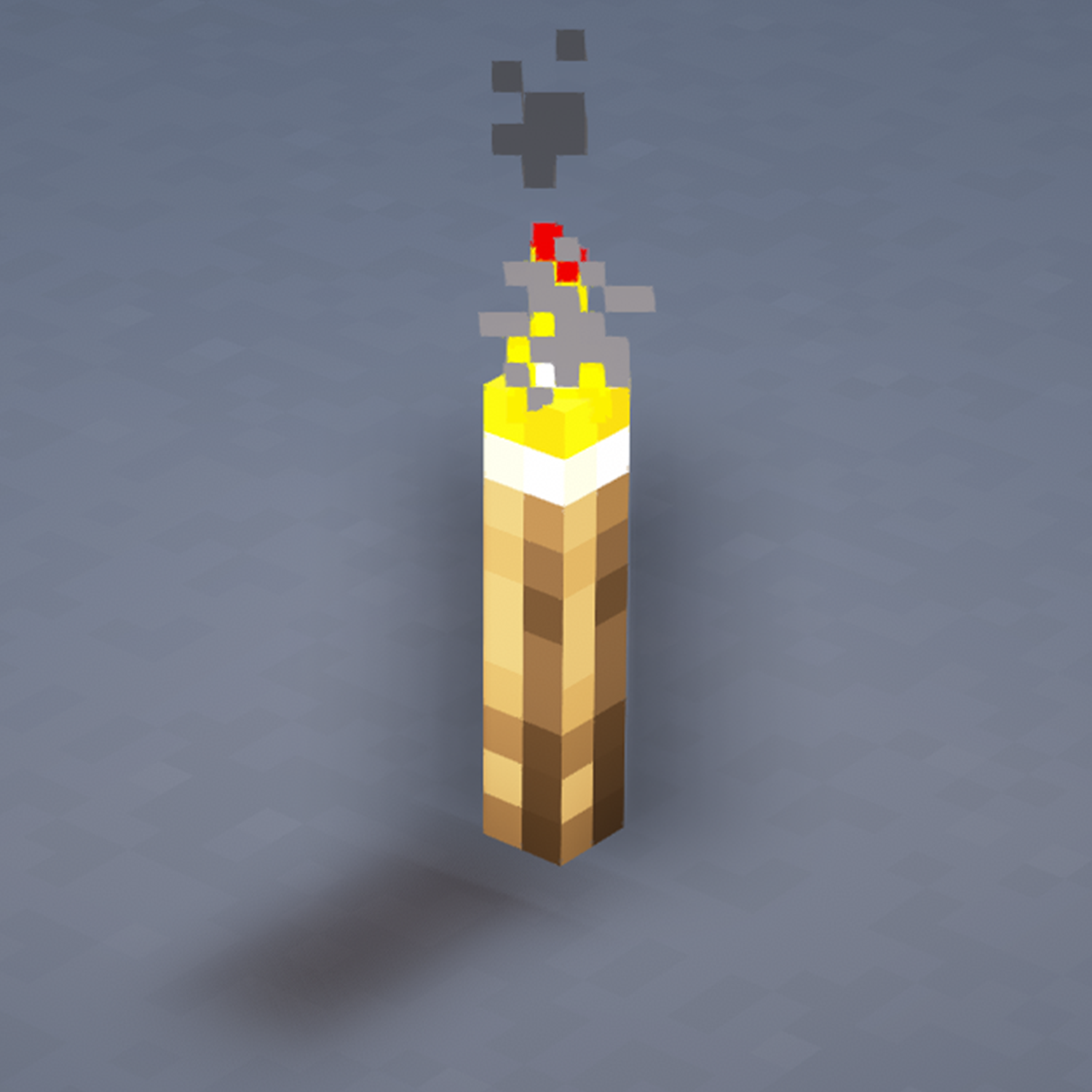
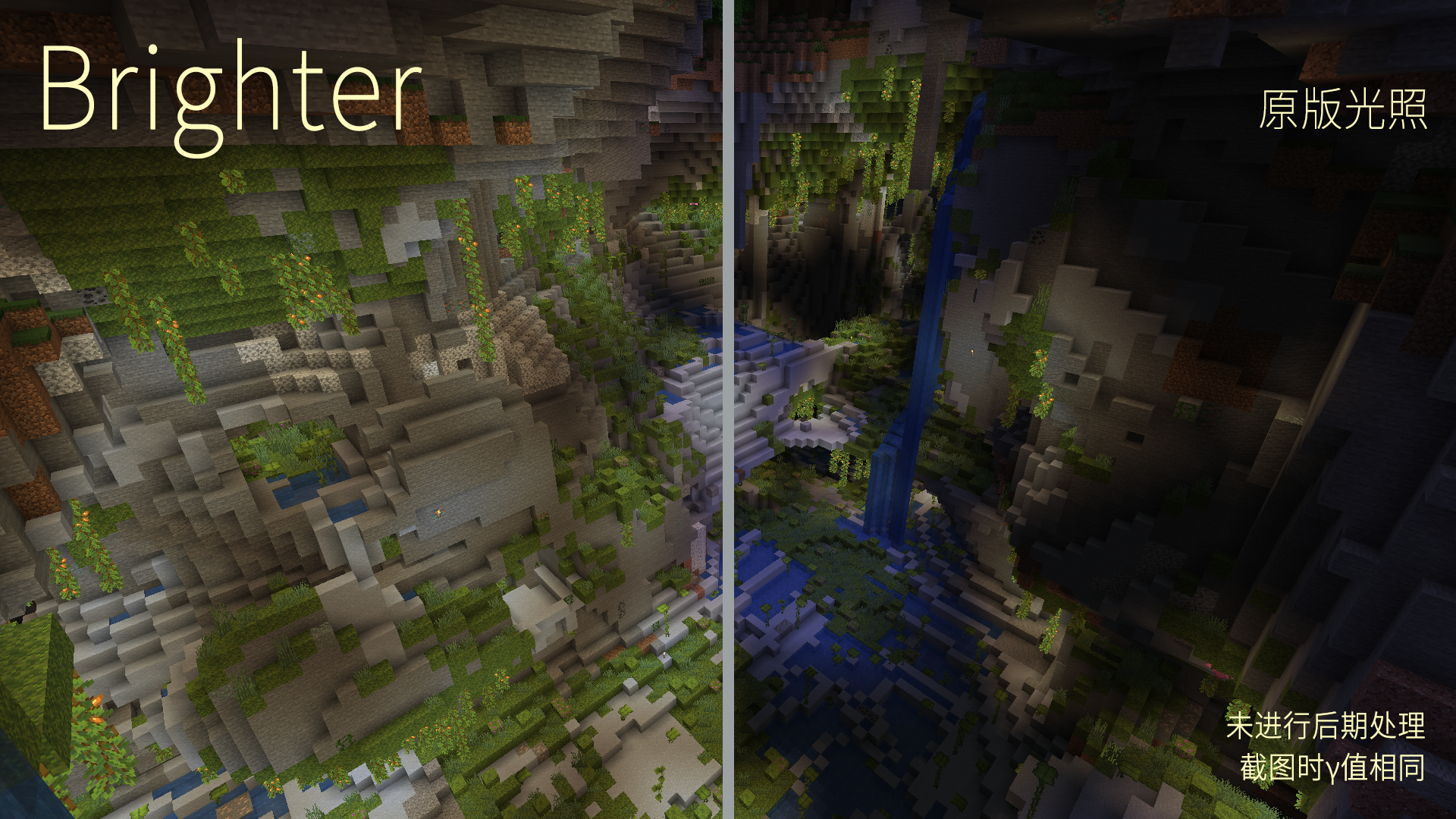
Caves are too dark? Torches are so faint?
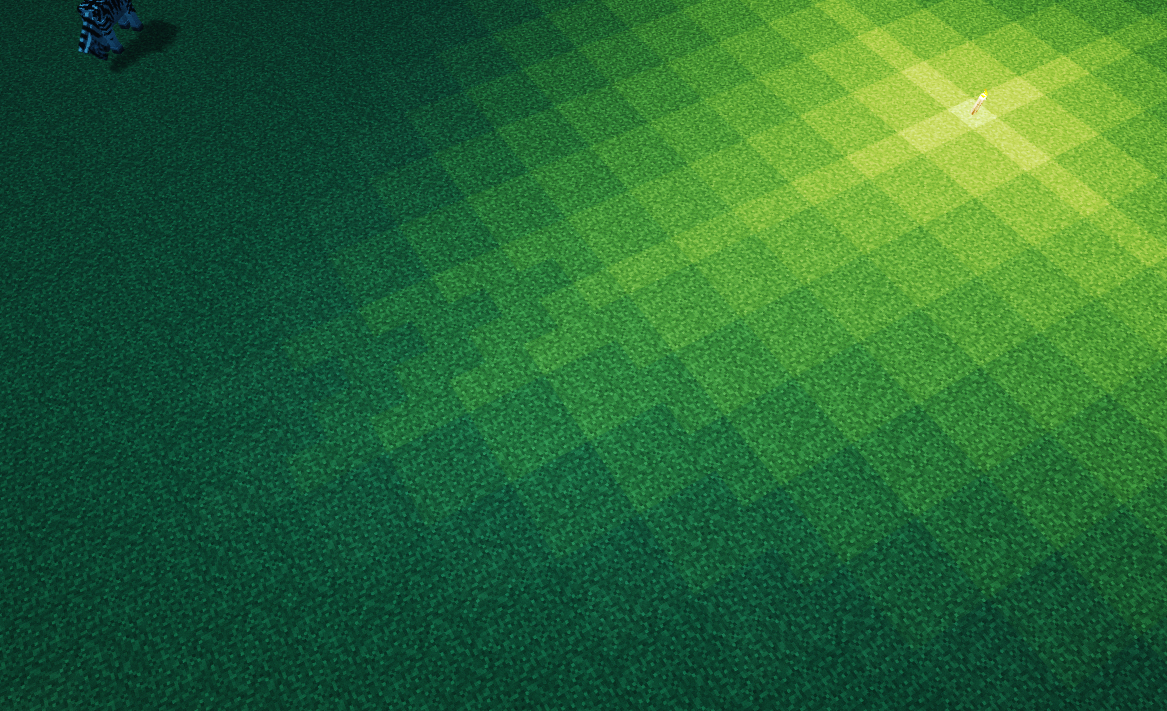
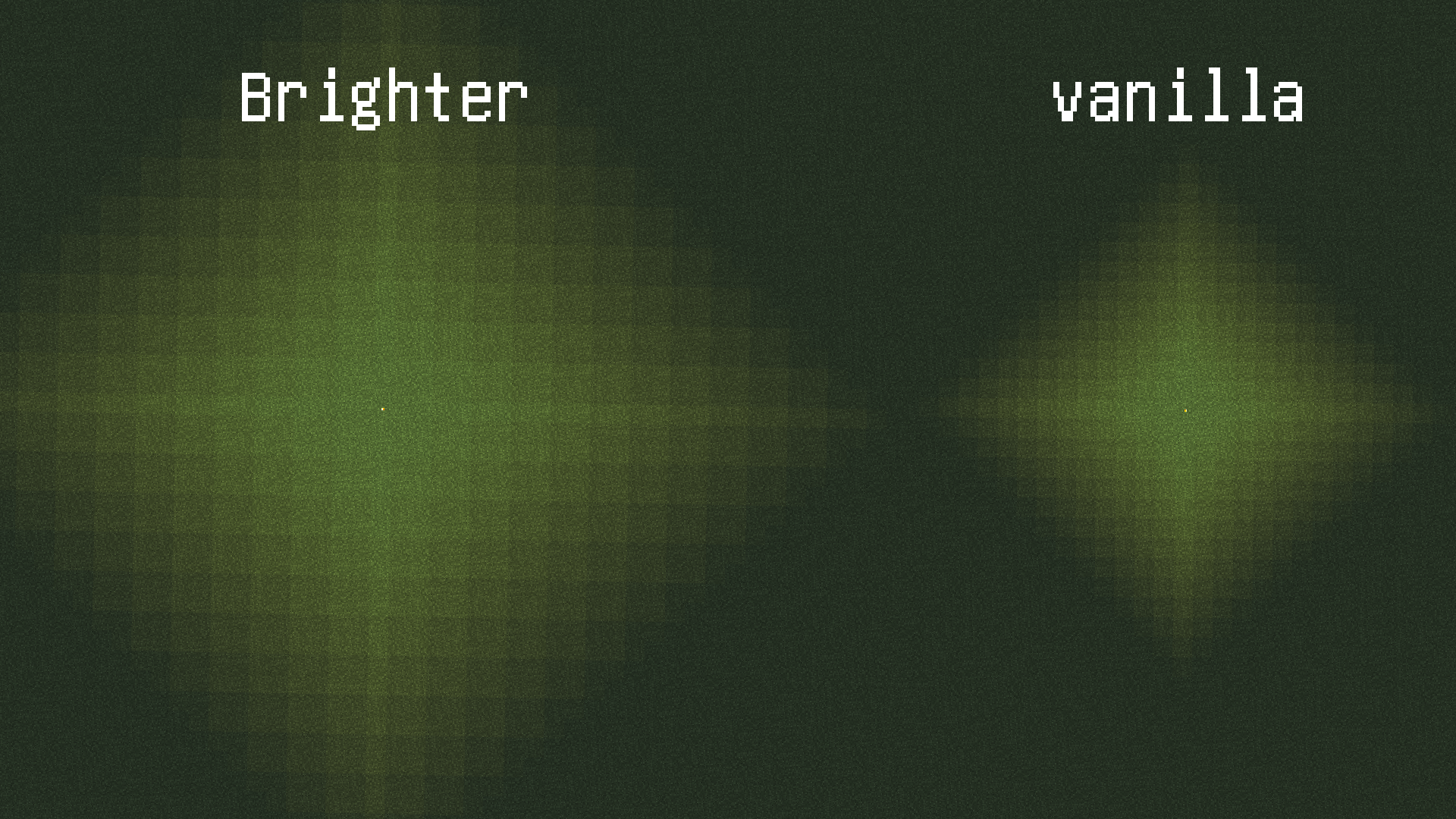
Use Brighter to double your block-light!
Brighter is for Forge, BrighterF is for Fabric !
Compatible with Phosphor, which is recommended to reduce lag.
Minecraft version compatibility attention: Since 1.20.1, you DO NOT need a specific jar to load, if a former jar can be loaded correctly. For example, BrighterF-0.2.3-1201.jar can be loaded on MC 1.20.1, 1.20.2 and further until crash, and then you need to download a newer version.
This mod is not compatible with Starlight.
Some logic have to get anti-optimized to achieve this effect, which may cause slight lag when removing light sources.
Since the light decay has been reduced by half, the number of blocks to be counted for the light update will be 8 times greater than vanilla. Thus, light update, such as placing and destroying light sources, may make the game laggy.
Light spreading in disorder may happen accidentally, but it's usually not obvious. You can try to move your light source. See image light disorder. We are now working on it.
This mod is open-source under GPLv3.
BrighterF is a fabric copy of forge version.
Tips: Light sources placed before mod's installation may not automatically refresh due to Minecraft's light system.
WARNING: Back up your saves. This mod is still under testing. It is possible to cause lighting-error areas, which may be hard to repair.
- Edition: Minecraft Java
- File type: .jar
- Minecraft versions listed: 1.20.1, 1.19.1, 1.19.2
- How to install: Install the matching mod loader (Forge, Fabric or NeoForge) for your Minecraft version. → Download the .jar. → Put it in the .minecraft/mods folder and launch that loader profile.
- Where to get it: Opens on CurseForge — not every file is mirrored on our own servers.
Install steps are the general flow for this file type — How to install Minecraft Java mods & modpacks walks through it step by step.
- Ships as brighter-0.2.3-1201.jar — drop this file into the mods folder
- Download size: 298 KB
- Download link checked 24 Sept 2026 — working
These come from our own check of the pack file, not from the source page.