
Tiny Pipes
Java mod listed for Minecraft 1.16–1.21. Downloads from the MC Java Mods app on Android.
Modular item, fluid, energy and redstone pipes that can share block space with each other and Tiny Redstone circuits.
I don't know my version or loader
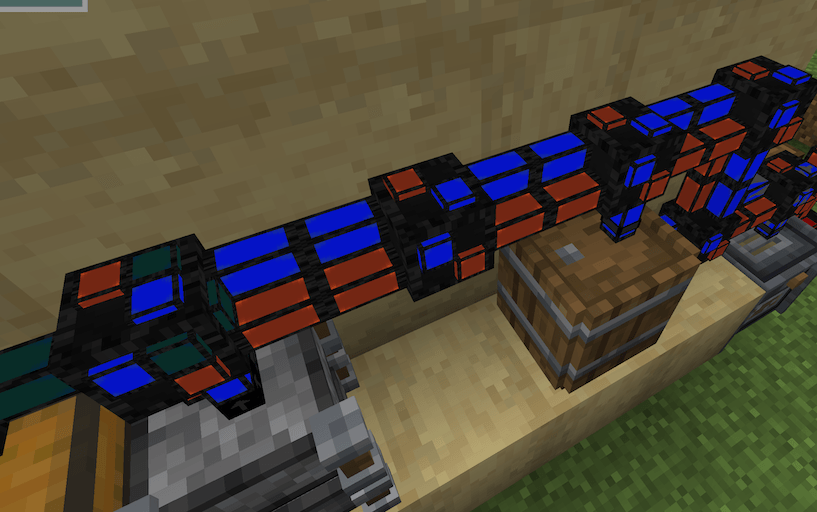
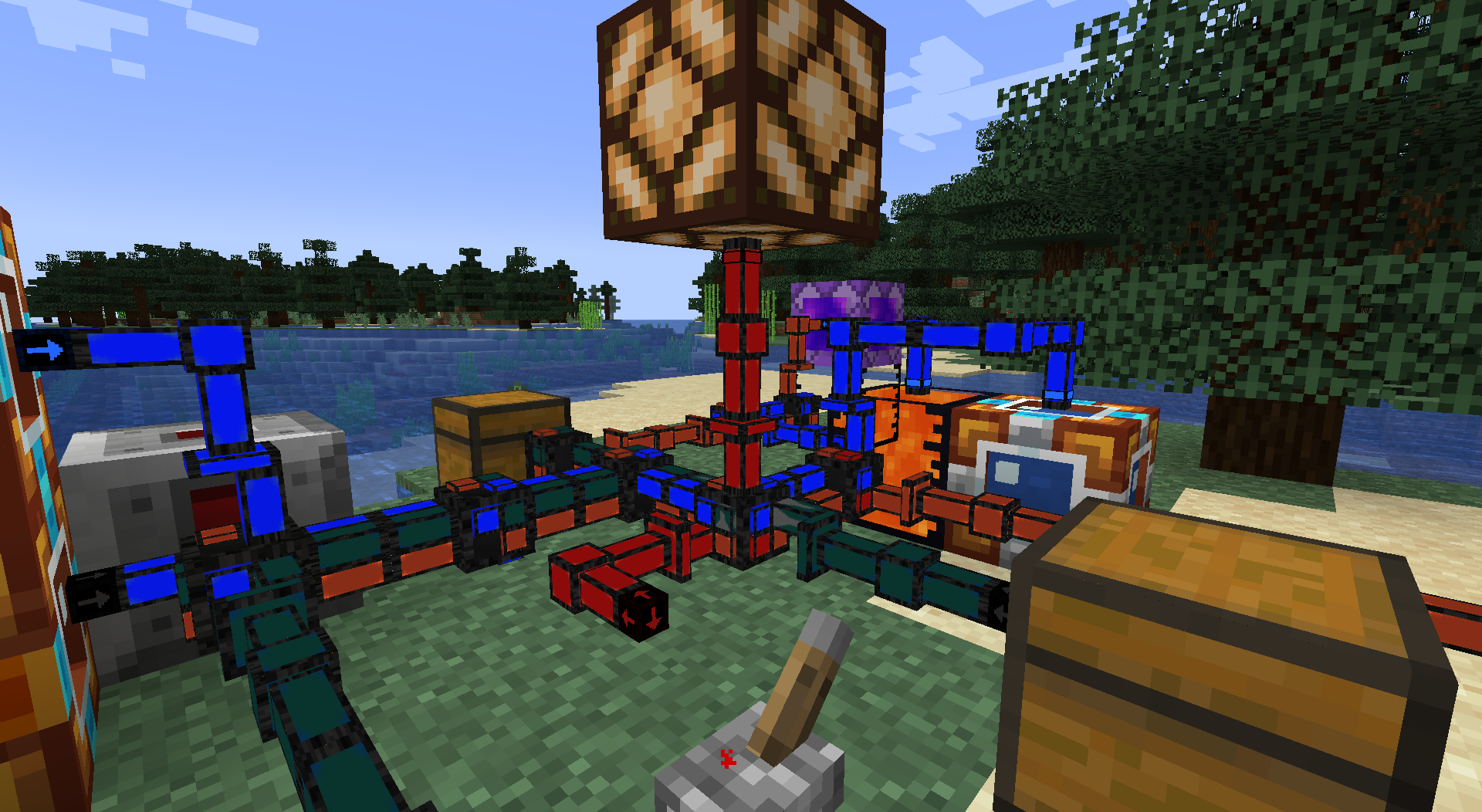
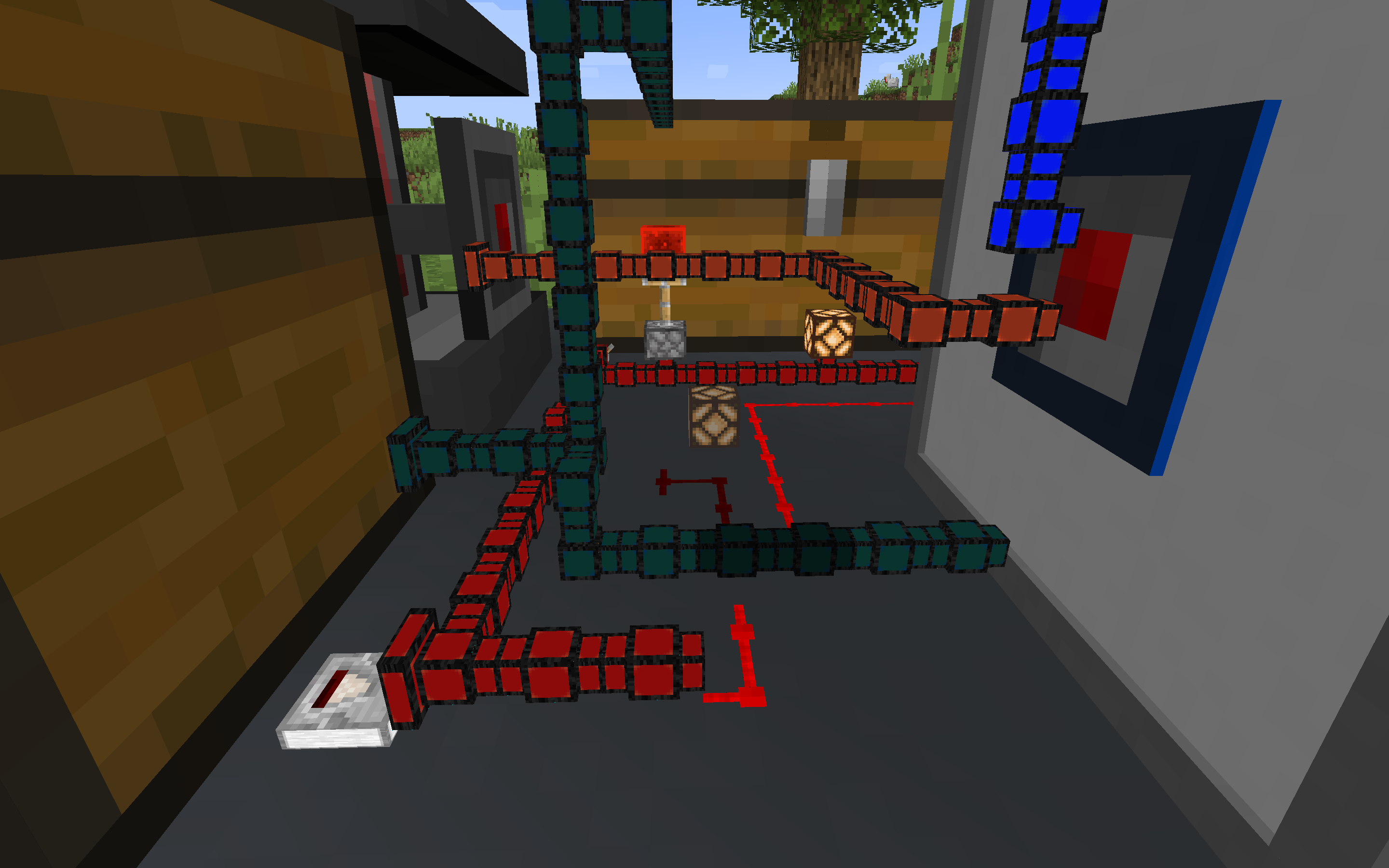

Forge/NeoForge mod adding modular pipes for transferring items, fluid, forge energy and redstone that can share block space with each other and Tiny Redstone circuits (with Tiny Redstone installed).
The Pipes
There are 2 type of pipes, normal block sized pipes that can be clustered together and very tiny pipes that are 1/8th of a block in height, width and depth giving you an 8x8x8 grid in each block space to allow for compact designs.
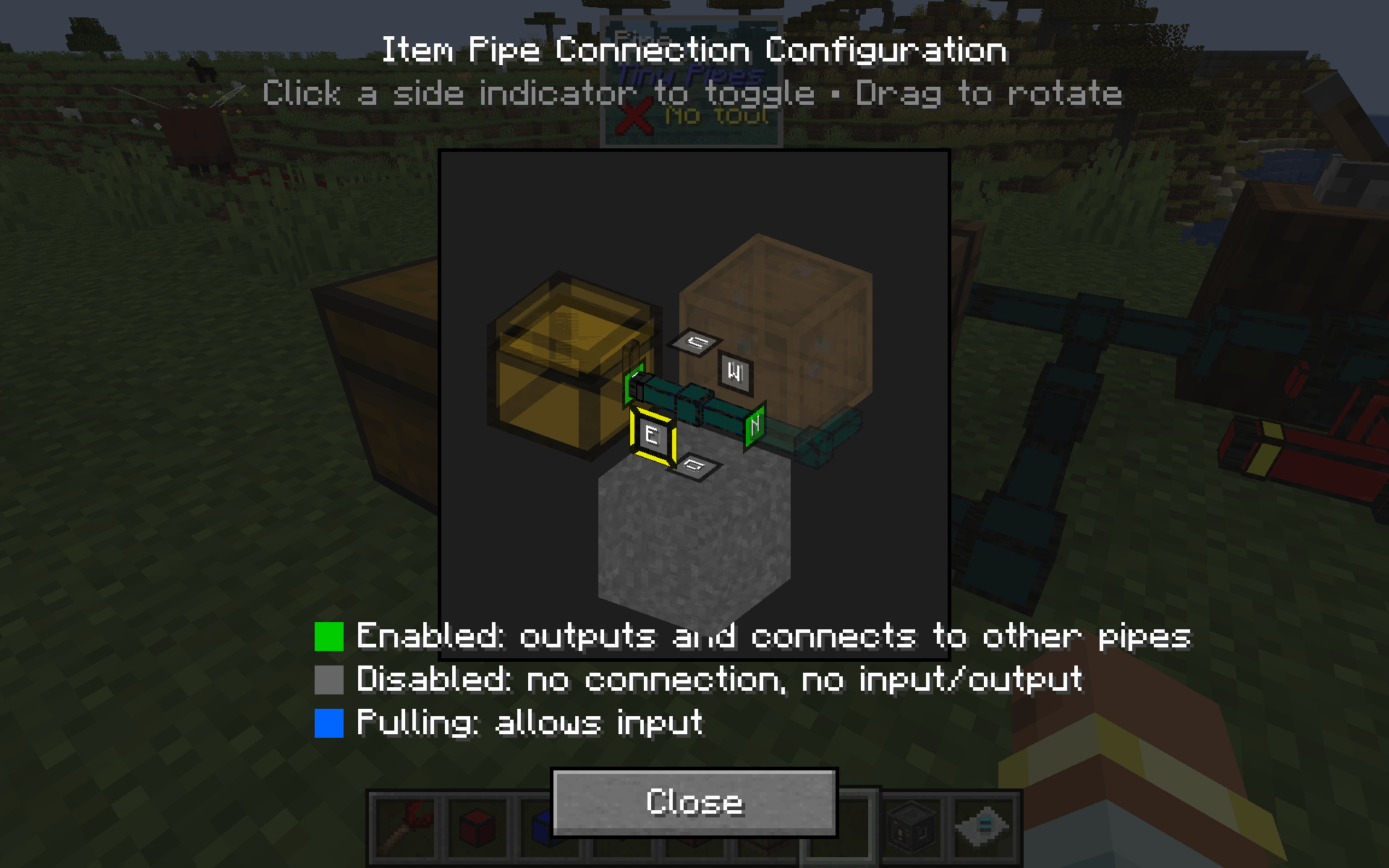
You can choose which sides of each pipe segment will connect by right clicking with a wrench. It will toggle between off / on / pull (where possible). You can also right click with an empty hand to open a 3D GUI to toggle the 6 sides.
Each pipe can be individually disabled with a redstone signal allowing precise control.
Item Pipe
Allows transfer of items between inventories. Each connection moves 2 items to transfer per second (configurable). Speed up full sized pipes up to 32x with speed upgrades (1 stack per second by default). For super tiny pipes, you can have many tiny pipe connectors connecting to each inventory for faster transfer.
Item Filter Pipe
Acts just like the Item Pipe, except that right clicking with an empty hand will open a filter GUI allowing you to specify items to allow or disallow (whitelist/blacklist). Filters can be placed anywhere within your pipe network giving you a lot of control over your inventory system.
Fluid Pipe
Allows transfer of fluids between tanks. Each connection moves 500mB (1/2 bucket) per second (configurable). Speed up full sized pipes up to 32x with speed upgrades (16 buckets per second by default). For super tiny pipes, you can have many tiny pipe connectors connecting to each block for faster transfer.
Fluid Filter Pipe
Just like the Fluid pipe except that right clicking with an empty hand will open a filter GUI allowing you to specify buckets of the fluids you want to allow or disallow (whitelist/blacklist). Filters can be placed anywhere within your pipe network giving you a lot of control over your fluid storage setup.
Energy Pipes
Allows the transfer of Forge Energy (sometimes referred to as RF). Each connection moves 256 FE/tick (configurable). Speed up full sized pipes up to 32x with speed upgrades (8,192 FE/tick). For super tiny pipes, you can have many tiny pipe connectors connecting to each block for faster transfer.
Redstone Pipes
Lossless redstone transfer pipes that can carry up to 16 redstone signals (corresponding to the 16 dye colors). Redstone inputs and outputs are controlled by a wrench, similar to other pipes. Right click the connector with a dye to set its color frequency (the dye is NOT consumed). Each output will only transfer signals from inputs with the same color. By default, all inputs and outputs are red and share the same signal until right clicked with a dye (not consumed).
Pipe Clusters
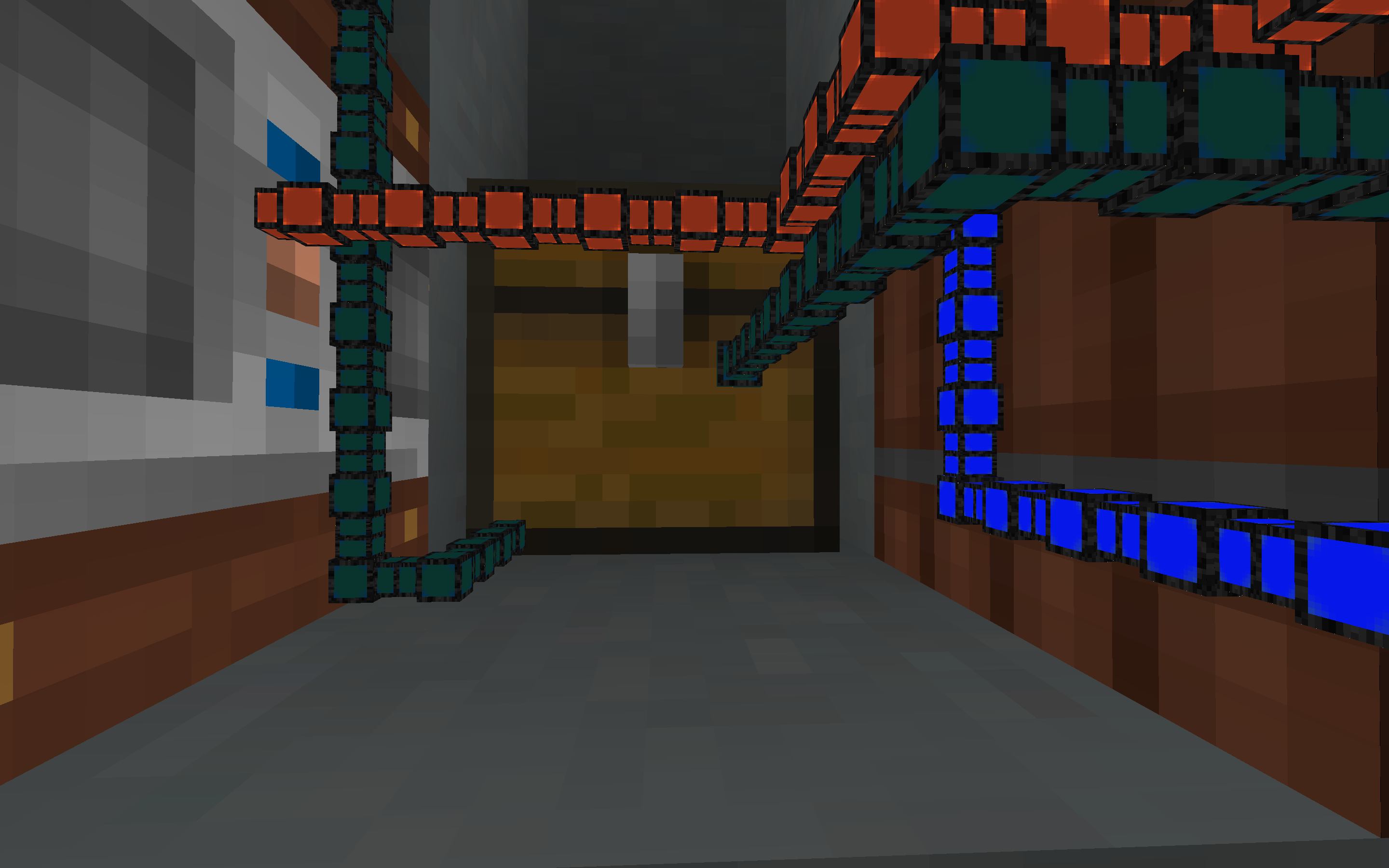
Full sized pipes can share a blockspace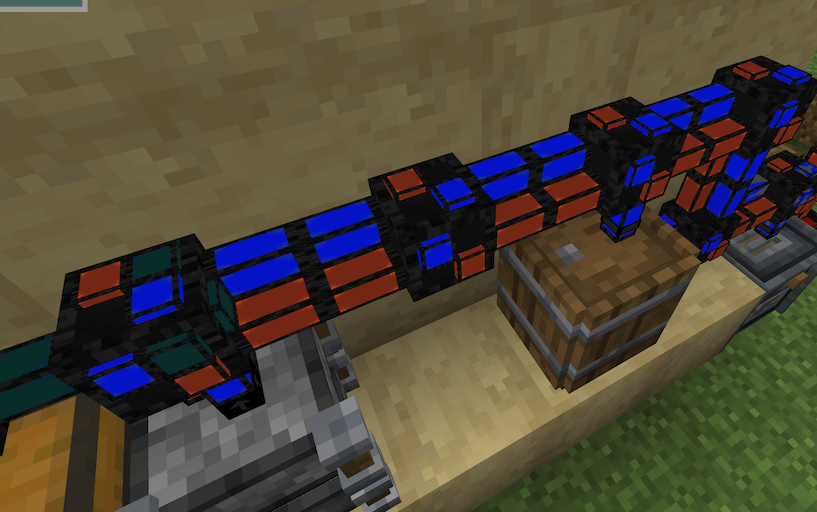
- Edition: Minecraft Java
- File type: .jar
- Minecraft versions listed: 1.21.1, 1.20.1, 1.20
- How to install: Install the matching mod loader (Forge, Fabric or NeoForge) for your Minecraft version. → Download the .jar. → Put it in the .minecraft/mods folder and launch that loader profile.
- Where to get it: Opens on CurseForge — not every file is mirrored on our own servers.
Install steps are the general flow for this file type — How to install Minecraft Java mods & modpacks walks through it step by step.
- Ships as tinypipes-3.1.1.jar — drop this file into the mods folder
- Download size: 92 KB
- Download link checked 24 Sept 2026 — working
These come from our own check of the pack file, not from the source page.