
Mod-erate Loading Screen
Java mod listed for Minecraft 1.17–1.21. Downloads from the MC Java Mods app on Android.
I don't know my version or loader




An "alternative" to Mod Menu that's a lot less usable. (full feature parity not included)
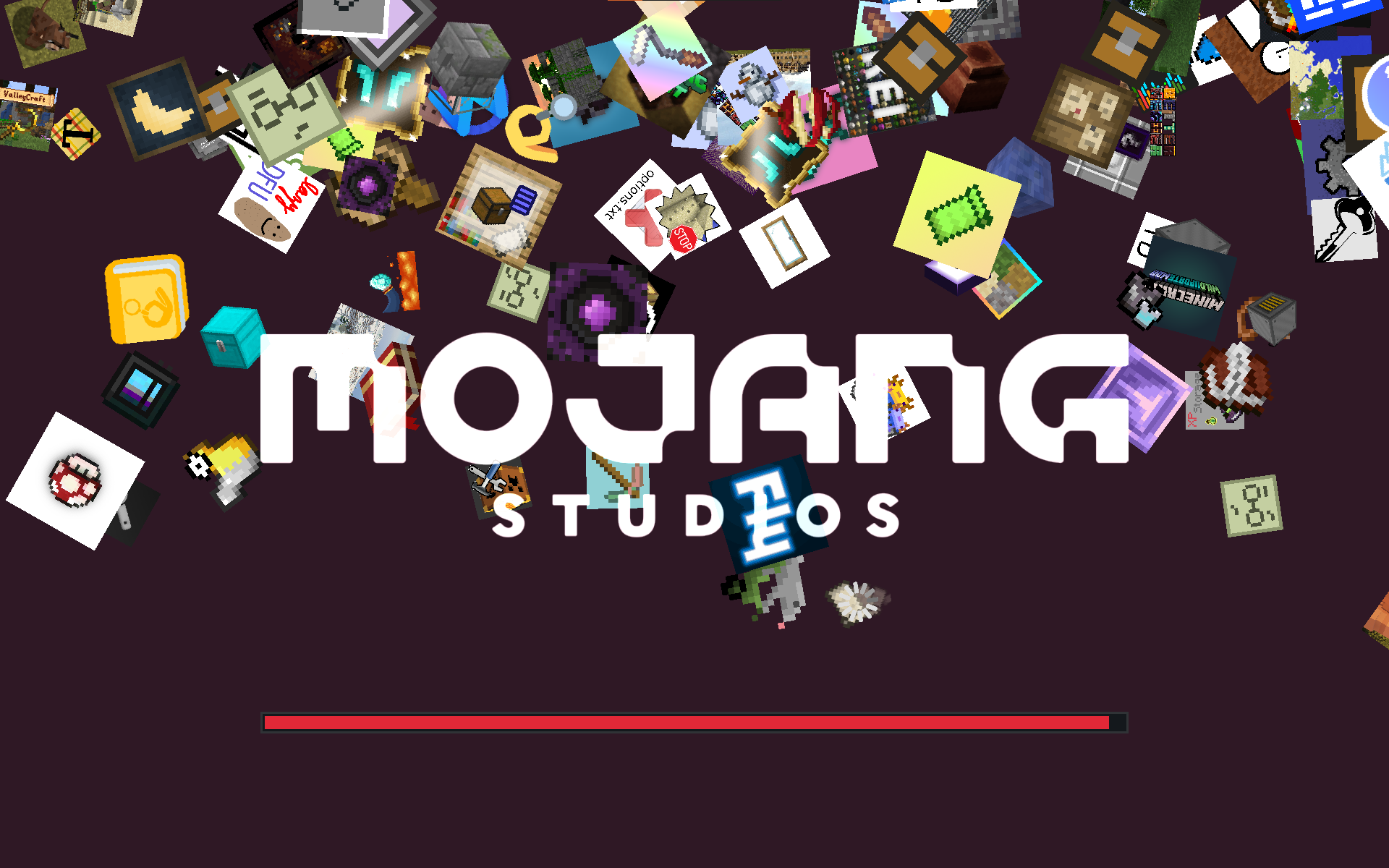
Makes the icons of installed mods fall down the loading screen like snowflakes. Includes a few configuration options like showing every mod only once, hiding libraries, and changing the background color. I'd recommend installing the actual Mod Menu mod to access the configs.
Discord: https://discord.gg/WcYsDDQtyR
Example of snowflakes mode on the Benchmark II modpack with modified background color:
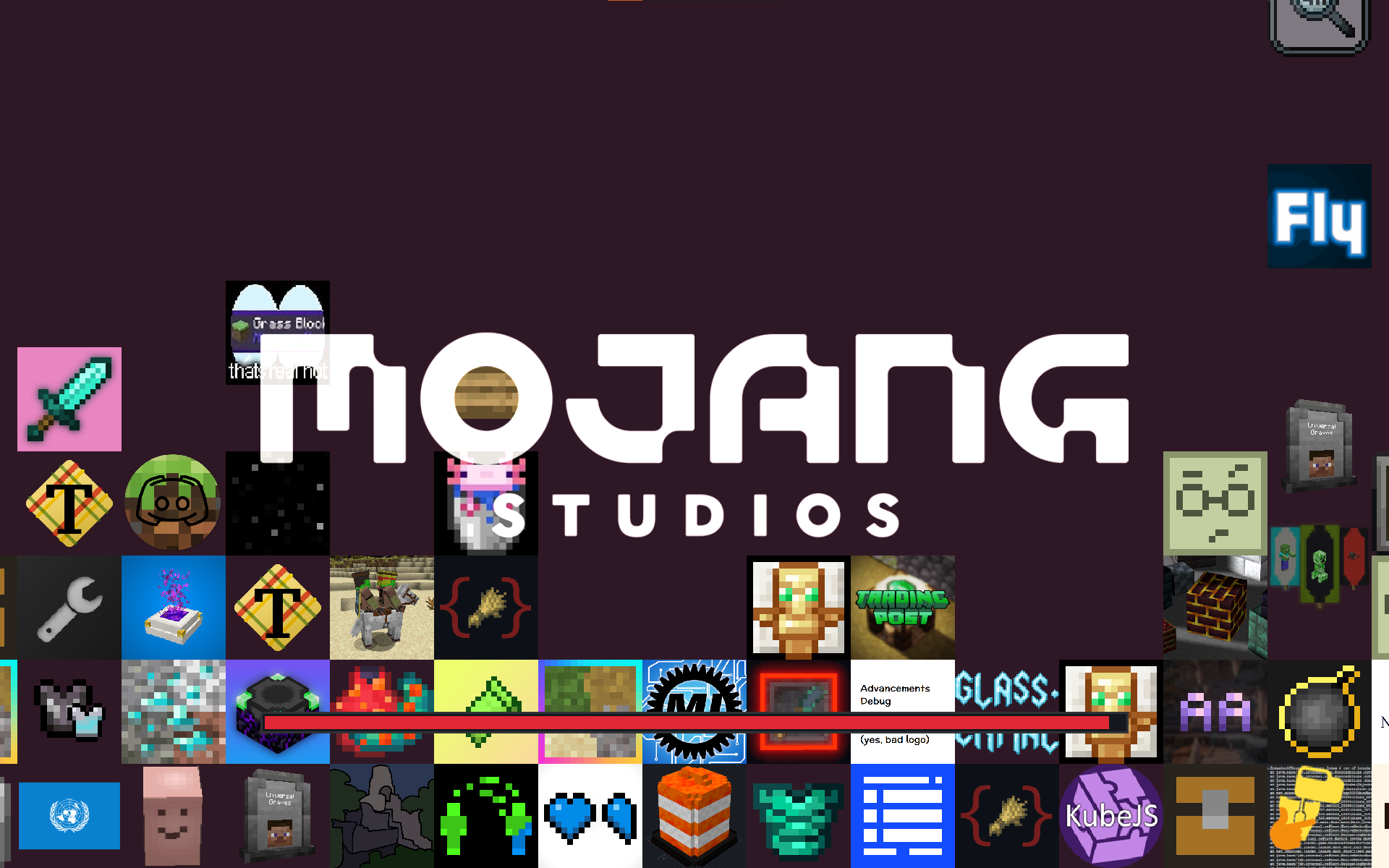
Example of stacking mode, also on Benchmark II:
Heavily based on and inspired by Quilt Loading Screen
- Edition: Minecraft Java
- File type: .jar
- Minecraft versions listed: 1.20.5, 1.20.6, 1.20.3
- How to install: Install the matching mod loader (Forge, Fabric or NeoForge) for your Minecraft version. → Download the .jar. → Put it in the .minecraft/mods folder and launch that loader profile.
- Where to get it: Opens on CurseForge — not every file is mirrored on our own servers.
Install steps are the general flow for this file type — How to install Minecraft Java mods & modpacks walks through it step by step.
- Ships as moderate-loading-screen-1.4.3+1.20.6.jar — drop this file into the mods folder
- Download size: 109 KB
- Download link checked 15 Oct 2026 — working
These come from our own check of the pack file, not from the source page.