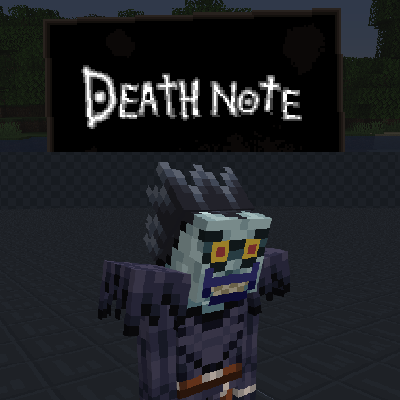
Death Note Mod
Java mod listed for Minecraft 1.16. Downloads from the MC Java Mods app on Android.
⬇ Download on CurseForge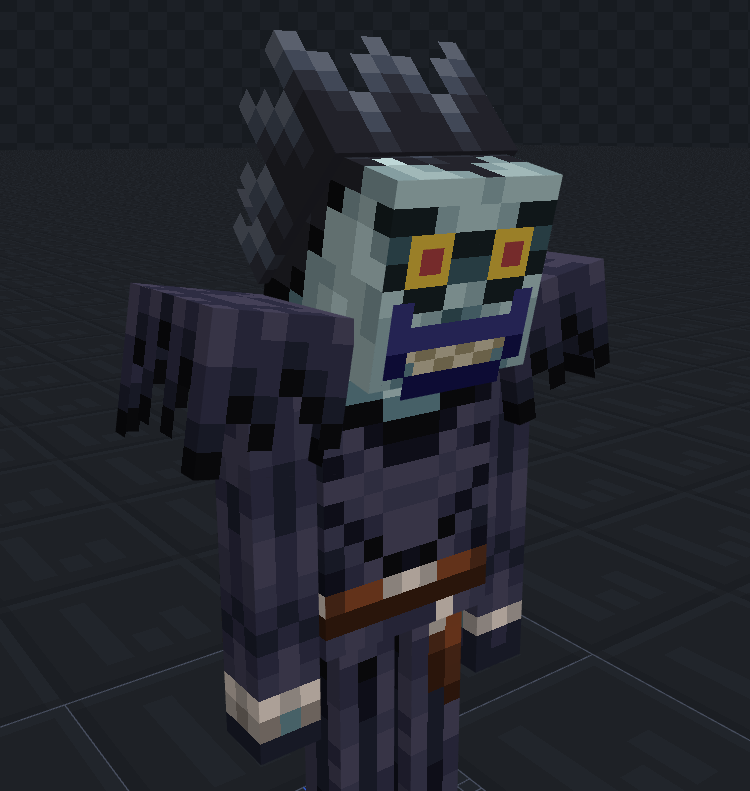
Want to join our new discord community?
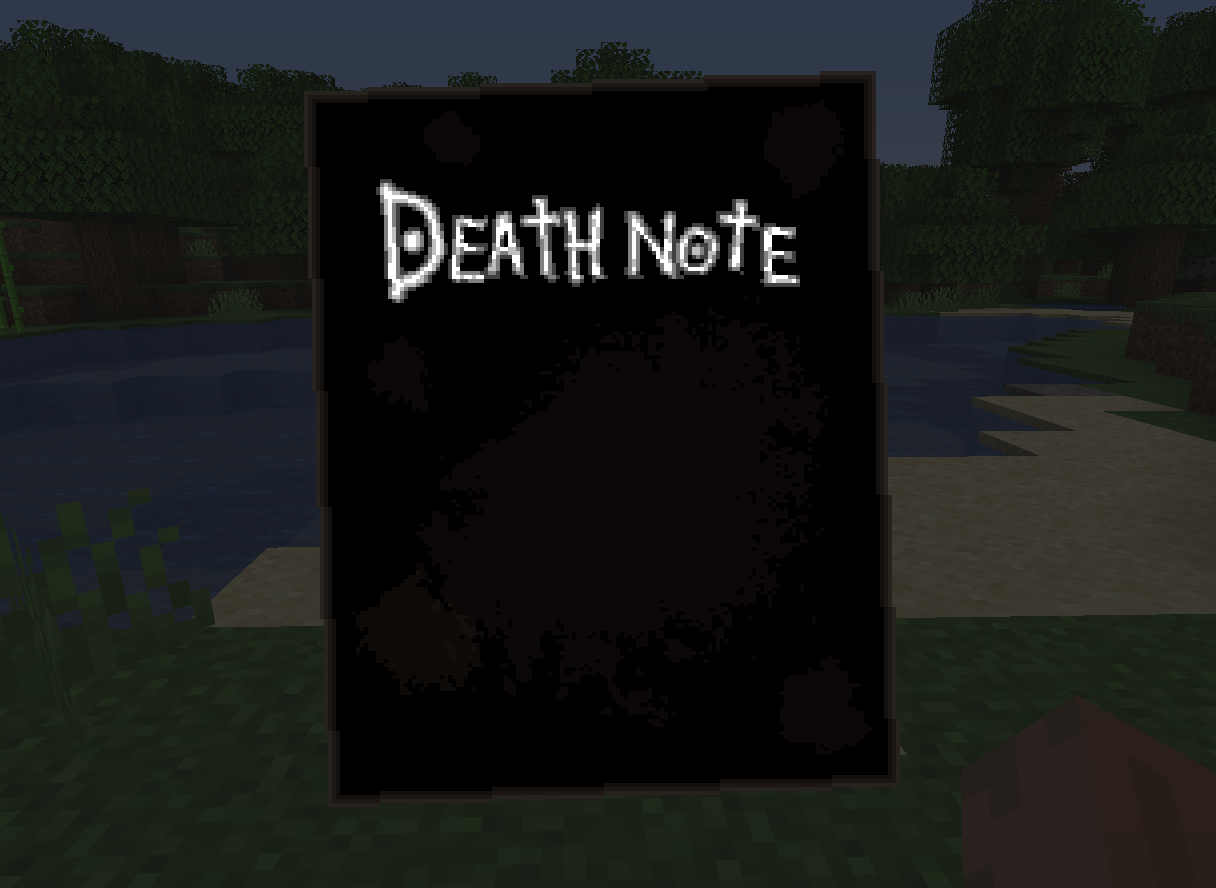
This mod aims to replicate features from the Death Note anime in Minecraft.
Details
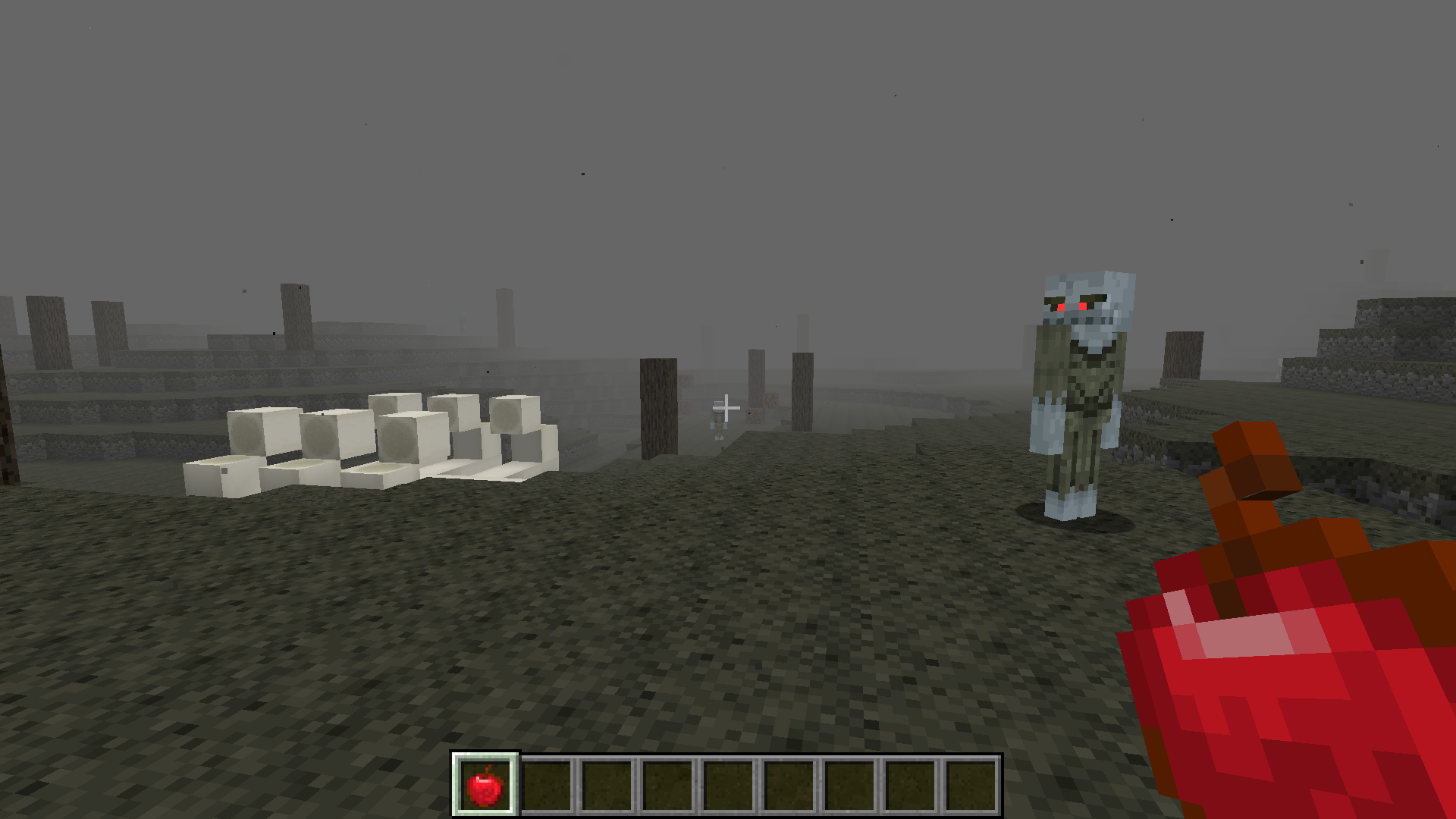
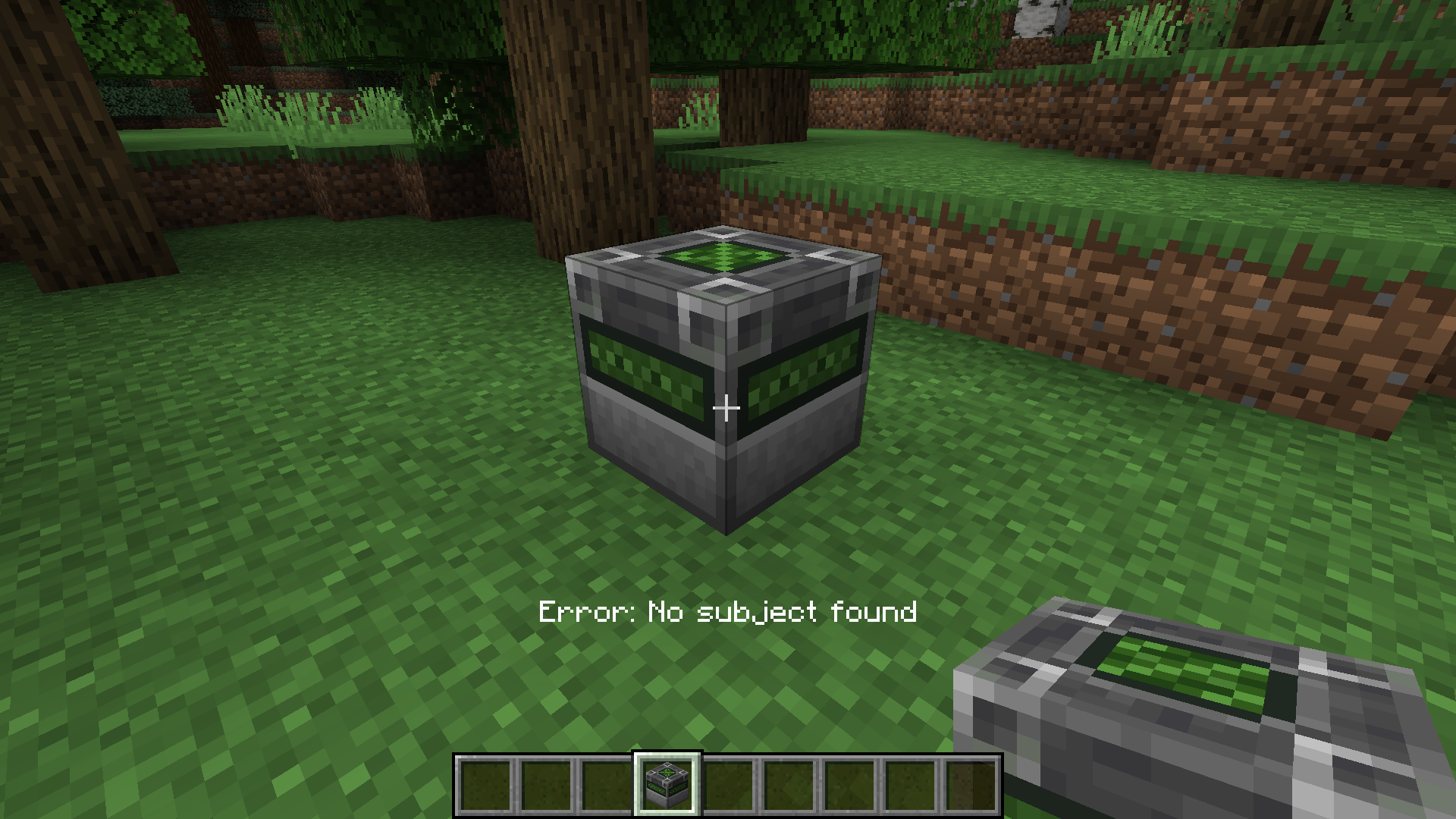
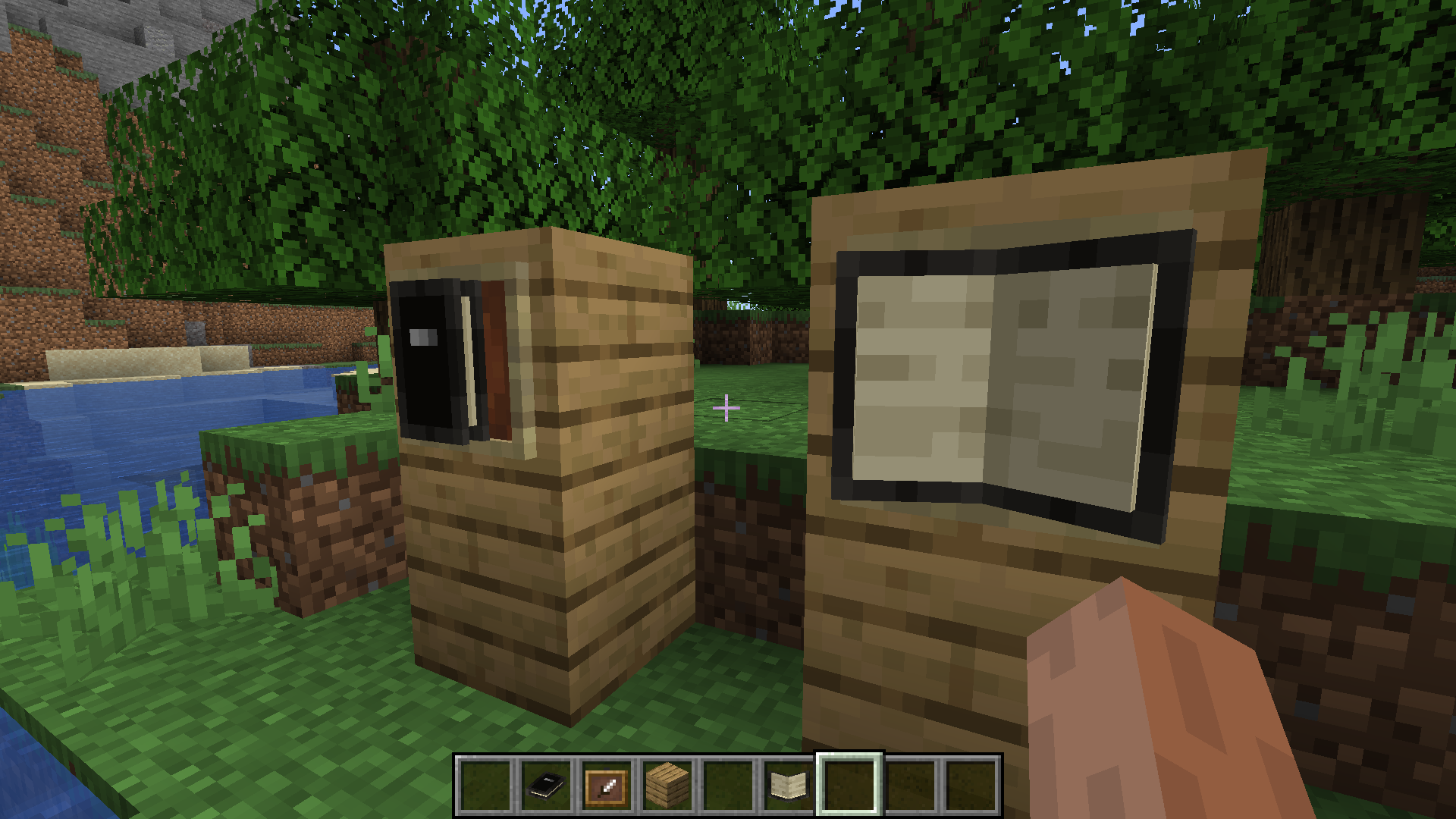
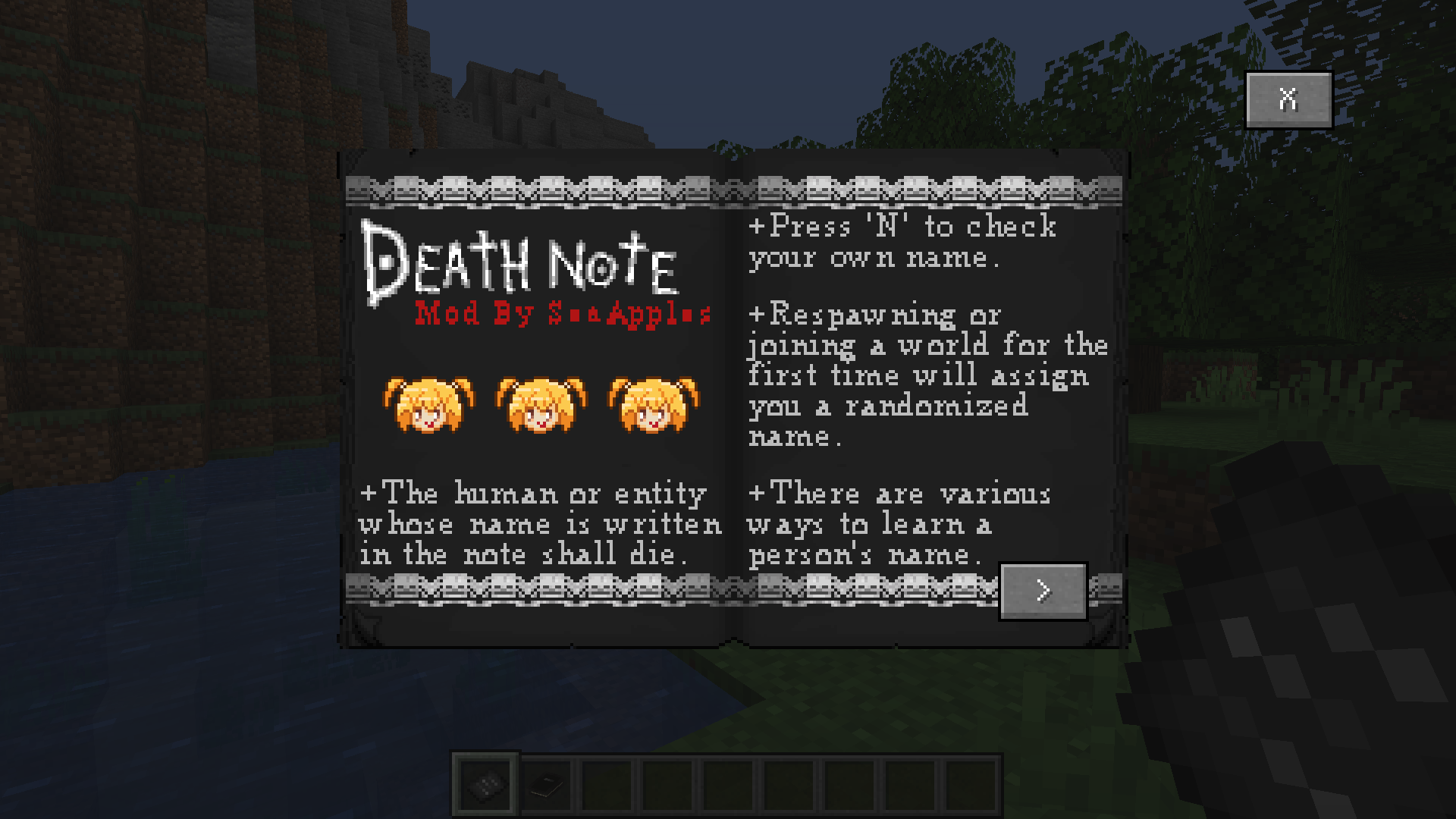
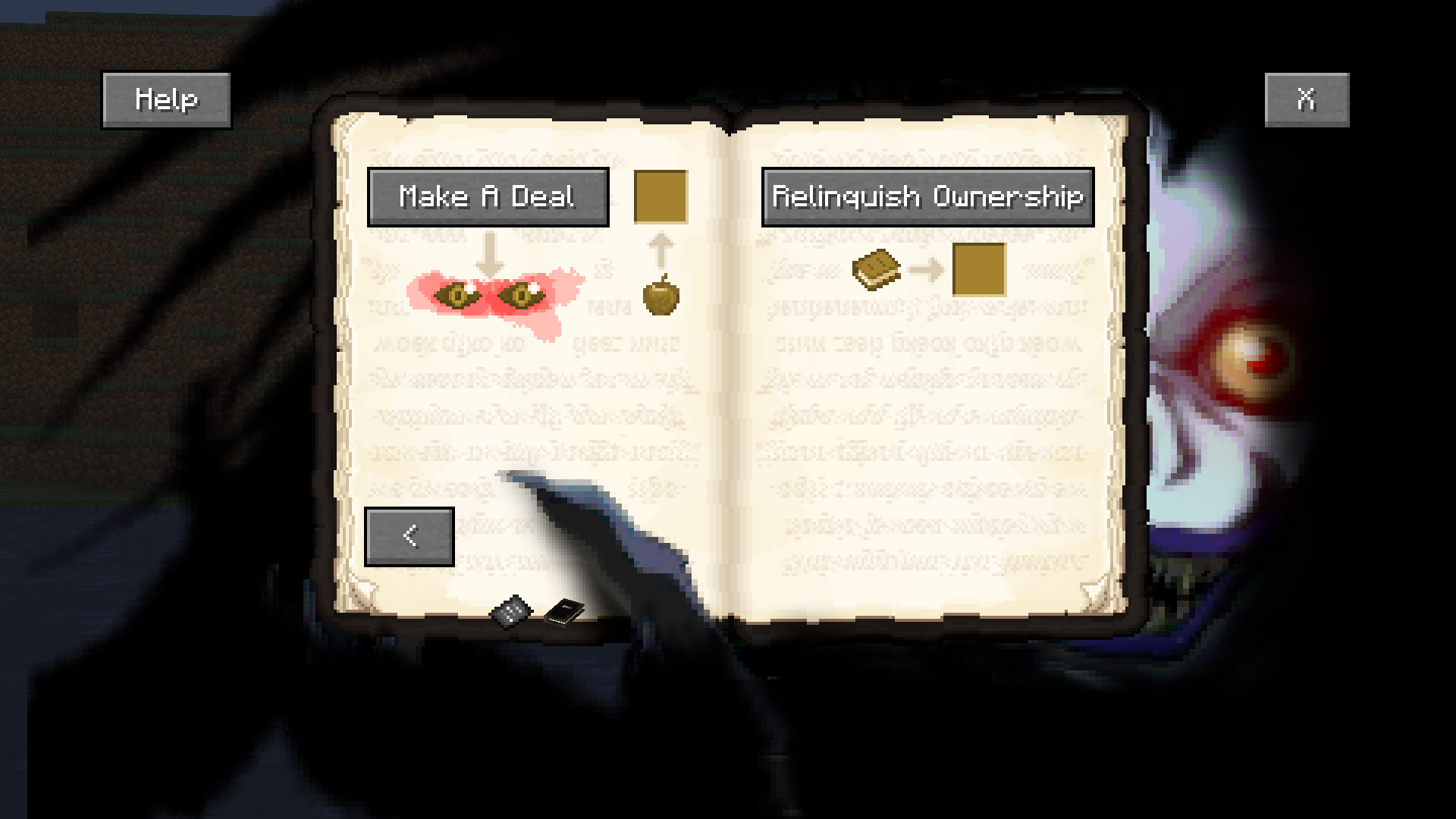
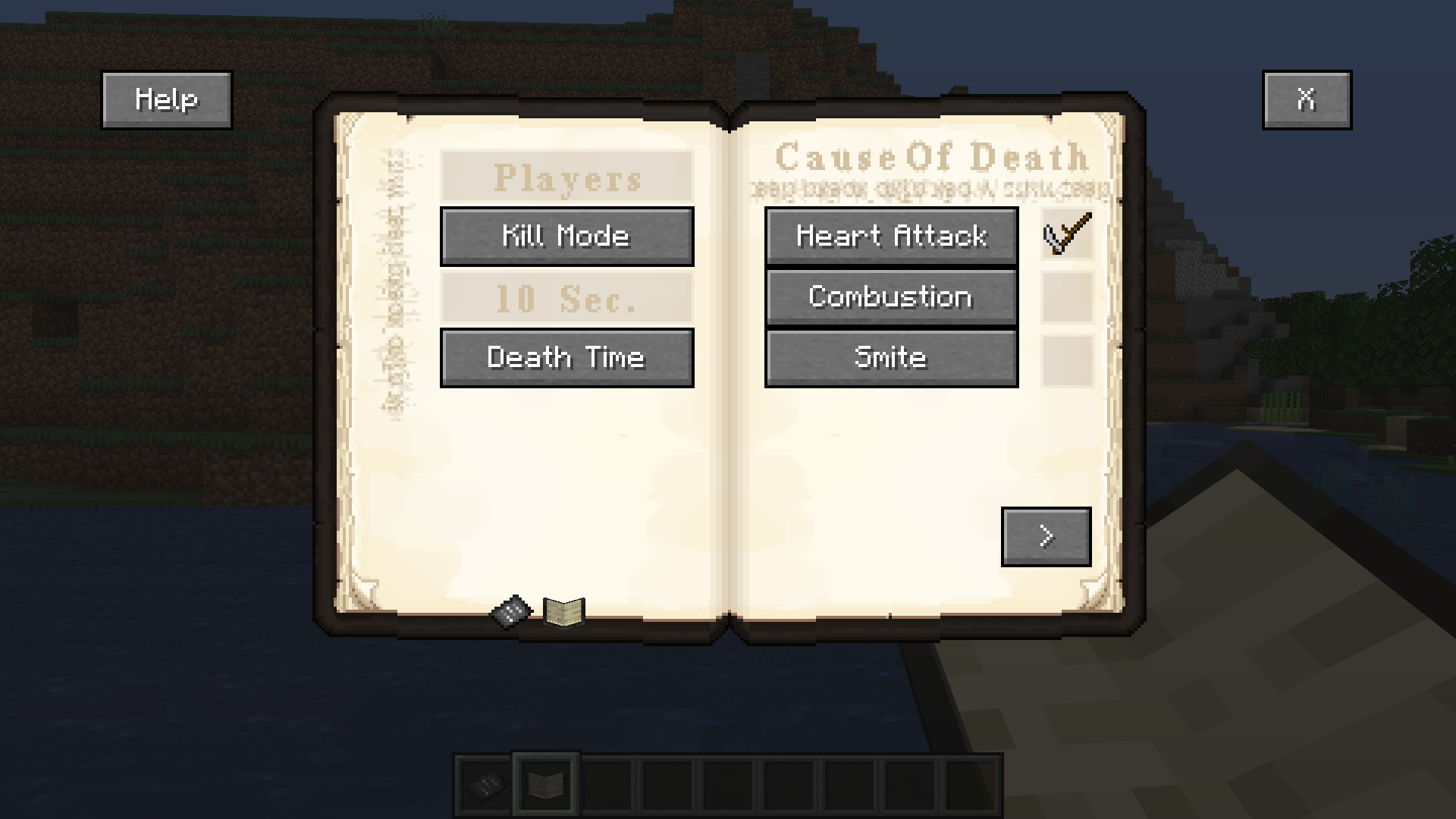
The Death Note can be used to kill both mobs and players, but players are protected with a new 'name' system. Press 'N' to view your current name (the key for this can be changed in the game options). A new random name can be assigned either by respawning or by using a name change form. If you have written in the Note, you will be doomed to respawn in the Shinigami realm. To undo this and return to the normal world, bring a shinigami an apple by right-clicking them with it. Apples can be found in the Shinigami realm by breaking the leaves on the dead trees scattered around (The Shinigami realm can be disabled in the game rules). To write a name in the Death Note, type the desired name into the chat with 'T' and hit send while holding it in your hand. Whatever you type in the chat while holding the Death Note will not be shown to anyone. You can right-click with the Death Note to view various options, including the time and cause of death. Additionally, you can make a deal for the Shinigami Eyes or relinquish the Note on the second page. To make the deal for the eyes, you will need an apple, golden apple, or an enchanted golden apple. A normal apple gives the Shinigami Eyes effect for 1 minute. A golden apple is 5 minutes and an enchanted golden apple is 10 minutes. When the effect runs out, you will die of a heart attack. With the Shinigami Eyes, you can see a mob or player's name by right-clicking on them or hitting them. A 'name scanner' can be crafted, and displays the name of the person standing on top of it. Ryuk can be revealed or dismissed on the second page of the Note. Keep in mind that anyone can see him when he is revealed, so he may give you away in pvp situations. He will get bored and leave on his own after a certain amount of time. He can be fed apples, which gives him extra speed and increases the duration of his stay.
Current Features
- A detailed and functioning Death Note
- Shinigami realm dimension, with shinigami mob
- The Shinigami Eyes
- A 'name' system for players to protect themselves from Death Note users
- Name Change Form, Rules Sheet, and Name Scanner
- A fake Death Note
- (NEW) Ryuk mob
- (NEW) Custom name change form
FAQ
- This mod requires Forge
- If you're having issues summoning Ryuk, try hiding him and re-revealing him (He is particularly picky about spawning when you're floating in creative mode).
- Feel free to use in modpacks or in videos etc.
- The mod will be updated to 1.17.1 once I get some feedback that this version is stable
- Versions past 1.17.1 will take some time due to some limitations
- I will likely not be backporting to older versions
Lastly, this mod was made using MCreator, an "open source software used to make Minecraft Java Edition mods, Bedrock Edition Add-Ons, and data packs using an intuitive easy-to-learn interface or with an integrated code editor".
- Edition: Minecraft Java
- File type: .jar
- Minecraft version listed: 1.16.5
- How to install: Install the matching mod loader (Forge, Fabric or NeoForge) for your Minecraft version. → Download the .jar. → Put it in the .minecraft/mods folder and launch that loader profile.
- Where to get it: Opens on CurseForge — not every file is mirrored on our own servers.
Install steps are the general flow for this file type — How to install Minecraft Java mods & modpacks walks through it step by step.
- Ships as deathnotemod.jar — drop this file into the mods folder
- Download size: 782 KB
- Download link checked 15 Oct 2026 — working
These come from our own check of the pack file, not from the source page.