Chunk By Chunk
Java mod listed for Minecraft 1.17–1.20. File opened and checked on 8 Oct 2026; downloads from the MC Java Mods app on Android.
I don't know my version or loader
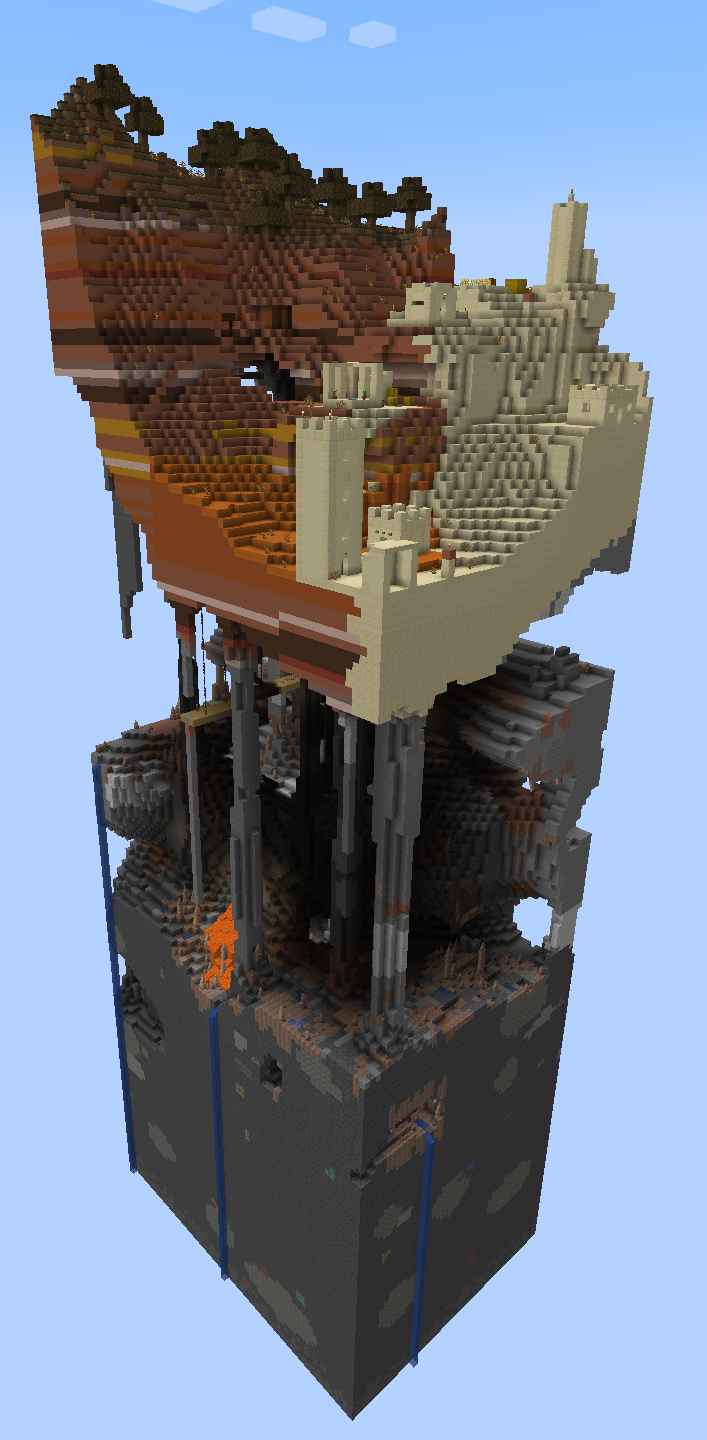
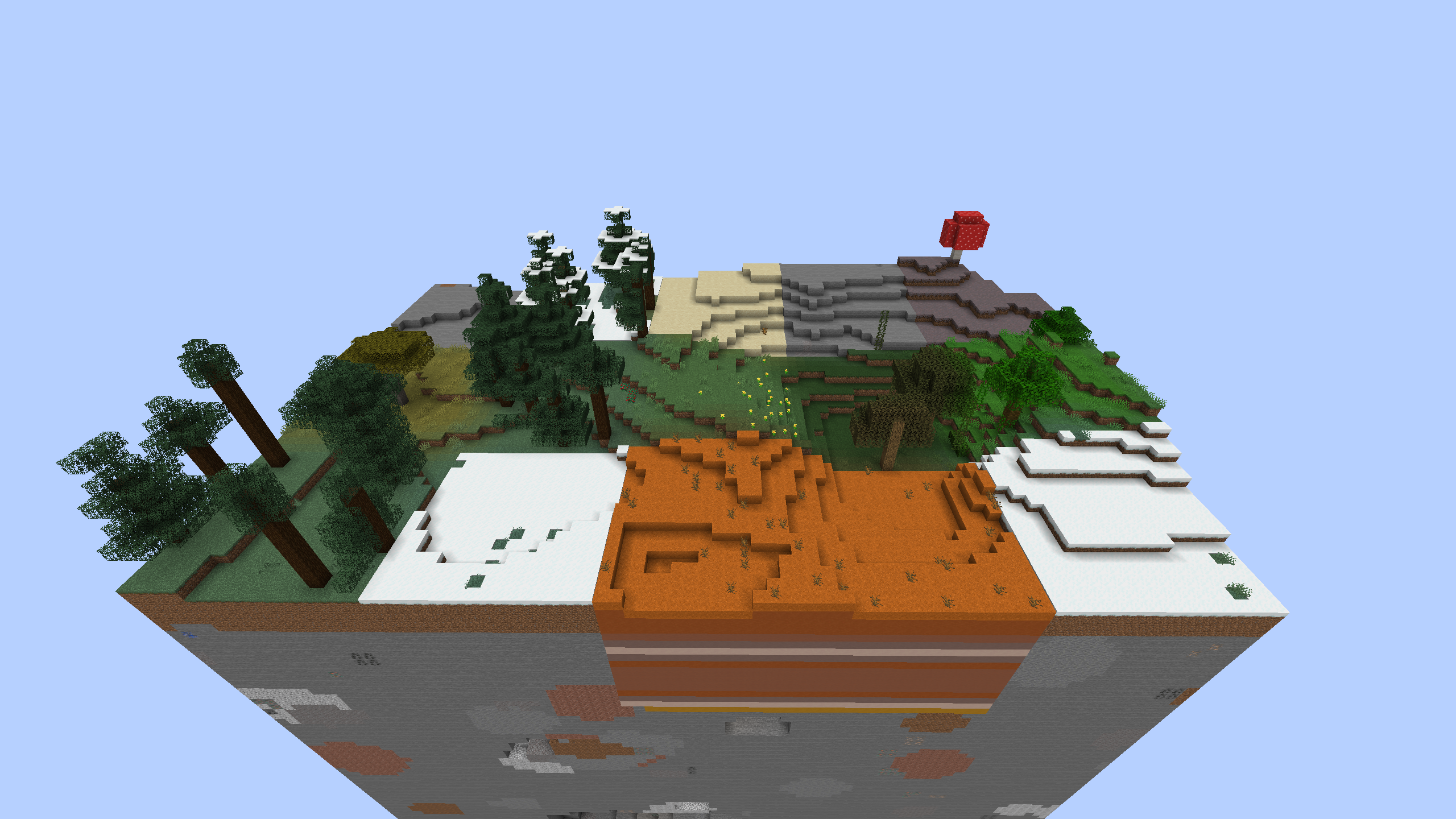
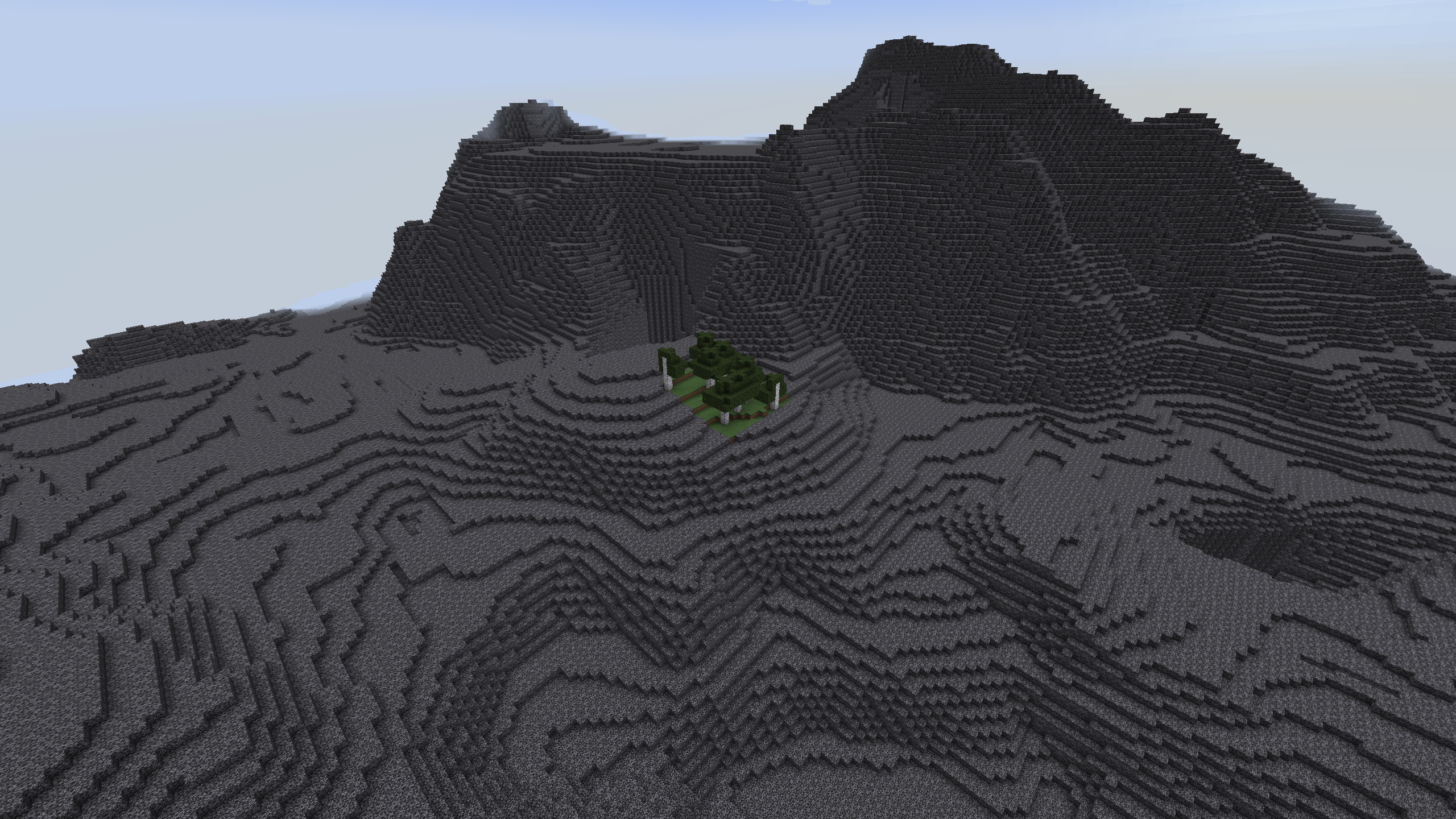
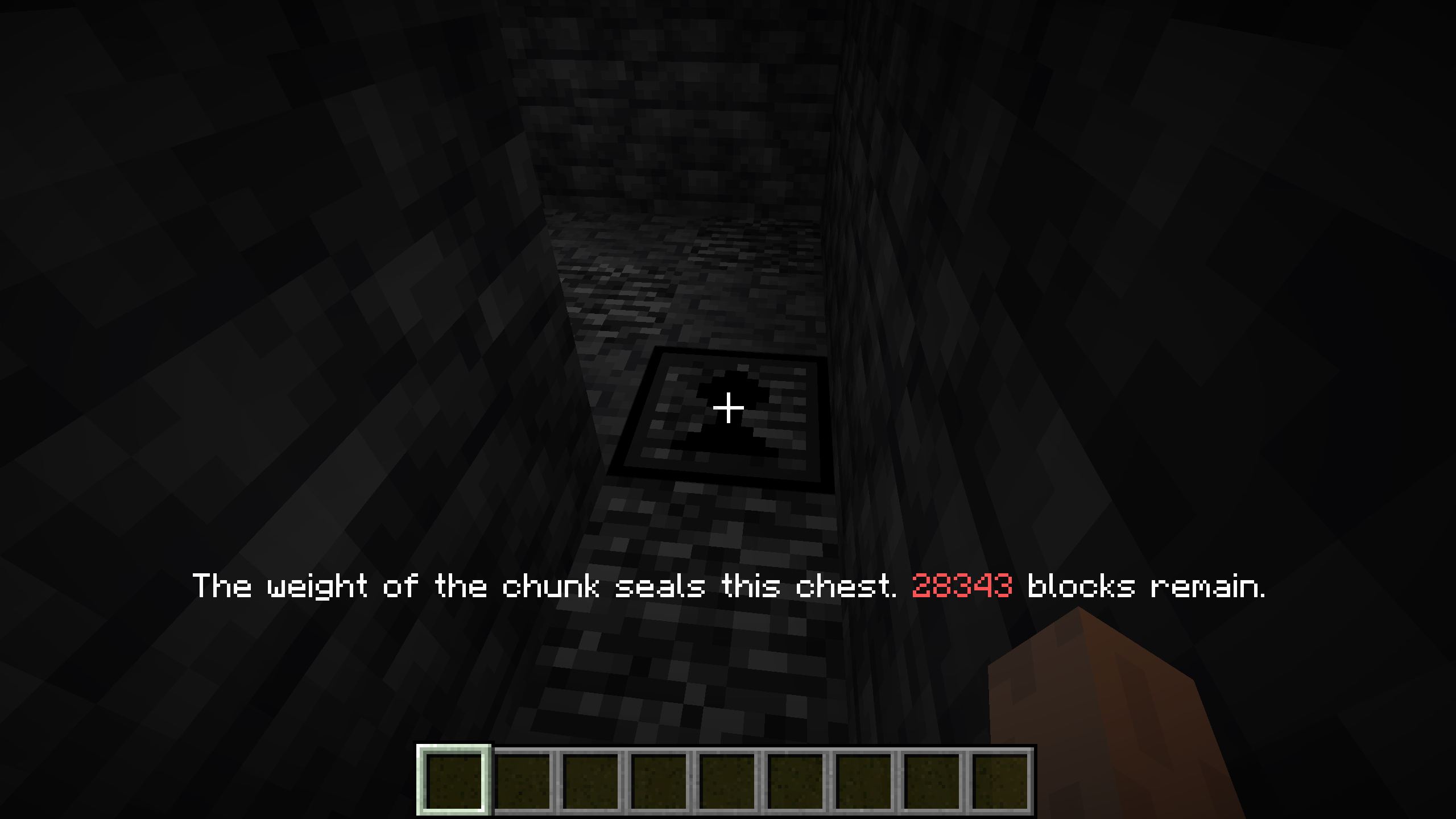
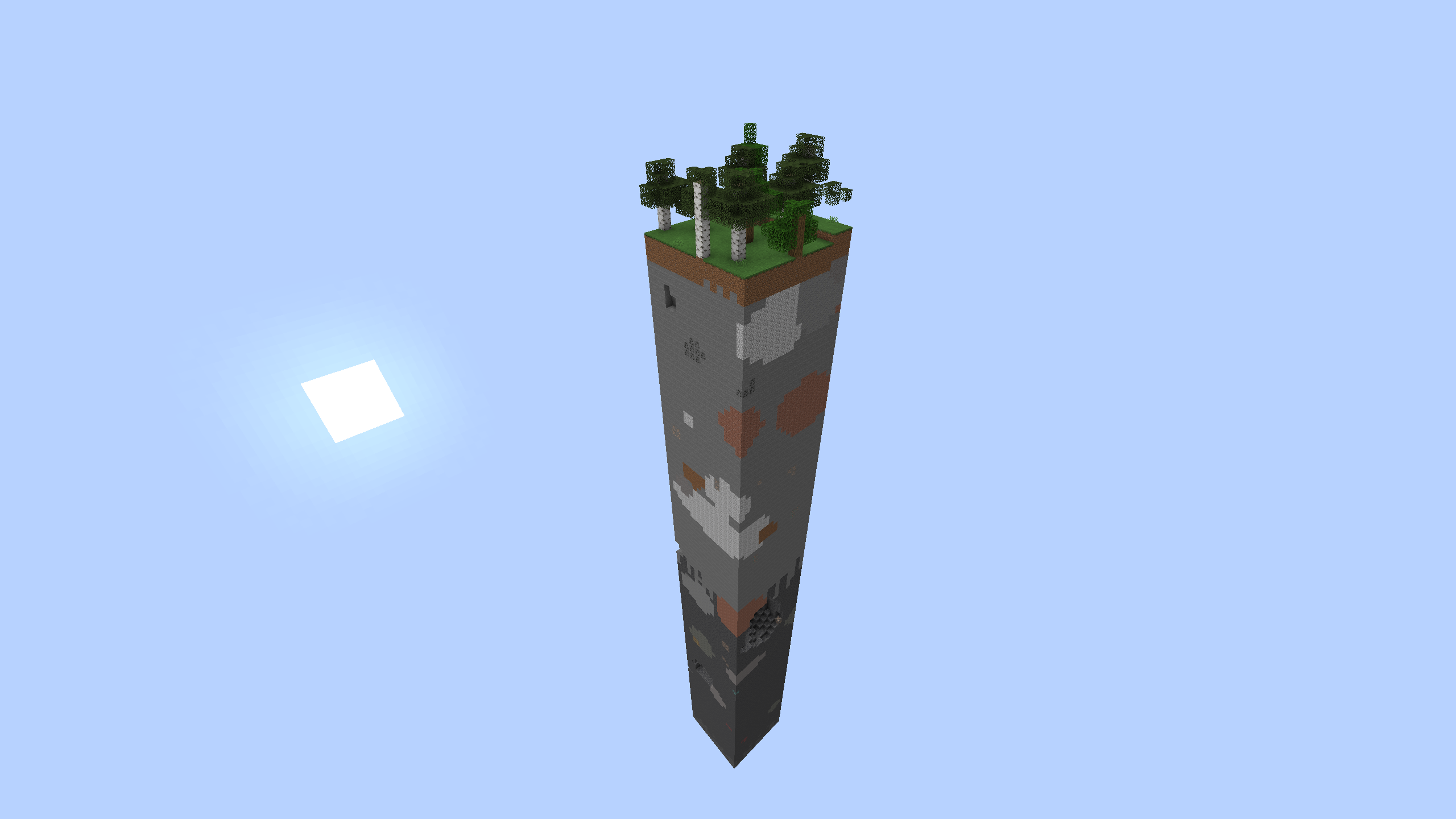
The experiment went awry. The world is gone... sealed away or lost to the void. You just managed to activate a failsafe in time, saving but the smallest portion of the world. But there is still hope - perhaps the world can still be repaired - chunk by chunk.
Chunk By Chunk is a mod that starts the world with just a single chunk (16x16 column of world), but provides the ability to grow the world, adding additional chunks over time.
Blocks:
- World Forge: Can crystalize stone and dirt blocks into world crystals and ultimately into World Cores, used to craft Chunk Spawners. An initial chunk spawner is found hidden in a chest at the bottom of the first chunk.
- Chunk Spawner: Spawns a new chunk, as the world intended.
- Unstable Chunk Spawner: Spawns a new chunk. This chunk can be from anywhere in the world.
- Biome themed chunk spawners: A variety of these exists. These spawn new chunks, but altered to fit within a theme. Note that ocean chunks will still be filled with water.
- World Scanner: Can map out the unspawned chunks for the presence of a provided block or liquid. Powered by world crystals or cores.
- World Mender: Will automatically spawn chunk outwards from the mender, given cores or spawners.
There are two options for how the world is generated - missing chunks are either empty (making a skyworld), or are replaced with bedrock (sealing them). The default is sealed, mostly for less performance impact.
You can configure Chunk By Chunk from the main menu, using the Mods... menu prior to creating a world to configure the settings for that world. For fabric or quilt this requires the Mod Menu mod.
- Edition: Minecraft Java
- File type: .jar
- Minecraft versions listed: 1.19.2, 1.20.1, 1.20.2
- How to install: Install the matching mod loader (Forge, Fabric or NeoForge) for your Minecraft version. → Download the .jar. → Put it in the .minecraft/mods folder and launch that loader profile.
- Where to get it: Opens on CurseForge — not every file is mirrored on our own servers.
Install steps are the general flow for this file type — How to install Minecraft Java mods & modpacks walks through it step by step.
- Ships as chunkbychunk_quilt-1.8.0+1.18.2.jar — drop this file into the mods folder
- Download size: 256 KB
- Download link checked 24 Sept 2026 — working
These come from our own check of the pack file, not from the source page.