Dordtcraft Modpack
I don't know my version or loader
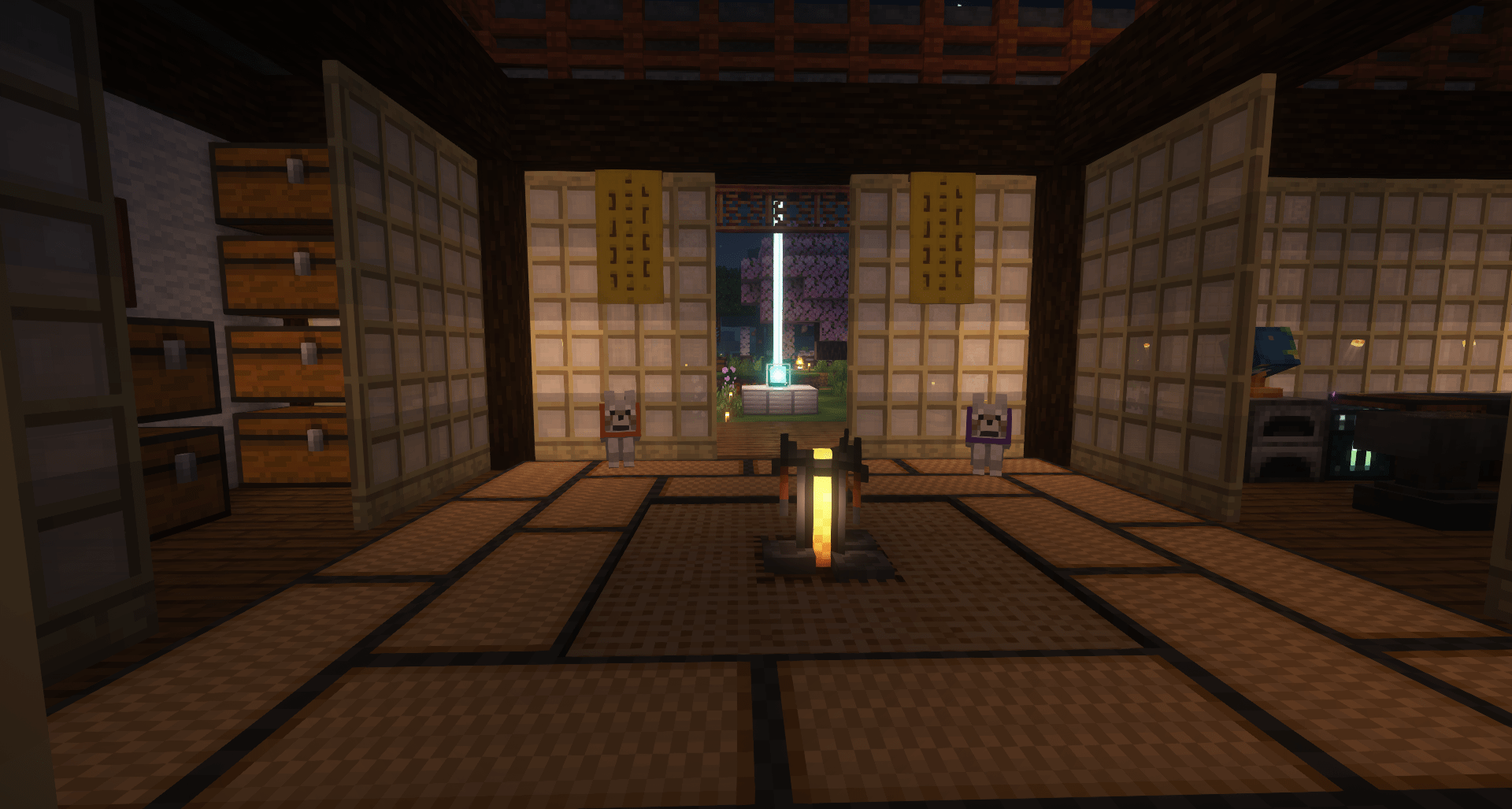
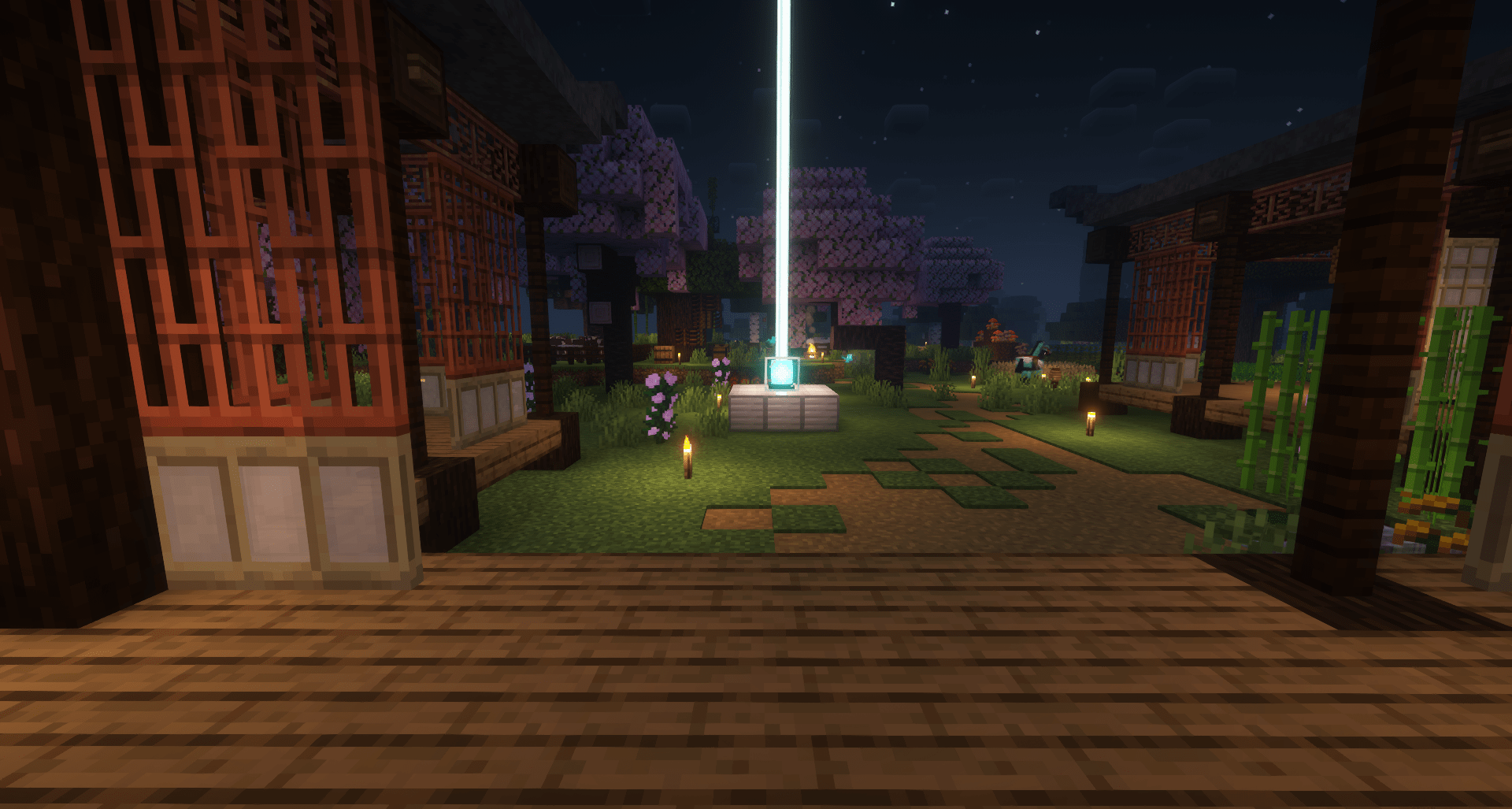
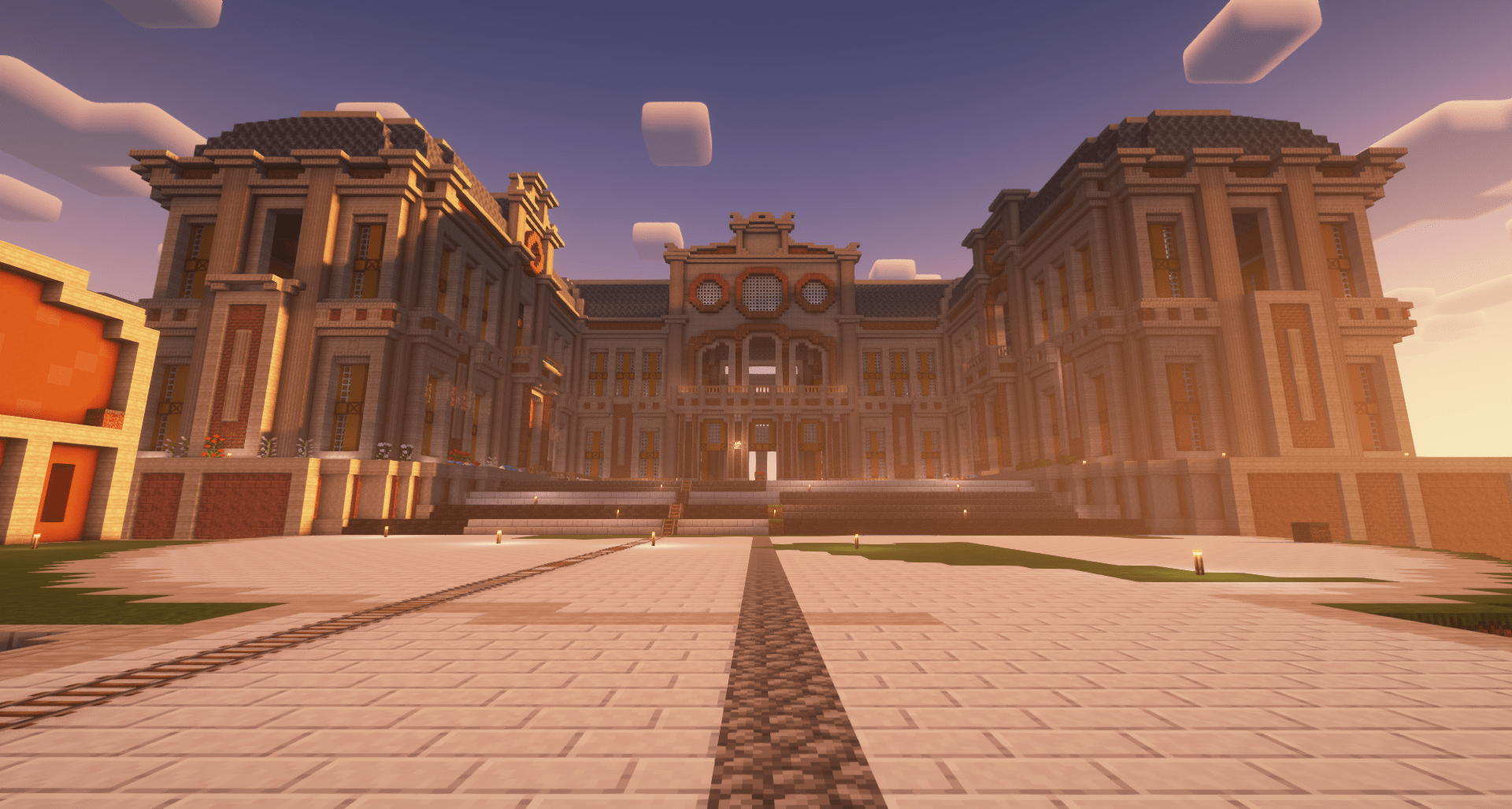
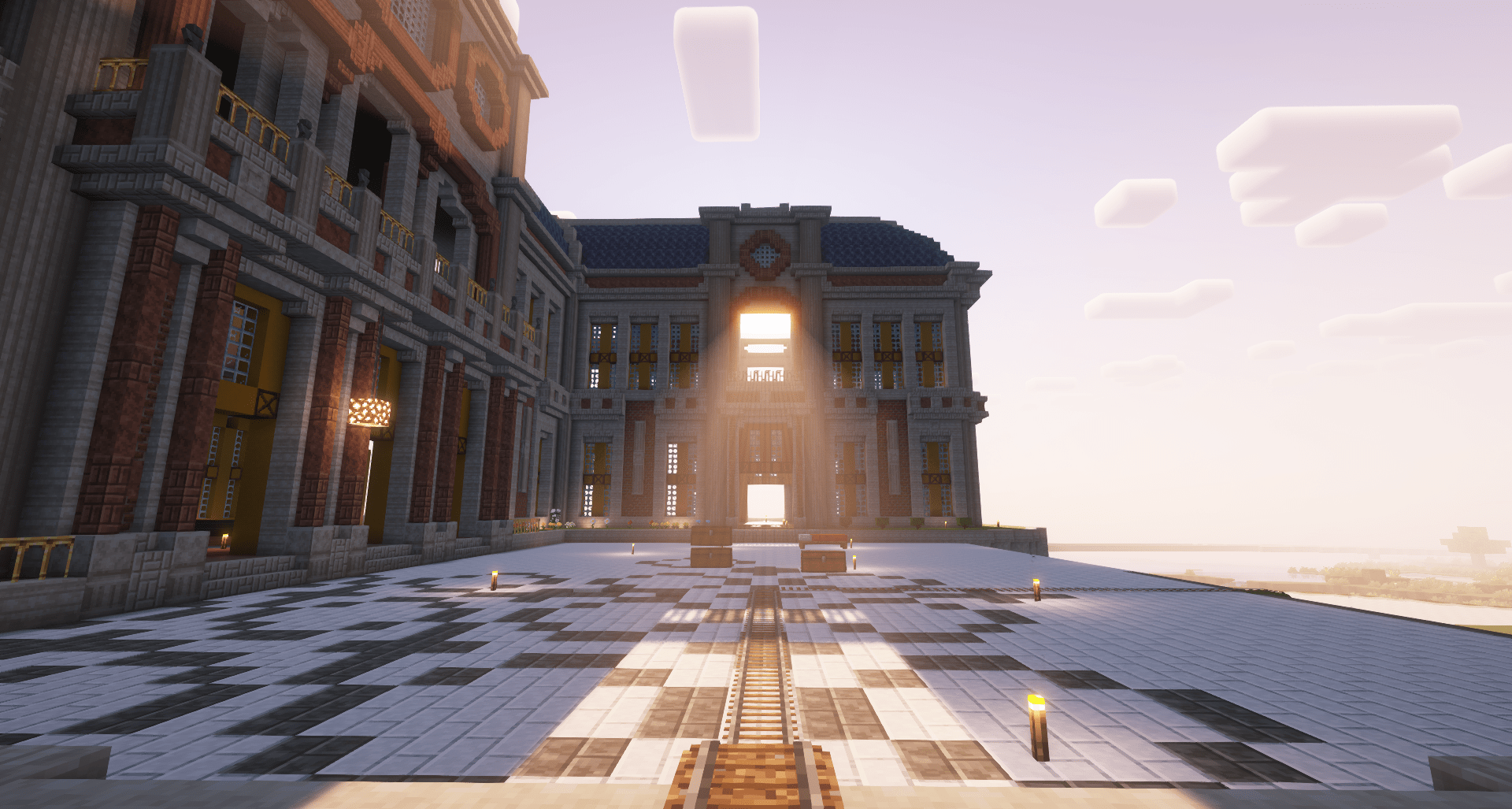
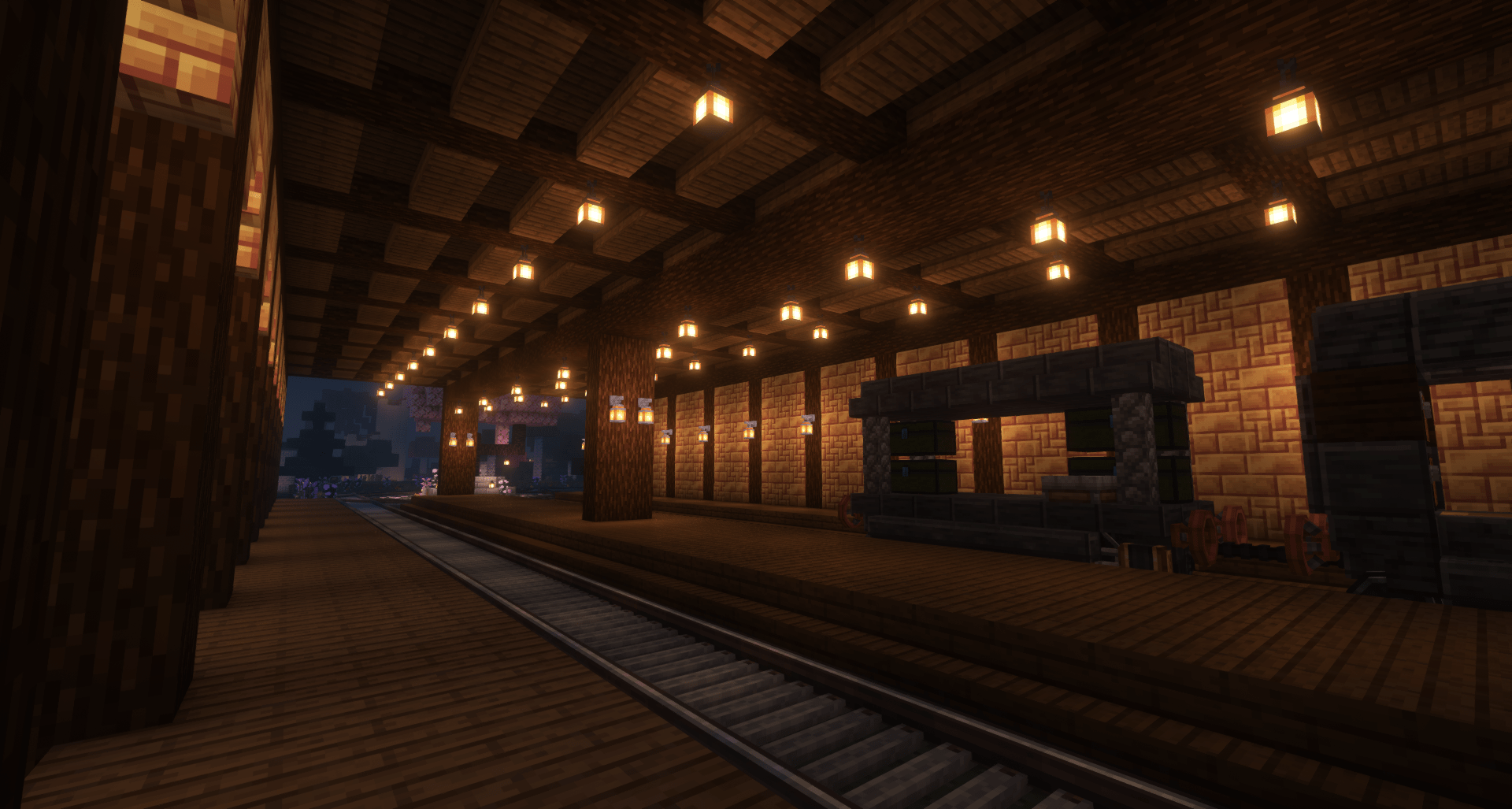
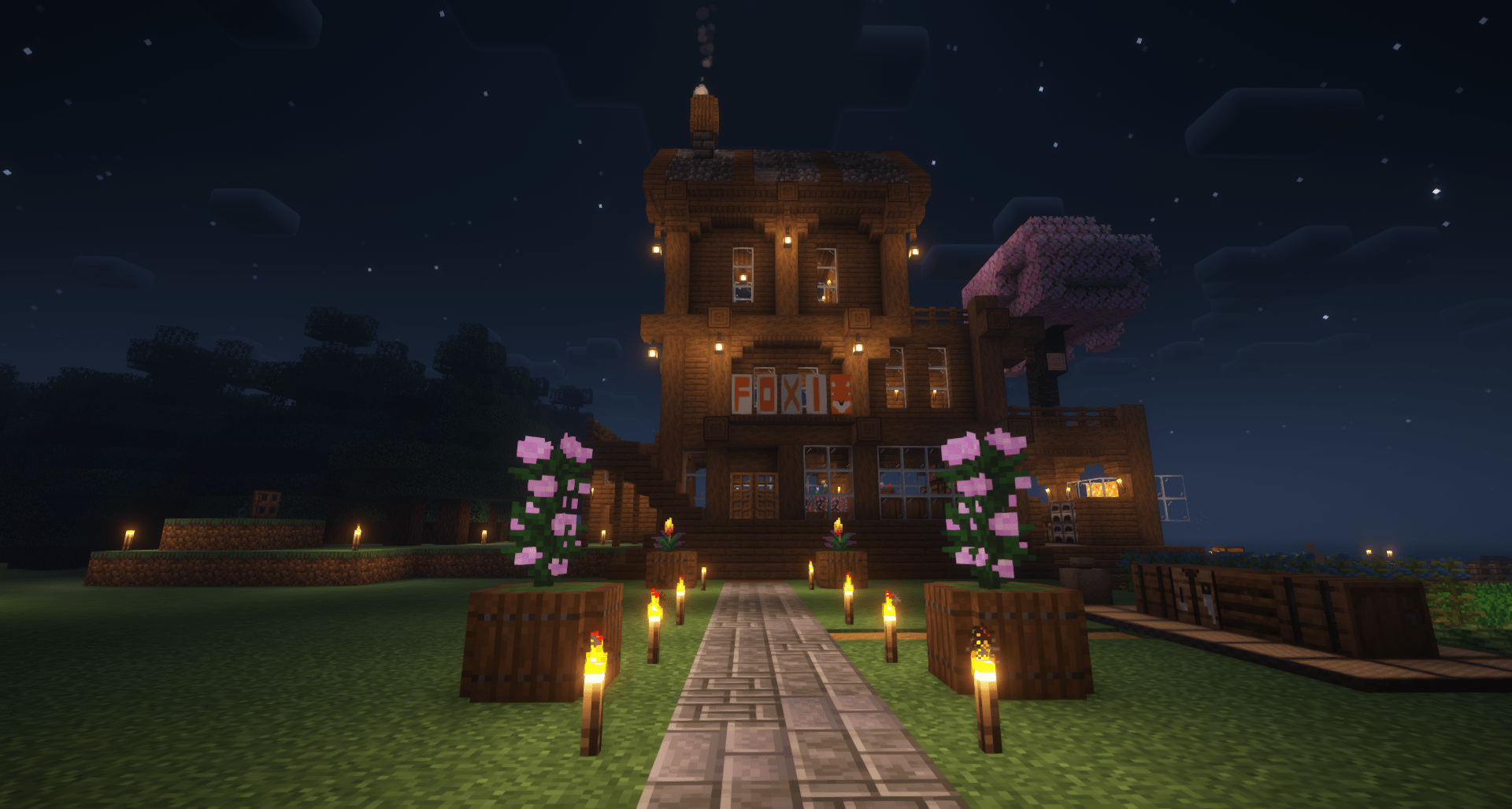
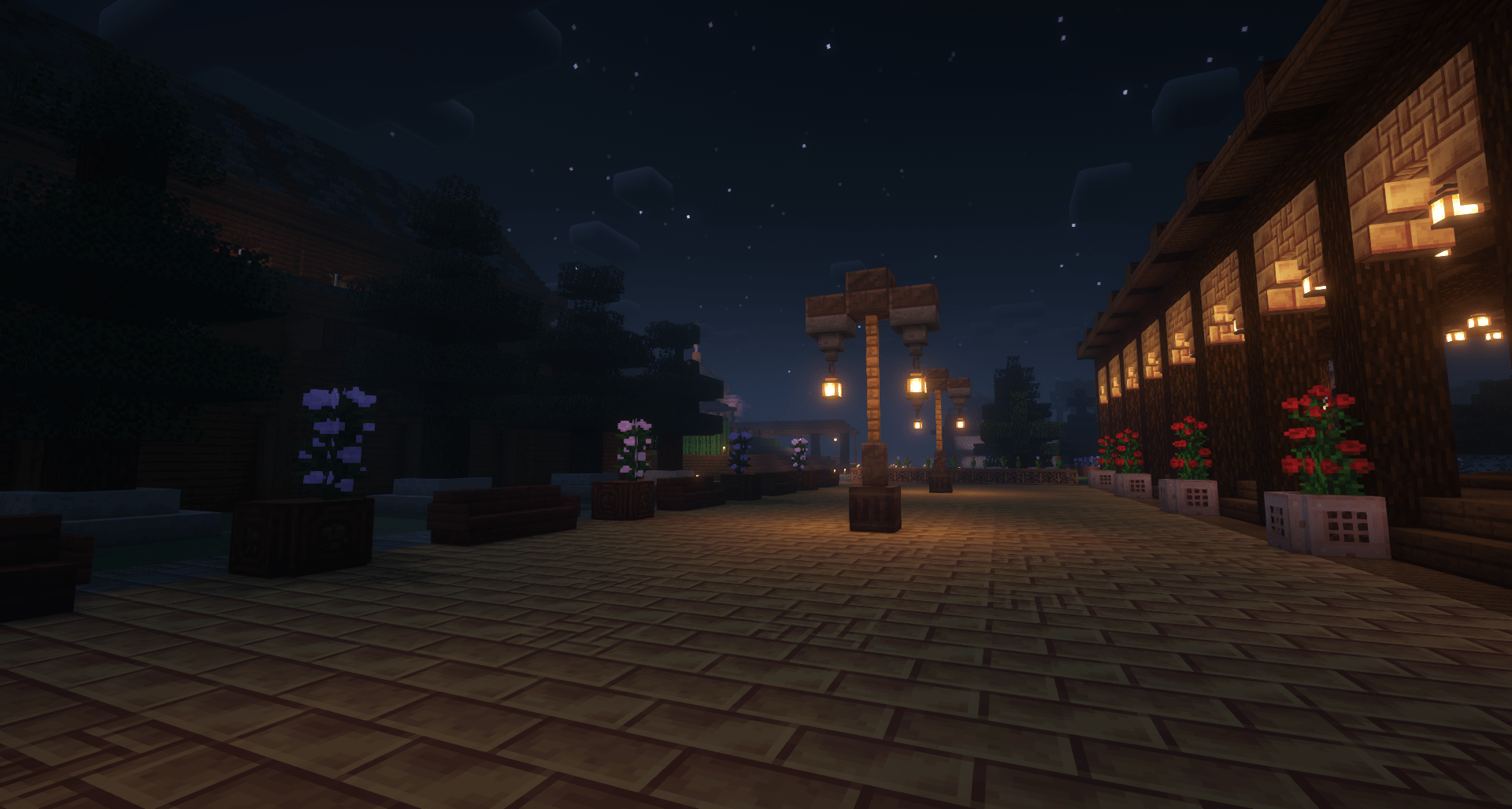
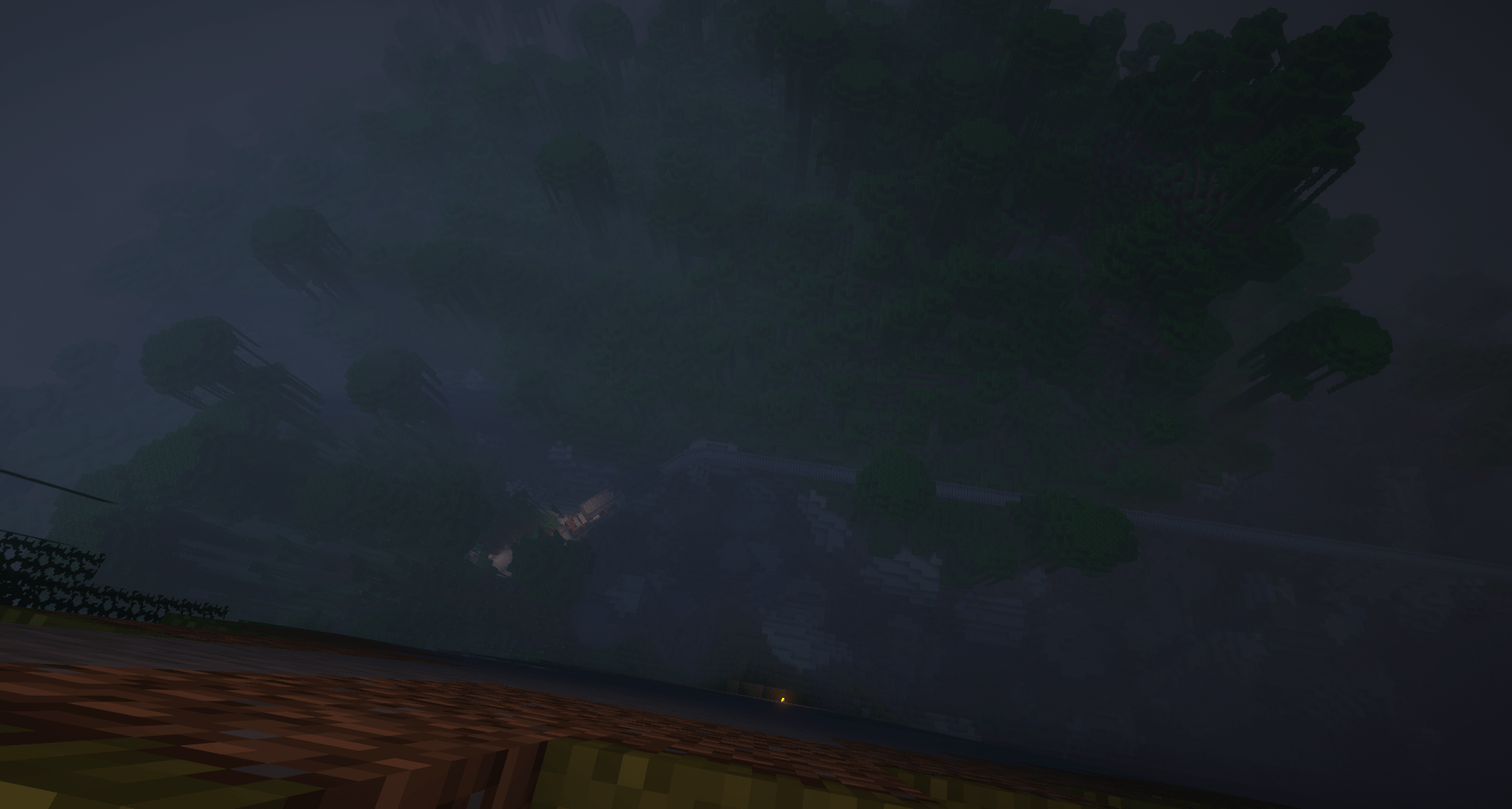
This is the modpack for the Dordtcraft Minecraft server
It is lite almost everyone can play it.
Contains
- New Mobs
- Mini-map
- New structures
- More food
- More types of beds
- Machines
- MILK!!
Dordtcraft website
Click here to see the website. warning Beta
Click here to see the map
Better Performance and Shaders
For better performance you should instal oculus.
Step 1: go to this link and instal with curseforge.
Step 2: Let it open curseforge and click select profile.
Step 3: Select Dordtcraft Modpack and you're set
There's already a shader built in.
Allocating more RAM
If you still have lag or want more fps you can allocate more ram
step 1: go to curseforge and click on Dordtcraft Modpack
step 2: click on the three dots next to play and choose profile options
step 3: you should see a button that says 'Use System Memory Settings' and click on it
step 4: now you can allocate how much MB of ram you should use, with 5000 MB it should run fine. you can change this later if you have to much or too little ram allocated.
- Edition: Minecraft Java
- File type: .jar
- Minecraft versions listed: 1.21.1, 1.20.1, 1.19.2
- How to install: Install the matching mod loader (Forge, Fabric or NeoForge) for your Minecraft version. → Download the .jar. → Put it in the .minecraft/mods folder and launch that loader profile.
- Where to get it: Opens on CurseForge — not every file is mirrored on our own servers.
Install steps are the general flow for this file type — How to install Minecraft Java mods & modpacks walks through it step by step.
- Downloads as Dordtcraft Modpack-1.1.zip
- Download size: 45 KB
- Download link checked 25 Sept 2026 — working
These come from our own check of the pack file, not from the source page.