
Eye of Cthulhu, All Seeing
Java resource pack listed for Minecraft 1.16–1.19. Download on the author's site.
⬇ Download on CurseForge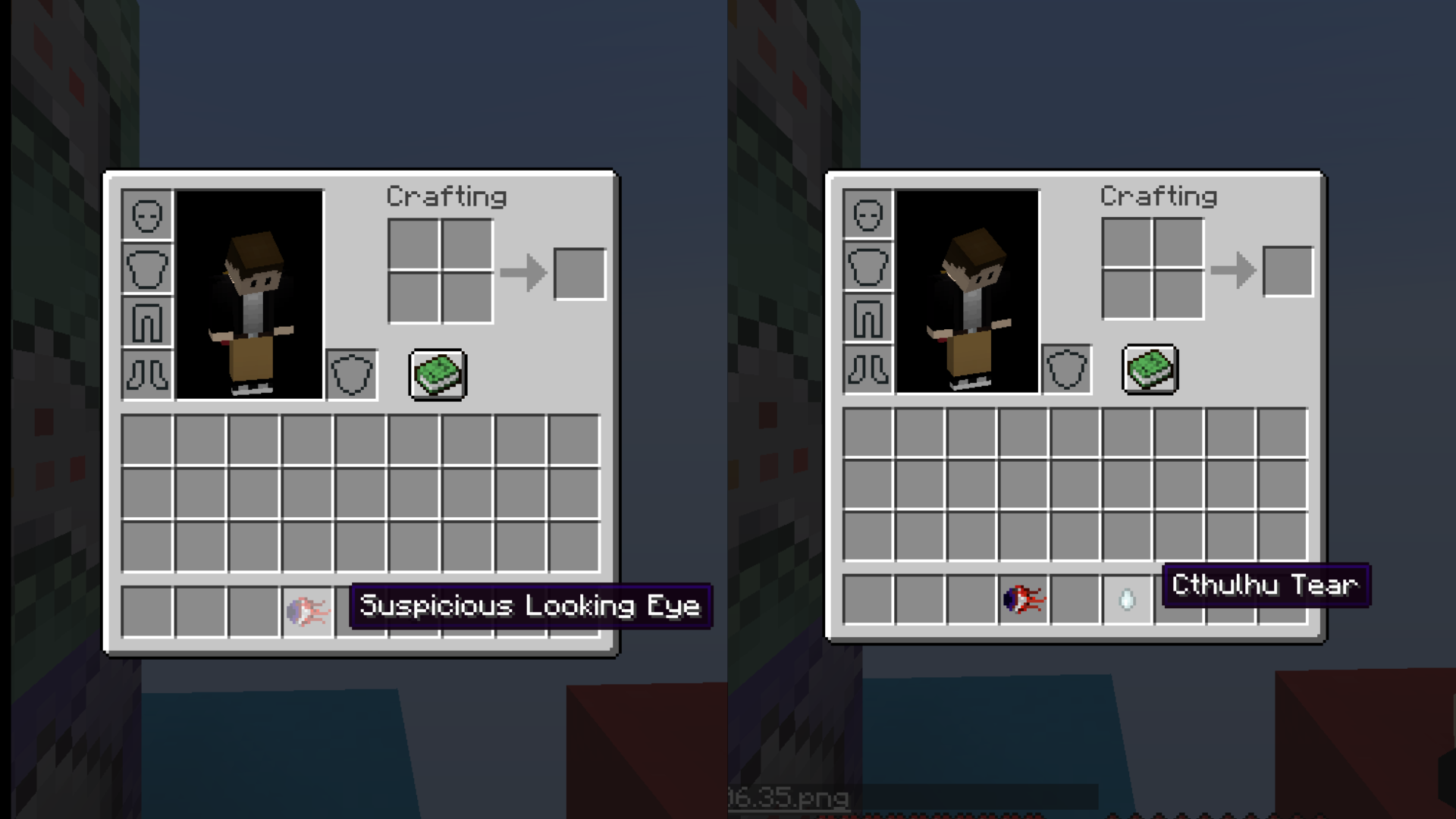
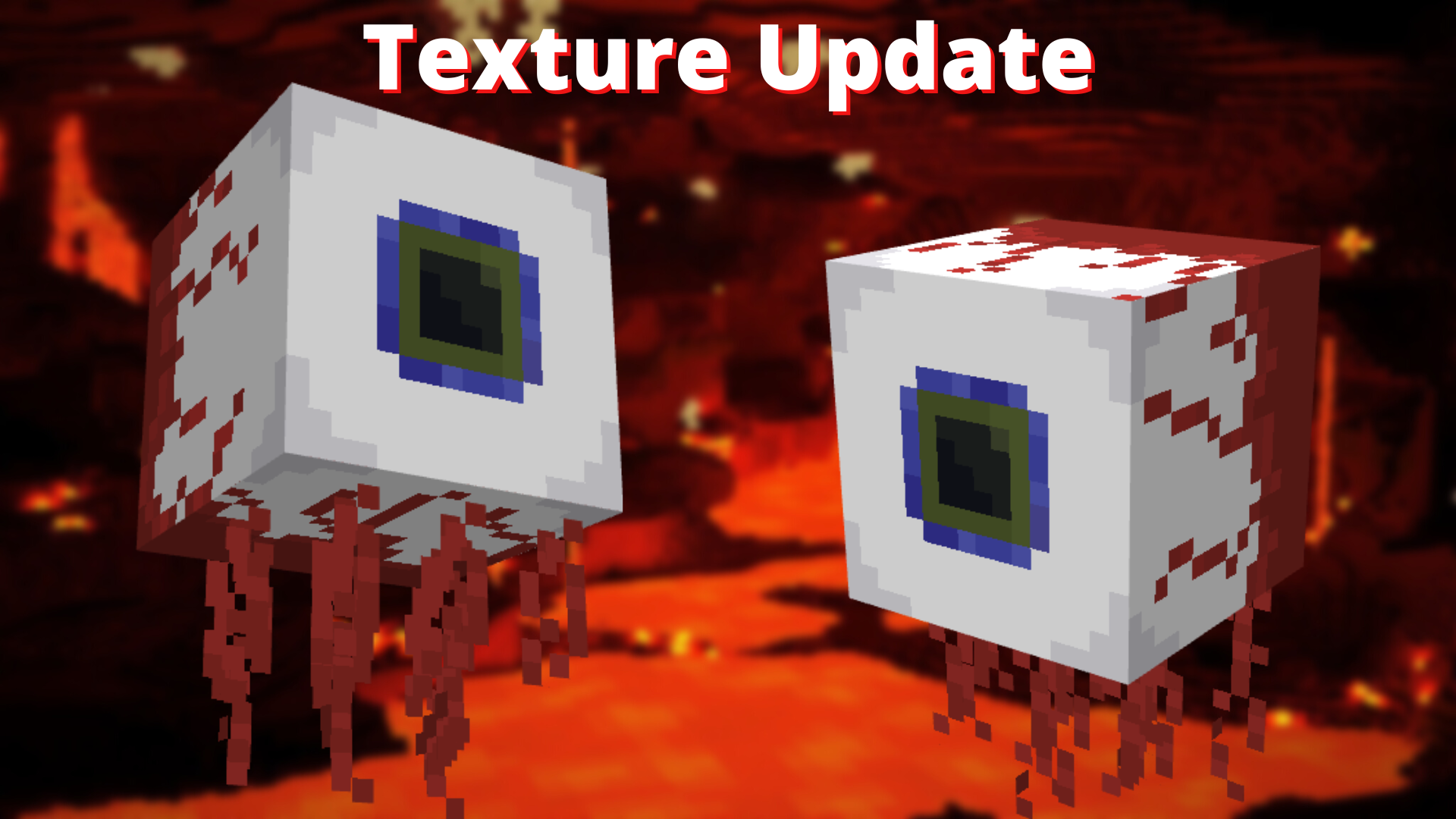
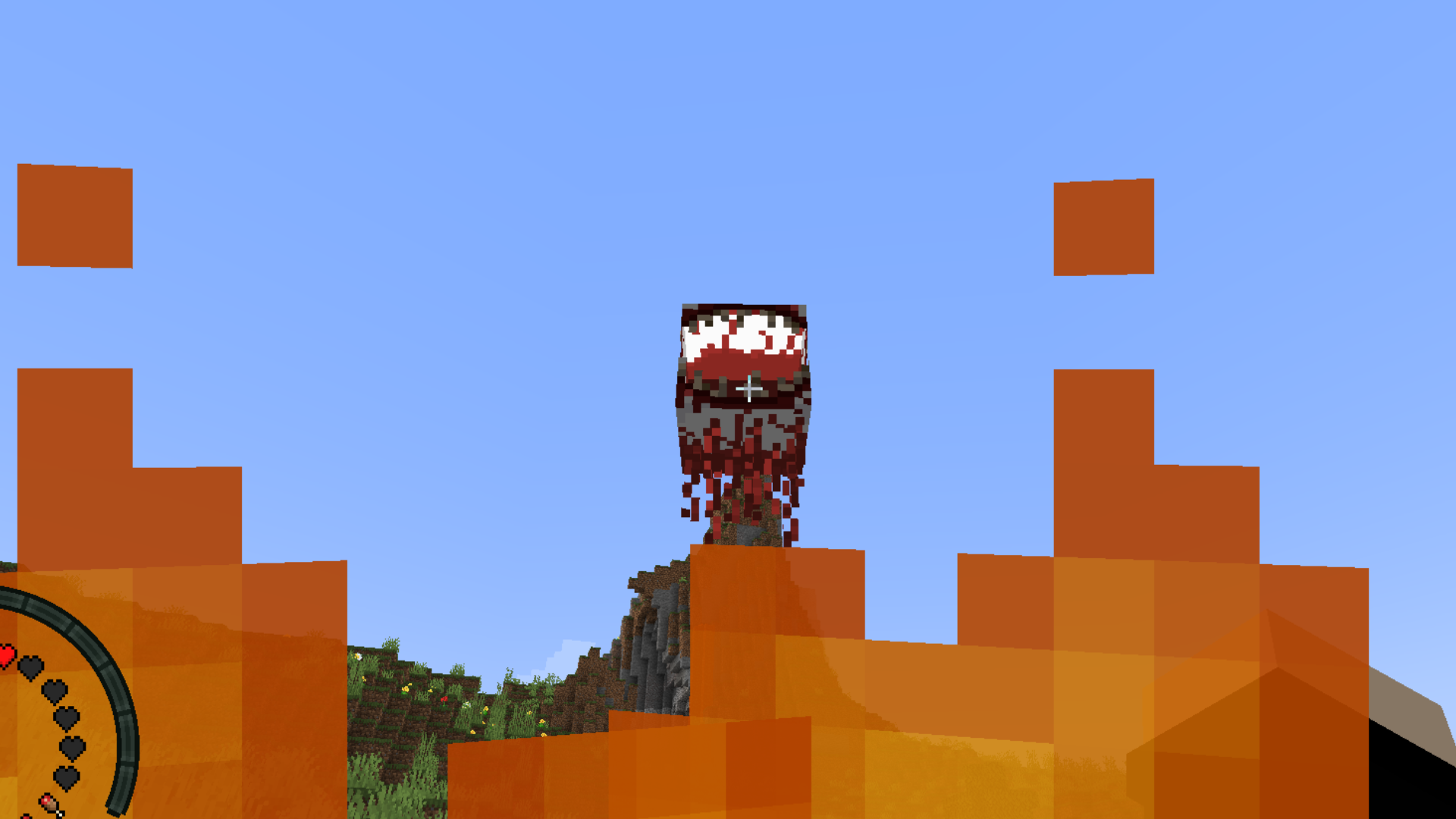
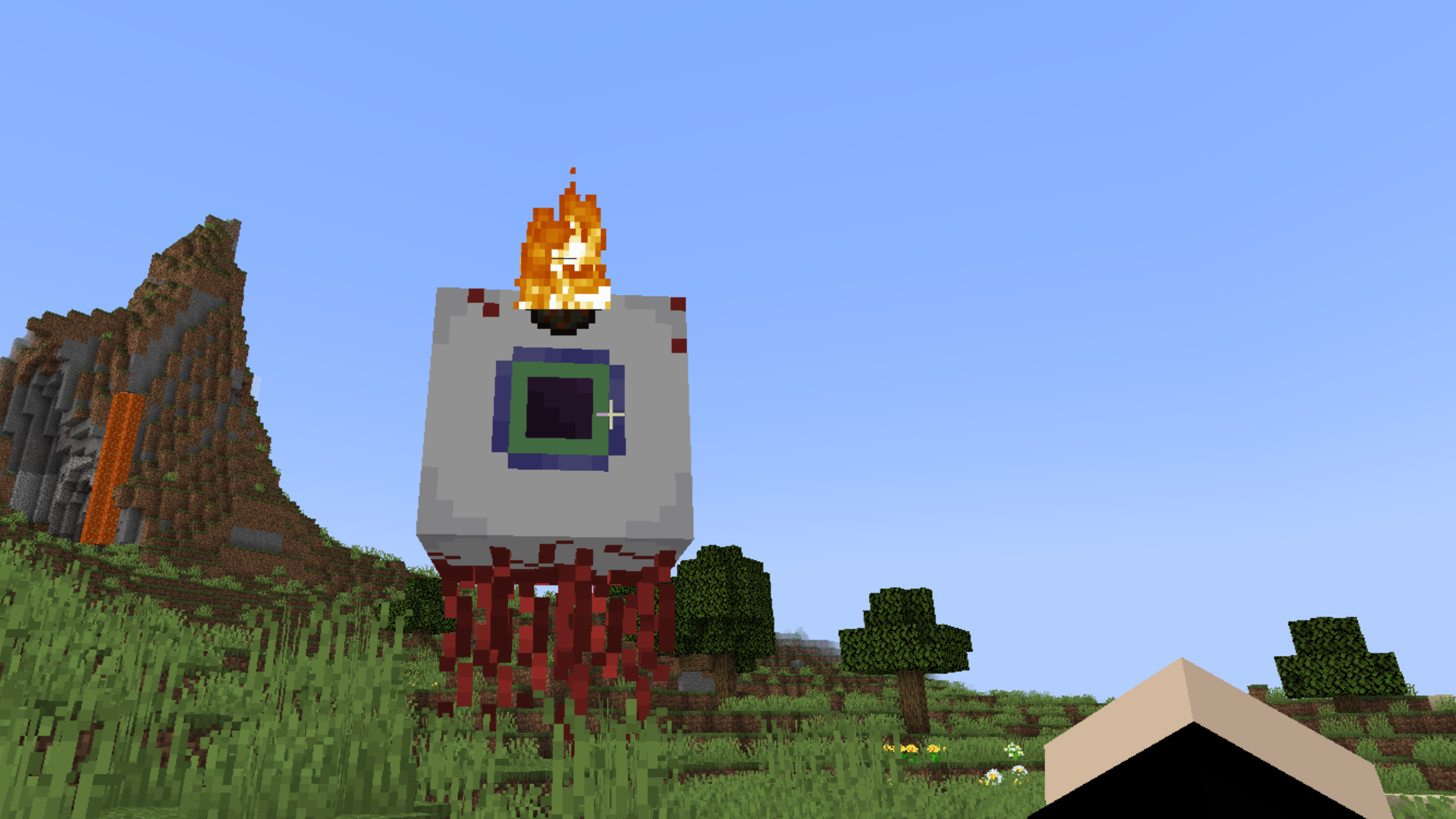
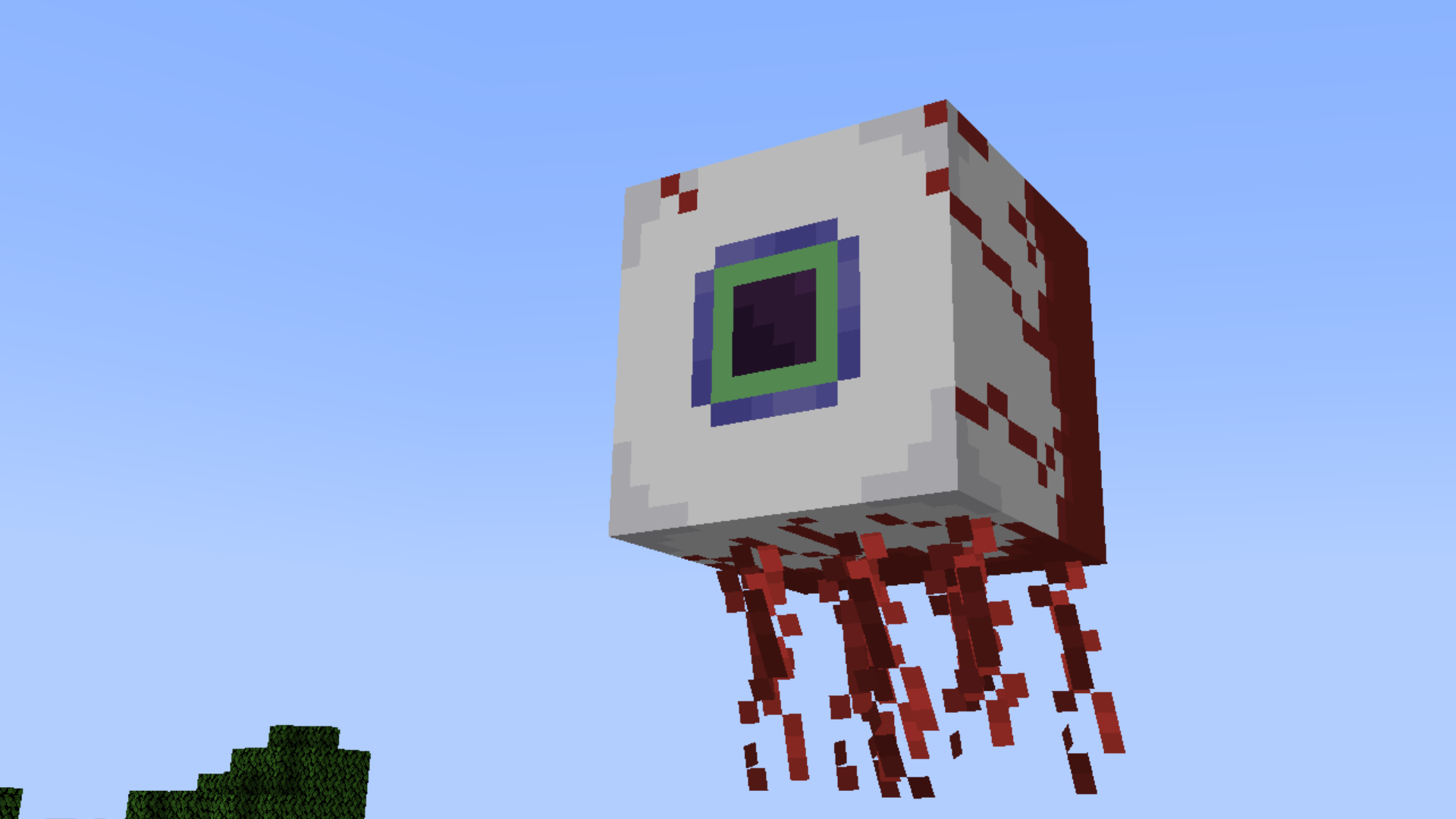
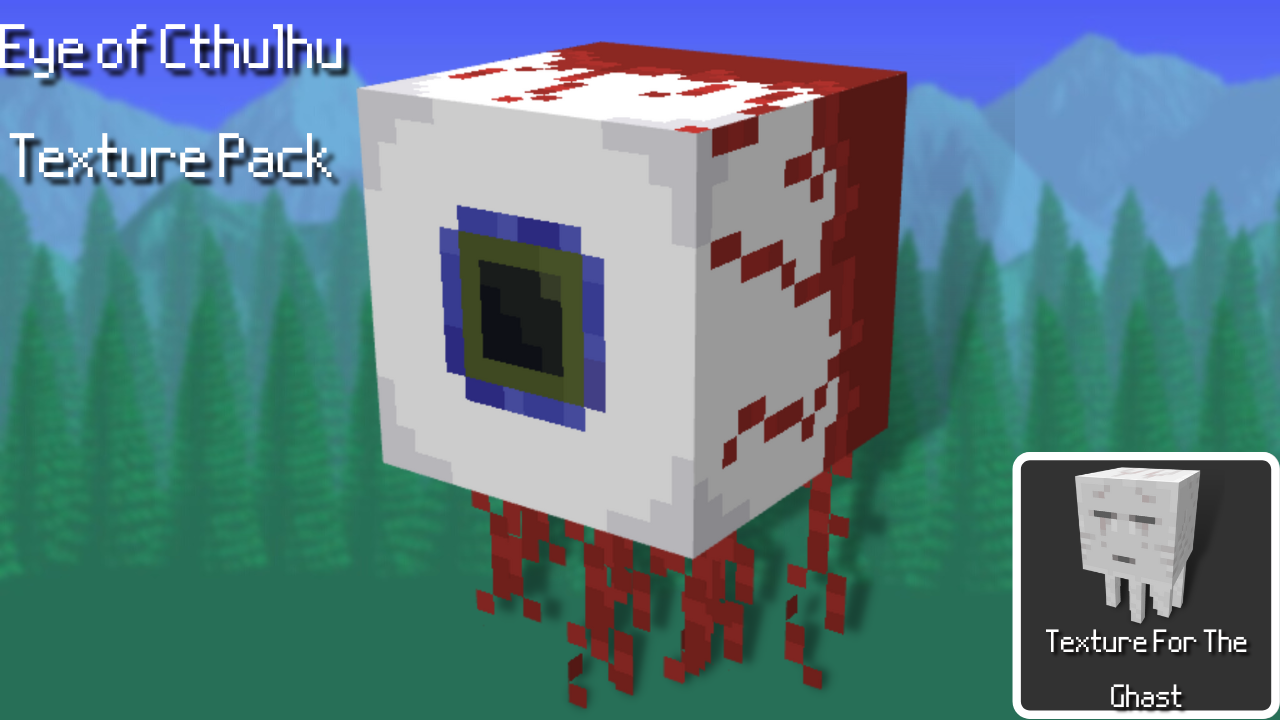
The Eye of Cthulhu is now in Minecraft!
This was one of my many packs that have been created a while ago and now I finally have a way to give it to the public, some improvements have been made for the public release. hope you guys enjoy!
Also consider giving this a diamond and subscribing, it keeps me motivated!
Thanks for all the support ~Dread Of Mine Studios
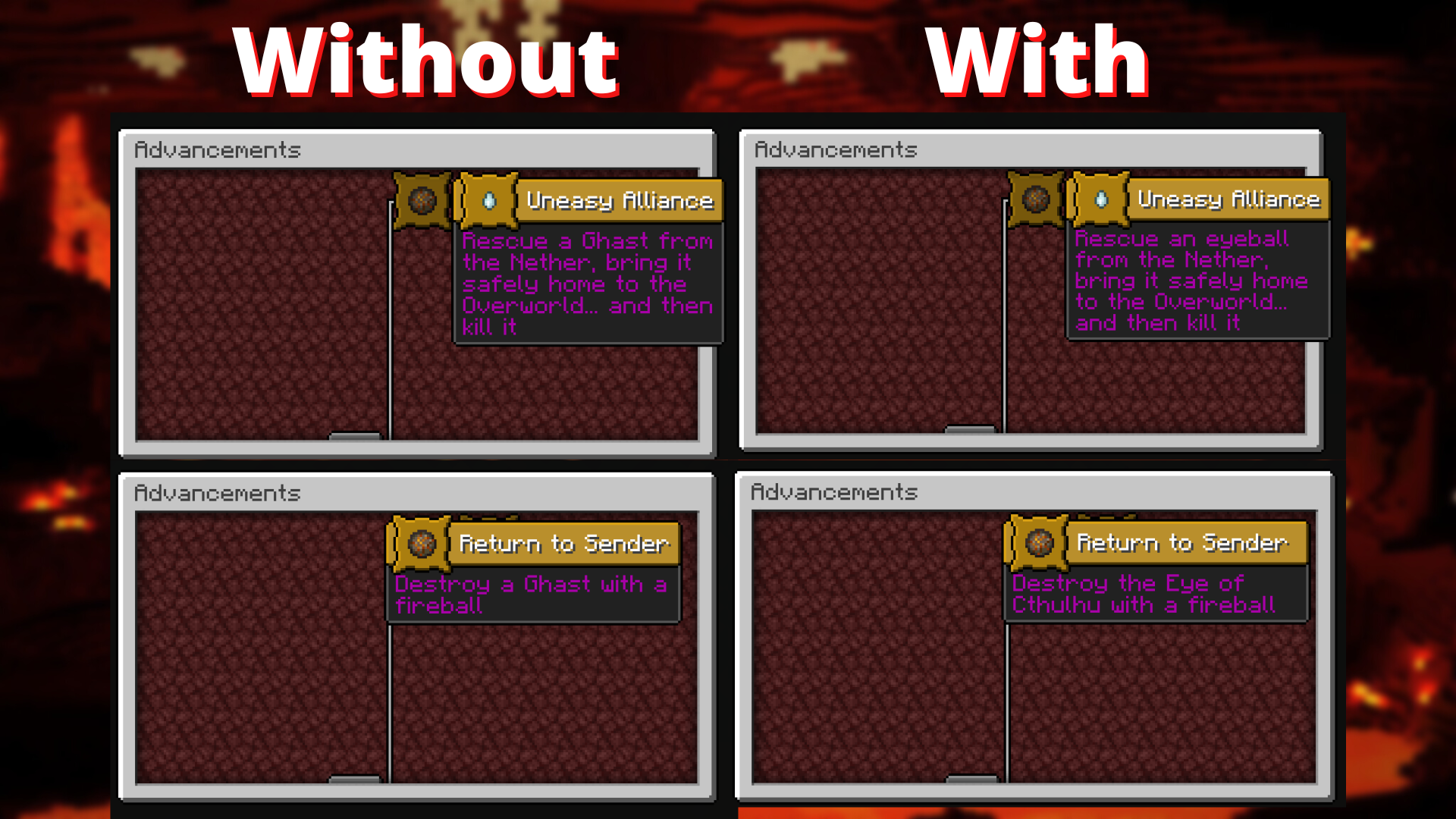
This Minecraft texture pack changes the texture for a guest, to the eye of Cthulhu from terraria. The texture pack does not change anything else other than the Ghast. UI elements are the same, items are unchanged, and other mobs are not affected.
(OptiFine is not required to use this pack.)
Original texture pack page:
https://www.planetminecraft.com/texture-pack/eye-of-cthulhu-minecraft-ghast-texture-pack/
The texture was made using Blockbench.
Blockbench is a free, modern model editor for low-poly and boxy models with pixel art textures.
Models can be exported into standardized formats, to be shared, rendered, 3D-printed, or used in game engines.
There are also multiple dedicated formats for Minecraft Java and Bedrock Edition with format-specific features.
You can start bringing your creations to life by downloading Blockbench at
(www.blockbench.net)
- Edition: Minecraft Java
- File type: .zip (resource pack)
- Minecraft versions listed: 1.17.1, 1.16.3, 1.16.1
- How to install: Download the .zip resource pack — do not unzip it. → Put it in .minecraft/resourcepacks. → Enable it in Options → Resource Packs.
- Where to get it: Opens on CurseForge — not every file is mirrored on our own servers.
Install steps are the general flow for this file type — How to install Minecraft Java resource packs walks through it step by step.
Eye of Cthulhu, All Seeing is a free Minecraft Java resourcepack. Compatible with Minecraft 1.17.1, 1.16.3, 1.16.1, 1.18.1 and newer. Downloaded 1,191 times (via CurseForge). Download it and open it directly in the game.