Chaos Tricks Twitch Integration
Java mod listed for Minecraft 1.16–1.21. Downloads from the MC Java Mods app on Android.
Сhaos Tricks (Interactive mod) - It's a PC App & Twitch extension for interactive streaming. Streamers play in Minecraft and confront the viewers watching…
I don't know my version or loader
DESCRIPTION
_____________________________________________________
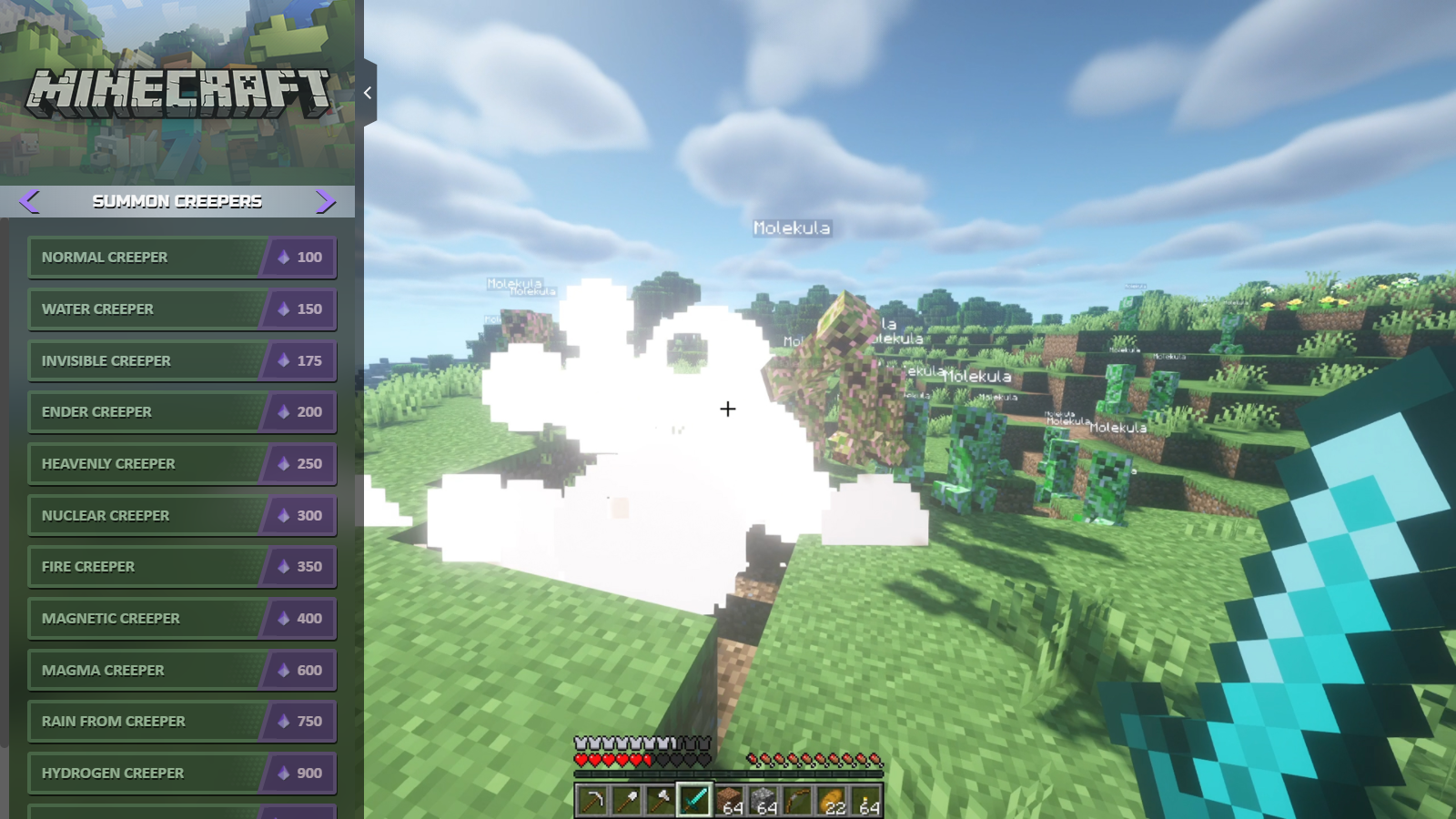
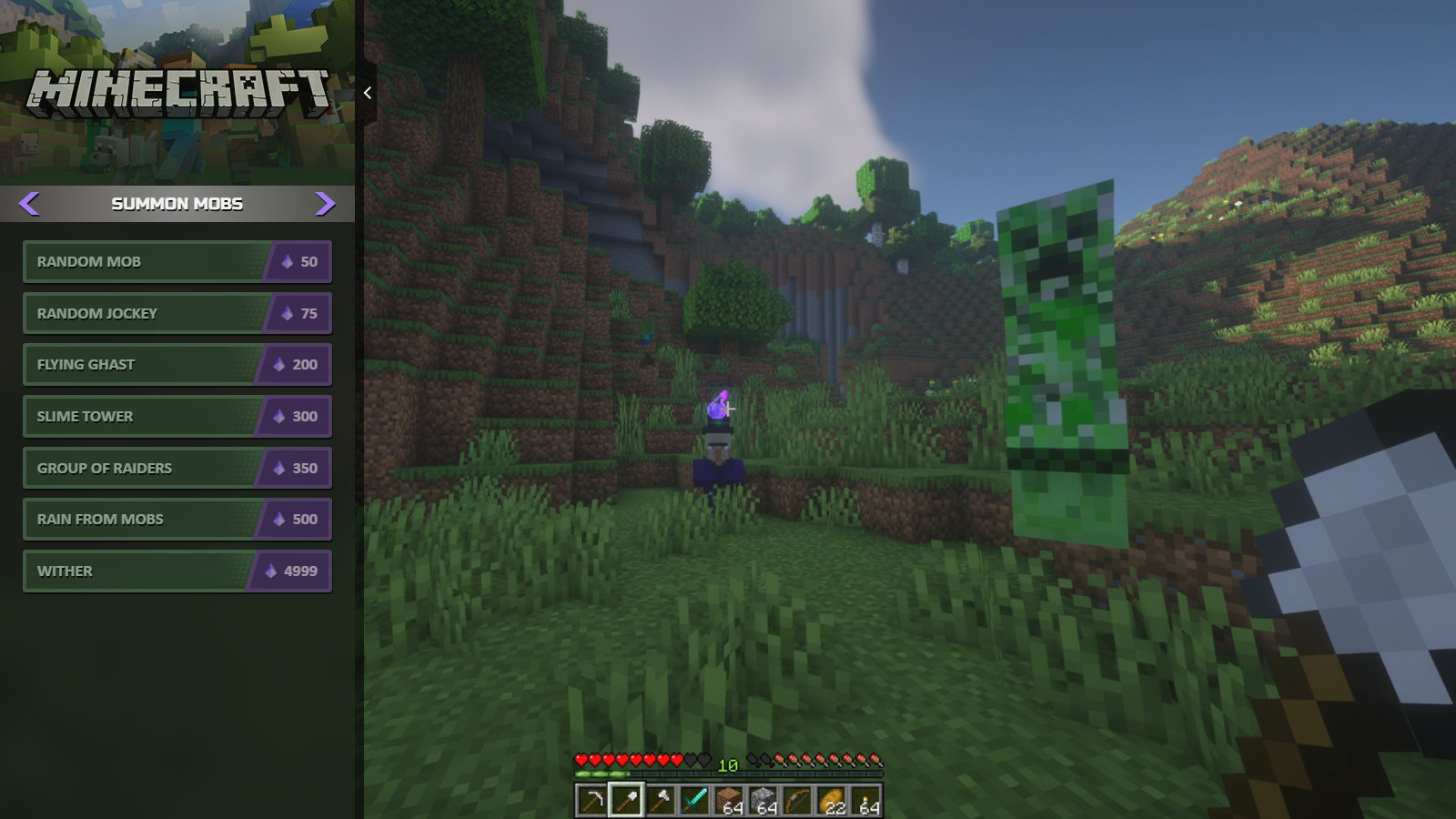
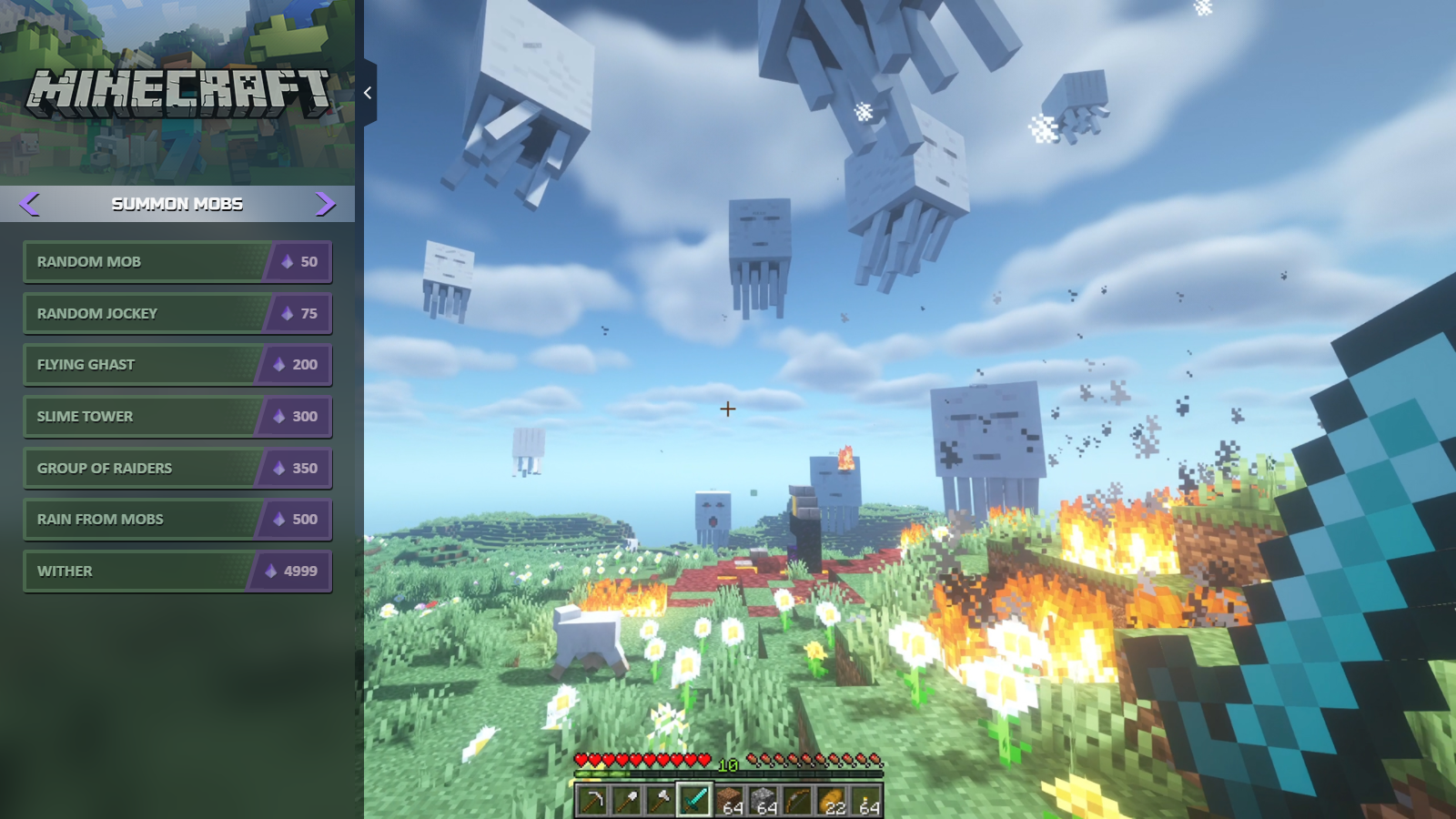
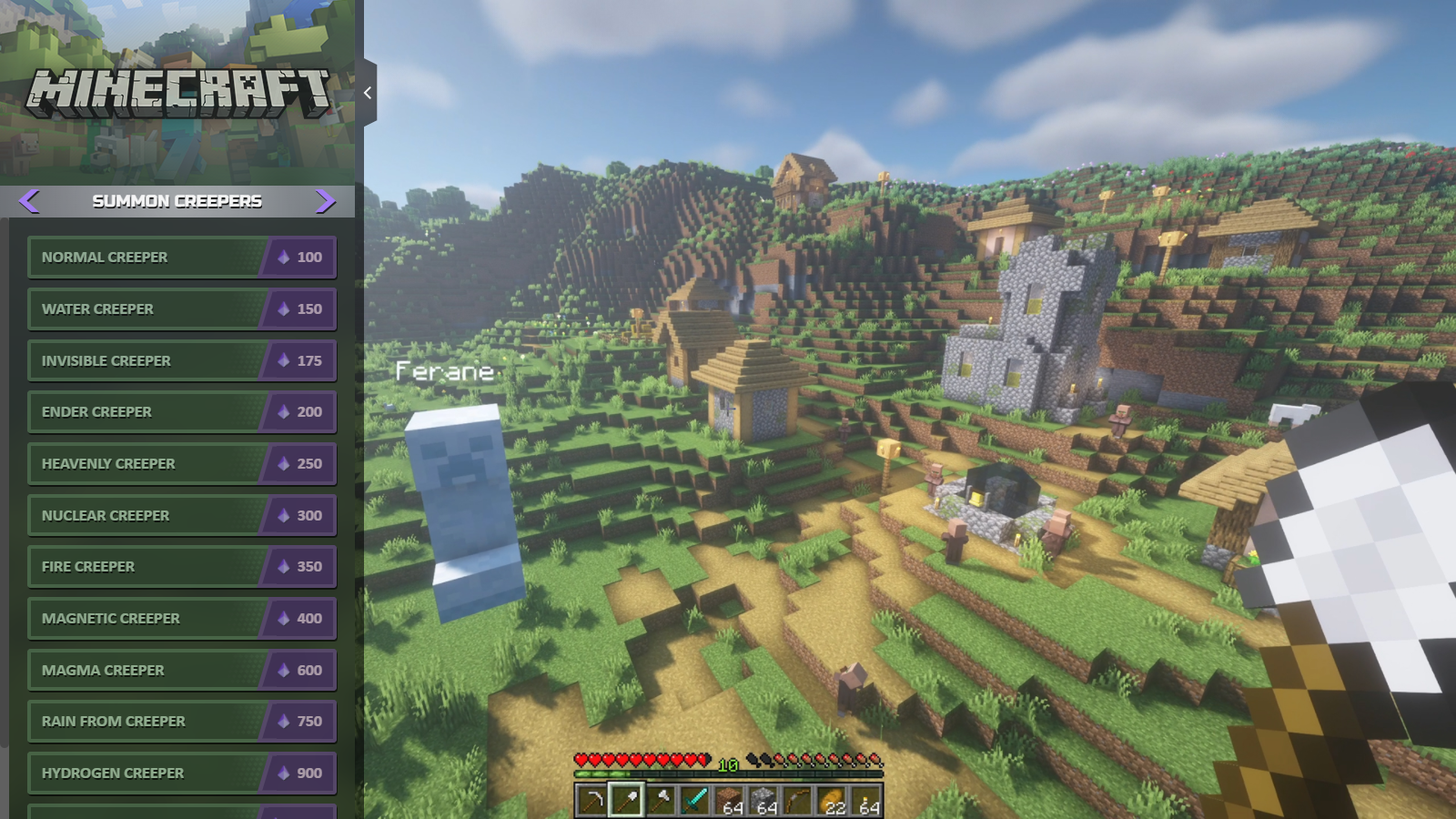
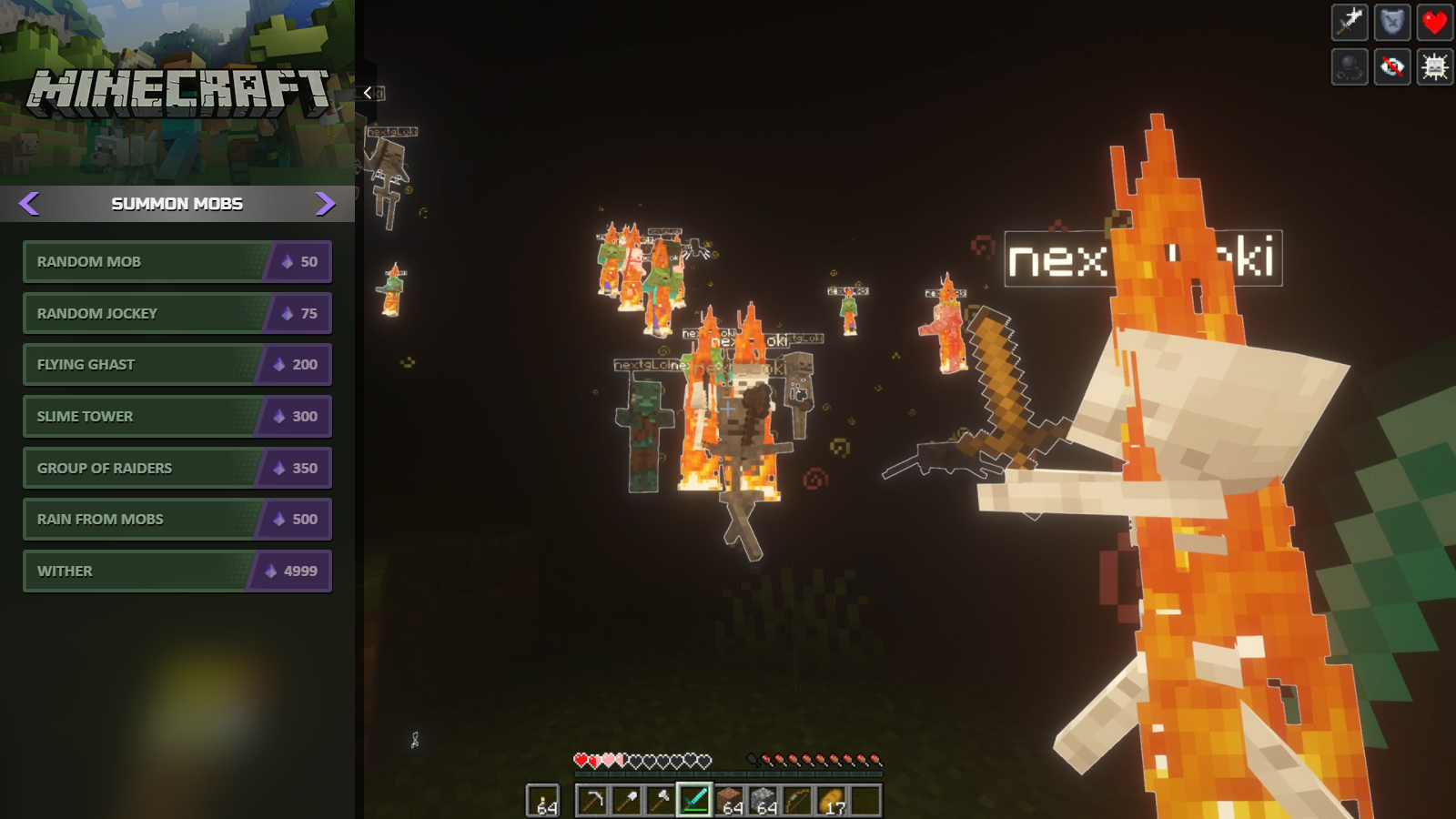
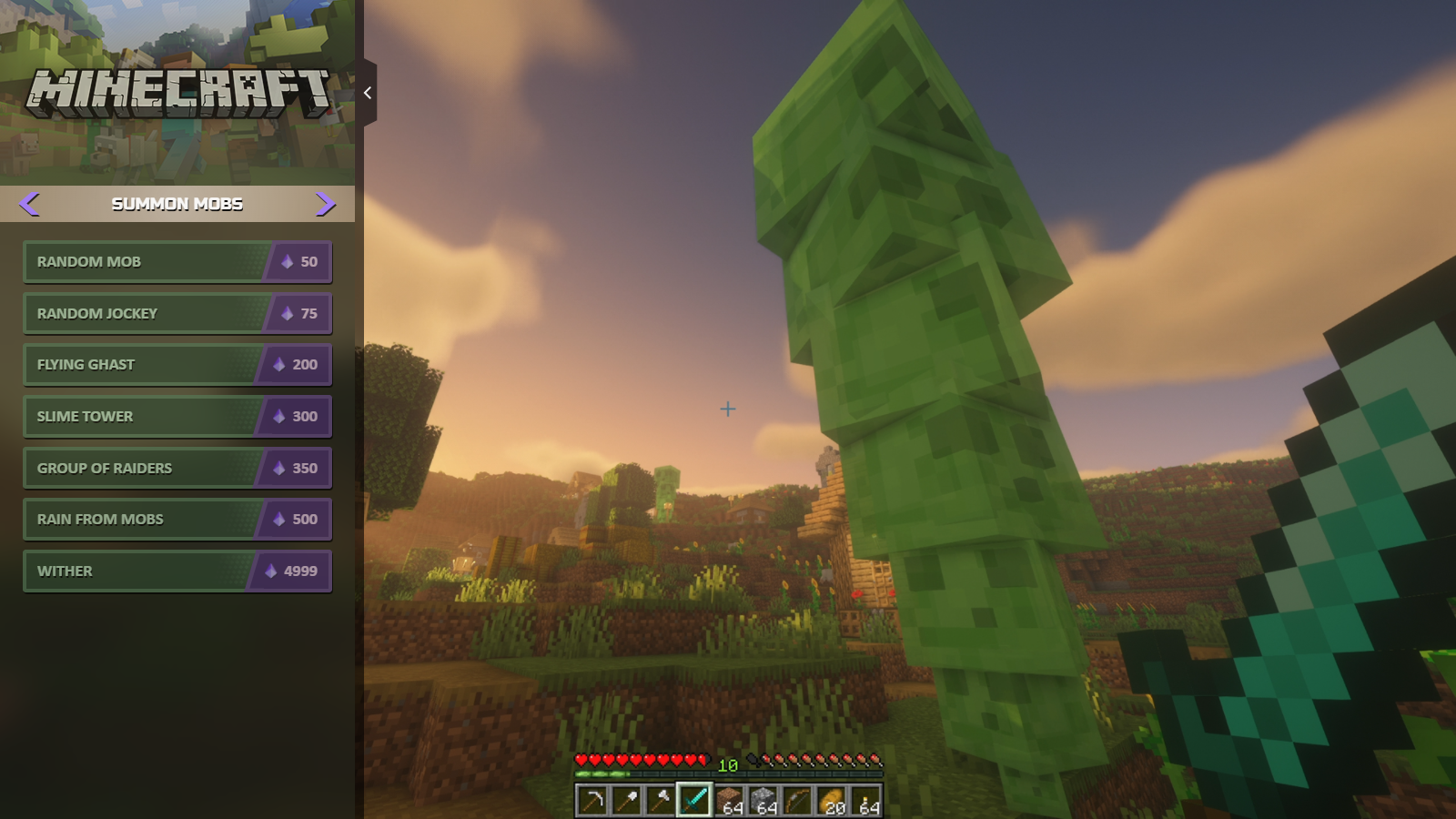
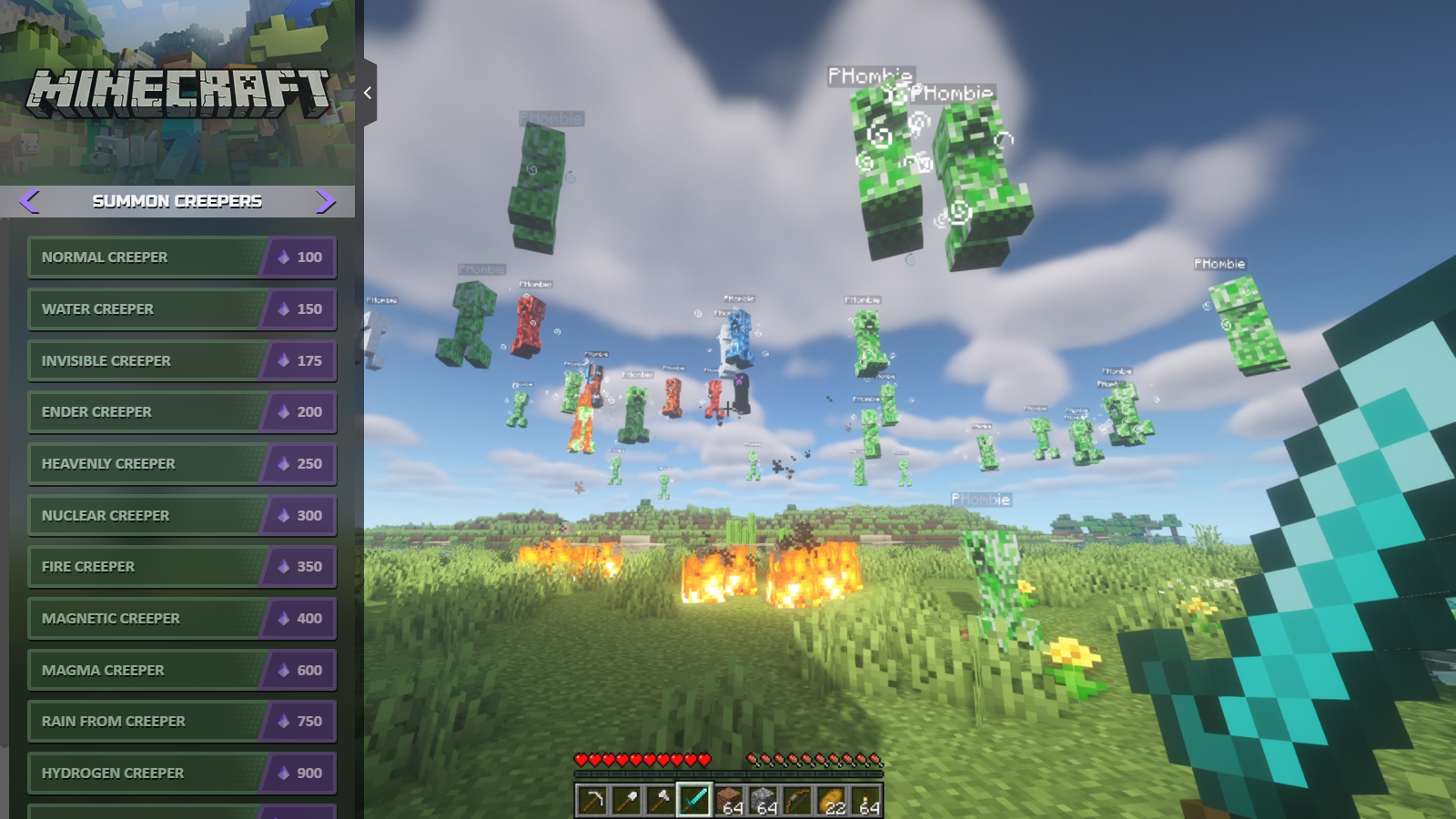
Сhaos Tricks (Interactive mod for Minecraft) - It's a PC App & Twitch extension for interactive streaming. Streamers play in Minecraft and confront the viewers watching the stream in real-time! More than 85+ unique events can cause your viewers to donate Bits or Channel Points: different kinds of items, environment changes, buffs or debuffs, various helpers and enemies from small to massive sizes! Streamer gets Twitch Bits for each event and unique content highlights, the viewer gets positive emotions and the opportunity to challenge the streamer personally. It's a much more exciting and fun way to support streamers. Also, the interactive mod supports English, Spain and German languages.
ATTENTION
_____________________________________________________
The interactive mod works only with the Chaos Tricks PC App.
Available for streamers with ‘’Twitch Affiliate’’ status and above, who are allowed to get Twitch Bits.
FEATURES
_____________________________________________________
For streamers
- Additional way to support the channel
- Price setting or presets for small/medium/large channels
- Gameplay engagement for the viewers
- New followers and subscribers thanks to unique content
- New playthrough format for loved games
For viewers
- Simple interface to interact with a streamer
- 85+ instant events for spawn during the live stream
- Events-alerts with google voice and visual in-game alerts
- Opportunity to help or ruin the streamers gameplay
- Additional way to support favourite streamers
MOD DEMONSTRATION
_____________________________________________________
Funny moments with Chaos Tricks mod
INSTALLATION
_____________________________________________________
Step 1. Download mod from Curse Forge
Step 2. Install Chaos Tricks PC APPLICATION
1. Download the application here and unpack the contents of the archive into a program working directory
2. Execute the BitsForTricks.exe application file
3. Navigate to the "Settings" tab in the application and click the "Cogwheel" icon. Click the "Authorize" button and follow the instructions
4. Then you have finished authorization the status label will be changed to "completed" and the application will start to connect to a server
5. Now the application is ready to get events from the Twitch extension
ADDITIONAL NOTES
_____________________________________________________
Stream recommendations before start
- Check the mod works properly by the test event. You may make the test event by clicking on the devil icon on the mod page. A random enemy should spawn in the game.
- When selecting the "Parameters" menu on the mod page you may be setting up the type parameter of an event activation. This parameter affects the game when you are playing online and allows you to choose how to activate events (at one player or at all players on the server). Also, you may stop creepers from modifying blocks (the game rule mobGriefing). All the changes are applied without having to restart the game.
SUPPORT
_____________________________________________________
- If you have any issues during the mod installation process, please, let us know by Discord: https://discord.gg/8k2KpHb or email: contact@chaostricks.com
- Suppose you are unwilling to join our Discord server for personal reasons, but you do use Discord. In that case, you may contact nextgLoki#3346 or PHombie#6657 directly.
- When any application issue happened, please, send a bug report with a detailed description of your actions and the log file to us. The log file is located in the "logs" folder in the application root folder.
- When any game issue happened, please, send a bug report with a detailed description of your actions to us. Make sure you include the game mod log files "logs\latest.log" and "logs\debug.log" from the game root folder. If you are the server owner then you need to include additional logs from the server root folder with the same file names. Please keep in mind that the run a new game overwrites the log files.
JOIN US
_____________________________________________________
- Edition: Minecraft Java
- File type: .jar
- Minecraft versions listed: 1.16.1, 1.21.10, 1.21.9
- How to install: Install the matching mod loader (Forge, Fabric or NeoForge) for your Minecraft version. → Download the .jar. → Put it in the .minecraft/mods folder and launch that loader profile.
- Where to get it: Opens on CurseForge — not every file is mirrored on our own servers.
Install steps are the general flow for this file type — How to install Minecraft Java mods & modpacks walks through it step by step.
- Ships as ChaosTricks-26.2.jar — drop this file into the mods folder
- Download size: 329 KB
- Download link checked 25 Sept 2026 — working
These come from our own check of the pack file, not from the source page.