Dead Light Z
Java modpack listed for Minecraft 1.18. Downloads from the MC Java Mods app on Android.
Dead Light Z is a captivating and demanding modpack that immerses players in a perilous, post-apocalyptic world
⬇ Download on CurseForgeThe author built this one for Minecraft 1.18.2 on Forge. On other versions it may install and then do nothing.
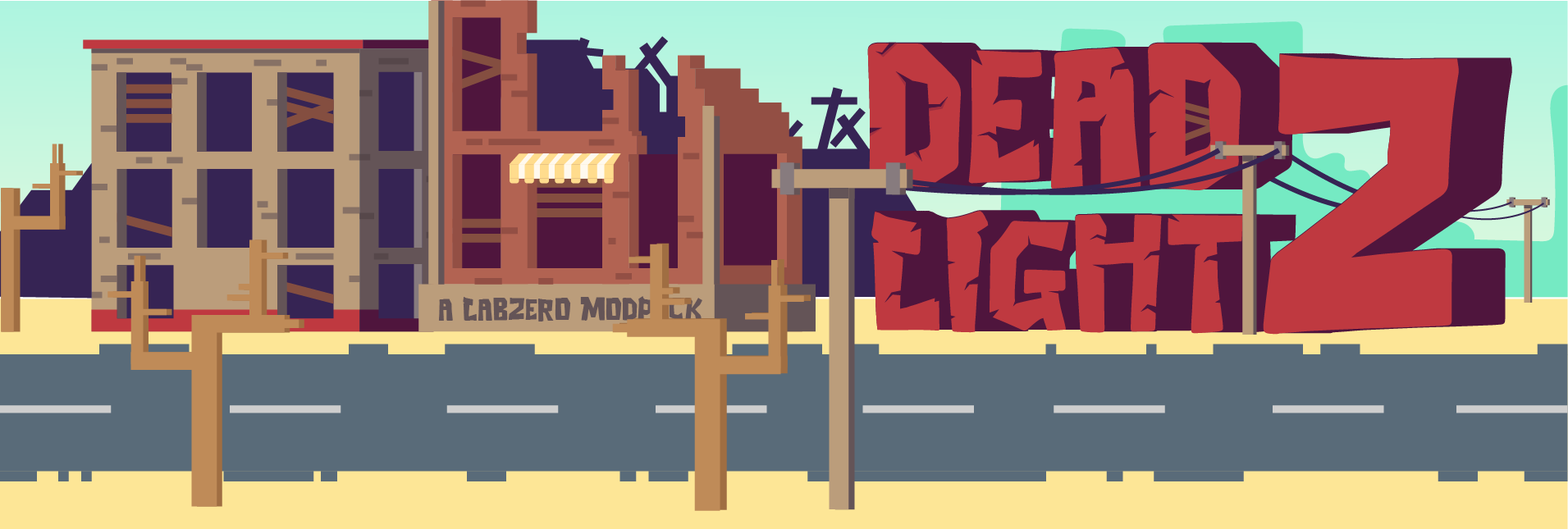




Dead Light Z plunges players into a dark, post-apocalyptic world filled with danger and challenges. Inspired by the popular survival game “7 Days to Die,” this modpack tasks players with navigating a treacherous environment overrun by zombies after a devastating viral outbreak. Survival hinges on players’ ability to scavenge for resources, craft weapons and tools, and seek out other survivors.
In the perilous world of Dead Light Z, vigilance is key. Zombies lurk around every corner, becoming more aggressive and deadly as night falls. During a bloodmoon, players must fend off relentless swarms of undead determined to bring them down. Surviving in this harsh environment requires strategy, skill, and a bit of luck.
A standout feature of Dead Light Z is its crafting system. Players can create a wide array of weapons, tools, and other items essential for survival. The modpack introduces new materials, such as irradiated metal, which can be used to craft powerful weapons and armor. Additionally, players can build bases to protect themselves from zombie hordes.
Overall, Dead Light Z offers an intense and thrilling experience that will test players’ survival skills. For those seeking a challenging new Minecraft adventure, this modpack is a must-try.

- 🧟 Crafting Dead
- 🧟 Enhanced Celestials
- 🧟 True Darkness
- 🧟 More Zombie Villagers
- 🧟 YUNG's Mods

FORGE: In regards to Forge, the most recent version for 1.18.2 should be functional. However, if it causes an older mod in the modpack to malfunction, the version that is currently included with the modpack is forge-40.1.68.jar.
OPTIFINE: If you're using Optifine to enhance your Minecraft gameplay while playing Dead Light Z, make sure to use version OptiFine HD U H9 for compatibility. You can get the required version by downloading it from this link: https://optifine.net/downloads. Once downloaded, it's important to extract the mod jar by clicking on the jar file to prevent any crashes in the pack.
OPTIONAL RECOMMENDATIONS:
I'd personally recommend adding some shaders if your system can handle them to bring out the best with this modpack and Minecraft.
So Much More There is so much more you to play with and check out in the Dead Light Z. Download our the pack.

If you have a Minecraft server that's built using this modpack and you'd like to have it featured on our modpack page, please don't hesitate to reach out to us! You can submit your server information through our community servers form, which you can find here: https://www.ampznetwork.com/applications/forms/community-servers-form.
We're always happy to showcase servers that are built using our modpacks, and we love to see the creative ways that players use our packs to enhance their Minecraft experience. Whether you're running a public server or a private one with friends, we'd be thrilled to have your server listed on our website.
SUPPORT
If you need further support please ask in our Discord and we will be happy to help.
- Edition: Minecraft Java
- File type: .jar
- Minecraft version listed: 1.18.2
- How to install: Install the matching mod loader (Forge, Fabric or NeoForge) for your Minecraft version. → Download the .jar. → Put it in the .minecraft/mods folder and launch that loader profile.
- Where to get it: Opens on CurseForge — not every file is mirrored on our own servers.
Install steps are the general flow for this file type — How to install Minecraft Java mods & modpacks walks through it step by step.
- Downloads as Dead Light Z-v1.0.zip
- Download size: 45.0 MB
- Download link checked 25 Sept 2026 — working
These come from our own check of the pack file, not from the source page.