ETIIIN - Exactly the item info I needed
Java mod listed for Minecraft 1.16. Downloads from the MC Java Mods app on Android.
⬇ Download on CurseForgeThe author built this one for Minecraft 1.16.4–1.16.5 on Forge. On other versions it may install and then do nothing.
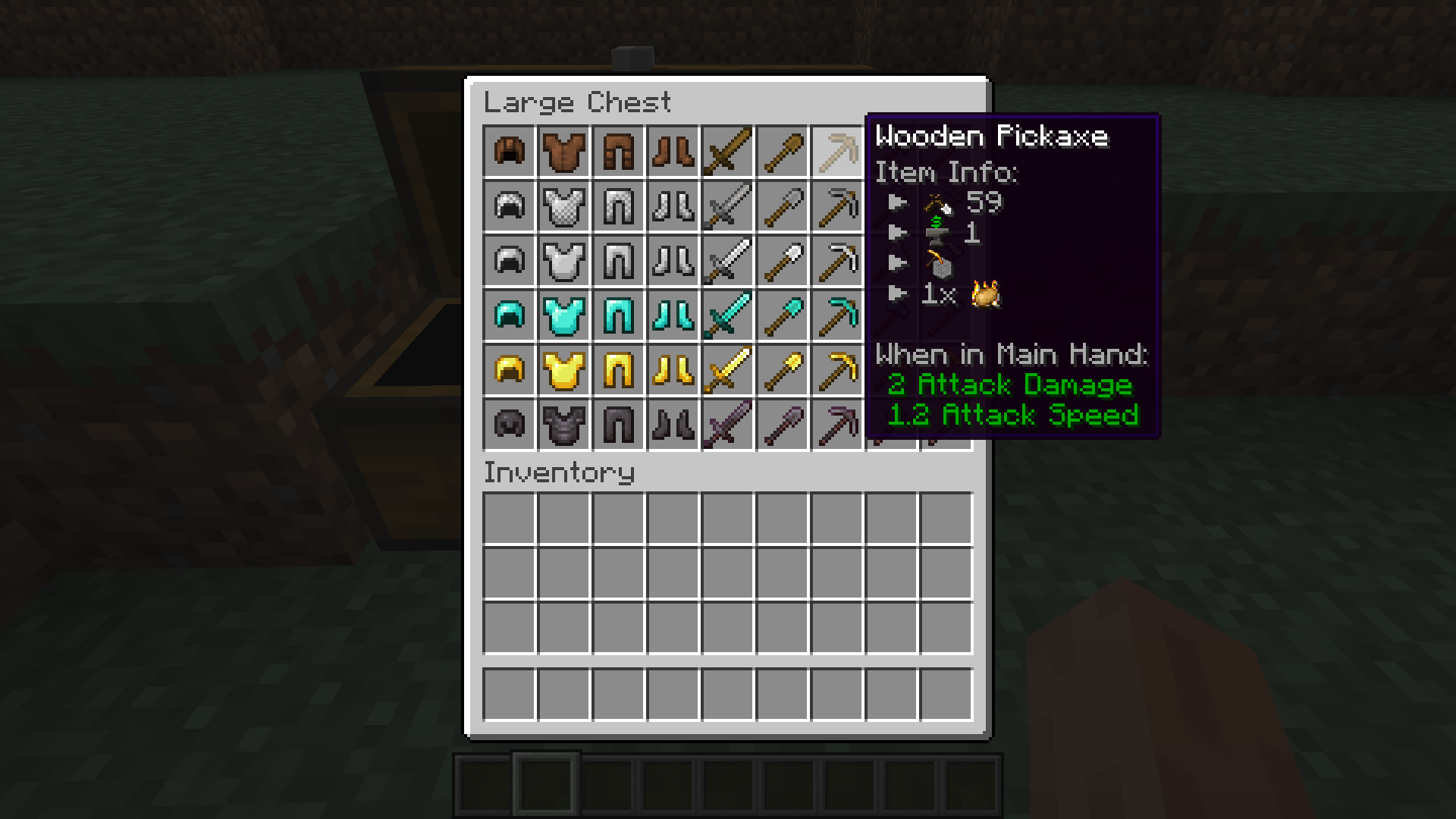
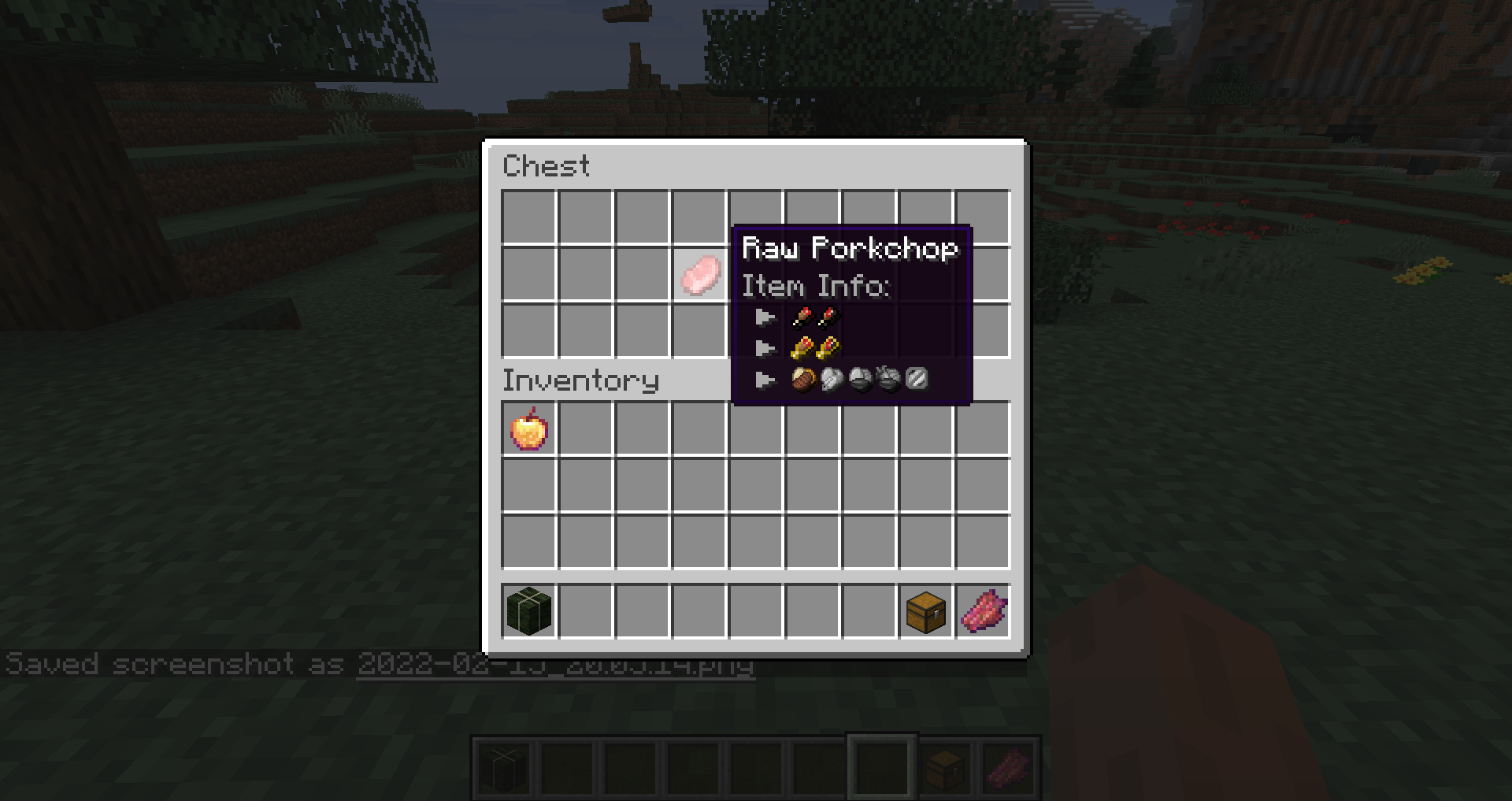
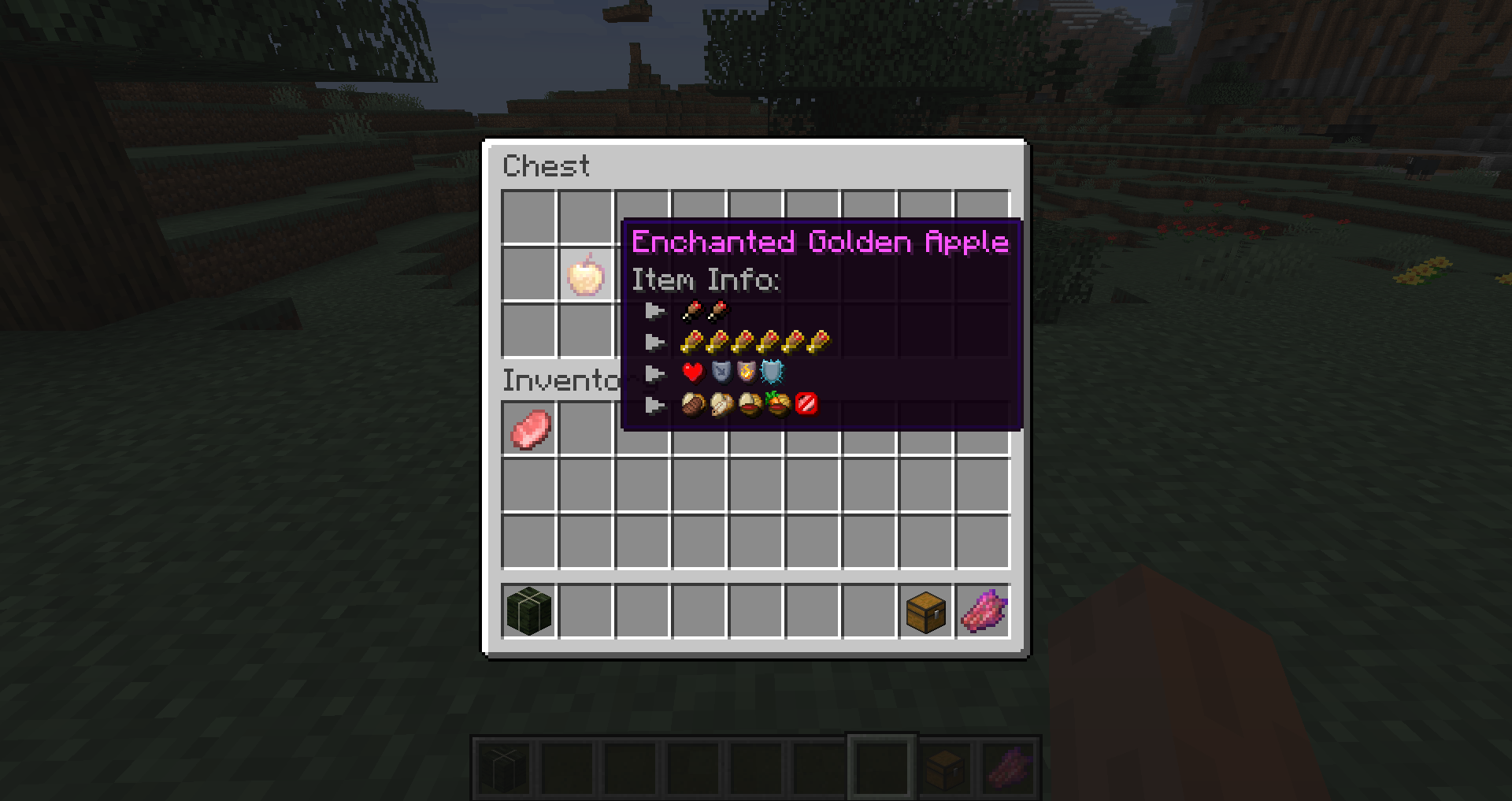
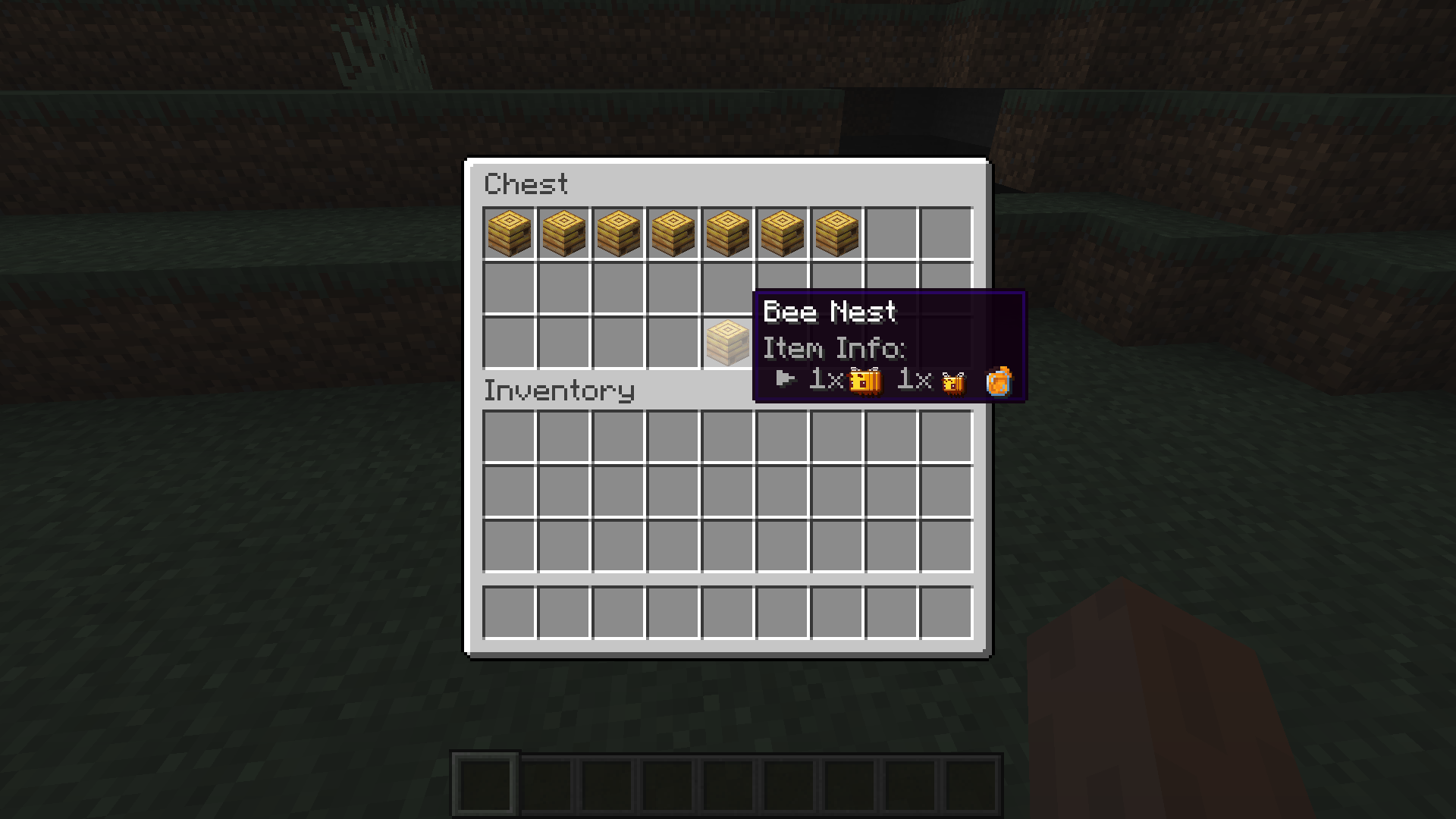
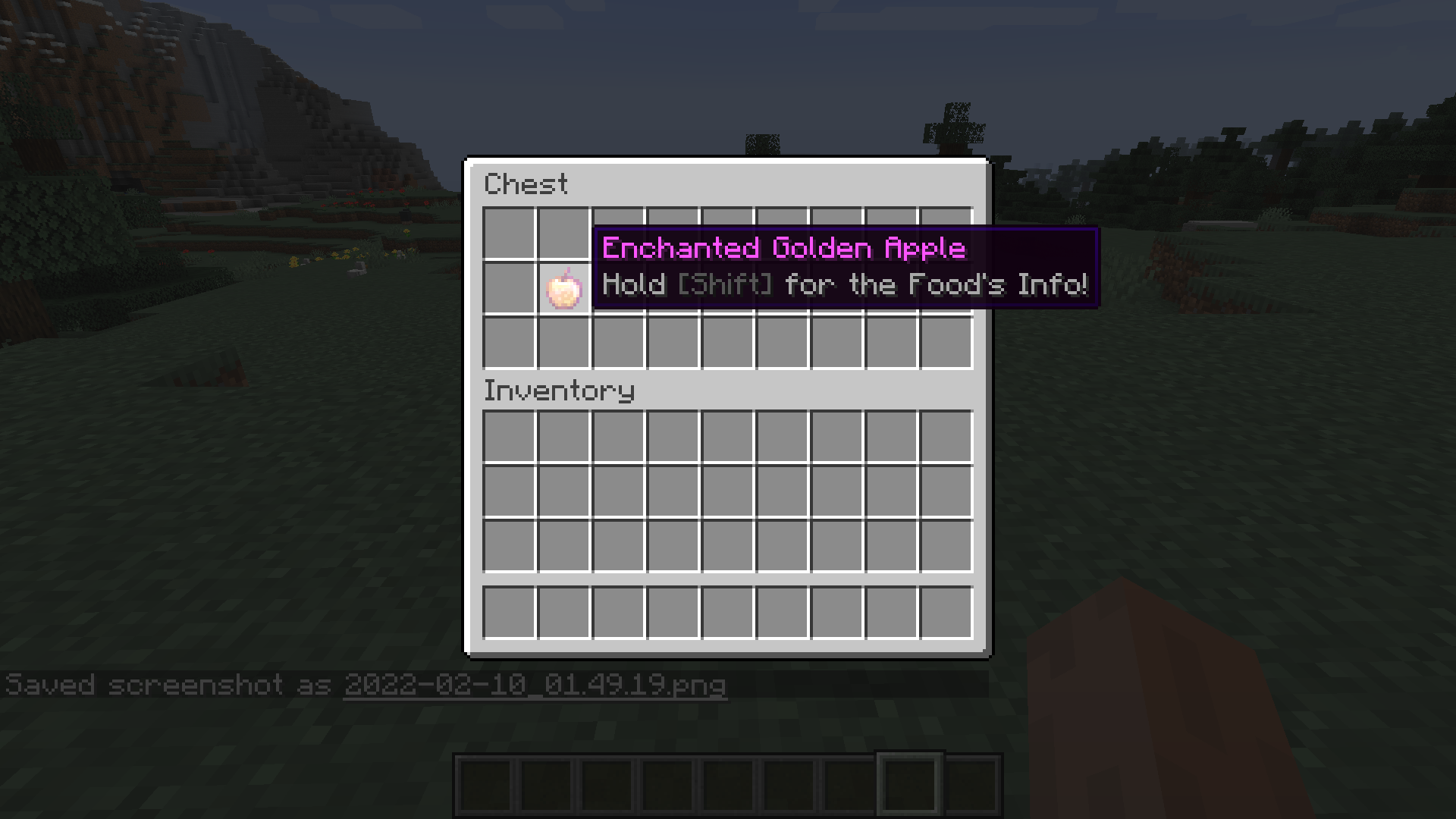
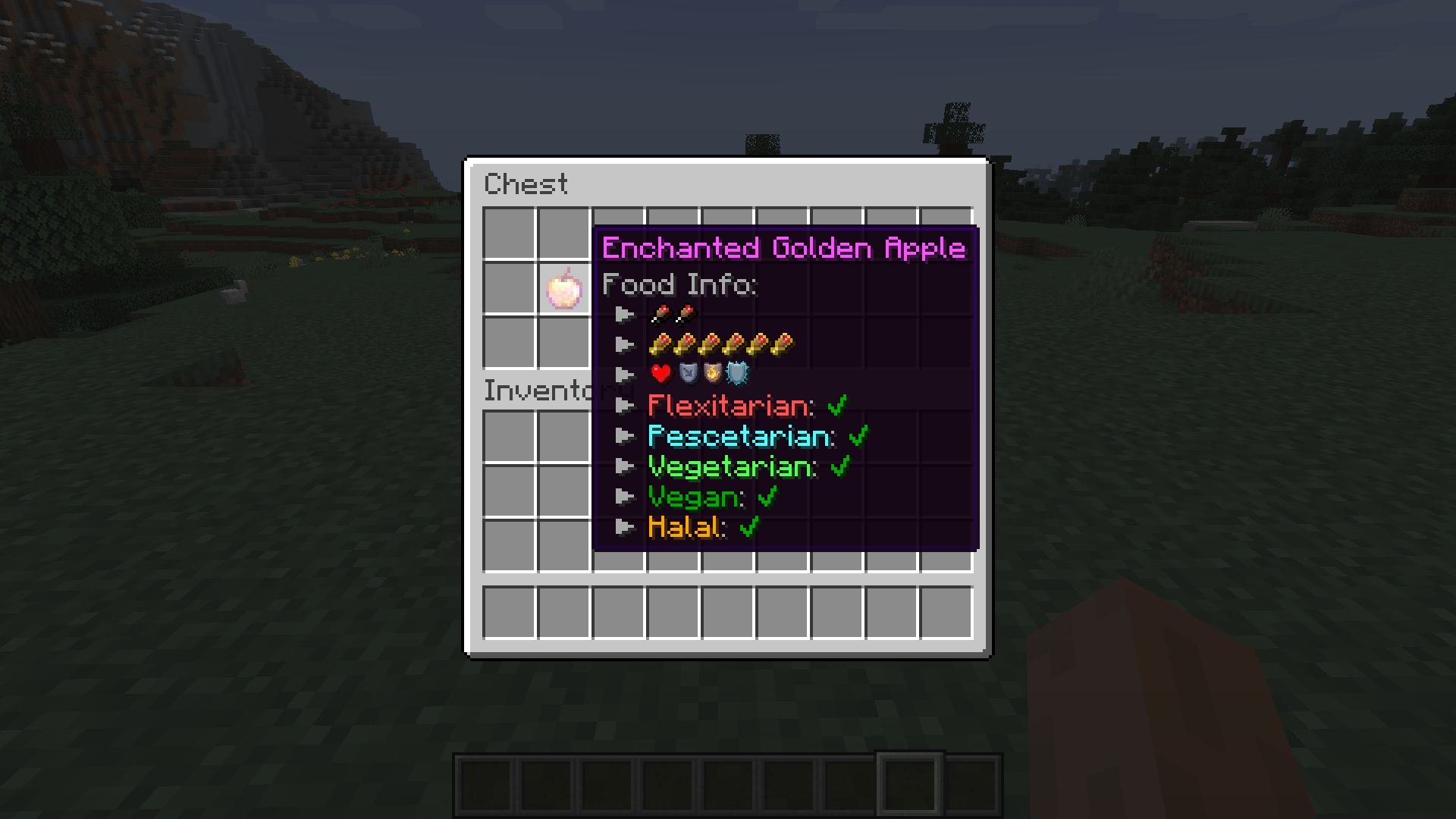

Exactly The Item Info I Needed(ETIIIN) adds useful info some people might need and some might not... but that is the great part about configs, isn't it? It doesn't end here, though! There is easy mod support due to item tags. Modpack devs can add items to the tag if they are still missing the tooltips.
Current Features:
- Tooltips for Saturation and Nutrition
- Tooltips for Diets (Flexitarian, Pescetarian, Vegetarian, Vegan, Halal)
- Tooltips for Beehives and Bee Nests
- Tooltips for Durability
- Tooltips for Repair Cost
- Tooltips for Items that can be smelted using one Fuel (Burn time)
- Tooltips for Burn Speed
- Being able to turn off every Tooltip via the Config
- Being able to change between Text and Icons for Diets via the Config
- Many Item Tags to add other mod's items to support them
Planned Features:
- Tooltips for Light Levels
Please write any Suggestions on the issues-page and I will try to add them, if I like them!
How to add new Items to the Mod's Tags:
There are currently 6 Item Tags you should edit. Any items listed in them will be automatically supported. Stuff like Durability, Repaircost, Items per Fuel and Harvestlevel will automatically apply. Burnspeed and Food's effects are Hard-coded and can currently support no mods (will probably change). The only things you can customize are the Beehive and Diet Tooltips.
The names of the tooltips are: beehives.json; food_flexitarian.json; food_not_halal.json; food_prescetarian.json; food_vegan.json; food_vegetarian.json
Already Supported Languages:
- en_us
- de_de
- es_es
Thanks to:
EDToaster with their mod BeehiveTooltips for the inspiration and the code to see how Minecraft handles Bees

- Edition: Minecraft Java
- File type: .jar
- Minecraft versions listed: 1.16.5, 1.16.4
- How to install: Install the matching mod loader (Forge, Fabric or NeoForge) for your Minecraft version. → Download the .jar. → Put it in the .minecraft/mods folder and launch that loader profile.
- Where to get it: Opens on CurseForge — not every file is mirrored on our own servers.
Install steps are the general flow for this file type — How to install Minecraft Java mods & modpacks walks through it step by step.
- Ships as etiiin-1.16.5-1.2.jar — drop this file into the mods folder
- Download size: 62 KB
- Download link checked 15 Oct 2026 — working
These come from our own check of the pack file, not from the source page.