
Jello
Java mod listed for Minecraft 1.18–1.20. Downloads from the MC Java Mods app on Android.
I don't know my version or loader

Overview


Jello's main goal is to be a comprehensive implementation of the Gelatin Library. With it comes some bonus and special features unique to this mod:
Many New Colors
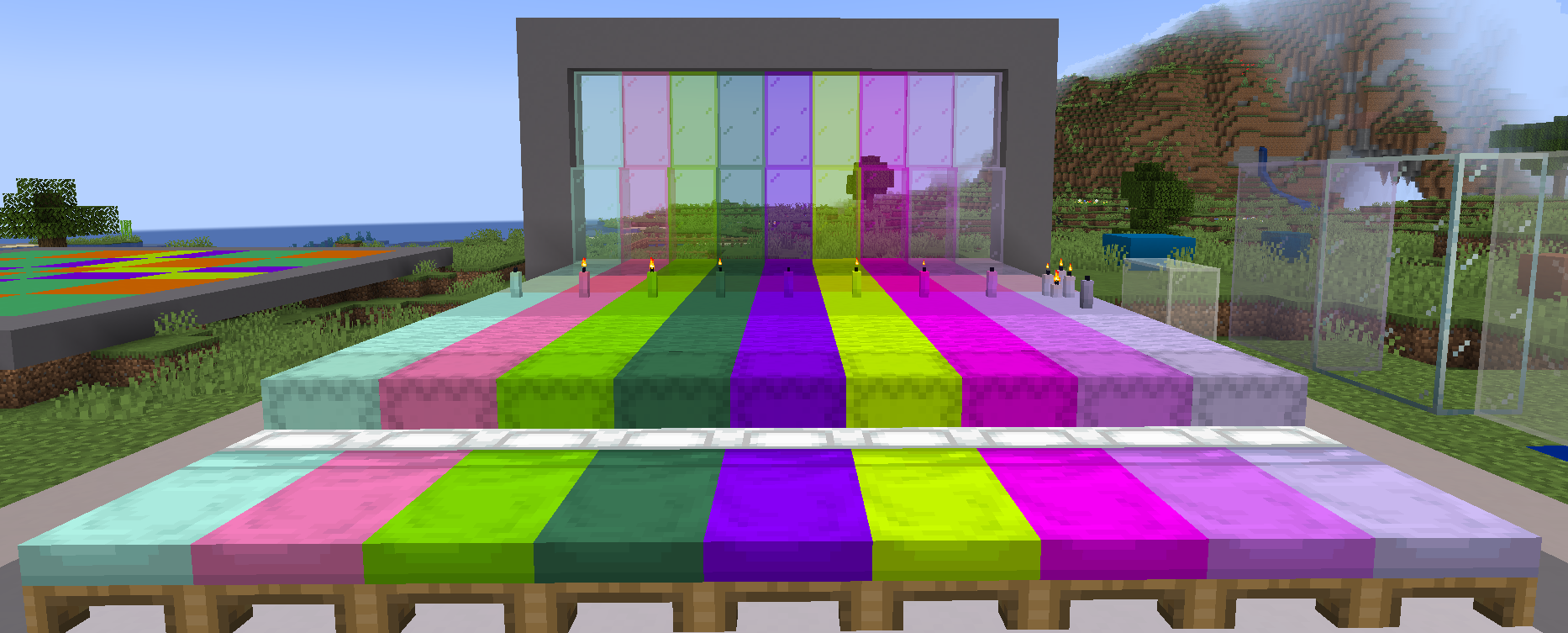
Jello adds 1000+ new colors to give you more options to color your base with a growing collective of available blocks! Currently, each color gets a dozen new blocks meaning you have around 12,000 new blocks to enhance your builds. This comes to little cost to memory or load times thanks to Gelatin's heavily optimize Cached Based loading System.

Various Ways of Coloring
Thanks to Gelatin, you have multiple ways of coloring blocks now either using Minecraft Cauldron to dye bulk amounts of blocks more efficiently to new Dye Tools allow you to change the various Compatible blocks to any of the new colors within the game or even the regular crafting methods.
Additional Slime Block Types
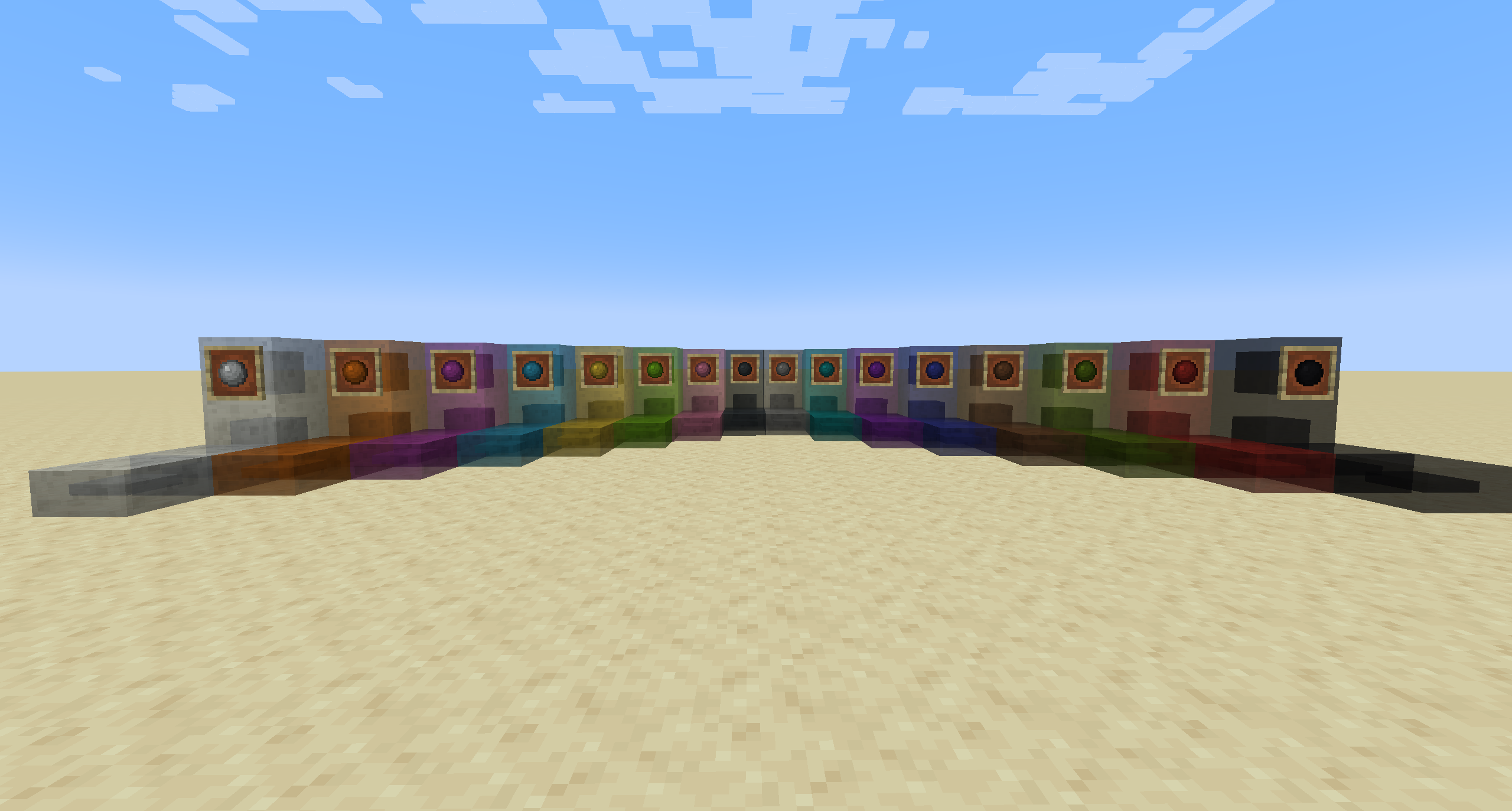
Jello adds new variants of vanilla slime blocks in the new colors available but also adds a new variant, the Slime Slab. This block has special properties that allow for finer control of what blocks stick to it. Once more is that each color can only stick to its corresponding colored slime blocks similar to honey and normal slime blocks within vanilla.
Other Features
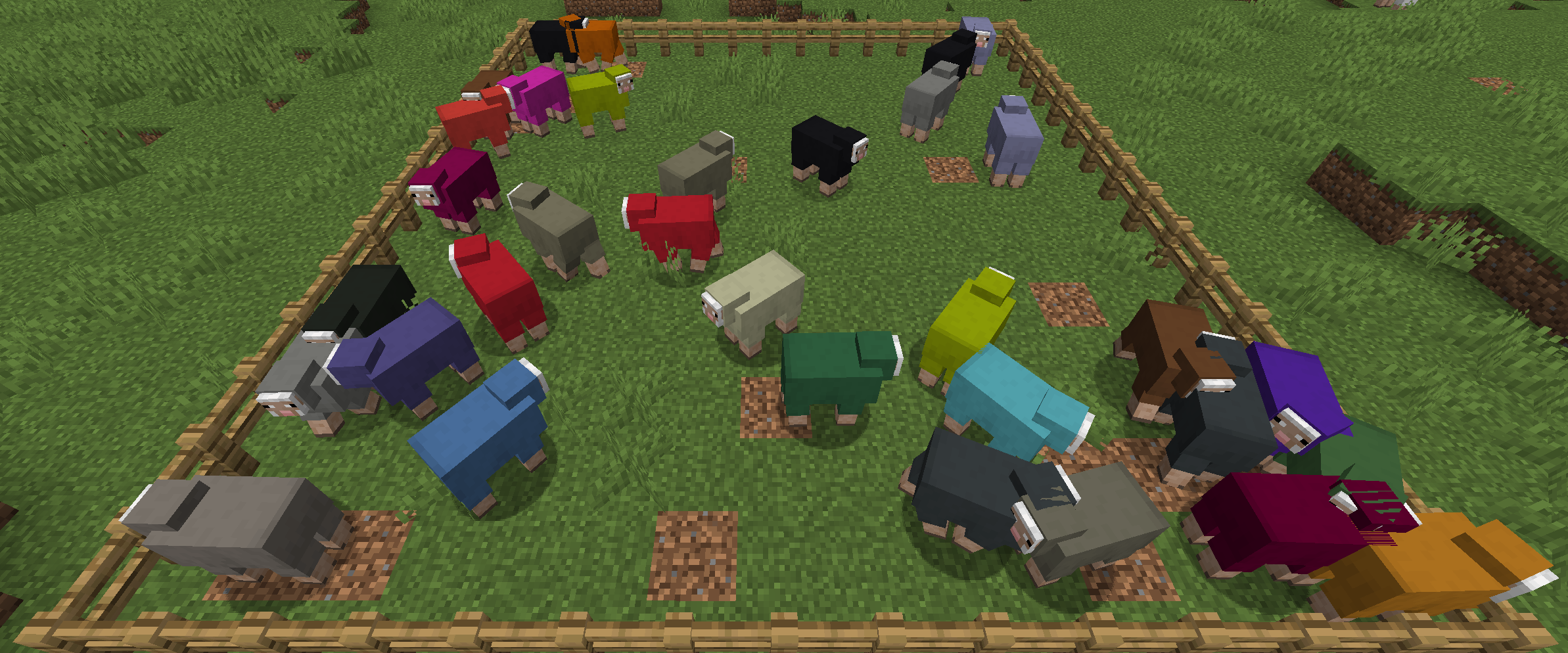
By default, Gelatin adds the ability to Color any entity with any new DyeColorant added allowing you to have an orange pig, pink sheep, or even a blue cow just for fun.
»»———— Support ————««

Should you have any questions, issues or comments, simply join the Wisp Forest Discord and we will try our best to help out
- Edition: Minecraft Java
- File type: .jar
- Minecraft versions listed: 1.20.1, 1.19.4, 1.19.2
- How to install: Install the matching mod loader (Forge, Fabric or NeoForge) for your Minecraft version. → Download the .jar. → Put it in the .minecraft/mods folder and launch that loader profile.
- Where to get it: Opens on CurseForge — not every file is mirrored on our own servers.
Install steps are the general flow for this file type — How to install Minecraft Java mods & modpacks walks through it step by step.
- Ships as jello-5.0.4+1.20.1.jar — drop this file into the mods folder
- Download size: 647 KB
- Download link checked 15 Oct 2026 — working
These come from our own check of the pack file, not from the source page.