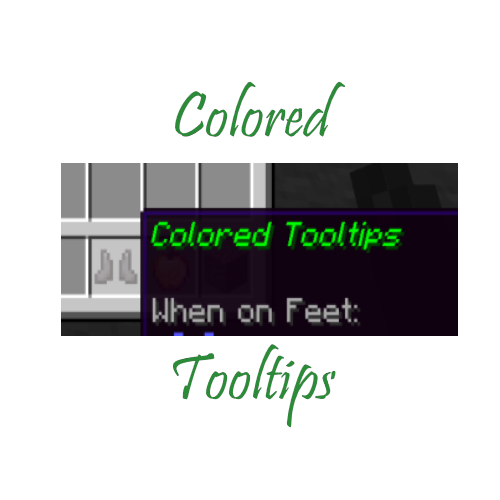
Colored Item Tooltips
Java mod listed for Minecraft 1.18–1.19. Downloads from the MC Java Mods app on Android.
I don't know my version or loader
Colored Tooltips allows for the player to configure custom colors for items and items with custom names, as well as make new "rarities". This is done through the config, which is why I highly suggest for the user to install ModMenu. However, to configure it, you do need to use valid JSON. For rarities, the syntax is this: {"id": "example", "color": "<hex color code>"}, for items the syntax is: {"id": "<item id, for example: minecraft:wooden_sword>", "<color or rarity>": "<color hex code or rarity id>"}, for names the syntax is: {"name": "item name", "color or rarity": "<color or rarity id>"}. This can be configured with or without modmenu, but again I highly suggest using modmenu. If you have any questions, reach out to me over CurseForge or Discord. My discord is gamma_02#5181, and my curseforge is gamma_02.
- Edition: Minecraft Java
- File type: .jar
- Minecraft versions listed: 1.19.3, 1.19.4, 1.19.2
- How to install: Install the matching mod loader (Forge, Fabric or NeoForge) for your Minecraft version. → Download the .jar. → Put it in the .minecraft/mods folder and launch that loader profile.
- Where to get it: Opens on CurseForge — not every file is mirrored on our own servers.
Install steps are the general flow for this file type — How to install Minecraft Java mods & modpacks walks through it step by step.
- Ships as colored-tooltips-1.1.jar — drop this file into the mods folder
- Download size: 1.0 MB
- Download link checked 15 Oct 2026 — working
These come from our own check of the pack file, not from the source page.