
Wizarding World Of Harry Potter
Java mod listed for Minecraft 1.18–1.19. Downloads from the MC Java Mods app on Android.
I don't know my version or loader

🧙About
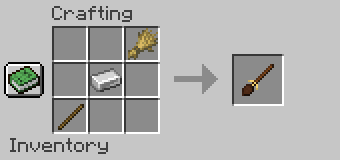
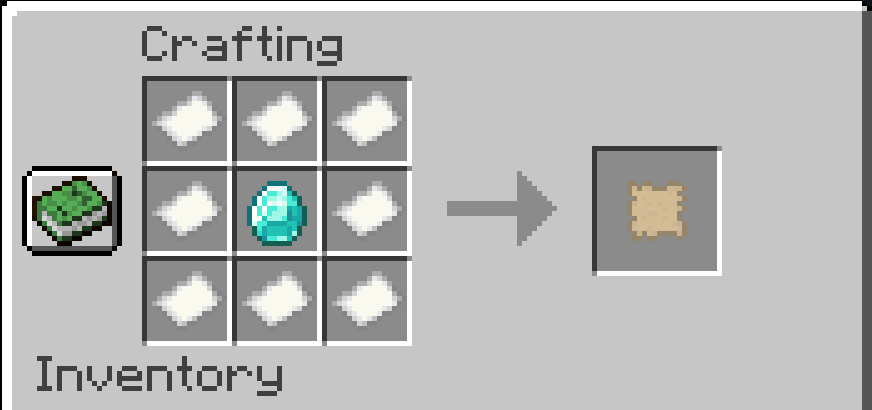
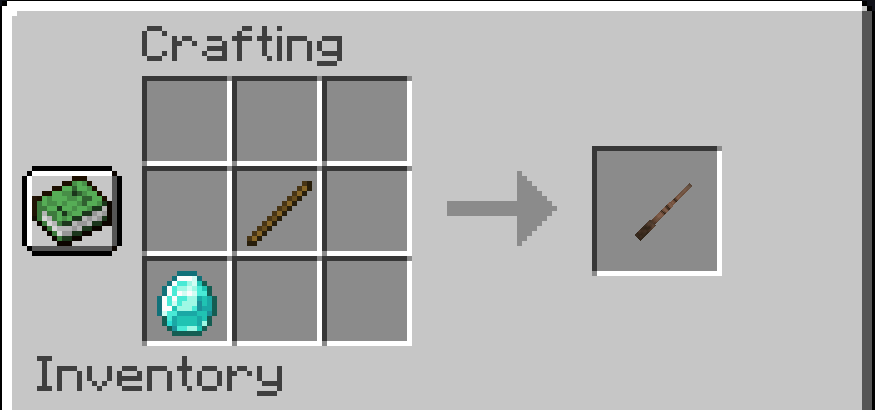
Wizarding World is a mod that adds Harry Potter style magic and spellcasting into Minecraft! Craft wands and cast a variety of new spells! Encounter new enemies and magical creatures, and explore the new structures and get loot!
It also introduces new transportation methods, like Apparition spells and broomsticks!
(Some things listed here are not in-game at the moment; New major Update incoming!)
🦄New Creatures & Structures
Interact with the new Creatures:
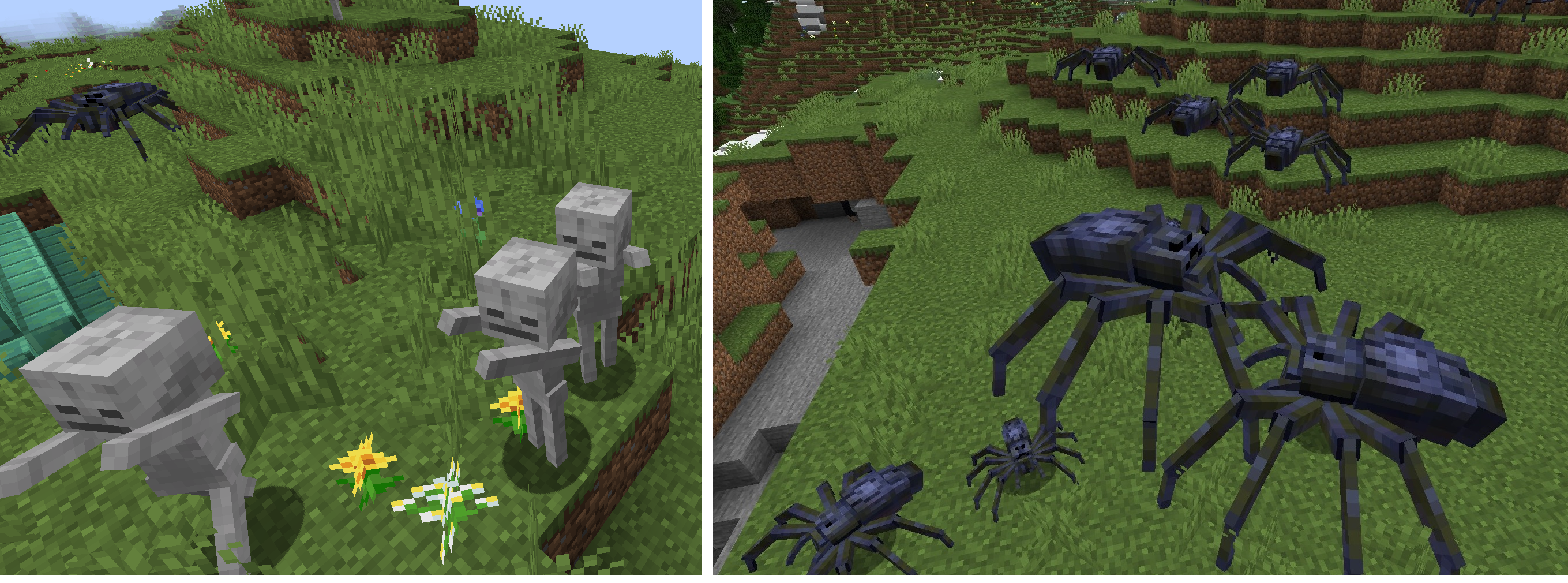
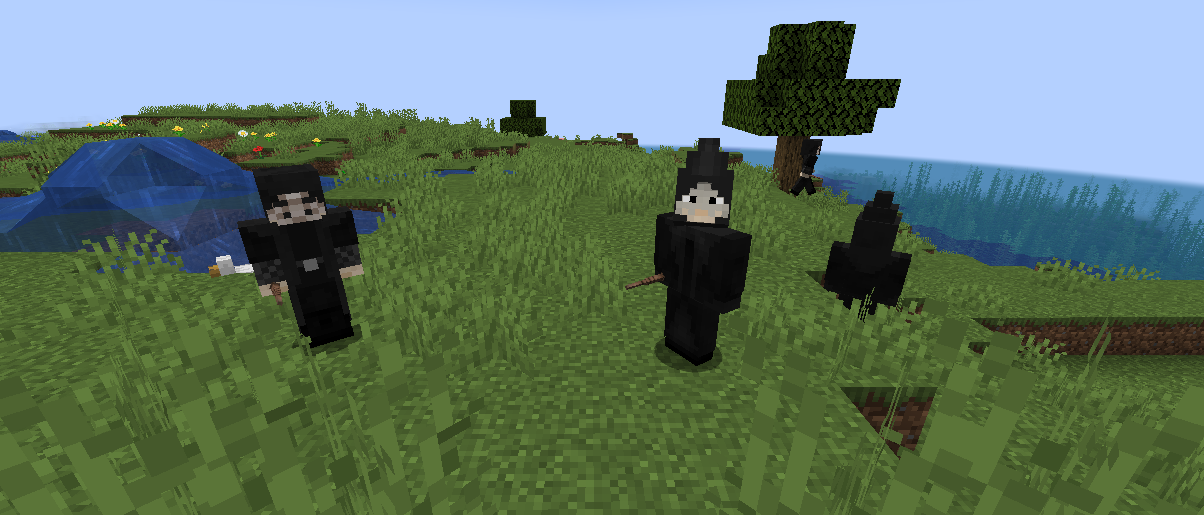
- Like Trolls, Dementors, Acromantulas and More!
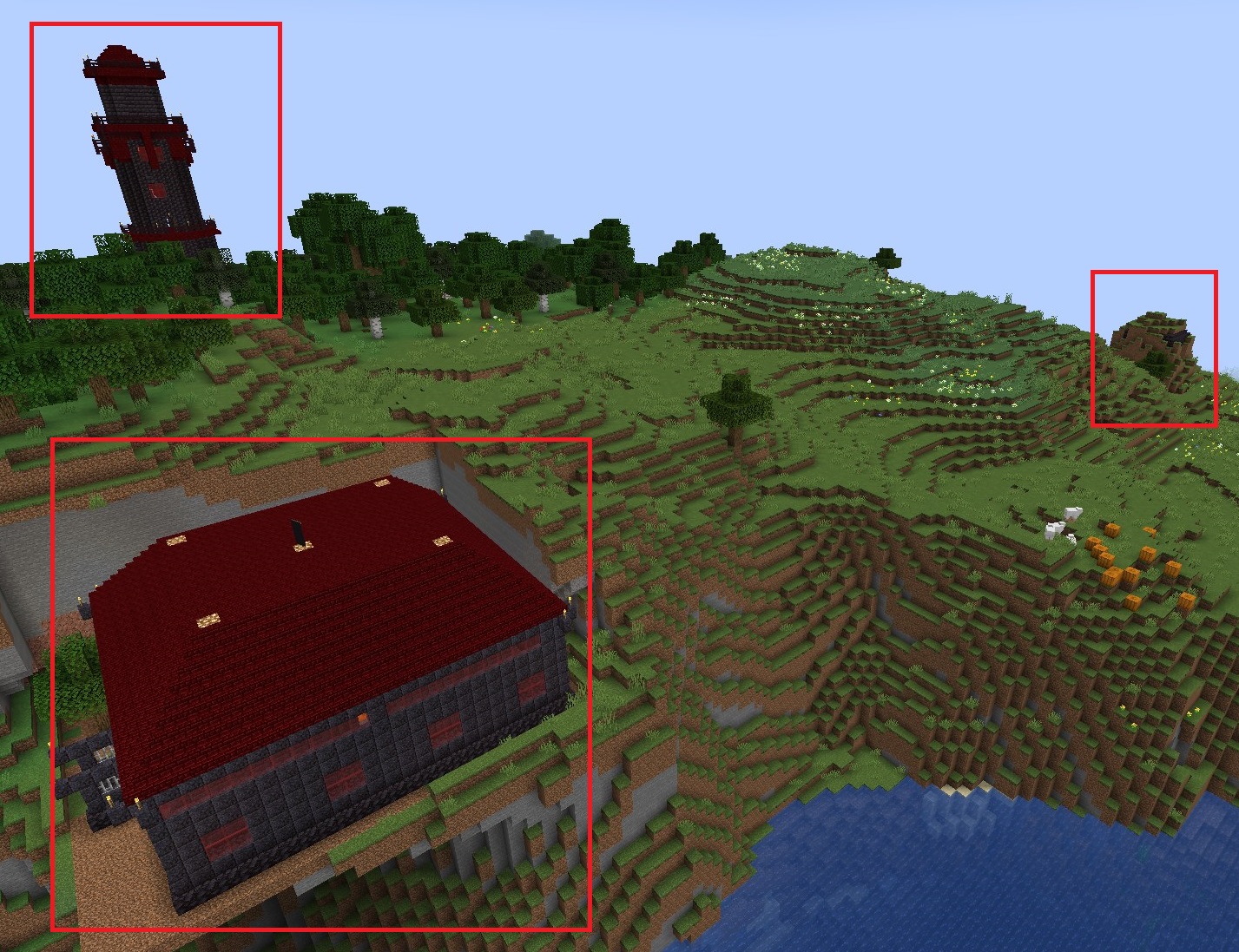
Beware that not all of them are that friendly, do not interfere with Death Eater Business! Find pictures of them in the Images tab. Each of them spawn on different structures like the labyrinth and secret basement. More to come!
✨Getting Started
Create a wand and cast spells! You can level up spells with XP levels. The more you upgrade your spells, the more powerful they'll become and you'll require less time to cast them again!
(Press H while holding a wand to open your Spell Book. You can only drag spells into your hotbar whose level is 0+)
⚙️Config
Common config for biome settings can be found in your config folder.
If you want a mob to spawn in another mods biome, you'll have to change the biome_name line:
Example
biome_name = "modid:name_of_the_biome"
To let it spawn in more biomes you have to put a comma (,) between the biome names like this:
biome_name = "modid:name_of_the_biome,minecraft:desert"
In 1.19, the config for spawn settings was replaced with biome tag and biome modifier json files.
These can be found under the data folder in the jar.
🌎Links

- Edition: Minecraft Java
- File type: .jar
- Minecraft versions listed: 1.19.3, 1.19.2, 1.19.1
- How to install: Install the matching mod loader (Forge, Fabric or NeoForge) for your Minecraft version. → Download the .jar. → Put it in the .minecraft/mods folder and launch that loader profile.
- Where to get it: Opens on CurseForge — not every file is mirrored on our own servers.
Install steps are the general flow for this file type — How to install Minecraft Java mods & modpacks walks through it step by step.
- Ships as harrypotter-forge-1.19.3-2.0.1.jar — drop this file into the mods folder
- Download size: 1.2 MB
- Download link checked 15 Oct 2026 — working
These come from our own check of the pack file, not from the source page.