Disable New Create World Menu - Forge
Java mod listed for Minecraft 1.19–1.20. Downloads from the MC Java Mods app on Android.
I don't know my version or loader
Intro :
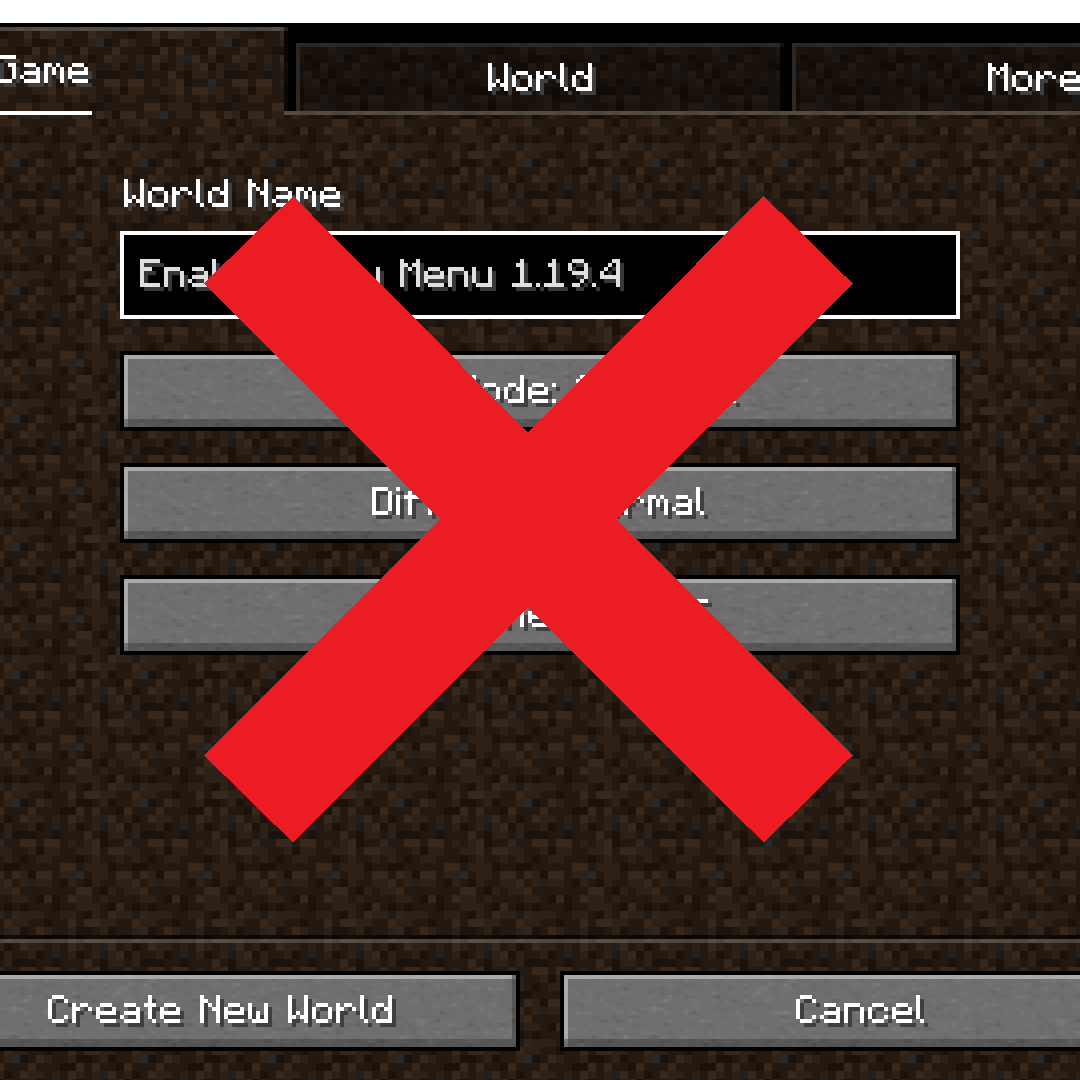
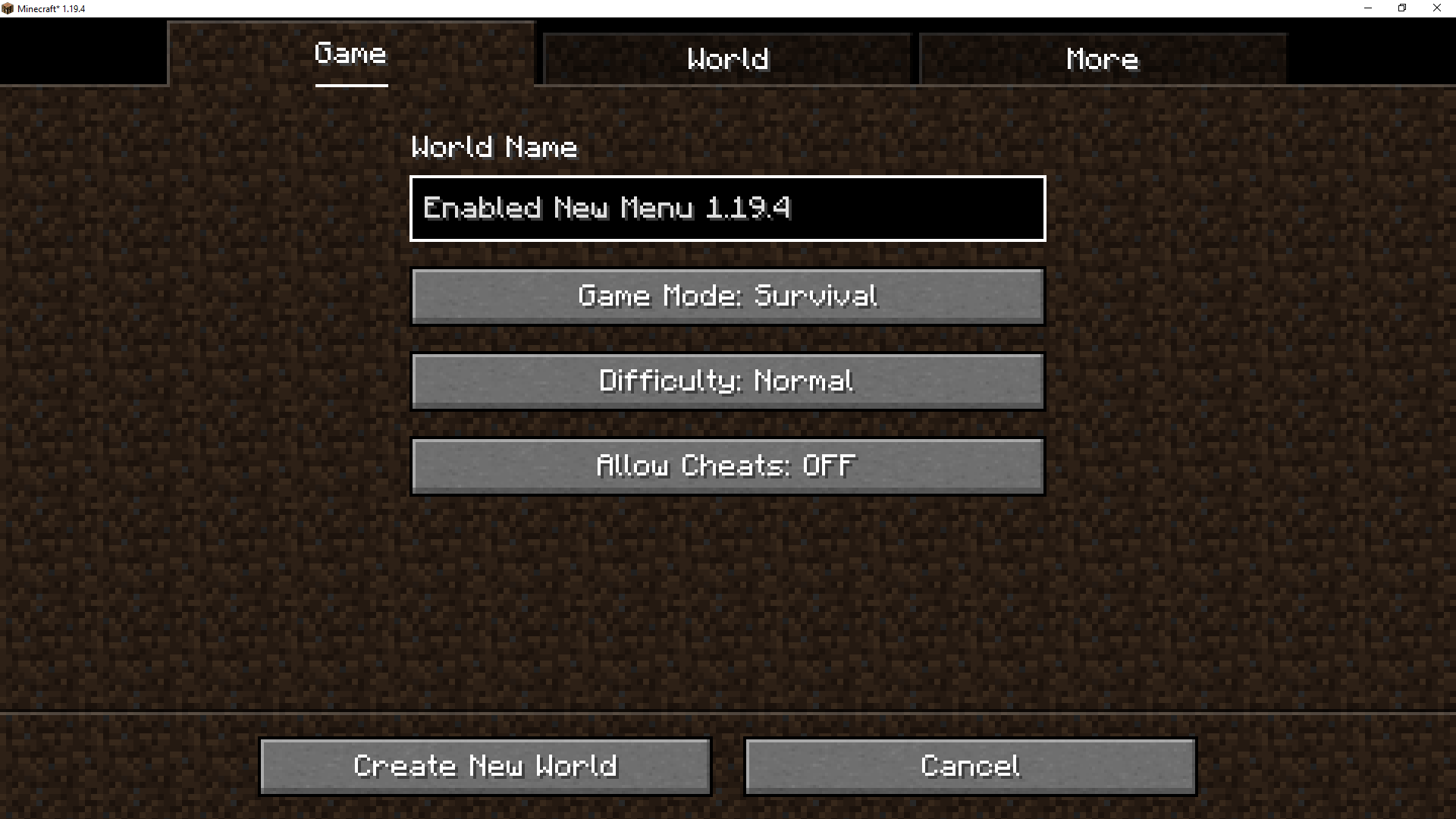
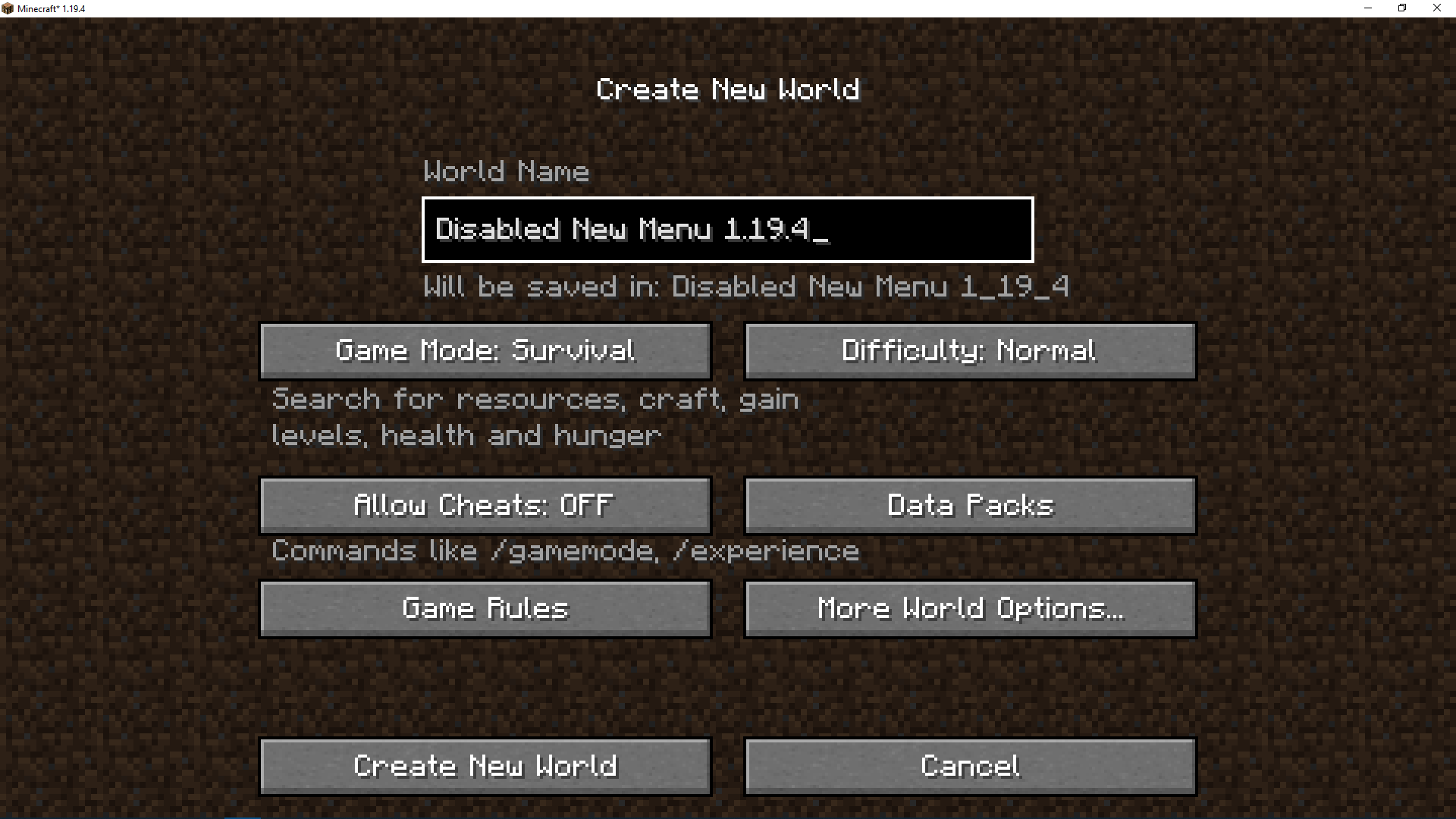
Disable the new Create World Menu added in 1.19.4 ! This mod adds the old menu for the world creation screen to version 1.19.4 and later. It is an exact copy of the old menu! Feature:
- Add the old menu (see image).
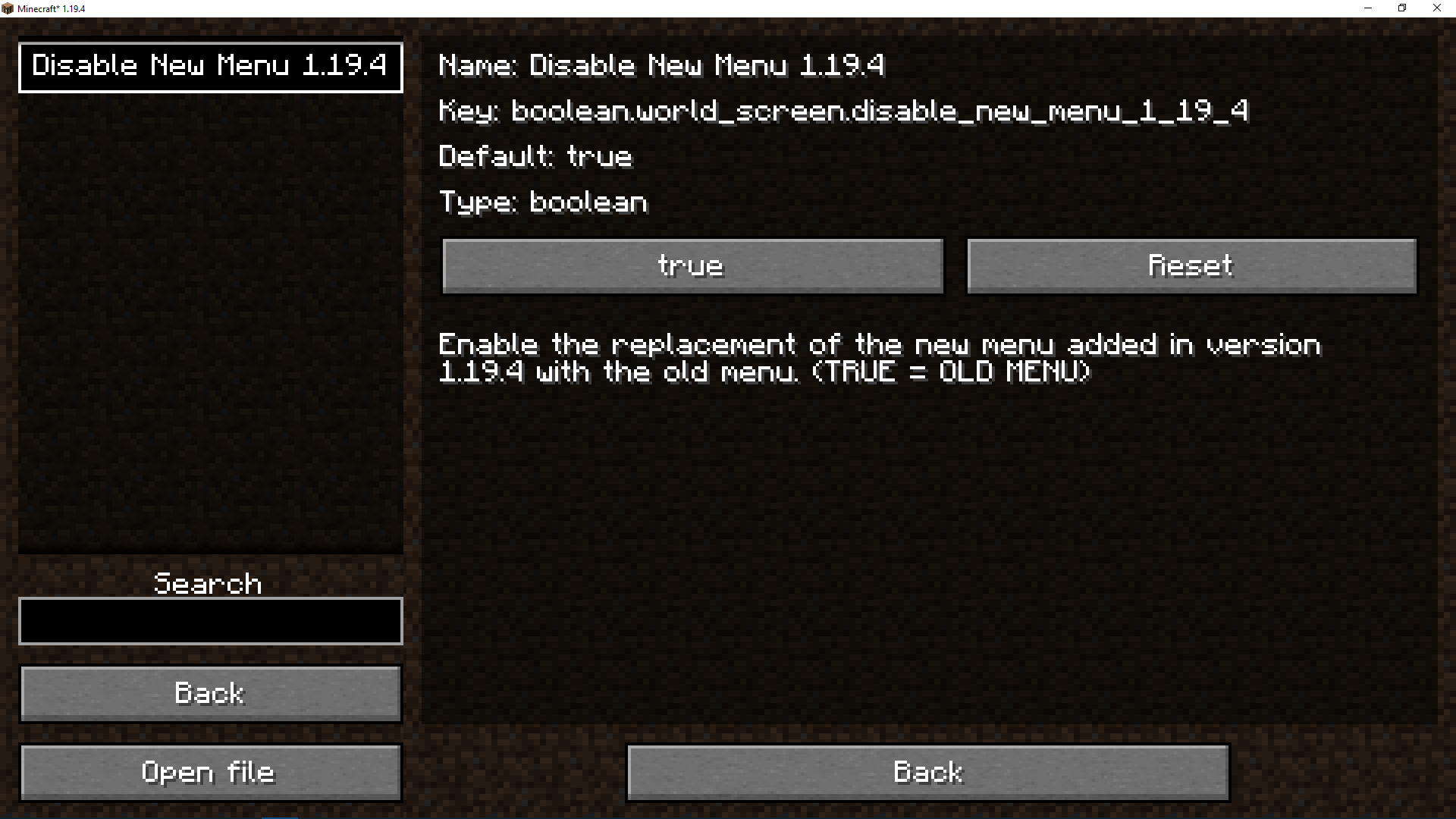
- Add configuration for enable/disable the new menu.
- Change (enable/disable feature) whenever you want directly in game without restart the game!
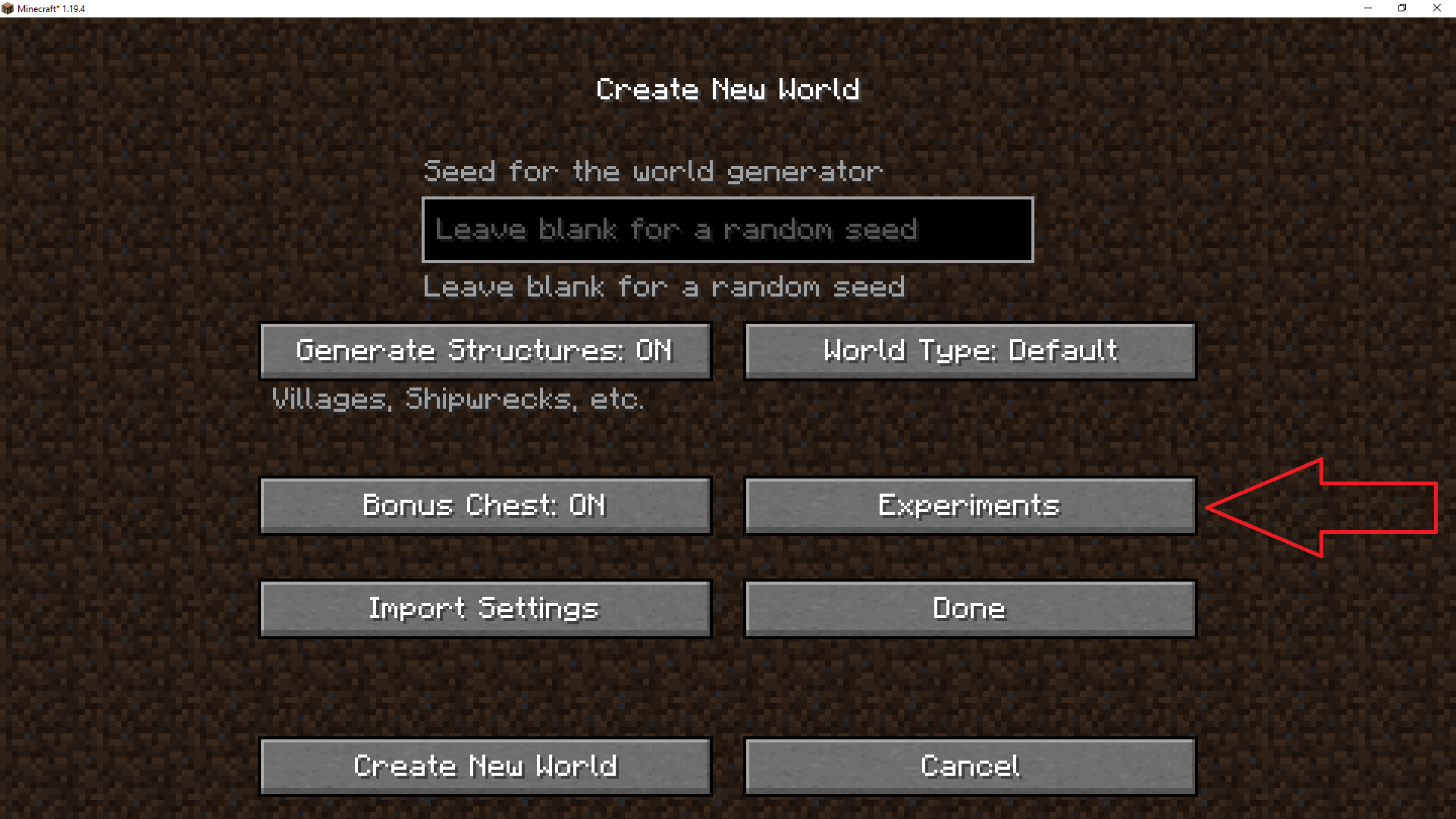
- Add "experimental" button to the old menu, you will find it in "more world option".
- Authentic, no extras, just the old menu (or the new menu if you change the config)
OLD MENU

OR NEW MENU ? Change whenever you want directly in game without restart the game!

Supported Mod Loaders :
We actively support Forge, NeoForge, and Fabric mod loaders, from version 1.16.5 to the latest release of Minecraft. Explore the links below to find the modloader of your choice:

Required Mods :
Please make sure to install the following mods, as they are essential for the project to function correctly and provide the full experience.
Links :
Find our resources and join the community:
Partners :
This project is proudly supported by BisectHosting. Check out their services to easily host your projects with quality and reliability.

Call to Action :
Have questions? Need help? Join us on Discord or visit our GitHub to get involved with the community and contribute!
- Edition: Minecraft Java
- File type: .jar
- Minecraft versions listed: 1.20.1, 1.20, 1.19.4
- How to install: Install the matching mod loader (Forge, Fabric or NeoForge) for your Minecraft version. → Download the .jar. → Put it in the .minecraft/mods folder and launch that loader profile.
- Where to get it: Opens on CurseForge — not every file is mirrored on our own servers.
Install steps are the general flow for this file type — How to install Minecraft Java mods & modpacks walks through it step by step.
- Ships as disable_new_world_screen-forge-1.20.1-1.1.0.jar — drop this file into the mods folder
- Download size: 117 KB
- Download link checked 25 Sept 2026 — working
These come from our own check of the pack file, not from the source page.