Custom Cards
Java mod listed for Minecraft 1.18. Downloads from the MC Java Mods app on Android.
I don't know my version or loader

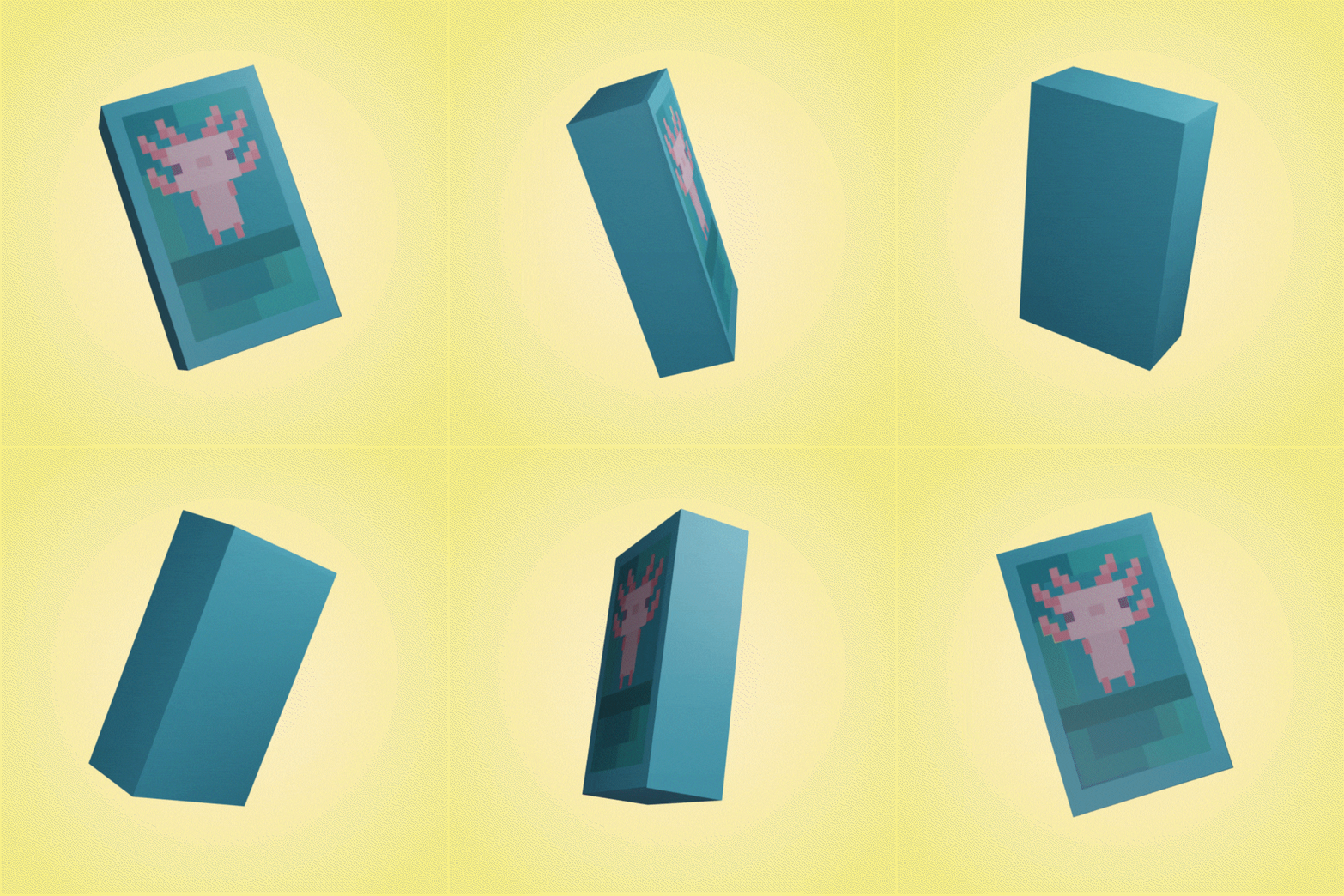
This mod will allow you to create new sets of Buddycards using only a resourcepack, datapack, and a config file.
After starting the game the first time you will get a file in the CustomCards config folder.
Copy and rename that to the new set and edit it to fit you set.
Running the game again will create all of the models, textures, recipes, tags, lang, etc for the set.
All that you will need to do is:
- Edit the en_us.json file for the set to give the cards proper names and tooltips.
- Edit the default textures to fit your set.
- Adding a way to get the packs/cards.
To find a more detailed guide click HERE to go to the wiki
 |
|---|
  |
- Edition: Minecraft Java
- File type: .jar
- Minecraft versions listed: 1.18.2, 1.18.1
- How to install: Install the matching mod loader (Forge, Fabric or NeoForge) for your Minecraft version. → Download the .jar. → Put it in the .minecraft/mods folder and launch that loader profile.
- Where to get it: Opens on CurseForge — not every file is mirrored on our own servers.
Install steps are the general flow for this file type — How to install Minecraft Java mods & modpacks walks through it step by step.
- Ships as CustomCards-1.1.0.jar — drop this file into the mods folder
- Download size: 31 KB
- Download link checked 15 Oct 2026 — working
These come from our own check of the pack file, not from the source page.