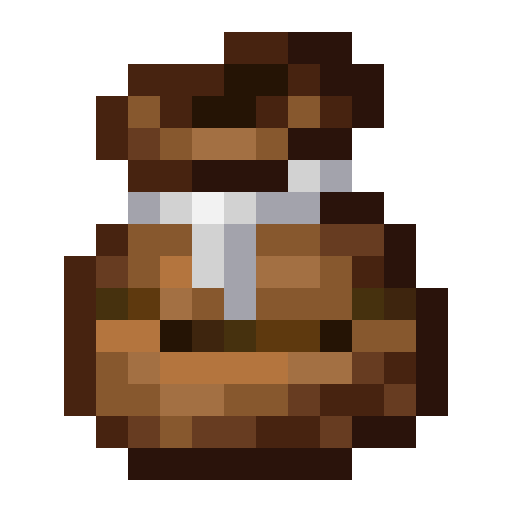
Compost Bag
Java mod listed for Minecraft 1.18–1.21. Downloads from the MC Java Mods app on Android.
I don't know my version or loader


Find me on Discord under #dhyces-mods in the community mods channel section
The compost bag is a utility item that allows you to compost items on the go, without needing to place down any pesky blocks!
In GUI
While in a GUI, the bag can be right-clicked to compost an item, input bonemeal, or remove bonemeal. Holding down right-click will speed up the process! You can also carry the bag with the mouse and right-click on slots to compost many items at once, pick up bonemeal, or remove bonemeal.
In World
In the world, the item can be used just like bonemeal to grow crops and saplings, grass and other flora. It also works in dispensers.
Updating to 1.20.5+
On updating to 1.20.5 or 1.21, all of the NBT data that compost bags originally had in old worlds will be stored as a custom_data component.
This data is no longer used by Compost Bag in favor of new data components compostbag:max_bonemeal_count,
compostbag:bonemeal_count, compostbag:max_compost_level, and compostbag:compost_level. To fix old bags, the world must be opened with an NBT
editor and manually converted to use the new components. Unfortunately, there is no way to perform these conversions of
data in the mod. Another change to note, configs no longer exist in favor of the compostbag:max_bonemeal_count
component. On the GitHub page for the mod, there is a folder ExtraDatapacks which contains a default datapack to
double the max size. Simply copy this datapack and change the max bonemeal count to your desired amount and enable the
datapack. This also allows creators to add more recipes for custom compost bags of varying capacity and varying fill
levels, if they so desire.

- Edition: Minecraft Java
- File type: .jar
- Minecraft versions listed: 1.21, 1.21.1, 1.20.5
- How to install: Install the matching mod loader (Forge, Fabric or NeoForge) for your Minecraft version. → Download the .jar. → Put it in the .minecraft/mods folder and launch that loader profile.
- Where to get it: Opens on CurseForge — not every file is mirrored on our own servers.
Install steps are the general flow for this file type — How to install Minecraft Java mods & modpacks walks through it step by step.
- Ships as CompostBag-Forge-1.19.3-1.0.2.jar — drop this file into the mods folder
- Download size: 34 KB
- Download link checked 24 Sept 2026 — working
These come from our own check of the pack file, not from the source page.